

AirPods Max finally receives lossless audio update — here's how to upgrade
All wired up
Here at Tom’s Guide our expert editors are committed to bringing you the best news, reviews and guides to help you stay informed and ahead of the curve!
You are now subscribed
Your newsletter sign-up was successful
Want to add more newsletters?
Daily (Mon-Sun)
Tom's Guide Daily
Sign up to get the latest updates on all of your favorite content! From cutting-edge tech news and the hottest streaming buzz to unbeatable deals on the best products and in-depth reviews, we’ve got you covered.
Weekly on Thursday
Tom's AI Guide
Be AI savvy with your weekly newsletter summing up all the biggest AI news you need to know. Plus, analysis from our AI editor and tips on how to use the latest AI tools!
Weekly on Friday
Tom's iGuide
Unlock the vast world of Apple news straight to your inbox. With coverage on everything from exciting product launches to essential software updates, this is your go-to source for the latest updates on all the best Apple content.
Weekly on Monday
Tom's Streaming Guide
Our weekly newsletter is expertly crafted to immerse you in the world of streaming. Stay updated on the latest releases and our top recommendations across your favorite streaming platforms.
Join the club
Get full access to premium articles, exclusive features and a growing list of member rewards.
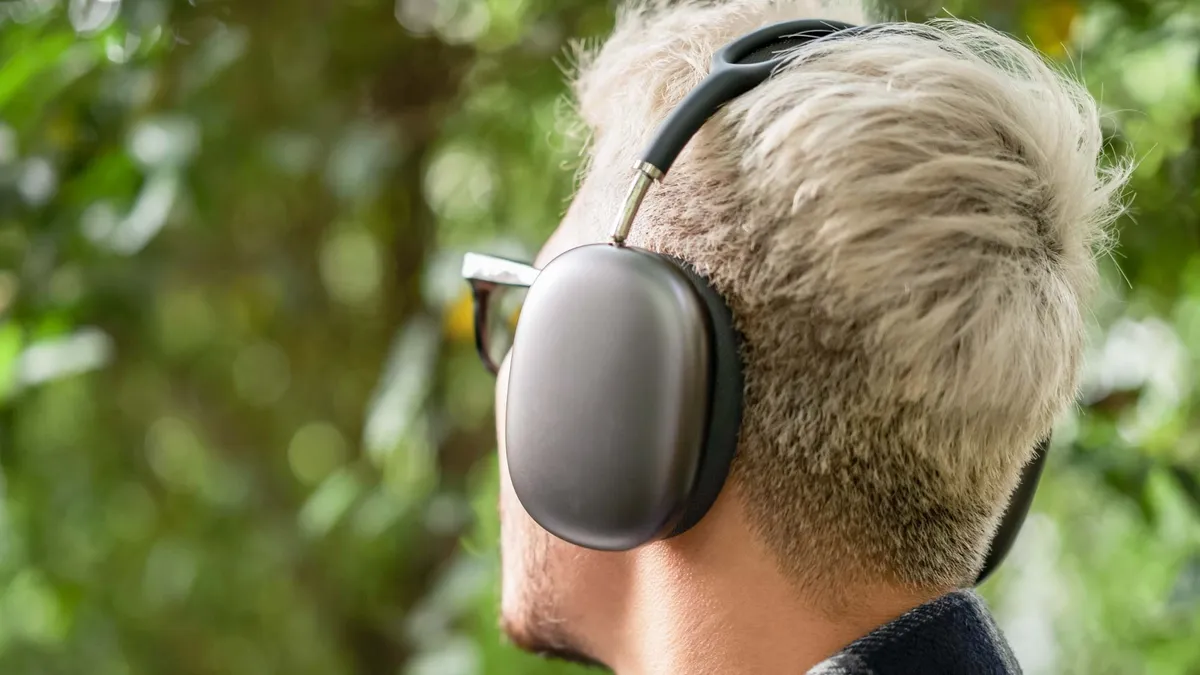
Apple announced a wired lossless audio update for the USB-C model of the AirPods Max just the other day, and the update has just become available for install.
The update in question (via MacRumors) is version 7E99 — so that's the one to watch out for in your settings menu to make sure you've got the update.
Remember that it's just for the USB-C AirPods Max; the Lightning version's not getting any love this time around.
Wired lossless and low-latency available now
It's easy enough to initiate the update. Just make sure your AirPods are plugged in to charge and within Bluetooth communications range of your MacBook, iPad, or iPhone, and you're away.
You'll need to be running iOS 18.4, MacOS Sequioa 15.4 or iPadOS 18.4 as well.
Make sure the update has installed in the Bluetooth settings of your iPhone. Go to "Settings", hit "Bluetooth", and then check the extra menu attached to the AirPods Max.
What's in the update? First up is the lossless audio mode, which only works when the headphones are connected to the target device. From there, the Max can use the top-notch streaming quality of Apple Music to bring their excellent audio hardware to life.
Get instant access to breaking news, the hottest reviews, great deals and helpful tips.
This applies to Spatial Audio tracks as well — Apple thinks it's going to be the biggest boon for not just listeners but audio engineers using their AirPods Max with their Macs.
The update to Apple's best noise-canceling headphones also brings low-latency audio, which will boost performance for gamers and movie watchers who get annoyed with any kind of audio delay.
More from Tom's Guide
- Nintendo Switch 2 Direct live updates — new images, how to watch and last-minute rumors
- Asus Xbox handheld — 5 features that would get me to buy it at launch
- 5 Nintendo Switch features you’re probably not using — but should be

Tammy and her generous collection of headphones have found a new home — Tom's Guide! After a two-and-a-half-year stint as iMore's resident audiophile, Tammy's reviews and buying guide expertise have more focus than ever on Tom's Guide, helping buyers find the audio gear that works best for them. Tammy has worked with some of the most desirable audio brands on the planet in her time writing about headphones, speakers, and more, bringing a consumer focussed approach to critique and buying advice. Away from her desk, you'll probably find her in the countryside writing (extremely bad) poetry, or putting her screenwriting Masters to good use creating screenplays that'll never see the light of day.
You must confirm your public display name before commenting
Please logout and then login again, you will then be prompted to enter your display name.
