If you’re anything like me, the time for Christmas music is limited. For just the few days in the lead-up to Christmas Day, I will allow myself to indulge and spend that time blaring Christmas songs around the house.
However, while there are hundreds of Christmas playlists out there, they are all nearly identical. Over the many years of Christmas celebrating, that has left me feeling like I needed something... a little bit new.
That’s where ChatGPT comes in. As an AI editor, I decided to hand over the work of making a Spotify Christmas playlist this year to AI. The result was a blend of songs, with some classics, some new and some weirder additions to keep things interesting.
How to use ChatGPT to make a Christmas playlist

Until very recently, this was much easier to do in the US compared to anywhere else. However, that has since changed, with ChatGPT rolling out a Spotify integration around the world for all ChatGPT users.
To activate this, you'll need to go into the Apps folder on the left-hand side of ChatGPT. From here, choose Spotify and click Connect. Now you can @ Spotify in your prompts to automatically connect the two apps.
This means you can simply ask ChatGPT to come up with a Spotify playlist, and once it has generated it, the chatbot will follow up with a button to connect to Spotify, moving the playlist automatically over to the streaming platform.

I started off with a prompt: “@Spotify Create a Christmas playlist. It should include 50 songs, which are a mix of classics, recent songs, and a few wildcard examples, which are stranger examples of popular Christmas songs. Make it relevant for a family, including age ranges from 15-70".
ChatGPT will generate the song name and artist for each of the songs in your new playlist. As a person who is dedicated to getting the vibe right, that is exactly what I did, ready for the Christmas festivities.
The AI chatbot did exactly what it said. I had a long list of Christmas songs, made up of mostly the classics, as well as a couple of lesser-known surprises and some more modern takes. It even threw in a heavy metal Christmas song at the end, I assume to scare the guests at the Christmas party.
At the bottom, it did the final, but very important step, adding a Spotify intergrated playlist. Clicking on this opens it up in your Spotify account, allowing you to then save the playlist directly.
What if you don’t use Spotify?
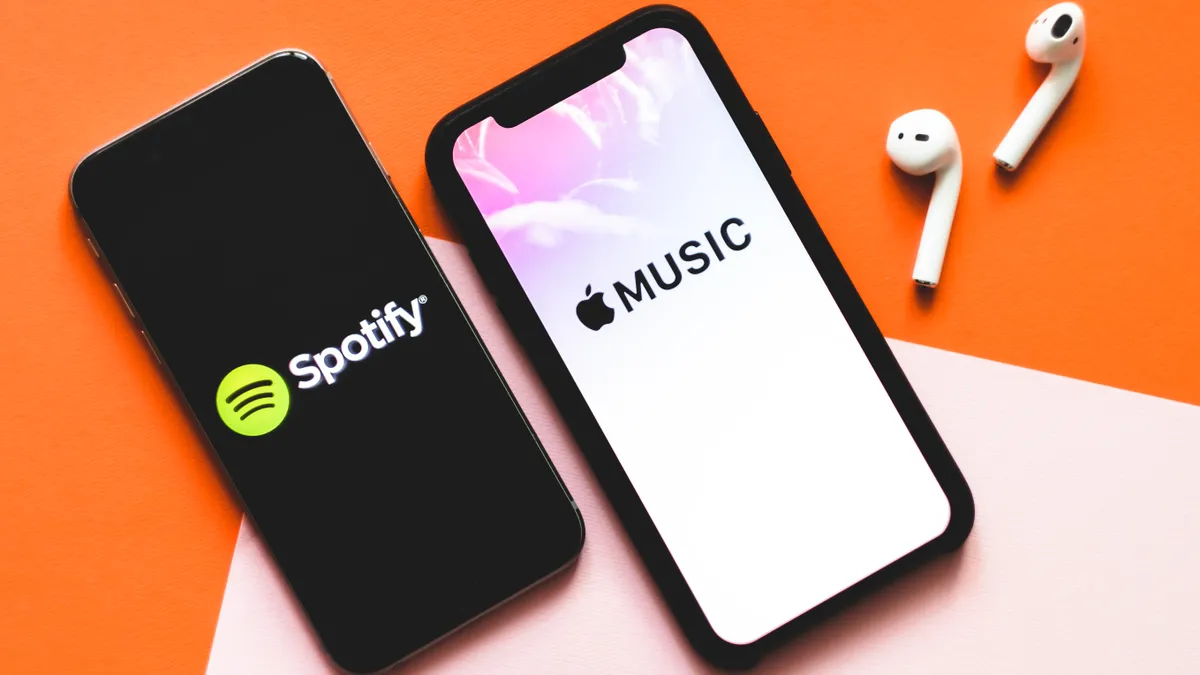
For a long time, Spotify was the only music streaming service that offered this feature. However, Apple Music has since joined in, and can also be used to generate a playlist on ChatGPT.
It works with the exact same process. Download Apple Music in the ChatGPT app store, prompt it using @Apple Music at the start and set it on its way.
You can also just prompt for a specific music streaming service without using the ChatGPT intergration. Just change this in your prompt, going for Apple Music, Qobuz or whichever music streaming platform you prefer and be prepared to move your playlist suggestions over by hand.
Due to the simplicity of ChatGPT automatically moving things over to Spotify, I would suggest starting there.
Can you do this with other AI chatbots?
Not a ChatGPT user? You can try and do this with other AI chatbots, but there is a catch.
As mentioned, ChatGPT is currently the only AI chatbot that has a direct connection with Spotify. This means that, while you can ask the likes of Gemini or Grok to create a Christmas Spotify playlist, they won't be able to directly move it over to Spotify, as you can do with ChatGPT.

Follow Tom's Guide on Google News and add us as a preferred source to get our up-to-date news, analysis, and reviews in your feeds.
More from Tom's Guide
- 9 real mistakes people make with ChatGPT — and how GPT-5.2 fixes them
- I tested ChatGPT-5.2 vs Grok 4.1 with 7 challenging prompts — here's the winner
- I tested ChatGPT-5.2 and Claude Opus 4.5 with real-life prompts — here’s the clear winner