If you’re having issues with your Fitbit Air’s fitness tracking accuracy, I’m here to help. I just reviewed the Fitbit Air and have been wearing one pretty much nonstop for nearly a month. I’ve tested it against numerous other wearables, as well as Strava, while walking, running, hiking, and cycling with mostly impressive results.
Of course, shiny new pieces of consumer tech often ship with “quirks” — who could forget Apple's “Antennagate” — but with a growing number of Fitbit Air users reporting issues with fitness tracking accuracy via TikTok and Reddit, it’s worth rehashing the device’s technical limitations, along with some troubleshooting tips.
So, if you’re having issues with Fitbit Air fitness tracking accuracy, try these three things.
1. Manually start your workouts from the app; don’t use auto-tracking

The Fitbit Air’s auto workout tracking needs, well, work. At present, it only logs walks, bike rides, "sports," and "other activities." Moreover, you need to spend 15-20 consecutive minutes or more doing a supported activity for tracking to kick in. That’s hardly ideal.
For instance, I'm a beginner runner who averages about two miles per outdoor session. As a result, my runs tend to be shorter than 20 minutes, which means the Fitbit Air is hit-or-miss at automatically logging them.
Fortunately, the solution to this issue is simple: If you want to ensure the Fitbit Air actually records your workout, manually start a workout session for your activity of choice in the Google Health app (formerly the Fitbit app) before beginning.
2. For accurate daily step counts, carry your phone at all times

One of the biggest complaints I've heard about the Fitbit Air is that daily step count totals are far from accurate. However, there's a good reason this might be the case.
As a reminder, the Fitbit Air lacks an onboard GPS. This means you need to carry a paired smartphone with you at all times if you want precise daily step count totals, as the Air piggybacks off your phone’s GPS signal.
3. When tracking outdoor workouts, always bring your phone
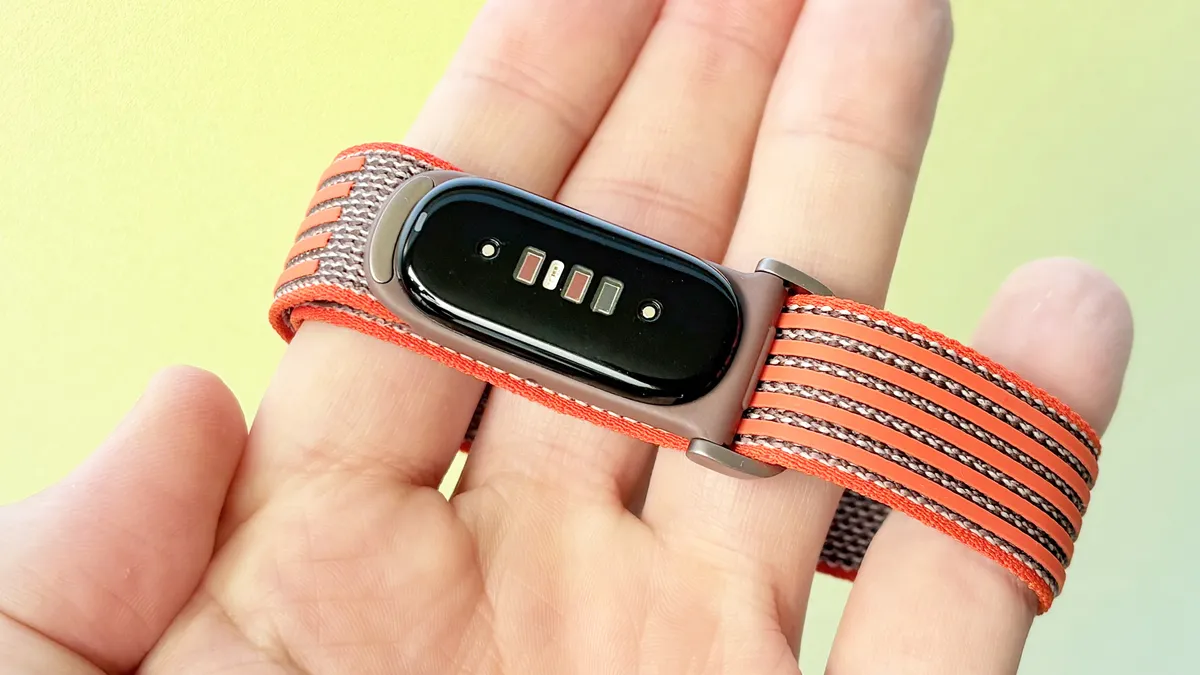
Similarly, if you want accurate run, hike, walk, or bike data in your post-workout report, you must carry your phone along; otherwise, metrics like distance and pace will be far from accurate.
In my testing, you can start an outdoor-based workout from your phone, then leave it behind, and the Fitbit Air will try its best to measure location-based stats, but the results are faaaar from reliable. It’s also worth noting that there’s no onboard altimeter in the Fitbit Air. So, like GPS, the wearable relies on a paired phone, carried with you, for that info.
Ultimately, Google might be wise to add a warning in the Google Health app when users start an outdoor workout stating that a paired phone is required for accurate data.
Alternatively, Google could simply turn off all location-based metrics in the post-workout report when no GPS or altimeter info is available. If nothing else, this might help folks better understand the technical limitations of the Fitbit Air.

Follow Tom's Guide on Google News and add us as a preferred source to get our up-to-date news, analysis, and reviews in your feeds. Alternatively, you can read our content on the Tom's Guide app available now for iOS and Android. Subscribe to Tom's Guide on YouTube and follow us on TikTok. Finally, you can visit our dedicated Tom's Guide Savings Squad hub for expert help on getting the best products for less.
More from Tom's Guide