
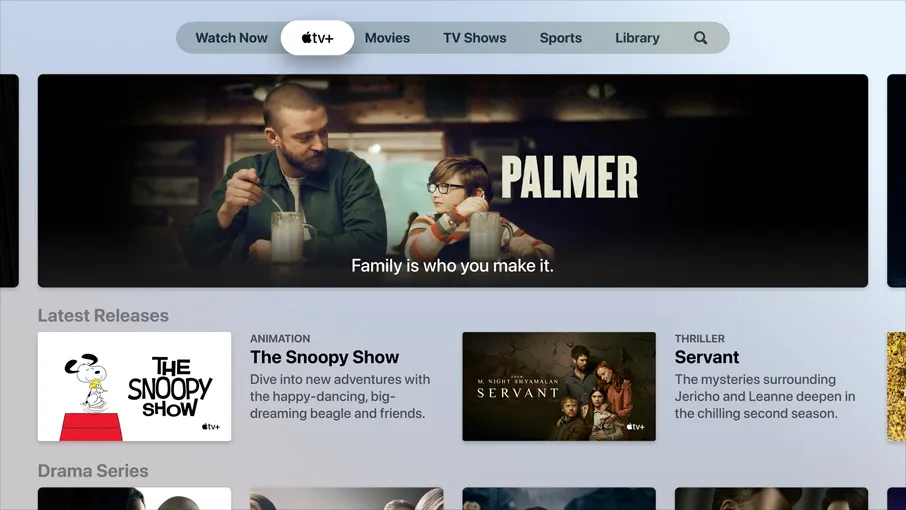
Apple TVs just got a big Dolby Atmos boost thanks to tvOS 18.5
Dolby Atmos enhancement
Here at Tom’s Guide our expert editors are committed to bringing you the best news, reviews and guides to help you stay informed and ahead of the curve!
You are now subscribed
Your newsletter sign-up was successful
Want to add more newsletters?
Daily (Mon-Sun)
Tom's Guide Daily
Sign up to get the latest updates on all of your favorite content! From cutting-edge tech news and the hottest streaming buzz to unbeatable deals on the best products and in-depth reviews, we’ve got you covered.
Weekly on Thursday
Tom's AI Guide
Be AI savvy with your weekly newsletter summing up all the biggest AI news you need to know. Plus, analysis from our AI editor and tips on how to use the latest AI tools!
Weekly on Friday
Tom's iGuide
Unlock the vast world of Apple news straight to your inbox. With coverage on everything from exciting product launches to essential software updates, this is your go-to source for the latest updates on all the best Apple content.
Weekly on Monday
Tom's Streaming Guide
Our weekly newsletter is expertly crafted to immerse you in the world of streaming. Stay updated on the latest releases and our top recommendations across your favorite streaming platforms.
Join the club
Get full access to premium articles, exclusive features and a growing list of member rewards.
A variety of operating system updates for Apple products arrived this week including iOS 18.5, watchOS 11.5 and macOS 15.5. Apple TVs also got an update with tvOS 18.5 — an otherwise minor release that still adds an enhancement for Dolby Atmos surround sound.
For the most part, the tvOS 18.5 update won't change your Apple TV experience. Some bugs are getting fixed, but the one big new feature will enhance surround sound playback.
"This update adds support for synchronizing Dolby Atmos playback to speakers over AirPlay or Bluetooth," the Apple release notes read.
You can access this tool by going to Settings - Video and Audio - Wireless Audio Sync.
Since tvOS 13, which debuted in 2019, you've been able to sync your wireless speaker setup to combat unsynchronized audio. But until this week, the feature did not support Dolby Atmos. Previously, any Atmos problems required a workaround.
Now, if you follow the wireless syncing process which uses your iPhone as a microphone to fix audio sync issues, you should be able to correct any Dolby Atmos syncing problems.
It will be especially helpful for people whose setups include equipment that may not have supported Atmos before like TVs.
Get instant access to breaking news, the hottest reviews, great deals and helpful tips.
More from Tom's Guide
- iPhone 17 price hikes — new report claims Apple could charge more this fall
- I tested the Apple Watch Ultra 2 vs the Garmin Instinct 2 by hiking 1,500 feet up the Columbia River Gorge — here's what I learned
- The EU just forced Apple to open up the iPhone's tap-to-pay feature — now PayPal is moving in

Scott Younker is the West Coast Reporter at Tom’s Guide. He covers all the lastest tech news. He’s been involved in tech since 2011 at various outlets and is on an ongoing hunt to build the easiest to use home media system. When not writing about the latest devices, you are more than welcome to discuss board games or disc golf with him. He also handles all the Connections coverage on Tom's Guide and has been playing the addictive NYT game since it released.
You must confirm your public display name before commenting
Please logout and then login again, you will then be prompted to enter your display name.
