
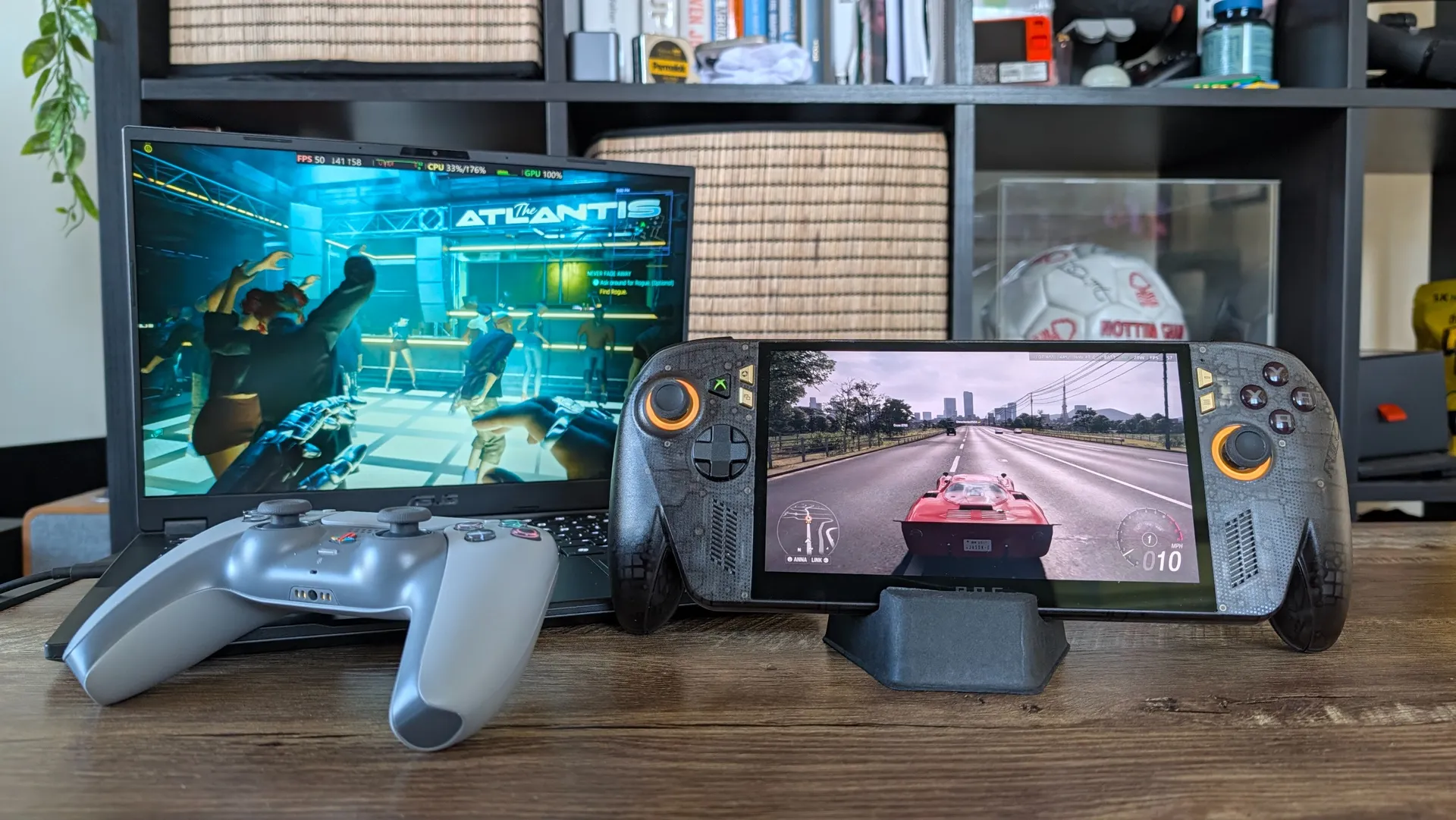
AMD finally dropped FSR 4 for integrated silicon — officially bringing next-generation upscaling to the Z Extreme handhelds and Strix Halo laptops. It’s built to be AMD’s silver bullet against Nvidia’s DLSS. A massive, free software upgrade that magically boosts picture quality and hands you more frames per second.
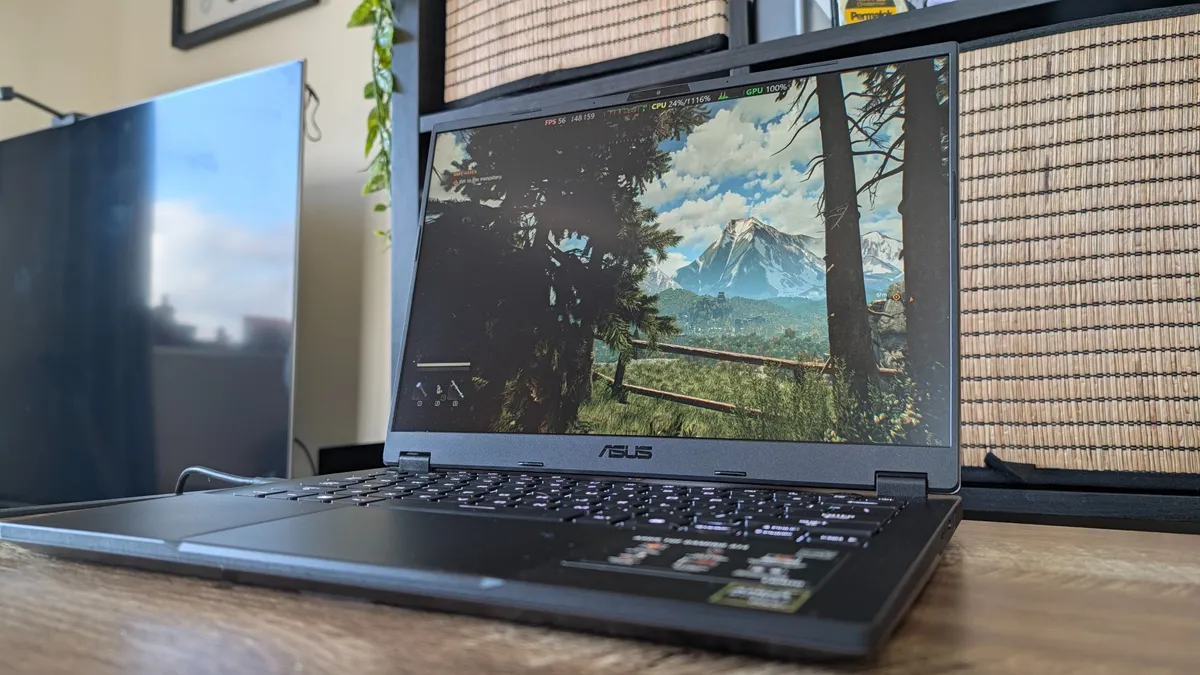
So over the past week, I’ve updated my ROG Xbox Ally X20 and TUF Gaming A14 with the new drivers and fired up the benchmarking tools to see what AMD has cooked.
And what I found completely breaks the current narrative. We’re all trained to think a new version of AI game scaling tech will send your frame rates skyrocketing. If you come in with that assumption, you’ll be left disappointed.
However, if you understand the optical illusion AMD has actually pulled off here (and how Performance mode is now the new Balanced), it completely changes how you will game on Team Red’s silicon.
How to get FSR 4 right now
If you have a compatible AMD handheld or APU, they have thankfully baked this early-access driver directly into their software. Here is how to activate it on the ROG Xbox Ally X20:
Get the update
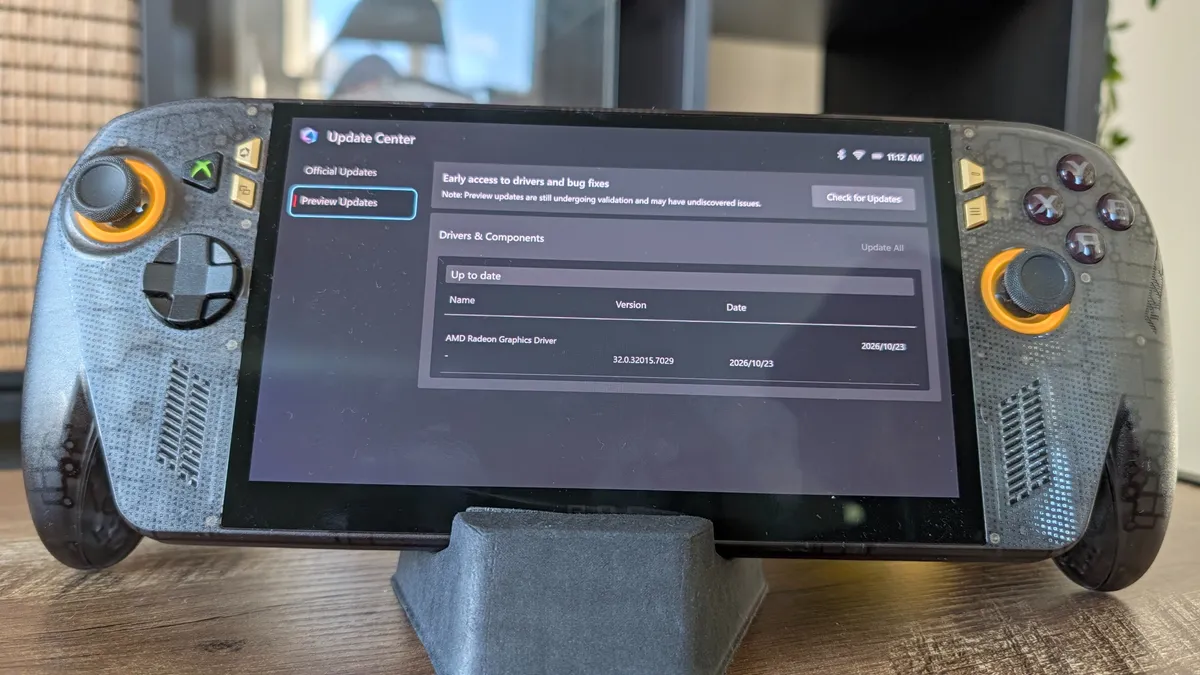
Open Armory Crate and navigate to the Update Center. Go to the Preview Updates tab and install the new AMD Radeon graphics driver (dated October 23 or newer).
Turn it on
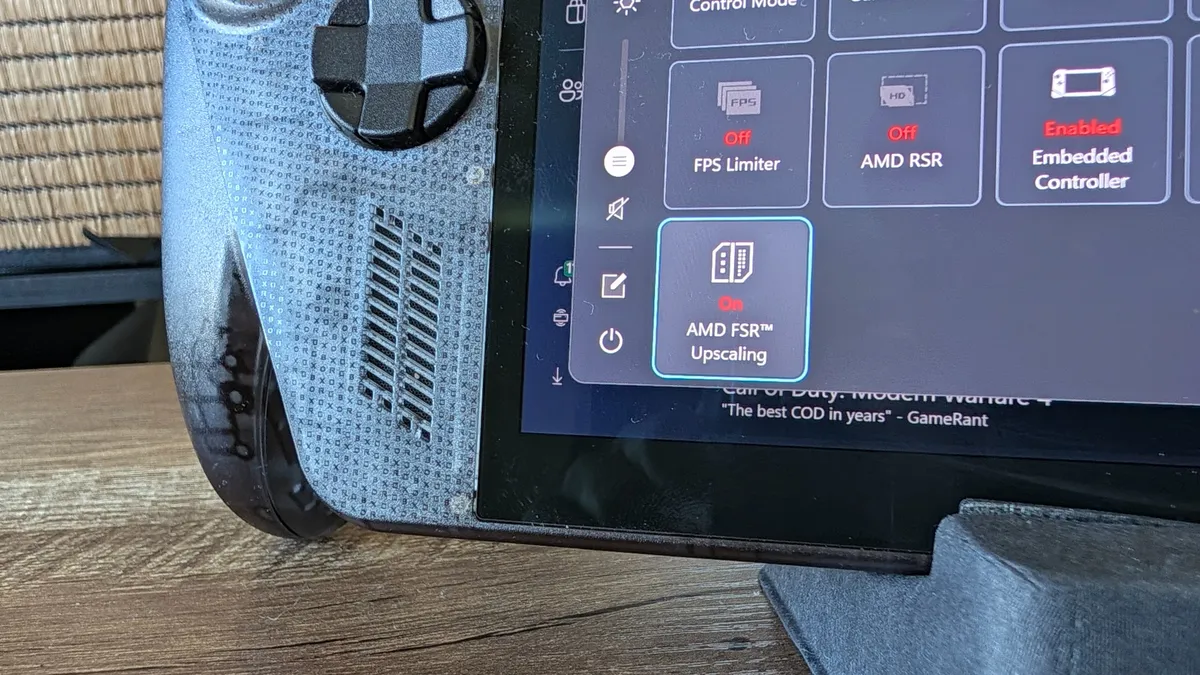
Once restarted, press the Armory Crate button to open the side Command Center, hit the Edit icon, and add the new AMD FSR Upscaling tile. Activate it.
You cannot toggle this on the fly mid-game. You must turn the FSR upscaling tile on in the Command Center before you launch your game, and then select the FSR setting inside the game's display menus.
As for with Strix Halo laptops, you just need the latest AMD Adrenalin drivers to get it, so get those updated!
Balanced mode is a trap
So let’s get into the actual numbers. My standard FSR advice has always been to leave it on the Balanced preset. But when I ran one-to-one tests comparing FSR 3 against the new FSR 4 on the exact same settings, the new tech didn’t give me more frames.
In fact, I frequently lost them.
Game |
Setting |
FSR 3 |
FSR 4 |
Cyberpunk 2077 |
RT low 2560 x 1600 FSR balanced |
(FSR 2) 76.33 |
68.13 |
Pragmata |
2560 x 1600 High (no RT) FSR balanced |
69 |
73 |
Dying Light: The Beast |
2560 x 1600 high FSR Balanced (Frame gen) |
82 |
76 |
Game |
Setting |
FSR 3 |
FSR 4 |
Spider-Man: Miles Morales |
1080p high FSR balanced (no FG) |
58 |
56 |
God of War Ragnarok |
1080p high FSR balanced (no FG) |
39 |
38 |
Forza Horizon 6 |
1080p medium FSR balanced |
54 (7 stutters) |
53 (3 stutters) |
So why is it slower? FSR 4 isn’t just a simple spatial algorithm anymore. It's a heavier, vastly more complex machine-learning model — requiring more overhead and compute power to analyze and reconstruct the image.
A direct preset-to-preset comparison doesn’t math. You have to change the way you use it.
Performance mode is the way to go
Through my testing, one thing became abundantly clear: FSR 4 running in Performance actually delivers a notable picture quality increase over FSR 3 running in Balanced mode.
This is the true breakthrough. With FSR 3, dropping your game down to Performance meant accepting a blurry, pixelated picture — especially in motion. FSR 4 is so much sharper at rebuilding images that it’s not a compromise anymore.
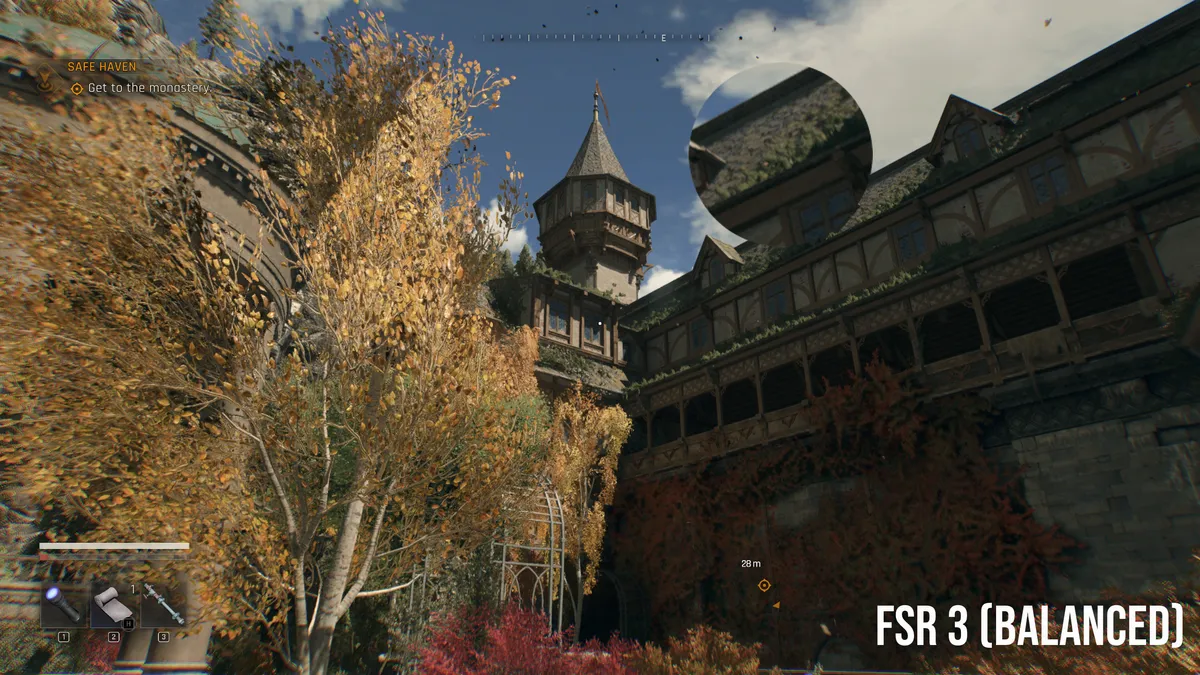


In Dying Light: The Beast, you can see that foliage and stonework come through with much more clarity with FSR 4 vs FSR 3. At that lower internal resolution, AMD’s able to pick up and upscale more detail.
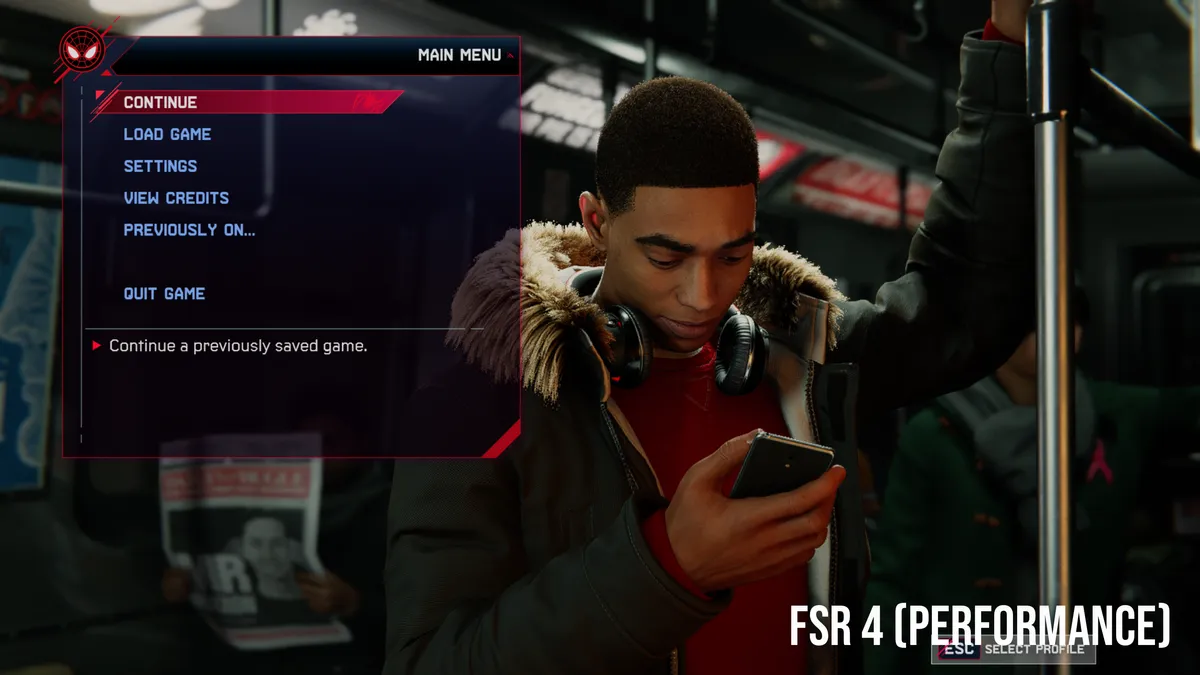
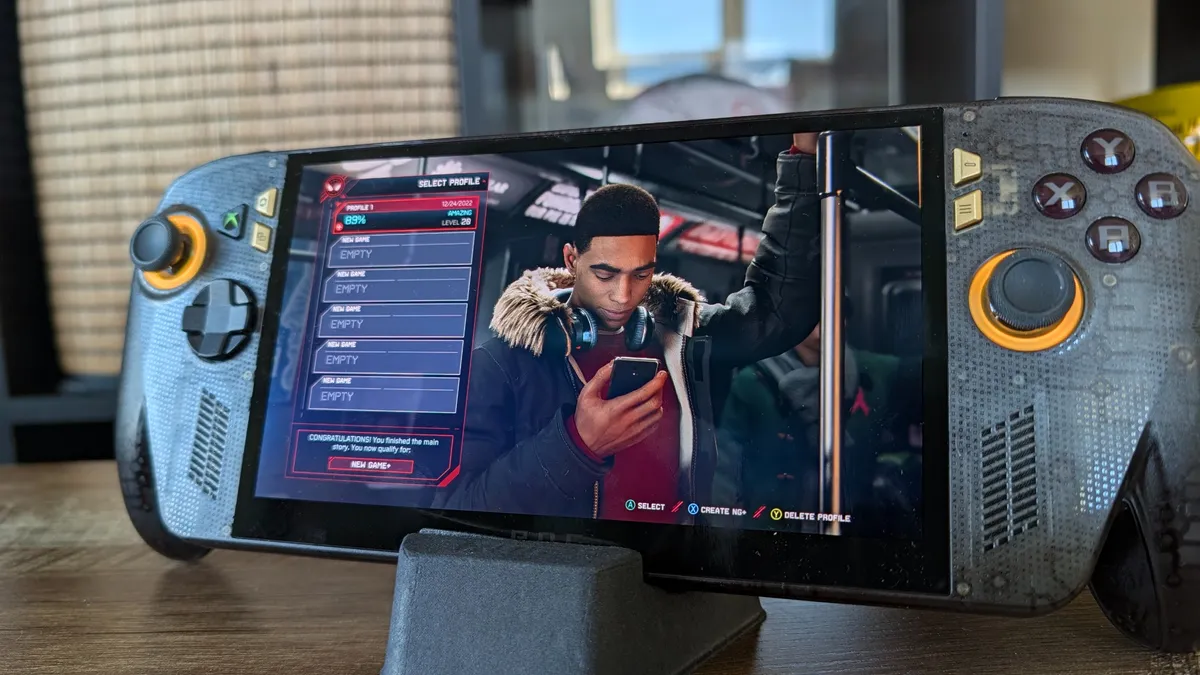
In Spider-Man: Miles Morales, it becomes so clear when you look at the fur detailing on the jacket collar. With FSR 3, it’s softer and clumpier, whereas individual hairs are more sharply defined with the 4th generation.
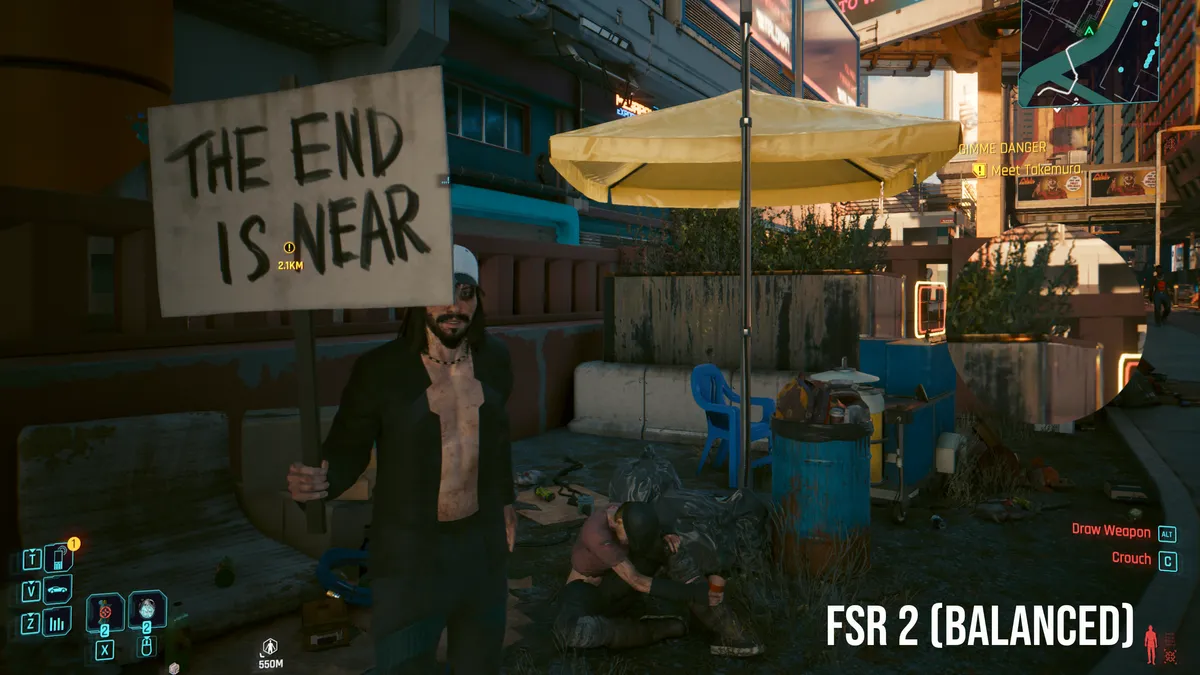


Moving over to Cyberpunk 2077, that NPC is rendered much more sharply — especially in the hair. Forza Horizon 6 shows a sharpening of the reflections on that wet asphalt, and there’s cleaner edges to details like computer screens and the robotic suit in Pragmata.
All of this on performance, and the numbers take a jump too.
Game |
Setting |
FSR 3 (balanced) |
FSR 4 (Performance) |
Cyberpunk 2077 |
RT low 2560 x 1600 FSR balanced |
(FSR 2) 76.33 |
79.92 |
Pragmata |
2560 x 1600 High (no RT) FSR balanced |
69 |
77 |
Dying light the beast |
2560 x 1600 high FSR Balanced (Frame gen) |
82 |
83 |
Game |
Setting |
FSR 3 (balanced) |
FSR 4 (Performance) |
Spider-Man: Miles Morales |
1080p high FSR balanced (no FG) |
58 |
63 |
God of War Ragnarok |
1080p high FSR balanced (no FG) |
39 |
43 |
Forza Horizon 6 |
1080p medium FSR balanced |
54 (7 stutters) |
55 (2 stutters) |
Game on against Intel Panther Lake?
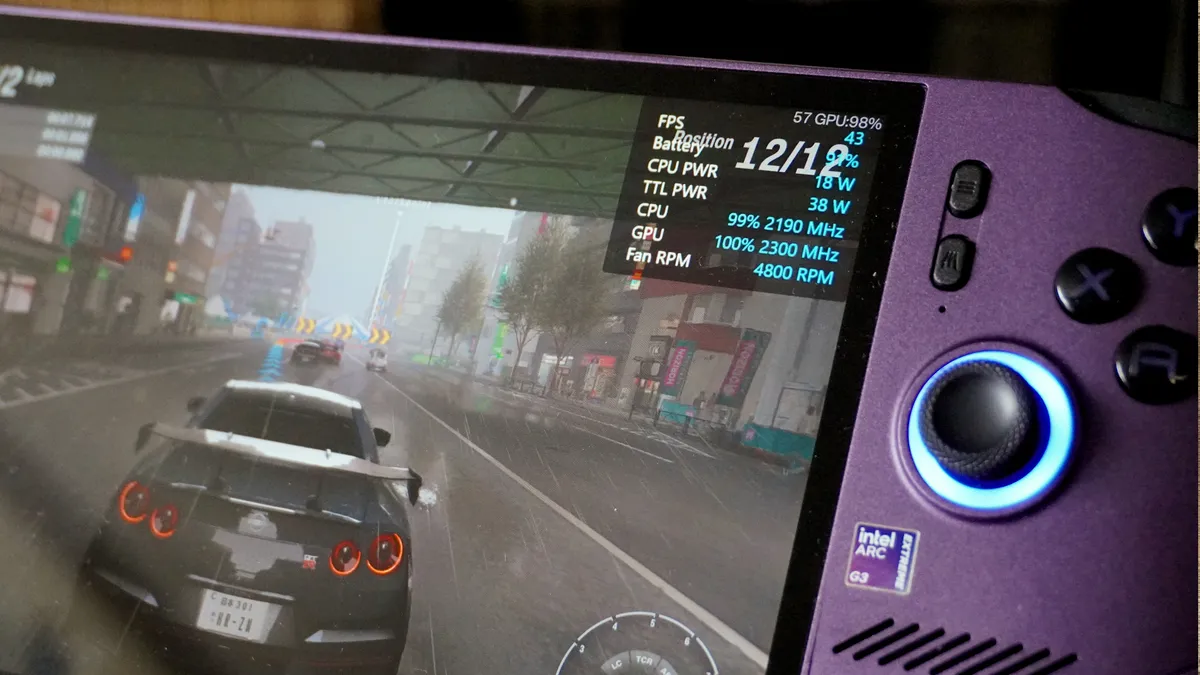
FSR 4 is the biggest free upgrade AMD handhelds and laptops have received in a long time, but only if you rewire how you tweak your settings.
Make no mistake about it. FSR 4 is the biggest free upgrade AMD handhelds and laptops have received in a long time, but only if you rewire how you tweak your settings. It’s not a one-to-one swap for a Balanced preset — a confident drop to Performance mode will get you a better picture quality and frame rate to boost.
But after the past few months of watching Intel really take the gaming fight to AMD with Panther Lake chips and XeSS 3, is this enough to take on Team Blue? Sort of.
This is a catch up effort, but there are places where Intel continues to lead, such as with a stronger GPU silicon on handhelds and multi-frame generation. But that Arc G3 Extreme is definitely pricier.
It’ll be interesting to see how this all plays out! And if you've noticed differences in your own experiences, let me know in the comments box below.

Follow Tom's Guide on Google News and add us as a preferred source to get our up-to-date news, analysis, and reviews in your feeds.
More from Tom's Guide
- Asus ROG Xbox Ally X20 vs MSI Claw 8 EX AI+: Which premium handheld gaming PC should you buy?
- Sam Altman says your laptop RAM is a 'terrible’ allocation of scarce resources: Why I think the AI bubble is about to prove him wrong
- I broke up with my MacBook Pro for Microsoft Surface Laptop Ultra — RTX Spark surprised me