







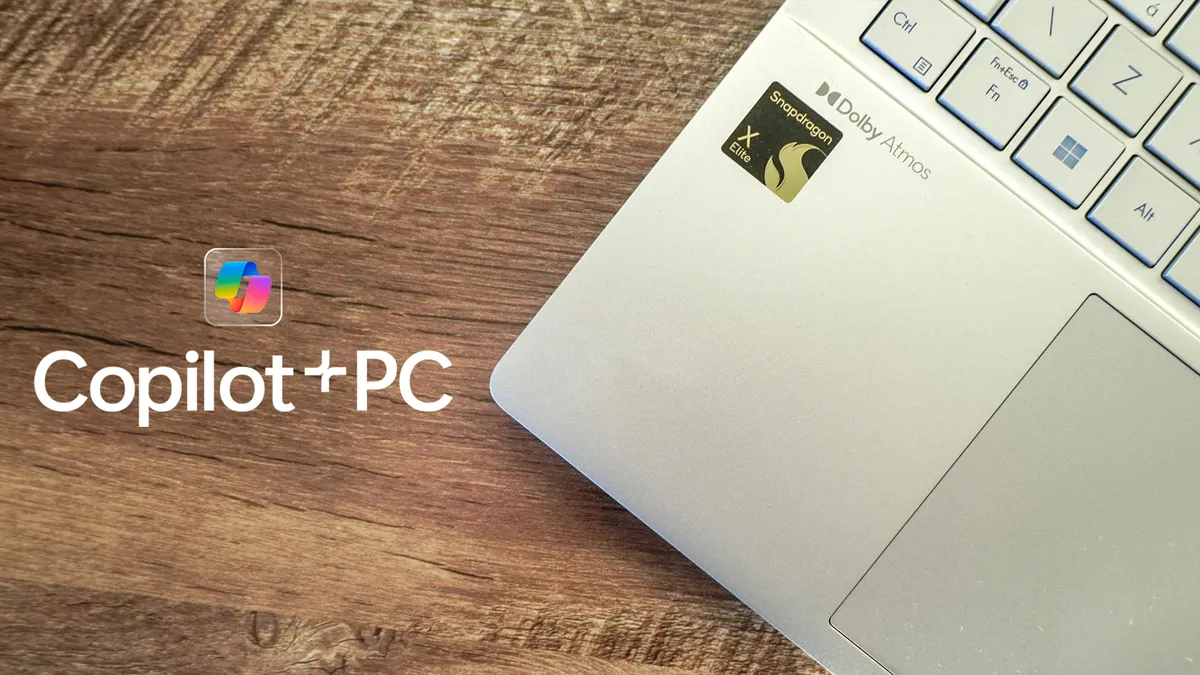
The first Copilot+ PCs have started rolling out. Beyond packing either a Snapdragon X Elite or Snapdragon X Plus chip, the new laptops also have a dedicated Copilot key on the keyboard. While this key, which is the biggest change to Windows keyboards in 30 years, is meant to let you quickly access Microsoft's AI assistant, it doesn't appear to actually do anything at the moment.
Tom's Guide computing expert Tony Polanco is testing Copilot+ PCs like the Microsoft Surface Pro 11 and HP Omnibook X and has said the Copilot key either brings up display options (the menu you see when you right-click on the desktop background) or doesn't do anything at all.
The Verge reported a slightly different experience with the key launching a Progressive Web App (PWA) version of Copilot. A PWA is more or less a browser version of an app that is meant to work cross platforms, generally in browsers like Google Chrome and Mozilla's Firefox. This means that Copilot doesn't integrate into Windows and is actually a step back from previous iterations of the tool.
Copilot still exists in the laptops. Even if the keyboard shortcut and the button itself do nothing. A Windows Insider blog post from last week noted that the WIN + C shortcut was "retired" as Copilot migrated to become more of an app.
The rainbow swirl icon that represents Copilot is available in the taskbar, though it's not on the far right next to the clock and notifications. It's just kind of mixed in with the other buttons.
Microsoft has not explained the Copilot key downgrade in any blog posts or press releases. We have reached out to Microsoft for a comment and will update if they respond.

It's a strange launch for Microsoft's big foray into AI. While Qualcomm's Snapdragon X Elite chipset is putting up impressive numbers, the new laptops are fumbling in other ways. Certain apps and games won't work at launch on the new PCs, including apps like Google Drive or popular games like Microsoft's own Halo Infinite and Fortnite.
The big Microsoft Recall feature recently got pulled from the service which made Tom's Guide computing editor Jason England question what the point of Copilot+ PCs even is.
Despite the lack of Recall (or perhaps because of it) and the non-functional Copilot key, there are very few things to get excited about in these new laptops.
Other announced AI features like Cocreator, Live Captions and Windows Studio Effects are still available and impressive. And again, the Snapdragon Elite X chipset is pretty powerful, blowing away the MacBook Air M3.
Still, what's the point of launching a new feature that is barely more than a pretty new fidget button?
More from Tom's Guide
- How to use Microsoft Copilot on your iPhone — everything you need to know
- 7 prompts to try on Microsoft Copilot this weekend
- I've tried the new AI features of Copilot+ PCs and I'm (mostly) impressed — here's why

