Tom's Guide Verdict
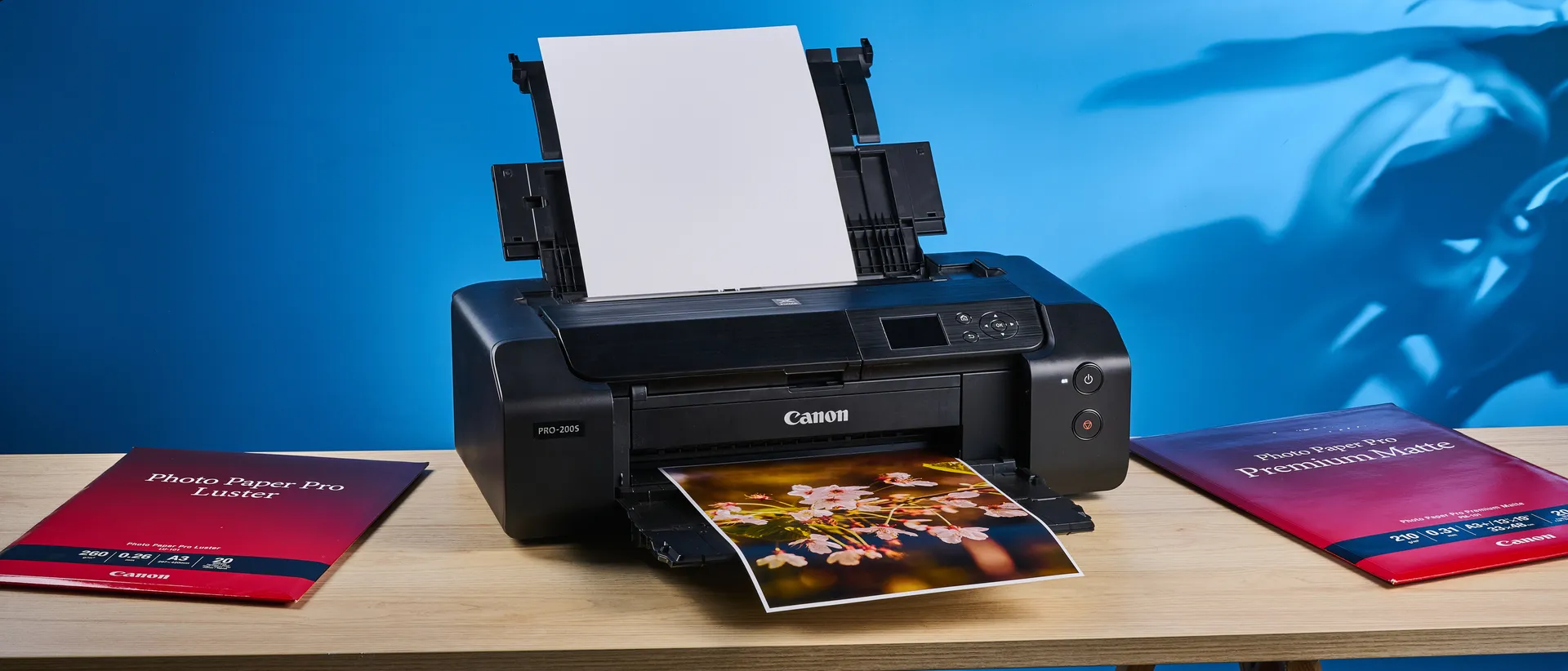
The Canon PIXMA Pro-200S is the ideal printer for photographers and anyone who wants to create large format prints. Boasting the ability to print speedily and create beautiful prints, the Pro-200S gives you very little to complain about. It can accommodate 39 x 13-inch panoramic prints too, as well as small 4 x 6-inch photo prints. Its low-key, classy design is the cherry on top. Though not without its flaws, its pros easily outweigh the cons.
Reasons to buy
- +
Perfect for large format printing
- +
Can accommodate 39 x 13-inch panoramic prints
- +
Beautiful print quality with accurate colors
- +
Speedy printing
- +
Low-key, classy design
Reasons to avoid
- -
Low yield
- -
Wi-Fi connectivity could be easier
Why you can trust Tom's Guide Our writers and editors spend hours analyzing and reviewing products, services, and apps to help find what's best for you. Find out more about how we test, analyze, and rate.
Printing your photos using one of the best printers can give you newfound appreciation for your own work — and that’s exactly what happened when I used (and tested) the Canon PIXMA Pro-200S. This is arguably one of the greatest printers for photographers as it can make large and tiny prints, ranging from A3+ to postcard-sized.
The Pro-200S is quick to print, and the resulting prints are high-quality and nothing short of stunning. Whether you’re printing to sell, exhibit, or for personal use, this printer gives you very little to complain about. While Wi-Fi connectivity could be easier to set up, and the yield isn’t the highest, these are minor drawbacks in the grand scheme of things. Neither should stop you from getting the Pro-200S.
For the complete breakdown, read my full Canon PIXMA Pro-200S review.
Canon PIXMA Pro-200S review: Specs
Price |
|
Ink system |
Inkjet, 8-color dye-based |
Max printing resolution |
4800 x 2400 dpi |
Max printable paper size |
A3+ (13 inches) |
Printable area |
Borderless or bordered |
Paper capacity |
100 |
Print speed (tested) |
1 ppm (A3) |
Cartridge & yield |
8x color inks (139 mono A3+) |
Connectivity |
Wi-Fi, Ethernet, USB-A |
Dimensions |
25.2 x 15 x 7.9 inches |
Weight |
32lbs |
Canon PIXMA Pro-200S review: Price & availability
For photo printers and prosumers, the Canon PIXMA Pro-200S is an excellent choice — and it’s well-worth the investment if you want gallery-style prints to sell. The Pro-200S retails for $647 / £459 at Amazon. If that sounds like a lot, it’s worth keeping an eye out during sales events, like Black Friday, as we’ve seen the printer drop to $429 / £367 in the past.
The Pro-200S is cheaper than its direct competitor, the Epson SureColor P700 ($849) which is also a 13-inch A3+ printer. While there are even cheaper photo printers available, like the Epson Expression Photo XP-8800 ($329) and the Canon PIXMA G620 ($356), the Pro-200S is the better choice if you want best-in-class A3+ size prints and peerless quality.
Canon PIXMA Pro-200S review: Design
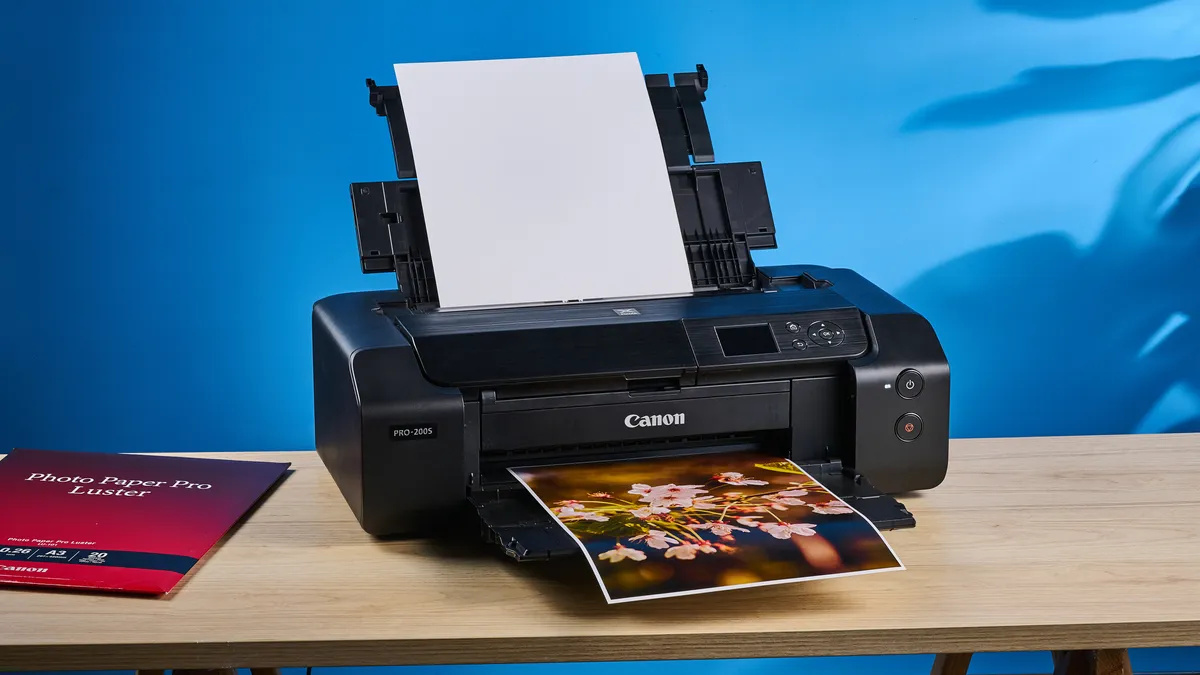
The Canon PIXMA Pro-200S is a hefty boy, and given that it’s an A3+ printer, it takes up quite a bit of space. The printer measures 25.2 x 15 x 7.9 inches and weighs 32lbs, so it’s best suited to staying put in one place. It sports an all-black design with subtle branding, so it fits right into most office and home spaces.
This is a print-only printer so unlike multifunction ones, like the Canon Color imageCLASS MF753Cdw II ($702), it can’t scan or make copies. The Pro-200S features a rear automatic document feeder (ADF) which can, as the name suggests, automatically feed either 100 A4/A5/B5 sheets or 50 A3/B4 sheets.
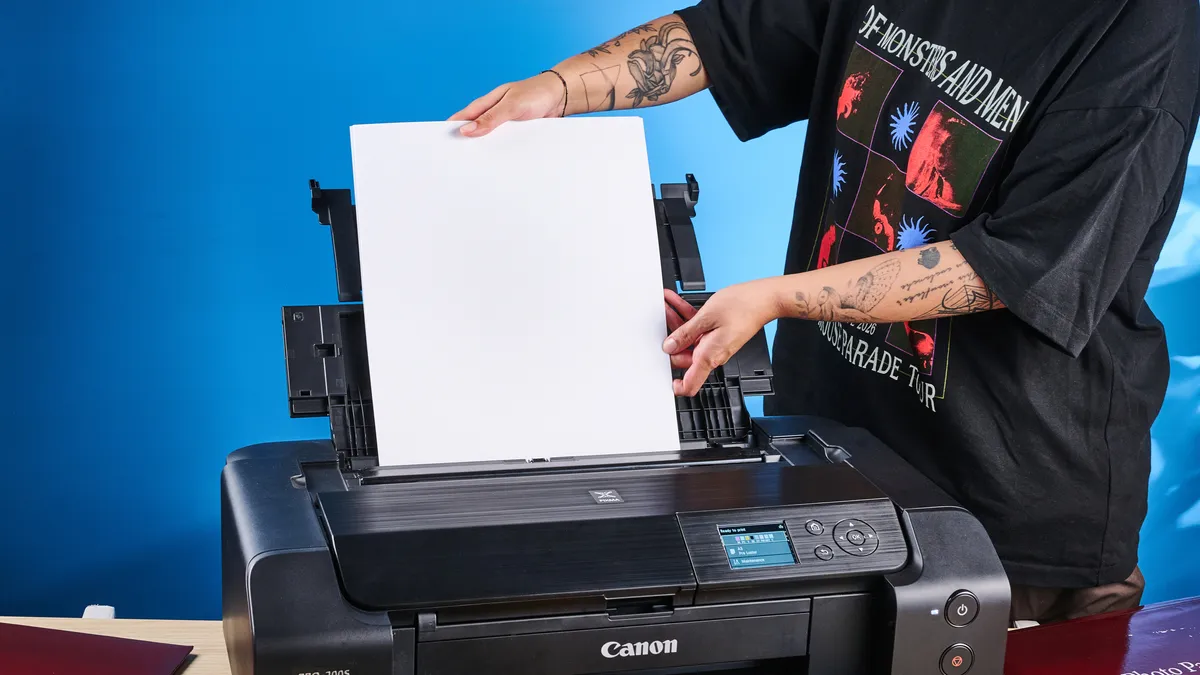
You have the option to manually feed sheets as well, one at a time. The manual sheet feeder is ideal for thicker fine art media or creating banners up to 39 inches long and 13 inches wide.The Pro-200S packs a front-feeding tray too which can be used for printing directly onto white-faced CDs, DVDs and Blu-rays.
Build quality is sublime as the Pro-200S features a metal chassis build, and there are no hollow-sounding parts, so you’re getting great value for money here. Just as sublime are the Pro-200S’ controls and buttons. The physical navigation, home and back buttons are located around the 3-inch color LCD screen which can be used to check ink levels, among other things. You’ll find the print and power buttons next to the front tray. All of them give good tactile feedback when pressed, and I found them to be highly responsive in my testing.
Canon PIXMA Pro-200S review: Setup
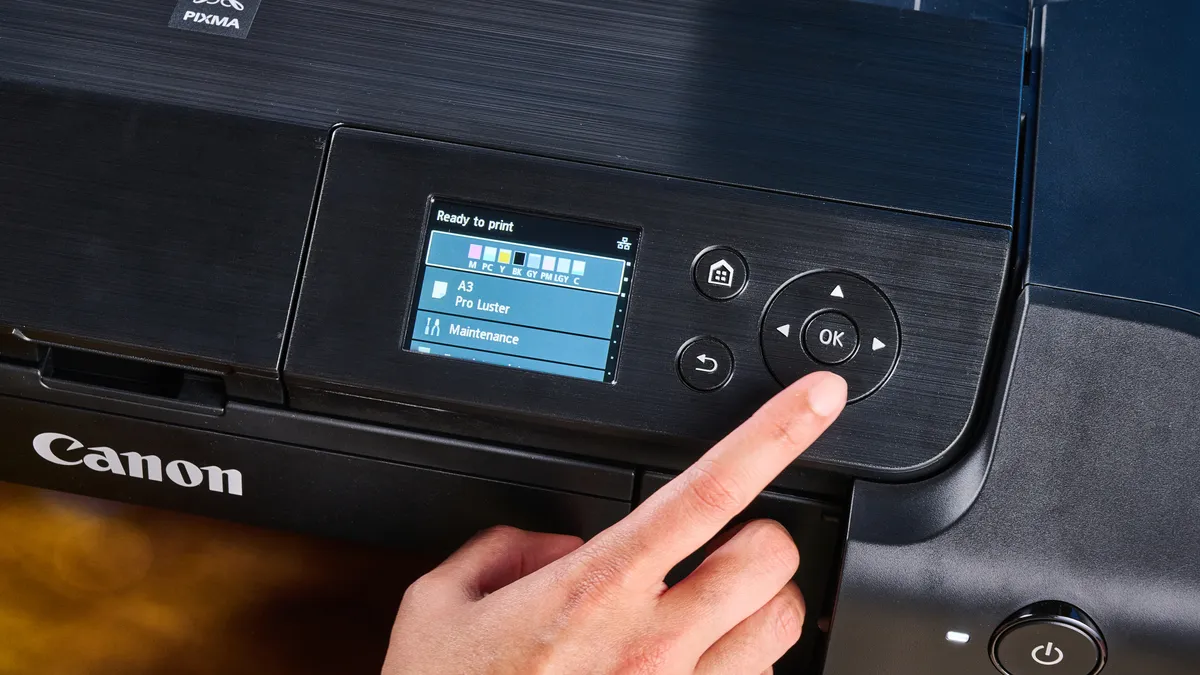
It’s extremely straightforward to set up the Canon PIXMA Pro-200S. The first thing you need to do is remove the orange tape on the printer’s body and inside the paper trays. Once that’s done, you need to plug it into mains and turn it on by pressing the power button. It takes about a minute or two for the printer to come to life from a completely powered-down state — and a few seconds when it’s waking up from its sleep state.
After that, all you need to do is follow the on-screen instructions which are self-explanatory and easy to understand. You’ll then need to install the print head and the ink tanks. The ink tank placements are color-coded so simply pop them in until you hear clicks. If you’re struggling, refer to the included physical manual or Canon’s helpful online guide.
Loading the paper into the rear ADF is easy to do as well. The Pro-200S features automatic skew correction to ensure the fed paper is absolutely straight, which prevents misprinting (and wastage of paper). When you’ve loaded the paper and selected ‘OK’ on the screen, the printer will perform an alignment check which takes a couple of minutes, depending on the paper size.
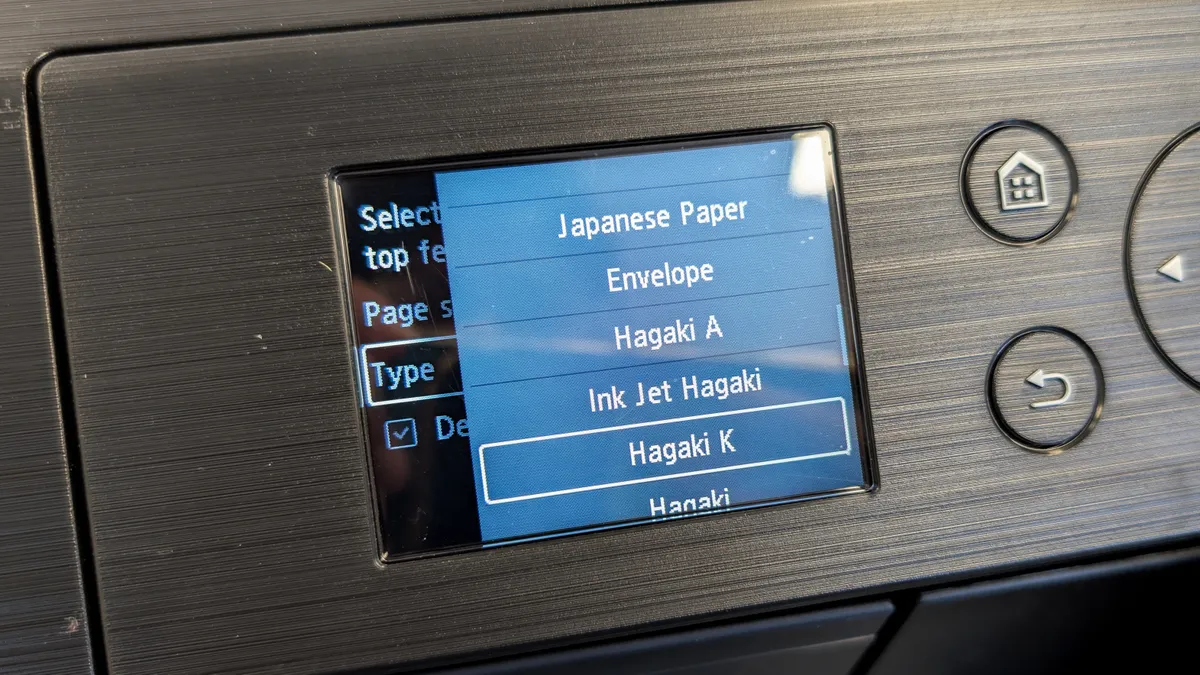
Once you’re done setting up the printer, you can get printing, and there are two ways to do so: wired or wirelessly. You can plug in an Ethernet cable or a USB-B to USB-A cable into the back — the USB-A side would go into your laptop. You’ll then be able to print directly.
If you want to print wirelessly, you’ll need to download the Pro-200S dedicated driver onto your Windows or macOS machine. Follow the on-screen instructions to hook up the printer to your Wi-Fi. Once that’s done, the Pro-200S will synchronize with the Wi-Fi network, enabling you to print from any device that’s connected to the same network.
While it doesn’t take long to get the Wi-Fi hooked up, I do wish the process was easier. For instance, the Canon Color imageCLASS MF753Cdw II requires you to punch in the Wi-Fi password on its touchscreen — no software required.
Canon PIXMA Pro-200S review: Print speeds

Any printer’s print speeds will naturally depend on the complexity of the image, and the number of colors involved. Keeping that in mind, the Canon PIXMA Pro-200S takes neither too long nor too little to produce prints. As this is a photo printer, I put it through its paces by printing a number of photos on four different kinds of paper of varying sizes.
I kicked things off with printing on A3 Pro Luster paper, in standard quality, and it took the Pro-200S one minute and 14 seconds to produce a color print. This dropped to one minute and 10 seconds when producing a mono print. I was impressed with how quickly the Pro-200S printed a packed image of flowers that I’d taken on the Leica SL3-S. Printing at the highest quality took a little longer, with a color print taking three minutes and 40 seconds — still not bad, and the quality was exceptional, which I’ll discuss shortly.
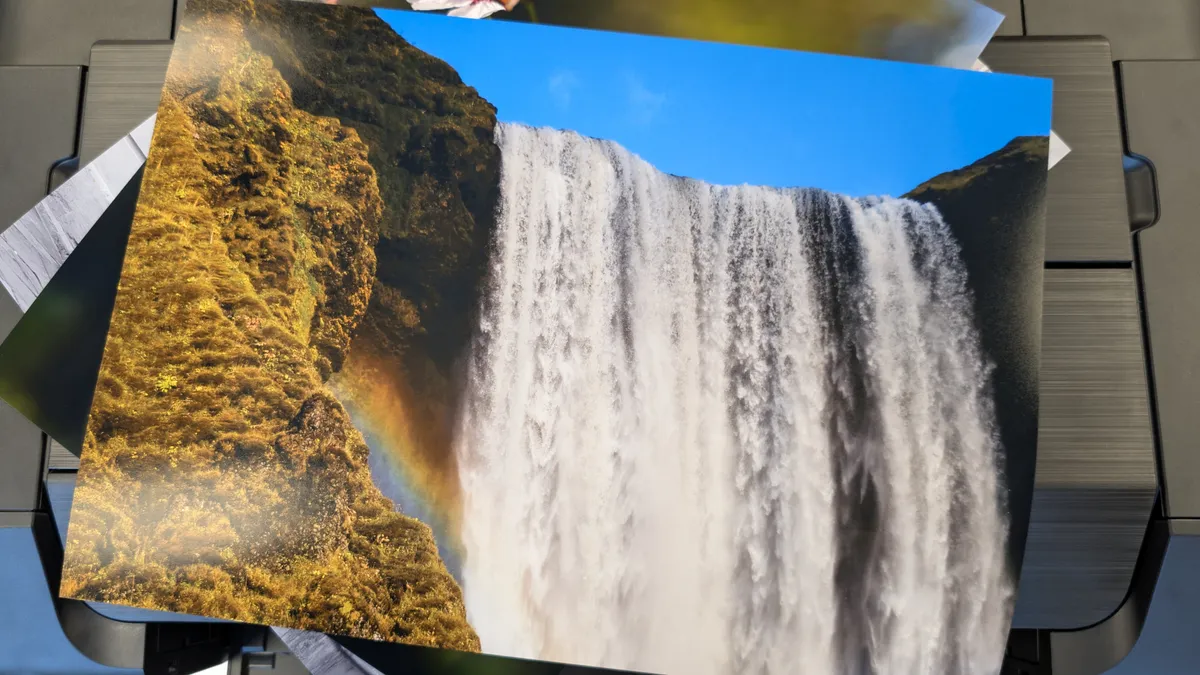
The next thing I did was print on A3+ Premium Matte paper. The Pro-200S produced a color print in one minute and 58 seconds, and a monoprint in a minute and 57 seconds. Both these prints were borderless, and perhaps the printer would be even quicker to produce bordered prints. Printing on A4 MP-101 matte paper didn’t take very long either, with a colored print taking 58 seconds and mono print 38 seconds — almost four times faster than the category average of four minutes.
I love that the Pro-200S isn’t just for large format printing. The printer can accommodate smaller prints too, all the way down to 4 x 6-inch. Canon provided me with a pack of 4 x 6 PP-201 Glossy II paper for testing purposes, so I printed out a few photos I’d captured. It took the Pro-200S 40 seconds to produce a color print and 39 seconds to produce a mono print.
The Pro-200S produces small prints quicker than the Epson Expression Photo XP-8800 which, in our testing, took a minute and 27 seconds to do the same. The Pro-200S performs much better than the category average of one minute and 56 seconds.
Canon PIXMA Pro-200S review: Print quality
As an inkjet printer, the Canon PIXMA Pro-200S utilizes eight dye-based Chroma Life 100+ inks and runs on CLI-65 cartridges. Because the printer utilizes eight inks, it delivers a wide color gamut and extensive tonal range, so prints turn out beautiful and detailed. Additionally, according to Canon, Chroma Life 100+ inks create prints that are resistant to fading for over 100 years when stored in an album.
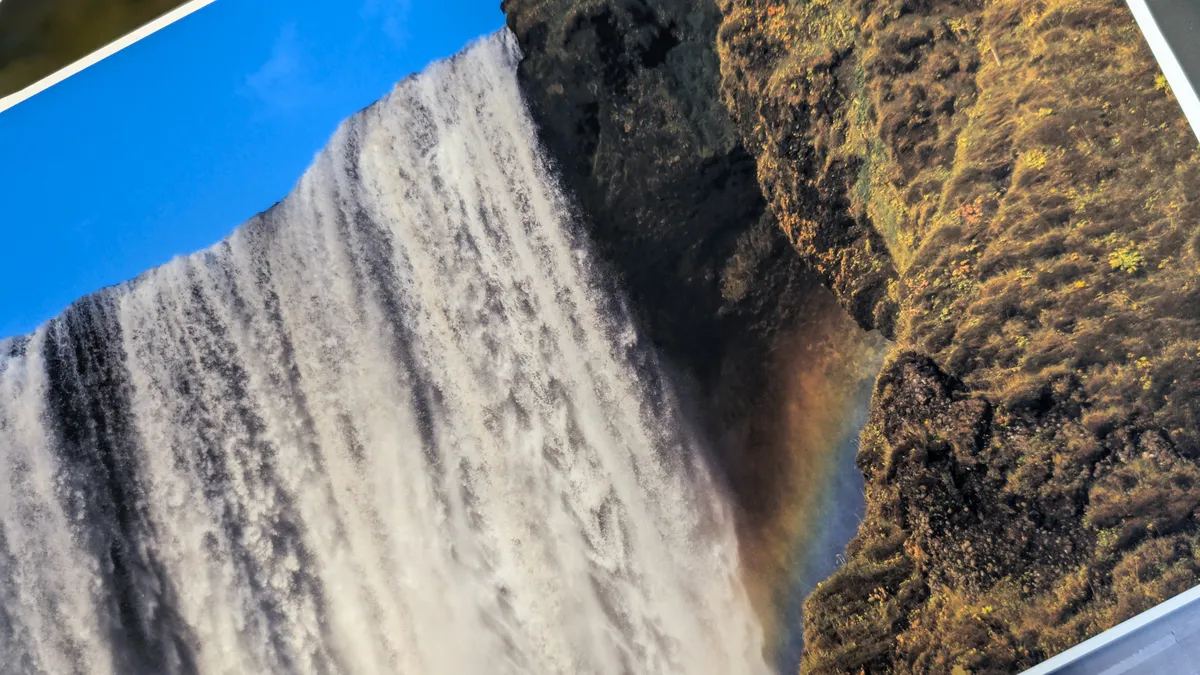
Print quality is sublime, especially on glossy or luster paper, in both standard and high quality modes. I especially like how vivid shades of greens turn out, as well as the bright blues that feel textured. My favorite print is the one of an Icelandic waterfall, where the water gushing down looks highly detailed. If I look closely, I can see the individual water droplets. The printer performed phenomenally here.

Color printing on matte paper is good but not as beautiful as on glossy paper. To me, the same photo of the waterfall lacks depth ever-so slightly, and appears flat. For glossy color prints, the Pro-200S is second to none, and it suffices for matte prints too.
Printing in black and white is another area where the Pro-200S dominates. The Pro-200S did well to produce rich, deep and inky blacks with plenty of detail, and the overall tonal range is simply excellent, as I noticed in the photo of the man standing outside a theatre. The shadows and highlights are balanced well, and the image looks just like it did when I edited and prepared it for printing.
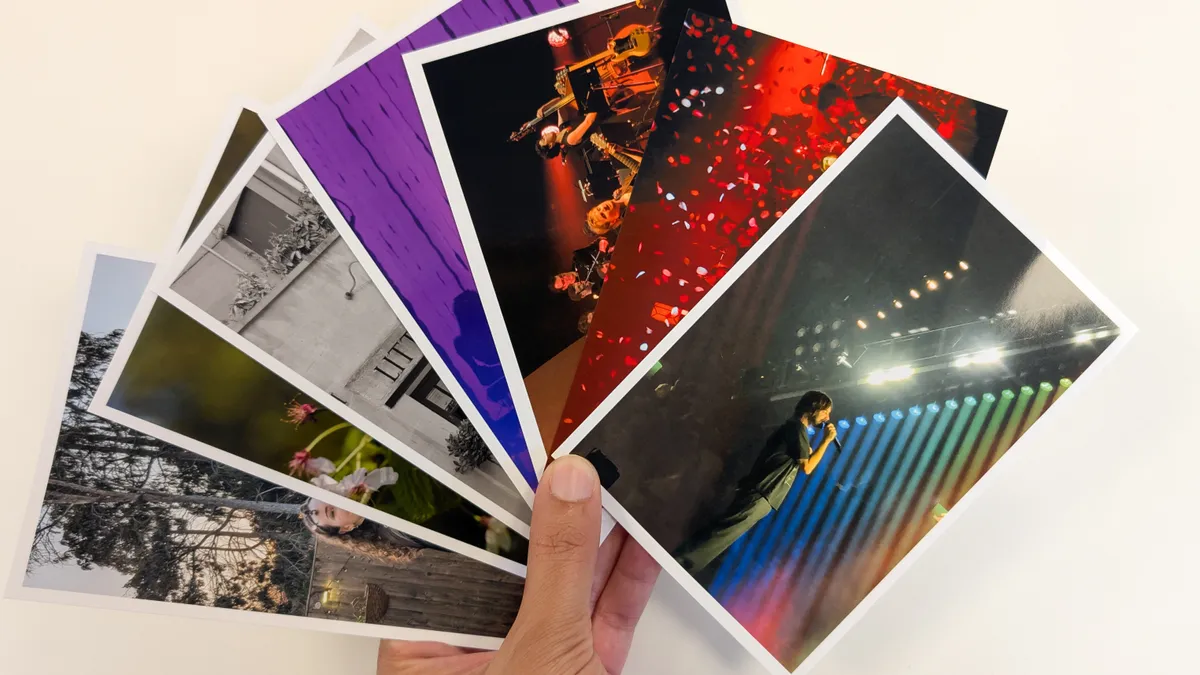
Small prints look lovely too, and I appreciate the ability to make bordered or borderless prints as the former frames the images well. The Pro-200S’ ability to produce small prints is fantastic for those who want to make postcard-like prints for selling, or for personal use.
Canon PIXMA Pro-200S review: Ink cost & yield
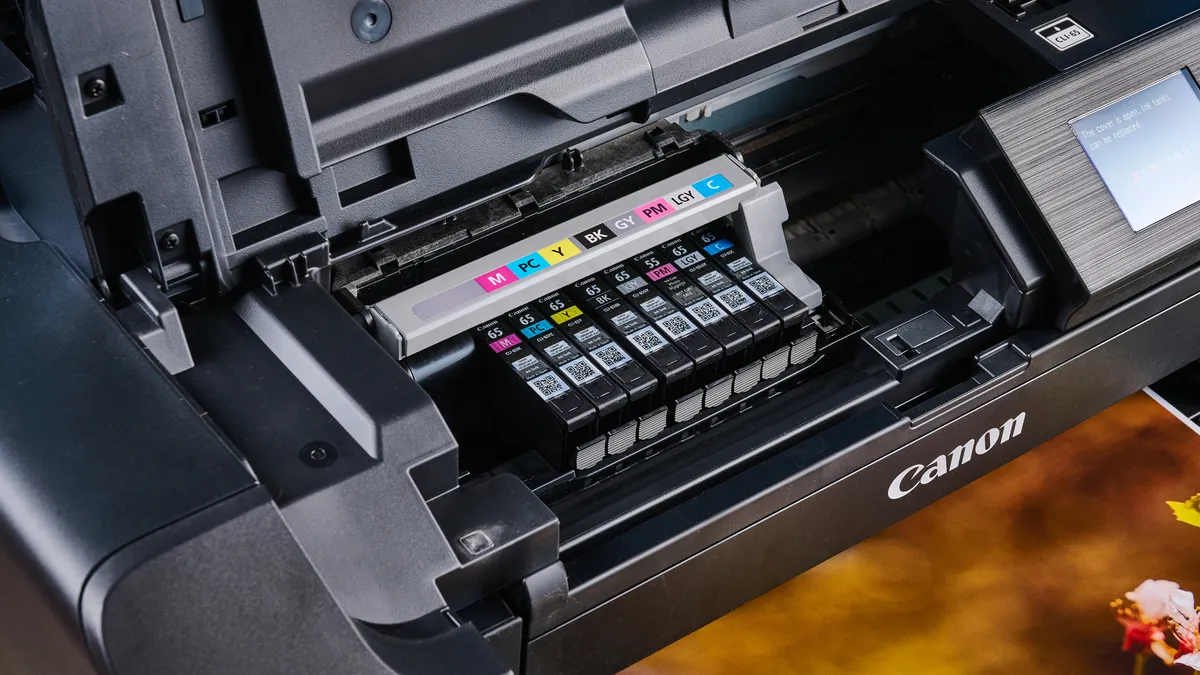
The Canon PIXMA Pro-200S comes with a set of eight ink tanks, 12.6ml each, to get you started — but they won’t last you very long. Canon says that you’ll be able to create just 139 A3+ mono prints with these, or 860 4 x 6-inch mono photos. While that isn’t a lot, the Pro-200S’ running costs aren’t that high.
Each CLI-65 ink tank costs $15, and a set of eight tanks will set you back approximately $120, which isn’t too bad — and certainly not as expensive as the Canon Color imageCLASS MF753Cdw II’s cartridges and toner. These are similar costs to the inks used by the Epson Expression Photo XP-8800.
As with other Canon printers, you can sign up for Auto-Ink Delivery when buying the Pro-200S directly from Canon, or even after you’ve bought it. When your printer is running low on ink, it automatically notifies the company who then ships out ink without you having to place an order manually.
Canon PIXMA Pro-200S review: Verdict
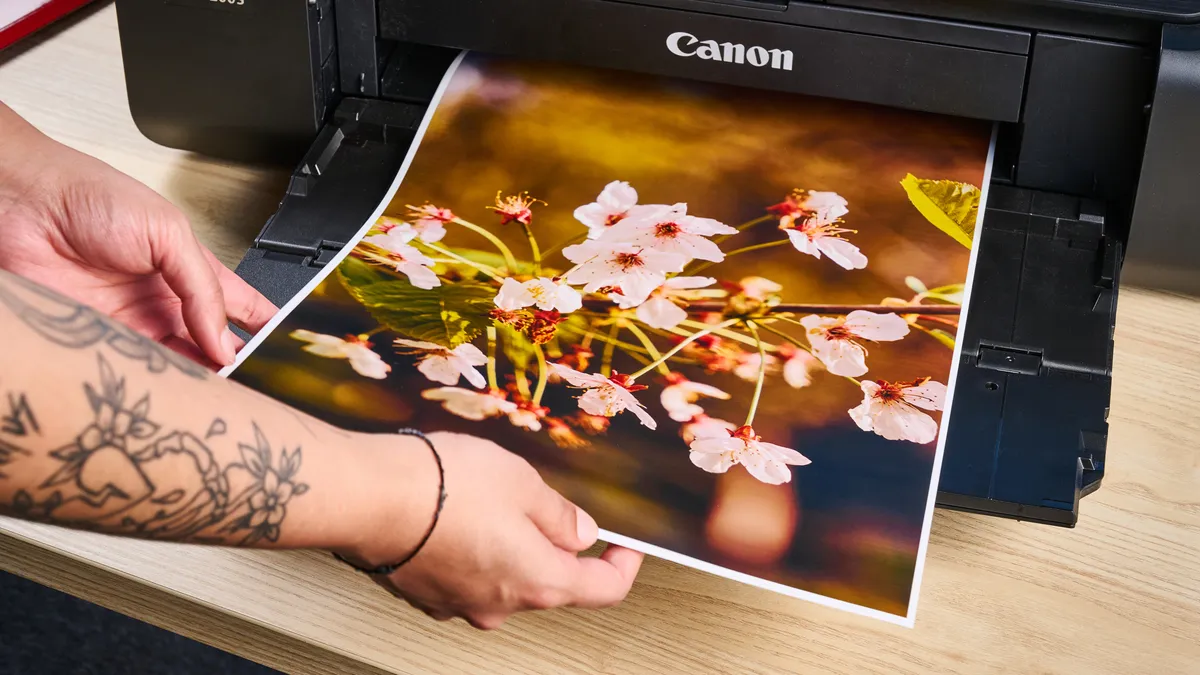
It really wasn’t difficult to rate the Canon PIXMA Pro-200S so highly. Once I saw the print quality, I was floored. Designed for photographers and creative professionals, the Pro-200S delivers exceptional print quality across a range of sizes — from postcard to gallery-worthy A3+ prints. Thanks to the printer’s eight-color dye-based ink system, colors appear vibrant, and blacks are deep and rich.
There are a couple of drawbacks preventing a perfect score, such as the complicated wireless setup, and low ink yields for heavy users. But these issues are relatively minor considering the overall experience.
At the end of the day, the Pro-200S stands out as one of the best photo printers in its class, offering professional-quality results that will have falling in love over and over again with your own work.