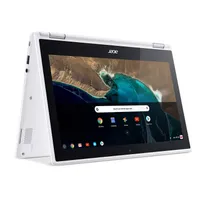
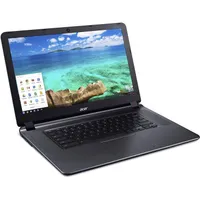
We know. Summer vacation seems like it just started. But in a few weeks, parents — and students — will have to start their back-to-school shopping.
So rather than wait till late-August, we're rounding up the best back-to-school deals you can get this month.
First, there are a few things you should know. Amazon has a special Prime membership plan that's tailor made for students. Prime Student lets college students enjoy the same Prime membership perks of a regular membership, but at 50% off. The plan costs $59/year (or $6.49/month if you want a monthly plan). Even better, it includes a free 6-month trial. (Normal Prime memberships cost $119/year and you only get a 30-day free trial).
In addition, Prime Student members get exclusive coupons, deals, and bundles that regular Prime members don't get. For instance, students get to shop from Amazon's Off-to-College Store. The only catch is that students must have an edu email address and they're only eligible for Prime Student for four years or until graduation — whichever comes first. After that, the membership will auto-renew itself at $119 per year (unless you cancel).
If you don't want to go the Amazon Prime membership route, there are plenty of Walmart deals you can also take advantage of. Walmart has no membership fees and many items are eligible for next-day shipping (minimum $35 orders).
Below you'll find the best back-to-school deals from a variety of retailers.