



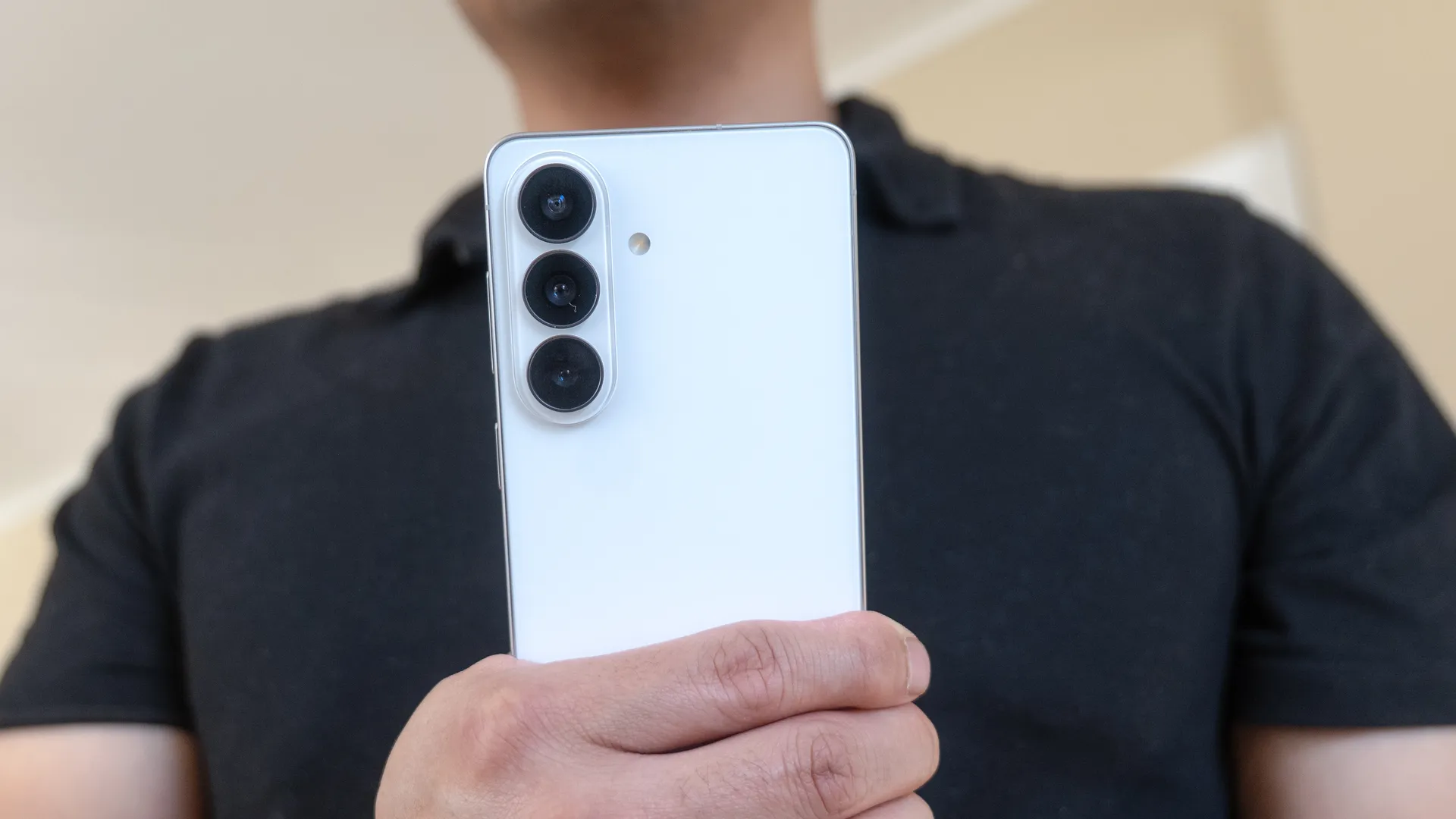
Samsung has just announced that the One UI 9 beta program will launch this week. This means that Samsung Galaxy phone users will be able to try out an early version of One UI 9, which is based on Android 17, ahead of an official release sometime later this year.
According to Samsung, the beta will start on Galaxy S26 series phones, which means it's now open to anyone with a Galaxy S26, Galaxy S26 Plus or Galaxy S26 Ultra. Presumably, the beta will be available on older devices at some point too, but Samsung hasn't revealed any details about a wider rollout.
One UI 9 beta — all the upgrades
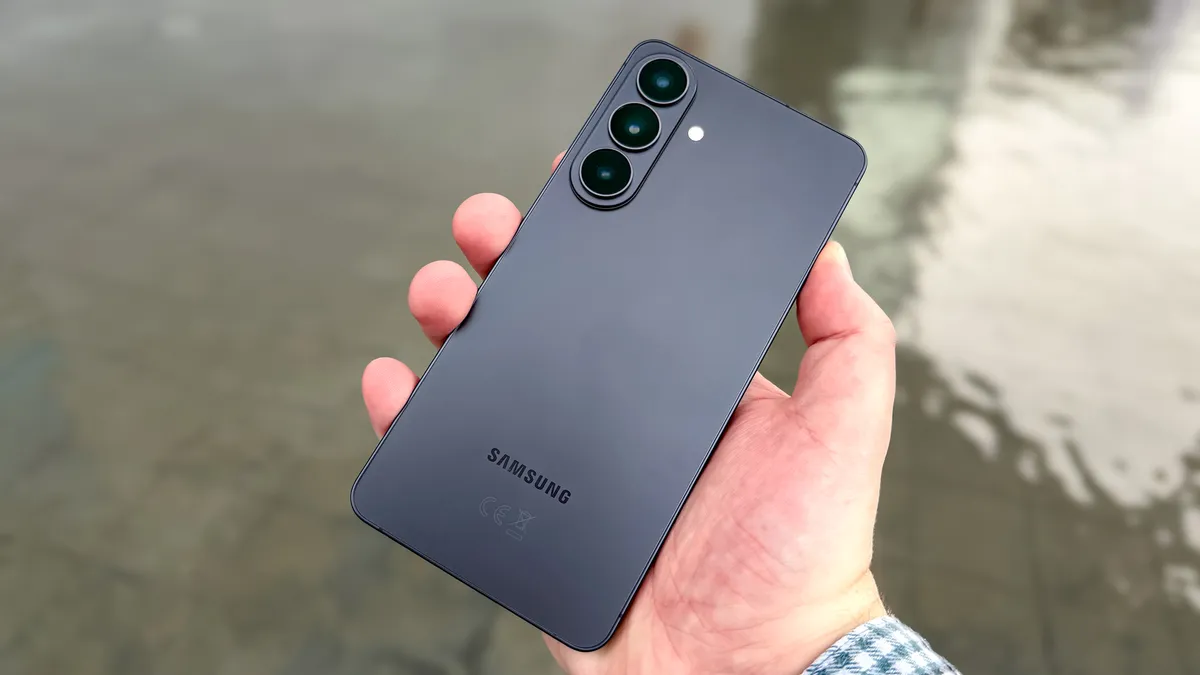
According to Samsung, the One UI 9 beta has offered "several updates across key areas of the mobile experience." Here are all the upgrades we know about so far.
Samsung Notes is getting an array of new tools, including a bunch of different pen line styles and decorative tapes. That should help enhance your note-taking experience beyond scribbling down words in a hurry with the S Pen. Meanwhile, the Contacts app now offers direct access to Creativ Studio, letting you create personalized profile cards without having to manually switch apps.
Samsung has also updated the Quick Panel, with the aim of giving users better control over the layout. This means One UI 9 will have adjustable widgets for brightness, sound and media, plus added size options to suit the user's own personal preferences.
Accessibility settings will add adjustable Mouse Key speeds, and a combined TalkBack package that merges features that had been available in Google and Samsung's separate offerings in the past software. Text Spotlight will also be able to display text that is larger and clearer in its own floating window to make reading easier.
One UI 9 also promises enhanced protection against threats and suspicious apps. The software will now block execution and installation, while warning the user and recommending they delete the potentially malicious application.
How to sign up for One UI 9 beta
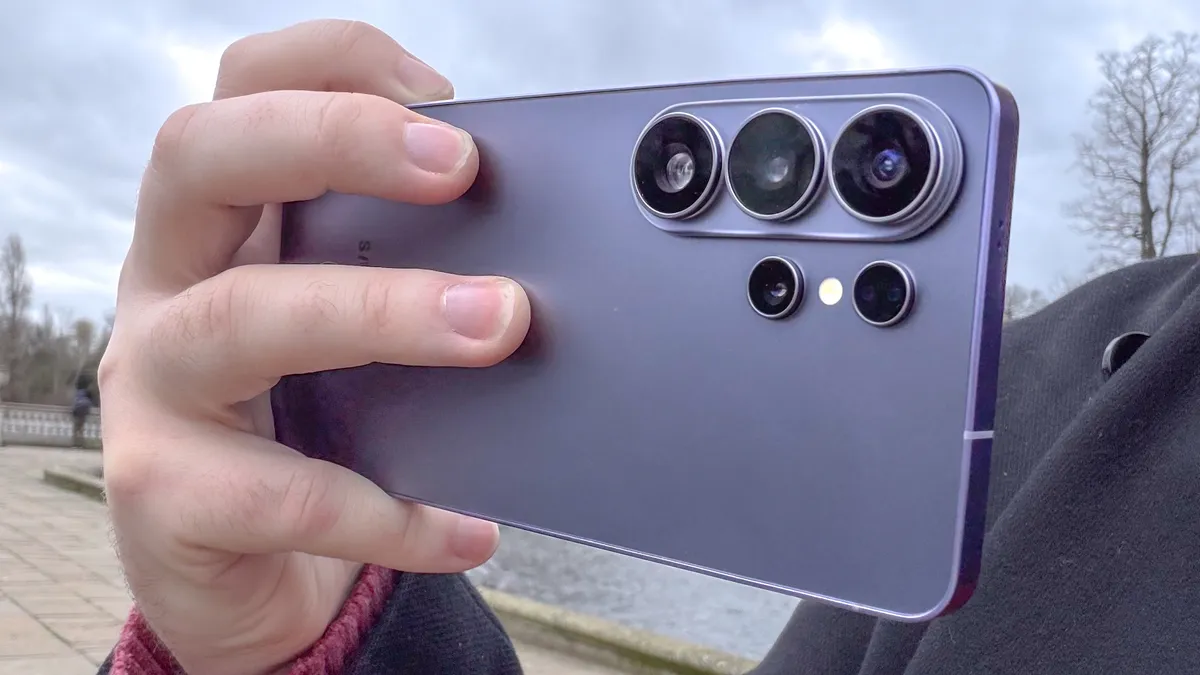
The One UI beta program is only available in certain regions, with Samsung confirming that it's open to Galaxy phone users in Germany, India, Poland, South Korea, the U.K. and the U.S. If you live anywhere else, then you're out of luck and will have to wait before you can install One UI on your phone.
Signing up for the beta happens in the Samsung Members app, which is available from Google Play and the Galaxy Store, assuming it's not already installed on your phone. You'll then need to find the Beta Program tile and join any open beta tests that are available. However, there may not be any open spots, at which point your One UI 9 beta journey will end.
Once you sign up for the beta in the Members app, you'll have to head to Settings > Software Update > Download and Install, then install the relevant beta program. You'll then have to let your Galaxy run through the install process, which includes a restart, at which point the One UI 9 beta will be available to you.
Just be aware that beta software comes with some risks, and it may not work as smoothly or seamlessly as you might like. So before you upgrade to One UI 9 beta, be sure to back up all your data, and make yourself familiar with the steps needed to remove the software in its entirety — a process that involves leaving the beta and rolling back to a previous stable version of One UI with the desktop version of Samsung's Smart Switch software.

Follow Tom's Guide on Google News and add us as a preferred source to get our up-to-date news, analysis, and reviews in your feeds.
More From Tom's Guide
- 'Two-day battery life is a game changer': Honor Magic8 Pro's silicon-carbon battery is a wake-up call for Samsung and Apple
- Google is bringing AirDrop support to more Android phones — here are all the devices that will get it next
- Samsung Galaxy Z Fold 8 just tipped for July 22 launch at Unpacked — and it could be joined by Galaxy Glasses

