Every major iPhone camera upgrade over the past decade has followed a familiar playbook: larger sensors, higher megapixel counts, and heavier doses of computational photography. With the iPhone 18 Pro and iPhone 18 Pro Max, Apple is introducing something entirely mechanical that aims to give photographers more creative control than ever before: a variable aperture camera.
To be fair, Apple isn't the first to embrace this technology. Samsung introduced a dual-aperture system on the Galaxy S9 and S10 as far back as 2018, while more recent flagships like the Huawei Mate 50 Pro and Xiaomi 14 Ultra have considerably refined how multi-stop mechanisms function. But for the very first time on an iPhone, the primary camera features a true, physical variable aperture system.
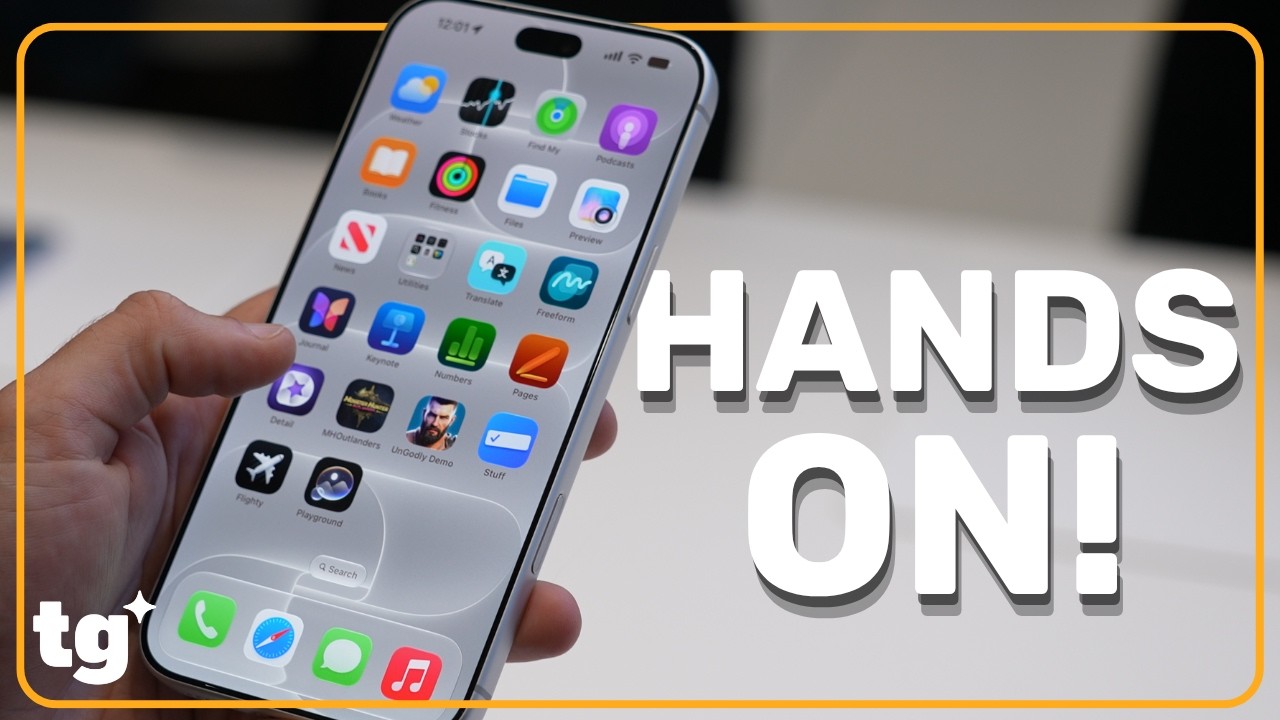
Enthusiasts and pros already understand how an adjustable aperture elevates their shooting, but everyday users will find Apple’s automated implementation and simplified controls far more approachable. I’ll break down what the iPhone 18 Pro's variable aperture actually does, the physics behind it, and why it represents one of the most substantial leaps for iPhone photography in years.
iPhone 18 Pro Max variable aperture camera: How it works

Think of a camera’s aperture much like the pupil of your eye — dilating (opening up) to draw in light when it's dark and contracting (closing down) when the scene is bright. While the iPhone 18 Pro Max's 48MP ultrawide and telephoto lenses keep traditional fixed apertures, the 48MP main Fusion camera introduces a motorized, multi-blade mechanical iris built directly into the lens barrel.
This mechanism physically shifts those ultra-thin aperture blades to control precisely how much light hits the sensor. Shooters have a total of four distinct aperture values to choose from: f/1.48, f/1.8, f/2.8, and f/4.0.
Ultimately, choosing the right aperture boils down to your shooting conditions and the specific aesthetic you’re after.
iPhone 18 Pro Max variable aperture camera: What it can do

While f-stop values can feel intimidating to the uninitiated, Apple does a great job illustrating the tangible benefits of a variable aperture through everyday shooting scenarios. Having physical control over the lens fundamentally shifts the iPhone’s image capture across several key areas.
Natural background blur

Opening the blades wide to f/1.48 yields authentic optical bokeh. Because the physical lens optics and large sensor are doing the heavy lifting, background separation increases naturally the closer you get to your subject — making it ideal for portraits and close-up detail shots.
While the iPhone has long offered Portrait Mode, that feature relies heavily on computational algorithms to simulate depth. With the 18 Pro Max, you get genuine optical falloff and creamy defocus without the botched edge-detection or digital processing.
Sharp focus throughout the frame

Stopping down to f/4.0 expands your depth of field considerably, ensuring corner-to-corner sharpness across the entire frame. This is a setting you'll want to lean on for sweeping landscapes, architecture, and group shots.
If you shoot a staggered group at a fast aperture like f/1.48, someone standing in the front row might be sharp while family members two rows back appear softly blurred. Stopping down to f/4.0 deepens the focus plane so every face in the frame remains crisp and clear.
Creating intentional motion blur

In bright daylight, traditional fixed-aperture phones are forced to use ultra-fast shutter speeds, which freezes all motion. If you want a more dynamic feel, stopping down to f/4.0 restricts incoming light. That drop in exposure allows the camera to lengthen the shutter speed without blowing out the highlights.
The result is intentional motion blur. Apple demonstrated this with a stationary model standing sharp in the center of the frame with pedestrians blurred smoothly around them. That same principle lets you capture light trails from passing car headlights or render rushing waterfalls as silky, continuous streams.
Improving low-light performance

The iPhone 18 Pro and Pro Max hold a clear hardware advantage in dark environments thanks to that wide f/1.48 opening. Retracting the aperture blades floods the 48MP sensor with maximum light, which suppresses image noise, preserves fine shadow detail, and allows the shutter to fire significantly faster.
In practice, this leads to shorter Night mode exposure times, drastically cutting down the risk of handheld micro-jitters blurring your low-light shots.
Freeze framing fast-moving subjects

By pulling in vastly more light at f/1.48, the camera system can afford to push shutter speeds to tiny fractions of a second without producing a dark, underexposed image. This rapid exposure freezes jumpy pets, sprinting kids, and fast-paced sports action super sharp before motion blur can creep into the frame.

Follow Tom's Guide on Google News and add us as a preferred source to get our up-to-date news, analysis, and reviews in your feeds.
More from Tom's Guide
- I interviewed Apple CEO John Ternus on the making of the iPhone Duo — here's what made him say 'yes, that's it'
- People are freaking out about the new 'always-listening' Apple Watches — here's what Apple CEO John Ternus told us
- Apple Watch Ultra 4 vs Garmin Fenix 9 Pro: price, specs and features compared