




Apple's new iPhone 16e seems to suffer from a poor Bluetooth connection problem when paired with multiple devices.
Users have shared similar-sounding stories on Apple Support, Reddit (2) and X, in which having a Bluetooth speaker or headphones paired at the same time as another device (such as a wearable) causes stuttering when listening to audio.
Some enterprising users unfortunately found that the problem persisted after updating to iOS 18.3.2, the latest stable iPhone software version, or after a factory reset. Unpairing some Bluetooth connections will fix the problem if you're desperate, but users should expect their brand-new iPhone to be capable of juggling multiple active Bluetooth pairings.
There's been no official response from Apple yet, according to some of the complainants who took their issue as high as they could. But considering the volume of complaints, Apple is no doubt aware of the problem and hopefully working on a fix.
A beta could make it better
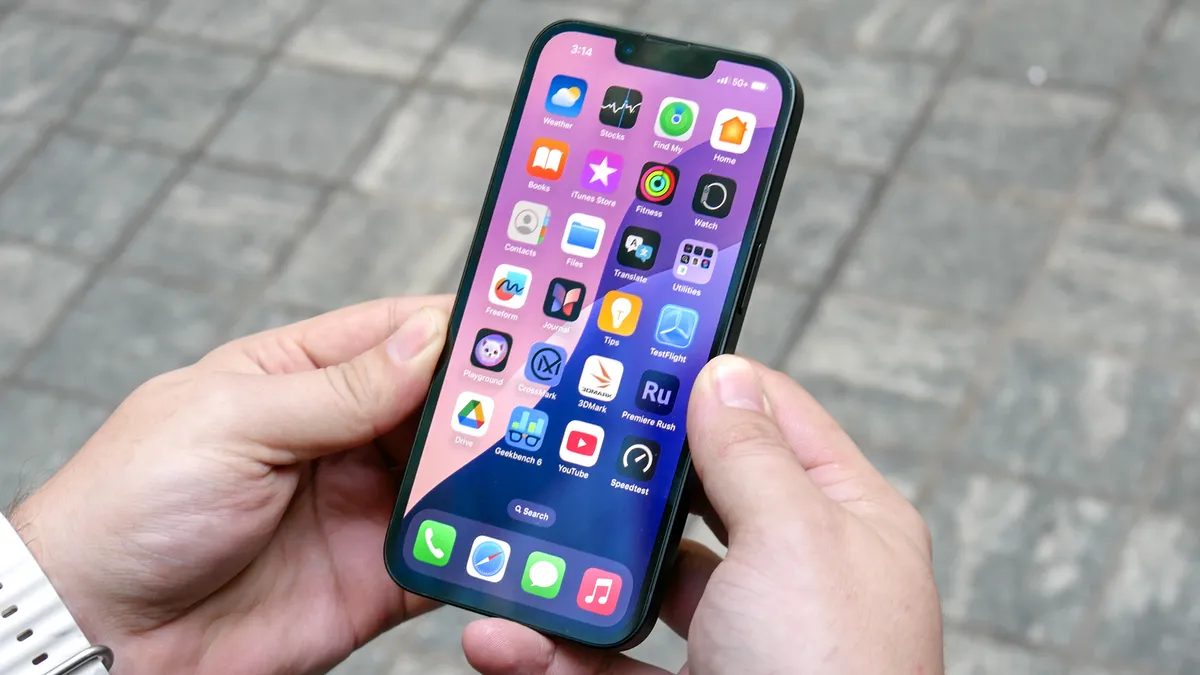
While we wait for an official update from Apple to address whatever funny business is going on with the iPhone 16e's Bluetooth, there is one other solution for affected users to try. According to some users on the Apple forums and Reddit, downloading the iOS 18.4 beta fixed the issue.
As a public beta, iOS 18.4 is mostly stable, but could still feature unknown bugs that may impact your device or data. If iPhone 16e owners don't want to risk any potential problems, they can wait until the stable launch (likely happening in April) or for a dedicated Apple-endorsed fix.
In our iPhone 16e review, our main problems were its price, lack of ultrawide camera and Dynamic Island notch, with no sign of Bluetooth-related problems. But given the quality of the design, photo performance from the cameras it does have, Apple Intelligence compatibility and the OLED screen, we still really like the iPhone 16e.
If you're planning on picking one up, maybe wait until this stuttering connection stuff blows over before hitting the buy button.
More from Tom's Guide
- Apple CarPlay just got a welcome upgrade in iOS 18.4 — what you need to know
- Google Pixel 10 lineup leaked in new renderings — here's what they look like
- Older Samsung phones are finally getting One UI 7 — here's all the devices

