
See Google’s answer to AirDrop in this video
Google calls its file transfer feature Nearby Sharing
Here at Tom’s Guide our expert editors are committed to bringing you the best news, reviews and guides to help you stay informed and ahead of the curve!
You are now subscribed
Your newsletter sign-up was successful
Want to add more newsletters?
Daily (Mon-Sun)
Tom's Guide Daily
Sign up to get the latest updates on all of your favorite content! From cutting-edge tech news and the hottest streaming buzz to unbeatable deals on the best products and in-depth reviews, we’ve got you covered.
Weekly on Thursday
Tom's AI Guide
Be AI savvy with your weekly newsletter summing up all the biggest AI news you need to know. Plus, analysis from our AI editor and tips on how to use the latest AI tools!
Weekly on Friday
Tom's iGuide
Unlock the vast world of Apple news straight to your inbox. With coverage on everything from exciting product launches to essential software updates, this is your go-to source for the latest updates on all the best Apple content.
Weekly on Monday
Tom's Streaming Guide
Our weekly newsletter is expertly crafted to immerse you in the world of streaming. Stay updated on the latest releases and our top recommendations across your favorite streaming platforms.
Join the club
Get full access to premium articles, exclusive features and a growing list of member rewards.
It seems 2020 is the year Android finally catches up to one of the best features in iOS — AirDrop. We've already seen evidence this week that Samsung is planning a similar feature for its upcoming Galaxy S20 phones, and today (Jan. 24) we've got a preview of Google's AirDrop alternative, called Nearby Sharing, running on a pair of Pixel devices, courtesy of XDA Developers.
In the video, we're taken on a quick tour of Nearby Sharing by XDA's Mishaal Rahman. Using a Pixel 2 XL and Pixel 4 with a pre-release version of the software, he's able to move a handful of photos and a video file from one device to the other.
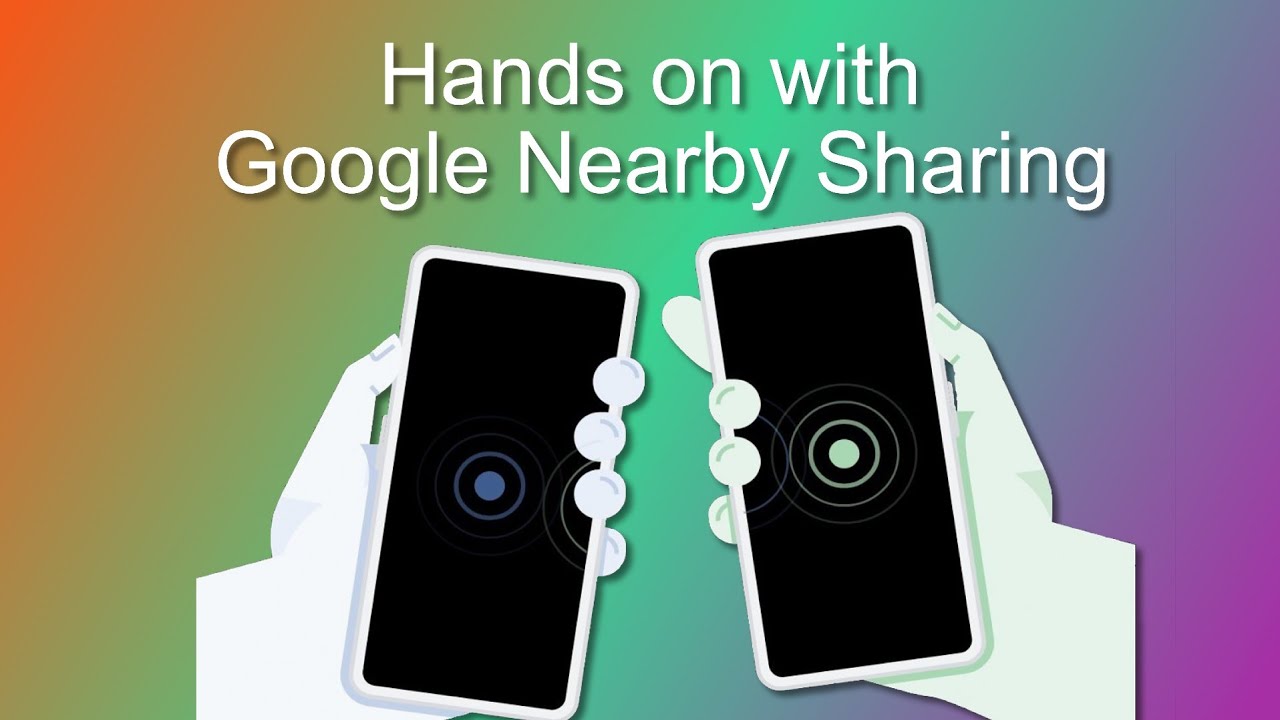
Much like AirDrop, Nearby Sharing users have the ability to set who they want to receive files from — anyone, or only individuals within their contacts. You'll also have the ability to turn the feature on and off via a quick toggle in the notification shade, which is a very handy addition. You can then choose whether you'd like to use data to share, or simply exchange files over Wi-Fi only (the latter of which will be much faster).
A pair of devices will only be able to use Nearby Sharing if they're at most 1 foot apart from each other, which might help you avoid getting random unwanted media sent to you while riding the subway. (No promises, though.)
Photos and videos transferred via Nearby Sharing land in a specially named folder inside an Android's phones DCIM directory, where photos are traditionally stored. Theoretically, Nearby Sharing should be available to all Android devices running the latest version of Google Play Services (Rahman cites another user who was able to get the feature running on a OnePlus 7T, for what it's worth), but we're still in the dark regarding when Google intends to roll it out to everyone.
- Meet the Galaxy S20's AirDrop competitor, called Quick Share
- Pixel 'feature drop' bringing a ton of upgrades to Google's phones
- iOS vs. Android: Which is better for you?
Get instant access to breaking news, the hottest reviews, great deals and helpful tips.
Adam Ismail is a staff writer at Jalopnik and previously worked on Tom's Guide covering smartphones, car tech and gaming. His love for all things mobile began with the original Motorola Droid; since then he’s owned a variety of Android and iOS-powered handsets, refusing to stay loyal to one platform. His work has also appeared on Digital Trends and GTPlanet. When he’s not fiddling with the latest devices, he’s at an indie pop show, recording a podcast or playing Sega Dreamcast.
