







Google Maps is getting a slew of major updates over the next few months, but the best one is already here. An indoor version of Google Maps’ Live View, to stop you from getting lost in the crowds.
Live View’s AR-centric directions first launched in 2019, but only outside. Now the directions are available to try at shopping malls in a handful of U.S. cities. So no more struggling to find the Apple Store just because you got off on the wrong floor.
- How to use Google Maps: Essential tips and tricks
- Everything we know about the Google Pixel 6
- Plus: Here's why you should avoid cheap MagSafe accessories on Amazon
Offering indoor directions has always been trickier than doing the same thing outside. GPS is great at determining your location on a 2D map, but it’s not so good at dealing with altitude or precision location inside buildings. But Google claims that advancements in its AI technology can make up the difference.
Using such smart tech, Google Maps can navigate you to a new location. Even if that location is in the exact same spot as you, just a few floors down.
If you’ve already been using Live View to help yourself get around, the indoor version will be very familiar. Simply open up Google Maps and type in your intended destination. Be sure to choose the walking icon in the top tab, and down at the bottom you’ll see the option to toggle Live View. Hit it, and the directions will load up for you.
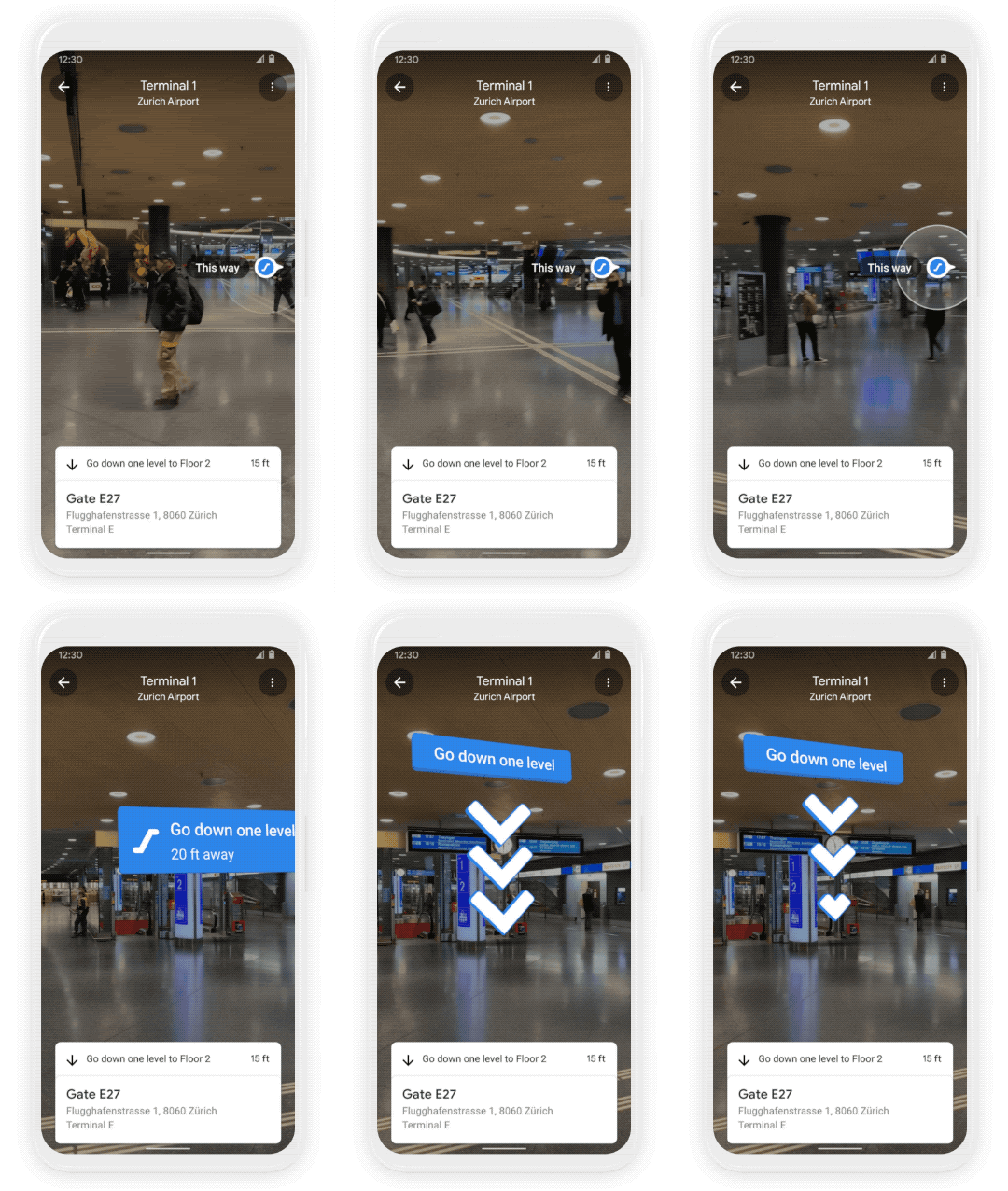
It’s that simple, though Indoor Live View isn’t universally available. You’ll have to be living in Chicago, Long Island, Los Angeles, Newark, San Francisco, San Jose, or Seattle for starters. And then you’ll have to go to one of the specific shopping malls Google has added indoor directions for.
Unfortunately, as far as we can tell, Google hasn’t revealed which malls are supported. So it may be a bit of trial and error to see if you can get AR directions inside your local shopping emporium.
A wider rollout is also expected, but Google hasn’t gone deep into the specifics. All we know is that Indoor Live View will expand to more malls, airports, and other transit stations in cities across the world; Zurich and Tokyo will be among the first to be included.
- More: These are the best Google Assistant commands you can use right now

