




Firefox is launching a free VPN, built directly into its browser, to boost user privacy when browsing.
The new feature arrives in Firefox 149 on March 24, and routes browser traffic through a proxy to hide your IP address and location while you browse.
Unlike many of the best VPNs, the protection is built directly into the browser interface. Users won't need to download a separate app or extension to enable it, and it's built around Firefox's privacy principles.
The VPN will initially be available in the US, UK, France, and Germany, and users in those regions will receive 50 GB of free data each month.
How Firefox's built-in VPN works
The new VPN works by routing your browser traffic through a proxy server, masking your real IP address and making it harder for websites and online services to track your location.
By hiding this identifying information, the feature can help reduce the amount of data that websites and advertisers are able to collect while you browse.
Because the tool is built directly into Mozilla Firefox, it protects activity within the browser itself rather than the entire device. That means apps outside the browser will continue to use your normal internet connection, but your browsing sessions gain an extra layer of privacy without requiring a separate VPN download.
Mozilla says the feature is designed to give people an easier way to protect their privacy online, while keeping control over their browsing experience.
What Mozilla doesn't detail is whether its VPN is encrypted. The most secure VPNs protect your data with AES-256 or post-quantum encryption. However, proxies are not encrypted by default.
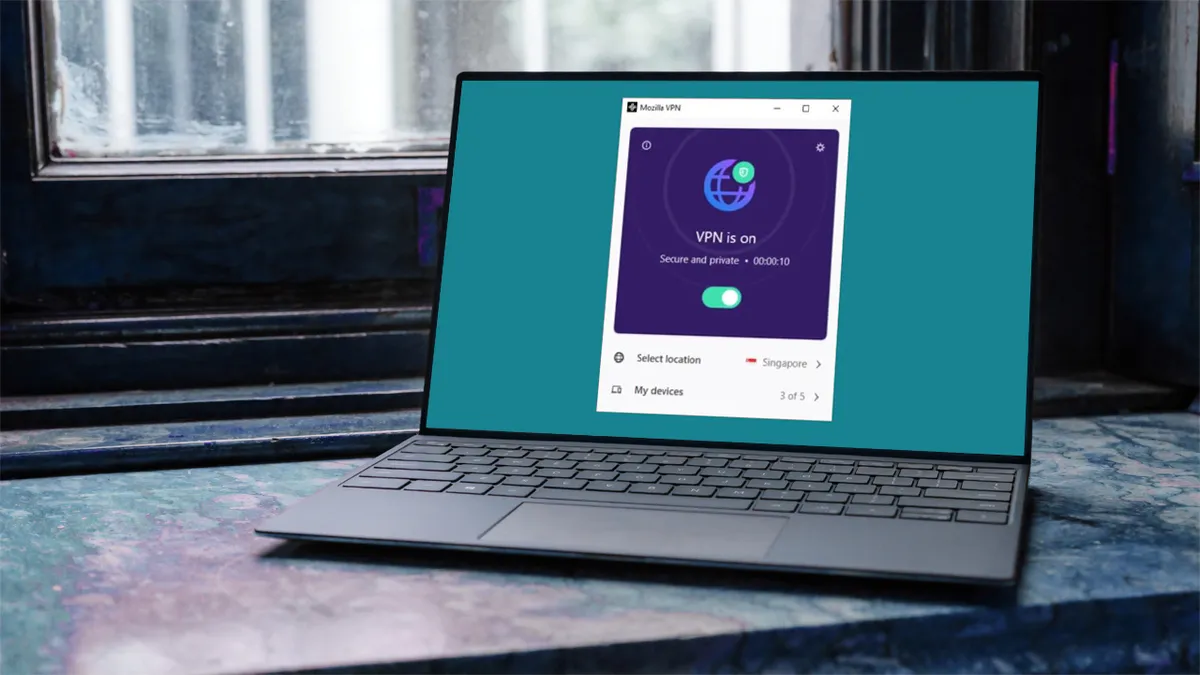
Mozilla has its own dedicated VPN app, Mozilla VPN. It's encrypted, and operates a no-logs policy – having undergone independent audits to confirm this. We would assume this technology is being used in the Firefox browser but Mozilla hasn't yet confirmed this.
There is also no mention of the new free VPN's logging policy, or encryption levels, so we have asked Mozilla for clarification. At the time of publishing we have not received a reply, but will update this article with any relevant information.
In a privacy statement, Mozilla says Firefox "can’t see what sites you’re visiting," and all session data is end-to-end encrypted. It protects from cookies and trackers, while its private window has "advanced fingerprinting protections, and proactively tells websites not to sell or share your data."
Firefox joins a growing trend of browser-based VPN tools
Firefox is not the first browser to introduce built-in VPN protection. Rival browsers have been experimenting with similar privacy tools for some time.
Opera offers its own integrated VPN proxy, and Vivaldi added built-in protection through a partnership with Proton VPN. Brave has its own built-in VPN too, which it says protects your whole device – not just the browser. It's encrypted and has a strict no-logs policy.
These integrations reflect a broader shift among browser developers to bundle privacy features directly into their software. Instead of relying on extensions or separate apps, users can activate protection from within the browser interface itself.

In the case of Vivaldi, the Proton VPN integration allows users to enable VPN protection after signing into their account, giving them secure browsing without installing additional software.
Firefox's approach differs slightly from many traditional free VPN services. Mozilla says users will receive 50 GB of data each month, which is generous compared with some of the best free VPNs.
PrivadoVPN Free offers 10 GB of high-speed data per month, while Windscribe Free provides up to 15 GB depending on account verification. By contrast, Proton VPN Free offers unlimited data, though server locations and other features are more limited.
How to use Firefox's VPN and why you should be cautious with free VPNs
Once the feature rolls out in Firefox 149, users in supported regions will be able to enable the VPN directly from the browser's settings menu.
After updating to the latest version of Mozilla Firefox, the option will appear as part of the browser's built-in privacy tools.
While free VPNs offer useful, and sometimes vital privacy protections, they should be approached carefully. Countless free VPNs make money by collecting user data and injecting ads in the apps.
That's why it is considered best practice to stick with established providers that use a freemium model rather than unknown services. All the free VPNs recommended by Tom's Guide are safe and secure. They have transparent privacy policies and well-tested security features that provide basic VPN protection.
We test and review VPN services in the context of legal recreational uses. For example: 1. Accessing a service from another country (subject to the terms and conditions of that service). 2. Protecting your online security and strengthening your online privacy when abroad. We do not support or condone the illegal or malicious use of VPN services. Consuming pirated content that is paid-for is neither endorsed nor approved by Future Publishing.
