Just pre-ordered the new MacBook Pro M6 or OLED? Here are the best accessories to get
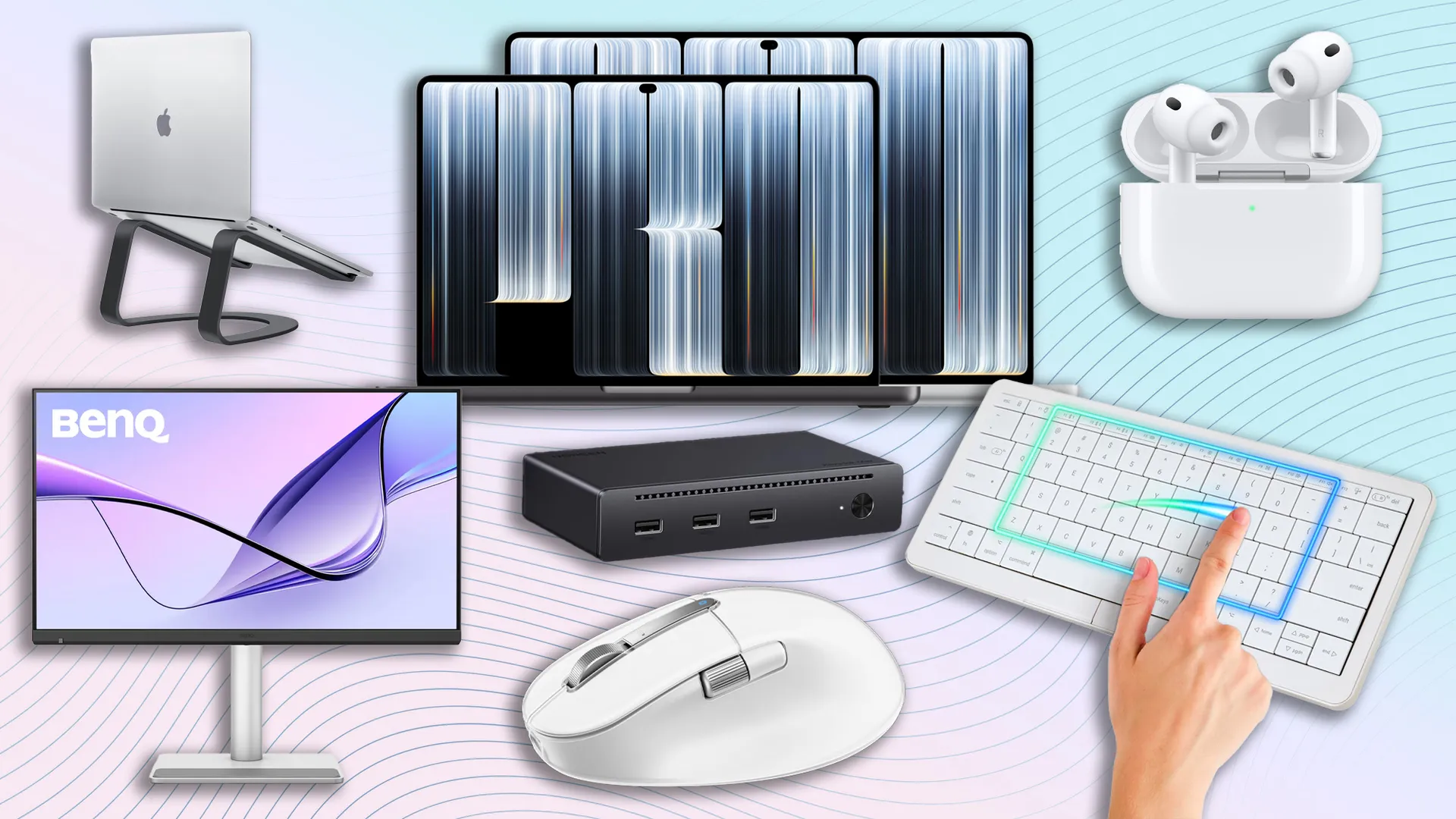
A selection of accessories and gadgets for the MacBook Pro M6 and MacBook Pro OLED
(Image credit: Apple / BenQ / UGREEN / Clevetura / Twelve South)
0

Well, it's official: there are two new kids on the block. The new MacBook Pro M6 and the MacBook Pro with an OLED touchscreen are finally here. If you've been waiting to upgrade, or are looking to pick up your first-ever MacBook, now's the time to do it. Pre-orders are live, and we've even found a trick to help you save up to $1,400 on the OLED model.

As someone who owns a MacBook and uses one for work, and coincidentally tests the latest and greatest peripherals, I know that your setup isn't complete until you buy the right accessories. I couldn't get on with my work without my trusty mouse, keyboard, monitor, and other gadgets.

Whether you're after a new mechanical keyboard or even a touch-sensitive one whose keycaps double as a trackpad, a pair of earbuds, or need a USB-C dock for more connectivity, I've got you covered. I've rounded up what I believe are the best accessories (and gadgets) to make the most of your new MacBook Pro M6 or OLED.

New MacBook Pro pre-orders
MacBook Pro OLED 14-inch
OLED touchscreen
MacBook Pro OLED 14-inch: $2,899 at Apple

The MacBook Pro OLED is one of the biggest MacBook releases in recent years. It can be configured with an M5 Pro (from $2,899) or M5 Max (from $4,499) CPU and packs a 14.2-inch PROLED XDR touchscreen display with 3024 x 1986 resolution, 24GB of RAM, and 1TB SSD. You also get three Thunderbolt 5 (USB-C) ports, HDMI port, and an SDXC slot. The laptop will be available on November 6.

MacBook Pro M6 14-inch
M6 chip
MacBook Pro M6 14-inch: $1,999 at Amazon

Power users looking for a boost in performance should opt for the new 14-inch M6 MacBook Pro. This powerful laptop sports Apple's M6 chip for blazing-fast performance at home or on the go.

Monitor

Apple Studio Display
27-inch
Apple Studio Display: was $1,569 now $1,519 at BHPhoto

There's no better monitor for your new MacBook Pro than the first-party Apple Studio Display, thanks to its excellent 12MP ultra-wide camera, fantastic six-speaker setup and gorgeous 27-inch 5K screen. It's bright and delivers accurate (and stunning) colors, too.

Read our full Apple Studio Display review.

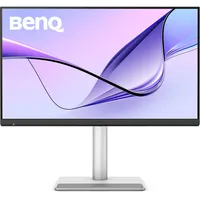
BenQ MA270S
27-inch
BenQ MA270S: $999 at benq.com

If you don't mind a third-party display, I can't recommend the BenQ MA270S enough. It's cheaper than the Apple Studio Display and boasts wide color coverage and excellent accuracy, making it a great choice for creatives, and it comes with an Apple-like app for customization. There’s no shortage of ports, and the Nano Gloss 5K panel is a sight to behold.

Read my full BenQ MA270S review.

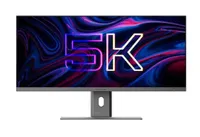
Alogic Edge 5K
40-inch
Alogic Edge 5K: $1,699 at Adorama

If you want more screen real estate, the Alogic Edge 40-inch 5K is an excellent choice. Boasting great color coverage and accuracy, and hosting a plethora of ports for Mac users, this monitor offers everything you could ask for. Available in Silver and Space Gray, it’ll fit right into your existing Mac-first setup, too.

Read my full Alogic Edge 5K review.

Keyboard

Clevetura S
Touch-sensitive
Clevetura S: $199 at Amazon

The Clevetura S is an outstanding travel-friendly keyboard with touch-sensitive keycaps that turn it into a highly effective and responsive trackpad with MacBook gestures, negating the need for a separate mouse. Its scissor switches are great to type on, too.

Read my full Clevetura S review.

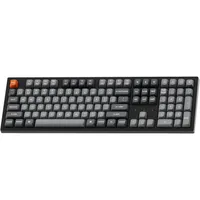
Keychron K10 Max
100% layout
Keychron K10 Max: $119 at Amazon

The K10 Max is a fantastic iteration of the tried-and-true Keychron formula, offering additional sound dampening, a refined mounting system, and high-performance Super Switches. A deep, thick sound and responsive keystrokes make this a great gaming option, too. It comes with macOS keycaps, making it a solid choice for Apple users.

Read our full Keychron K10 Max review.

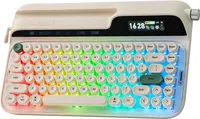
Epomaker Glyph
75% layout
Epomaker Glyph: was $139 now $132 at Amazon

Want a keyboard that looks a bit different? The typewriter-like Epomaker Glyph (featuring macOS keycaps) is a wonderful, whimsical addition to any setup. It puts the joy back into typing. The keyboard sports a charming typewriter-like design with dual screens and customizable RGB lighting, and build quality is solid.

Read my full Epomaker Glyph review.

Mouse

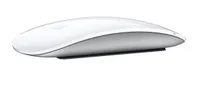
Apple Magic Mouse (USB-C)
Touch-sensitive
Apple Magic Mouse (USB-C): $79 at BHPhoto

There's no better mouse for the MacBook other than the Apple Magic Mouse (as long as you don't mind the very flat design). It features a Multi-Touch surface that allows you to perform gestures, and the mouse can last up to a month between charges. This model features a USB-C port. On the bottom.

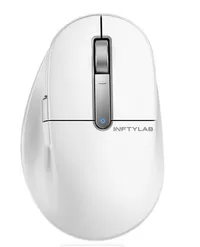
BenQ INFTYLAB M Mouse PS01
Ergonomic
BenQ INFTYLAB M Mouse PS01: $119 at BHPhoto

If you want an ergonomic mouse with buttons that toggle macOS shortcuts, try the BenQ INFTYLAB M Mouse PS01. It features dual scrolling wheels, smooth tracking, and you can assign macOS gestures to its buttons. User-friendly companion software makes customization easy, too.

Read my full BenQ INFTYLAB M Mouse PS01 review.

Corsair M75 (Mac)
Gaming
Corsair M75 (Mac): $129 at Apple

Given how powerful both the MacBook Pro M6 and OLED sound, I won't be surprised if they're great for gaming. The Corsair M75 (Mac) is a superb gaming mouse designed for macOS. This minimalist-looking mouse features 26,000 DPI sensitivity that you can change on the fly, making it suitable for all kinds of gaming titles. It’s very comfortable to use for long hours.

Read my full Corsair M75 (Mac) review.

Dock

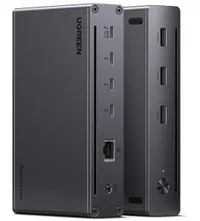
UGREEN 8-in-1 Thunderbolt 4 Docking Station
Desk-made
UGREEN 8-in-1 Thunderbolt 4 Docking Station: was $249 now $169 at Amazon

The UGREEN 8-in-1 Thunderbolt 4 Docking Station is a must-have for those who have a desk setup. It's equipped with three Thunderbolt 4 ports (40Gbps, 15W), three USB-A ports (10Gbps), a gigabit ethernet port, and a 140W DC power port. It's great for creatives and professionals who need high transfer speeds.

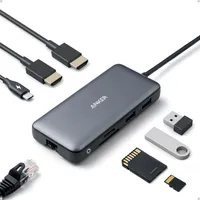
Anker 8-in-1 USB-C Hub
Portable
Anker 8-in-1 USB-C Hub: $53 at Amazon

I couldn't live without my portable USB-C hub. The Anker 8-in-1 USB-C Hub is ideal for those on the move. It features multiple USB-C and USB-A ports, as well as HDMI 4K/60Hz ports for streaming and mirroring content. There are also two SD and microSD card slots — perfect for photographers and videographers.

Stand

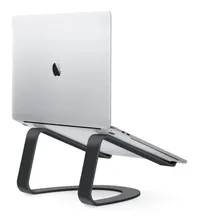
Twelve South Curve Stand
Fixed, non-adjustable
Twelve South Curve Stand: $59 at Apple

The Twelve South Curve Stand sports a modern and minimal design that complements and enhances your MacBook and workspace. It raises your screen off the desk for improved ergonomics and airflow.

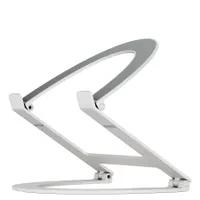
Twelve South Curve Flex Stand
Adjustable
Twelve South Curve Flex Stand: $79 at Apple

The Twelve South Curve Flex Stand elevates your MacBook up to 22 inches and adjusts your keyboard angle from zero to 45°, resulting in a more ergonomic and comfortable viewing and typing experience. It folds flat so you can take it with you when you travel.

Earbuds

Apple AirPods 5
Open-ear
Apple AirPods 5: $129 at Best Buy

If you have an existing Apple ecosystem (iPhone, iPad, MacBook, etc.), the Apple AirPods 5 are an excellent choice. Starting from just $124, these affordable earbuds are the ideal model those on a budget. While the battery life is abysmal, the sound quality, comfort, fit, smart features, and ANC make up for it for casual users.

Read our full Apple AirPods 5 review.

Apple AirPods 3 Pro
Sealed in-ear
Apple AirPods 3 Pro: was $249 now $199 at Amazon

If you need AirPods that don't skimp on features, the AirPods Pro 3 are the ones for you. They pack useful features like heart rate monitor and Live Translation. The fit is fantastic and comfortable, and there's plenty of battery to keep them going for long listening sessions.

Read our full Apple AirPods Pro 3 review.

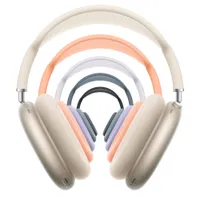
Apple AirPods Max 2
Over-ear
Apple AirPods Max 2: was $549 now $449 at Amazon

Stuffed full of AirPods Pro-esque features like Head Gestures, Live Translation, Camera Remote, and improved Siri integration, the AirPods Max 2 pack lots of smart tech features alongside sound that's rich, complex, and most importantly, fun.

Read our full Apple AirPods Max 2 review.

Sleeve

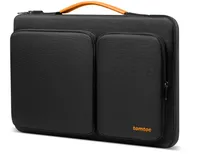
TomToc 360 Protective Sleeve
14-inch or 16-inch
TomToc 360 Protective Sleeve: $42 at Amazon

The TomToc 360 Protective Sleeve is a must-have for those who want to protect their new MacBook Pro M6 or OLED when they're traveling. With four corner protectors, resilient edges, high-density padding, and water-resistant fabric, it protects your laptop from inevitable bumps, scratches and water spills. It also has two separate compartments with several small pockets and a strap for an AirTag or key.

Rains Laptop Portfolio
14-inch or 16-inch
Rains Laptop Portfolio: $80 at Apple

If you want a more low-key sleeve, the Rains Laptop Portfolio waterproof sleeve is sleek and good-looking. It features a flap closure fastened with concealed magnetic straps, and it's made of durable and smooth PU fabric.


Google News

Follow Tom's Guide on Google News and add us as a preferred source to get our up-to-date news, analysis, and reviews in your feeds.


More from Tom's Guide

TOPICS
Nikita Achanta
Senior Writer, Reviews

Nikita is a Senior Writer on the Reviews team at Tom's Guide. She's a lifelong gaming and photography enthusiast, always on the lookout for the latest tech. Having worked as a Sub Editor and Writer for Canon EMEA, she has interviewed photographers from all over the world and working in different genres.

When she’s not working, Nikita can usually be found sinking hours into RPGs on her PS5, flying a drone (she's a licensed drone pilot), at a concert, or watching F1. Her work has appeared in several publications including Motor Sport Magazine, NME, Marriott Bonvoy, The Independent, and Metro. You can follow her photography account on Instagram here.

You must confirm your public display name before commenting

Please logout and then login again, you will then be prompted to enter your display name.