Microsoft has been wanting to put an end to passwords for good, employing passkeys to its accounts and using Windows Hello. Now, it's making passwordless the default for new users.
In a blog post, Microsoft announced its next push for passkeys by changing the way people sign up for new accounts. Instead of asking to create a new password, they will be asked to use several passwordless options. This includes passkeys, two-factor authentication and security keys.
This effectively makes passwordless the default for all new accounts, as users will never need to create a password in the first place. Additionally, users who already have a Microsoft account (which will be many) have the option to head into account settings to "delete their password," opting to use passwordless sign-ins instead.
The new default option follows Microsoft's launch of a simplified sign-in and sign-up experience, focusing on passwordless accounts — all for the pledge to kill off passwords in the future.
The tech giant is also able to automatically detect the best way for users to sign into an account and setting that method as the default.
"For example, if you have a password and 'one time code' set up on your account, we’ll prompt you to sign in with your one time code instead of your password," the blog post states. "After you’re signed in, you’ll be prompted to enrol a passkey."
As per testings, this method has already reduced password use by over 20%, and by making passwordless the default for new accounts, that percentage is sure to rise.
Passwords are getting easier to crack
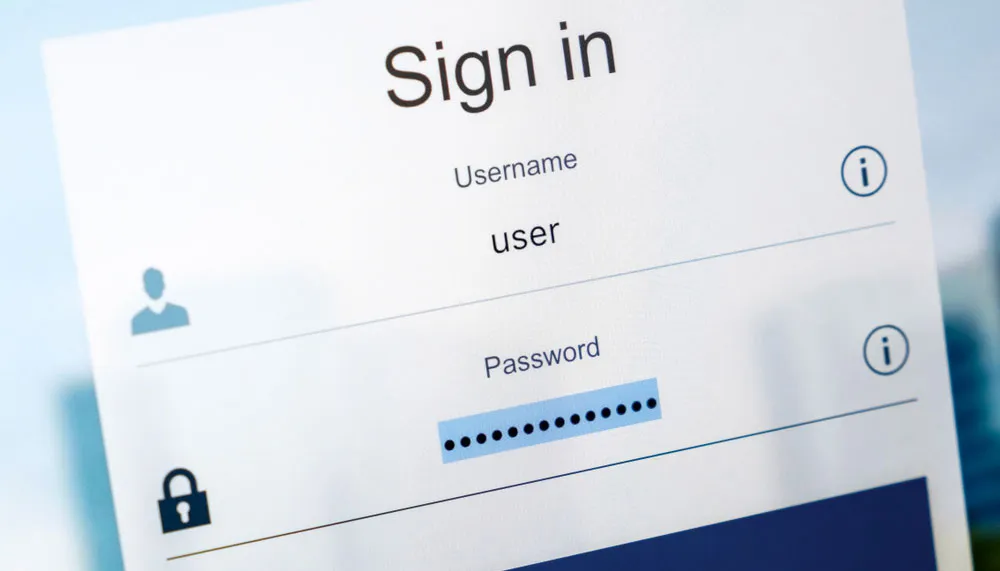
According to the blog post, Microsoft saw 7,000 password attacks per second last year, and we've recently seen how passwords can be cracked instantly — hence the push for users to stop using passwords to reduce phishing attacks.
Recently, hackers used brute force password attacks on VPNs, with almost almost 2.8 million IP addresses being affected. However, with more people using passkeys and passwordless sign-ins, like using your face, fingerprint, or PIN instead, threat actors will have a tougher time being able to break into password-based accounts.
Microsoft expects "increased pressure from cyberattackers" on accounts still using passwords with the shift to passwordless account creations, so to stay safe, it's worth giving up your password.
That said, there are still plenty of online accounts or apps that use passwords for now, and if you're still hanging on to some, try out one of the best password managers, as they will securely store all of your credentials.
More from Tom's Guide
- Your password can get cracked almost instantly — here's how to make a stronger one
- Subscription scams surge across hundreds of fake websites — how to stay safe
- AirPlay flaw exposes all Apple devices to hacking over Wi-Fi — what you need to know