




I’ve been a tech journalist for nearly a decade, reviewing Windows 11 when it launched, testing countless Windows Insider builds, and giving my thoughts to readers on the best laptops for multiple publications.
But two and a half years ago, I became dissatisfied with Windows. It felt stagnant; updates were all about AI, search was annoying, the Start Menu felt incomplete, and there seemed to be little change on the horizon.
Craving a bigger change and ready to replace my aging Surface Laptop Studio, I traded my Surface in for a 16-inch MacBook Pro with an M3 Max chip—completely flipping the script and turning me into an Apple fan.
But in all the time I’ve been gone, Windows has matured, and my own priorities changed too. Last week, when I started using the Dell XPS 13 (2026), I was drawn right back by the hardware.
As a former Windows superuser and Microsoft fan, I have to admit that even with 8GB of RAM, the XPS 13 is one of the best Windows laptops for productivity needs. It won me back to the PC side, and it could keep you there, too.
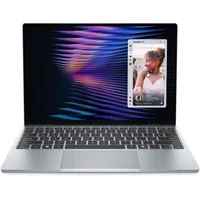
The XPS 13 is beautiful hardware

My daily laptop is a 16-inch MacBook Pro with an M3 Max chip. As powerful as it is, it sometimes feels like overkill. After switching to macOS, I appreciated the long-lasting battery life, the power of Apple’s M-series chip, and iMovie’s video-editing capabilities. However, my life has evolved a bit, and the XPS 13 fits what I need from a computer right now.
While test-driving the XPS 13 at work, I noticed that a 16-inch laptop was cumbersome to work with. While a big screen is nice, the compact XPS 13 was better suited for bringing to and from work. Unlike my 4.8-pound MacBook, this 2.2-pound, 0.5-inch-thin laptop fit perfectly in my over-the-shoulder leather bag. I barely noticed it, and I didn't feel it.

Even at home, when putting together a custom Lego set, the XPS 13 slotted perfectly on my table, and the touchscreen made swiping through directions easier. And, outside of that, the touchscreen made playing games on Xbox Game Pass fun!
At one point, I borrowed a 13-inch MacBook Air from our labs to see if it was better than the XPS, but it still wasn’t as portable. The MacBook Air changed what many expected from a thin-and-light laptop, but the XPS is still better.
It has a sleeker profile and a lighter build, a soft and comfortable keyboard, and a touchscreen. It even has Windows Hello, which makes logins easy and much more convenient than touching the power button on my Mac for Touch ID at every login.
Why I didn’t miss 36GB of RAM

Now, let’s talk about performance. My MacBook Pro has 36GB of RAM. At one point, it was a killer machine for editing video podcasts and vacation videos in iMovie. But now, as a lab tester at Future (Tom’s Guide’s parent company), much of my work is online and web-based on Google Cloud. Modern browsers have also become dramatically better at memory management.
As long as you’re using a modern web browser and don’t plan to do video editing, a laptop like the XPS 13 with 8GB of RAM will get the job done. For the way I actually work now with Chrome, Slack, Teams, WhatsApp, Google Docs, and some light photo editing, I rarely felt limited by 8GB. I could barely tell the difference from when I was working on my Mac.
Here’s the secret. Both Google Chrome and Microsoft Edge — the two browsers I use most — have memory-saving features that automatically put tabs to sleep when not in use. This significantly improves performance and reduces strain on the laptop’s RAM.
And for all the multitasking I do, the battery life is better than I expected. After taking the XPS 13 through a full workday with the screen at a comfortable 32% brightness, I had about 44% battery left when I got home. I finished the day watching YouTube, shopping on Amazon for Lego sets, and more, all on a single charge. It still is not close to my MacBook with the beefier battery, which I charge only twice a week, but it is good enough for a full workday.
Windows has changed since I quit
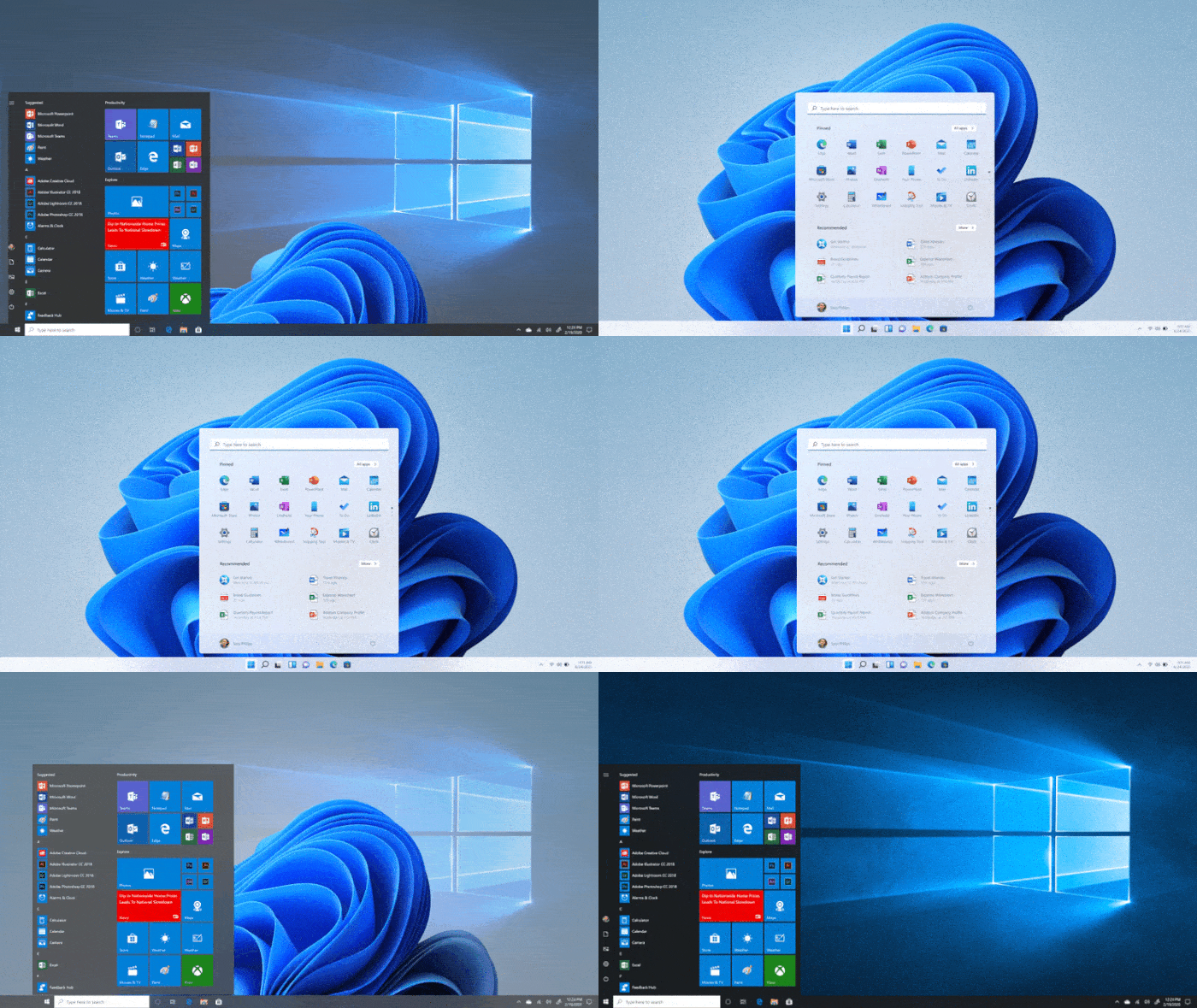
After using the XPS 13 for a week, I realized that Windows isn’t the same operating system I left behind.
Microsoft has made many changes to better optimize its flagship operating system, shifting the focus from adding AI features to addressing the complaints users like me have had. None of these changes would have convinced me to switch back on their own. But used together on the XPS 13, they make Windows feel noticeably more polished than the version I left behind.
For example, the Start Menu is now much more customizable. I can now see a full list of apps on my PC, sorted by list or category, making it much easier to find the app I want without relying on Search. And, much like I am used to with the iOS and iPhone integration in macOS, the Start Menu now has a nifty Phone Link area for keeping tabs on text messages and other things from my iPhone. Before, it was just a dedicated app, and now it feels a little less buried for an iPhone user like me.
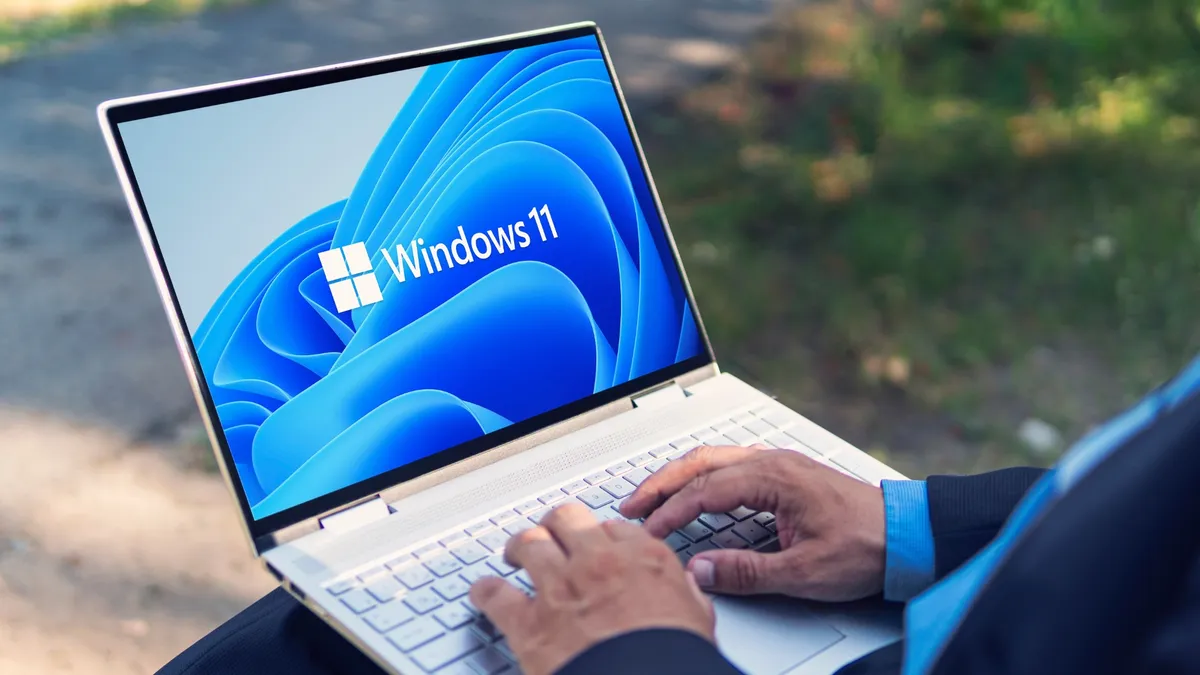
Though it’s currently in beta, Microsoft also made it possible to move the Taskbar location, something I am familiar with from Windows 7. They also added options to remove the unnecessary MSN integrations with widgets, for a cleaner experience for checking the weather and sports scores.
A clean Windows is exactly what I always wanted, and beyond those big changes, there are plenty of smaller things I have noticed every day. File Explorer is much faster, Windows Updates are smaller and install more quickly, and searches are much more natural and accurate.
The XPS reminded me why I liked Windows in the first place. Once the hardware got out of the way, I started noticing how much Microsoft had quietly fixed over the past two years.
Windows has called me back
Had I tried Windows 11 again on another laptop, I might not have noticed these changes so quickly. The XPS 13's portability, performance, and refined design made me want to reach for it every day. That’s how Windows won me back.
So, if you’re like me and have felt frustrated with Windows, or have quit the platform and want to return, the Dell XPS 13 could be the laptop to help you do that. It proves that, with the right hardware, the platform is finally worth returning to.

Follow Tom's Guide on Google News and add us as a preferred source to get our up-to-date news, analysis, and reviews in your feeds.
More from Tom's Guide

