




Technology is great at building bridges, and the best video chat apps are perfect for getting some face-to-face communication with people that would otherwise live too far away -- assuming you speak the same language, that is. However, that barrier may not exist forever, especially with Google adding speech translation to Google Meet.
According to Google, the feature will translate spoken words into the listener's preferred language in near real-time and with low latency. This is common in translation apps, including the Google Translate app.
What could help set this apart is that the translation won't rely on a robotic monotonal AI voice. Google says it will preserve your voice, tone and expression, helping to keep a multi-lingual conversation feel "authentic and natural." Besides the fact that AI is involved, Google hasn't said how it all works.
Google has an example video showing the feature in action. If that's anything to go by, this feature does what the company promised — albeit with a slight delay between speech and the translation.
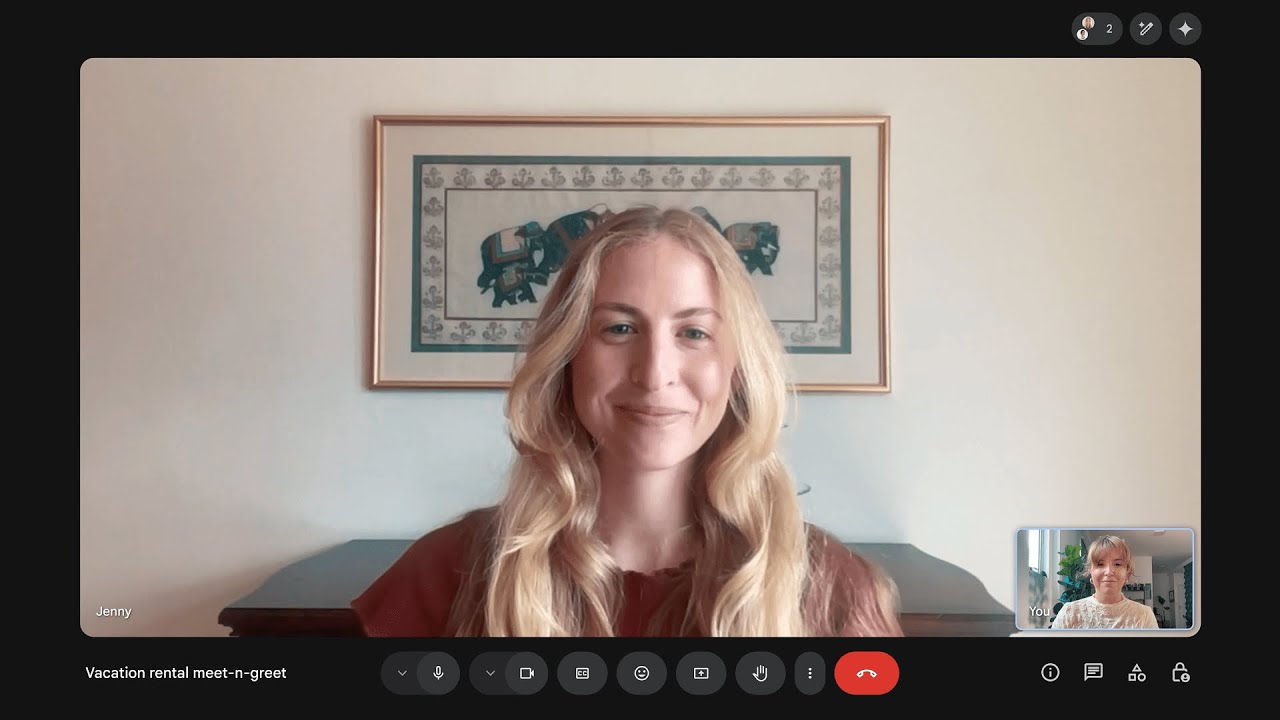
This wouldn't be the first time a big tech company has added translation to a video calling app. Skype was notable for offering real-time translation for many years, and Microsoft added the same support to Teams. But with Skype dead and Teams about as popular as decaf coffee, it's good to have another option on the cards.
Google is rolling out Meet's new translation features in beta starting today, with Google AI Pro and Ultra subscribers. Languages are limited to English and Spanish for now, but more will be coming over the next few weeks. No word on what those languages might be, though.
Google has also promised that this translation will come to businesses and Workspace accounts later this year. While we expect that Google will roll this out to free users at some point, we have no idea when that might actually be.
So for now, most of us will have to sit back and be patient, and continue to use Teams for all our multilingual video calls.
More from Tom's Guide
- Google's best-kept secret needs to be a standard Android 16 feature — and it could be game changing
- Google I/O 2025 live — Gemini AI, Android XR glasses and all the big news as it happens
- Google Gemini's biggest UI issue could be getting fixed — here's how

