

Why You Should Use Always Use Dark Mode on Phones
According to Google, using dark mode apps on your phone will save tons of battery life.
Here at Tom’s Guide our expert editors are committed to bringing you the best news, reviews and guides to help you stay informed and ahead of the curve!
You are now subscribed
Your newsletter sign-up was successful
Want to add more newsletters?
Daily (Mon-Sun)
Tom's Guide Daily
Sign up to get the latest updates on all of your favorite content! From cutting-edge tech news and the hottest streaming buzz to unbeatable deals on the best products and in-depth reviews, we’ve got you covered.
Weekly on Thursday
Tom's AI Guide
Be AI savvy with your weekly newsletter summing up all the biggest AI news you need to know. Plus, analysis from our AI editor and tips on how to use the latest AI tools!
Weekly on Friday
Tom's iGuide
Unlock the vast world of Apple news straight to your inbox. With coverage on everything from exciting product launches to essential software updates, this is your go-to source for the latest updates on all the best Apple content.
Weekly on Monday
Tom's Streaming Guide
Our weekly newsletter is expertly crafted to immerse you in the world of streaming. Stay updated on the latest releases and our top recommendations across your favorite streaming platforms.
Join the club
Get full access to premium articles, exclusive features and a growing list of member rewards.
Google just confirmed something you may or may not have suspected already: using dark mode in apps is a huge battery life saver.
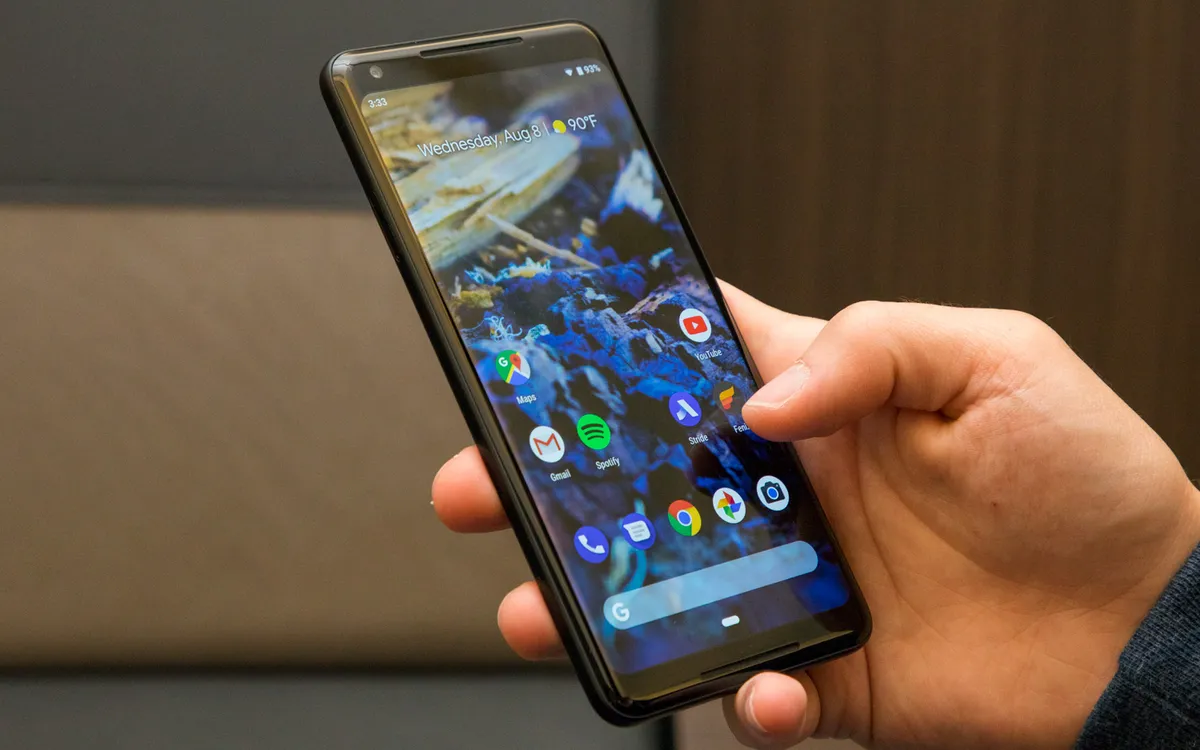
At its Android Dev Summit this week, the California tech giant gave a detailed presentation to developers about how they can better optimize their apps for battery life, which Slashgear reported on. The big takeaway was an obvious one -- the more brightness and color an app has, the more power it draws from a phone.
That said, the differences in power Google discovered between using an app normally and using its "night mode" (or dark mode) were striking, particularly for OLED-based phones. For example, when testing an AMOLED-based Google Pixel, Google found that Google Maps uses 63 percent less power when it Night Mode compared to normal mode. By contrast, an LCD-based iPhone 7 saw no change in power consumption.
Google showed off similar results when using Dark Mode in YouTube on an OLED screen, with the video app consuming 60 percent less power with things blacked out.
So, if you have an OLED phone and are looking to save battery, use dark mode in apps whenever possible. Popular applications such as YouTube, Twitter, and Twitch already have dark mode options. Android Pie users can also enable dark mode at the OS level, and while there's no official iOS dark mode, iPhone owners can enable greyscale in their display settings to save a bit of battery (and make their phone easier on the eyes).
- OnePlus 6T vs. Pixel 3: Why OnePlus Beats Google at Android
- iPhone XR Battery Life: The Results Are In
- Best Android Phones - Top Rated Smartphones You Can Buy Now
Get instant access to breaking news, the hottest reviews, great deals and helpful tips.
Mike Andronico is Senior Writer at CNNUnderscored. He was formerly Managing Editor at Tom's Guide, where he wrote extensively on gaming, as well as running the show on the news front. When not at work, you can usually catch him playing Street Fighter, devouring Twitch streams and trying to convince people that Hawkeye is the best Avenger.
-
wbartlett3 The best way to conserve battery life, is for Android to give users the ability to control what apps open at start up and through out the day. A good example is Yelp. If I use it every week or so, why so I want it to run in the background sesrching for location on a constant basis. This is repeated in app after app.Reply

