






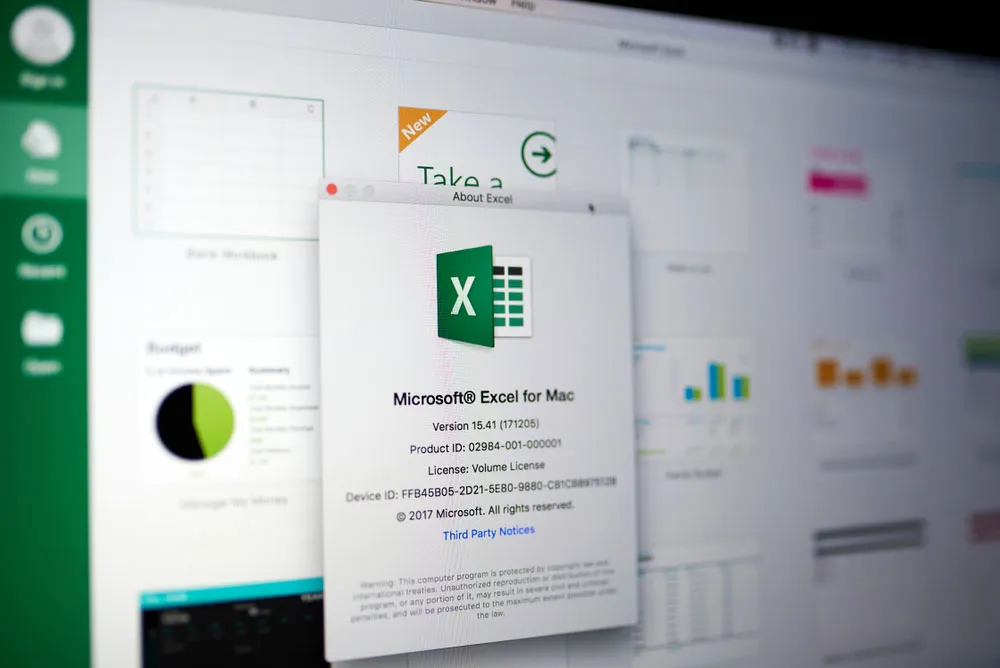
If you run Microsoft Office or Excel on your Mac, be careful. A newfound vulnerability involving two ancient file formats could let hackers run malicious macros on your machine, and even the best Mac antivirus software probably won't stop it.
Ironically, this attack can happen in Office for Mac 2016 and 2019 only if you've opted for the most secure setting, "Disable all macros without notification". If you instead stuck with the default setting, "Disable all macros with notification," then these macros will be blocked.
"The Microsoft Office for Mac option 'Disable all macros without notification' enables XLM macros without prompting, which can allow a remote, unauthenticated attacker to execute arbitrary code on a vulnerable system," warned the government-funded CERT Coordination Center (CERT/CC) at Carnegie Mellon University in a blog posting last week.
The solution is to choose the default macro setting in Microsoft Office for Mac 2016 or 2019. If you're running Microsoft Office for Mac 2011, you're out of luck -- the malicious macro would run in all instances. As that older version of Office won't be patched, it's time to upgrade.
CERT/CC said it has reported the issue to Microsoft, but had not received a response as of Nov. 1.
The joys and agonies of Office macros
Macros, familiar to Office power users, are mini-scripts that let you automate repetitive tasks. In Word, you might create a macro to replace British spellings, such as "colour" and "gaol," with American spellings, such as "color" and "jail." You would just have to press a button in the Word toolbar.
But macros are a bonanza for hackers, who can embed malicious macros in booby-trapped Excel, Word or PowerPoint files. To prevent this, macros are disabled by default in all modern versions of Office.
Microsoft Office macros are today written in Visual Basic for Applications (VBA). Until 1993 and Excel 5.0, Excel macros were written and stored in a different format called XLM. Both VBA and XLM macros are flagged by Excel's security settings on both Windows and Mac.
But there's an even older file format called SYLK, short for "symbolic link" and with the file extension ".slk". It's a 1980s-era format meant to transfer data among Office applications. SYLK hasn't been updated since Ronald Reagan was in the White House, but it's still supported in Office.
SYLK spectre
It turns out you can embed an XLM macro (but not a VBA macro) inside a SYLK file. If so, Office or Excel -- for Mac and Windows alike -- will not immediately spot the hidden macro and will open an Excel file in regular mode instead of in Protected View, which disables macros.
User authorization is a second line of defense against macros. In Microsoft Office for Windows, if macros are universally disabled, the XLM macros embedded in SYLK files will nonetheless not run unless the user manually authorizes them to.
That's not always the case with Office for Mac files, as the Amsterdam security firm Outflank discovered. (Outflank also noted that antivirus software on both Macs and Windows "do not particularly bother about [the SYLK] file format.")
If the default setting of "Disable all macros with notification" is on in Microsoft Office for Mac 2016 and Microsoft Office for Mac 2019, then the result is the same as in Windows -- the macro will not run without user authorization.
But in what seems to be a coding error on Microsoft's part, if the user has chosen to "Disable all macros without notification," then the XLM macros embedded in SYLK files the macros will run, without authorization.
It's even worse in Microsoft Office for Mac 2011 and Excel for Mac 2011. They will run XLM macros embedded in SYLK files without notification even if macros are disabled.
Outflank discovered that problem last year and notified Microsoft. Microsoft responded that Office for Mac 2011 was no longer supported and wouldn't be patched.

