







You might be surprised how much of your personal information is already on public search sites.
Addresses, phone numbers, even relatives' names are all fair game. Data broker websites pull from public records like court filings, voter registrations, and social media, then compile everything into searchable profiles anyone can find.
It's worth knowing this exists, since the information can be misused for unwanted marketing or phishing attempts. Fortunately, most sites have an opt-out process. The catch is that it has to be done individually for each one, so here's how to get started.
1. Search for your profile on data broker sites
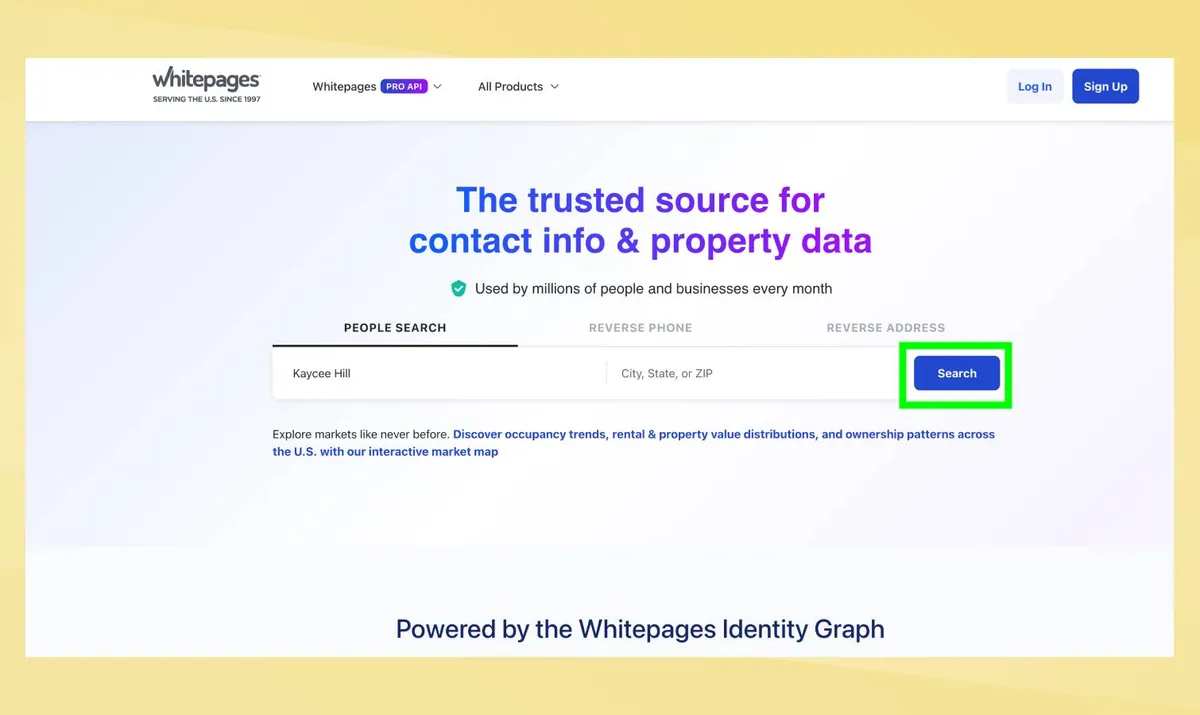
Before you can remove your personal information, you need to find where it appears. Start with major data broker sites like TruePeopleSearch, Spokeo, WhitePages, BeenVerified, and PeopleFinders.
Next, search your full name. If you have quite a common name and there's an option to add your city or state, include this too. This will help narrow down the results.
Review each result that appears. Look for profiles showing your current or previous addresses, relatives' names, phone numbers, or age ranges that match yours.
Even if a profile isn't 100% accurate, request removal if it contains any correct information about you. Partial matches still pose privacy and security risks.
Write down or screenshot the URLs of profiles you find. You'll need these when requesting removal. Repeat this process on other major data broker sites — each maintains separate databases and requires individual opt-out requests.
2. Request removal from each site individually
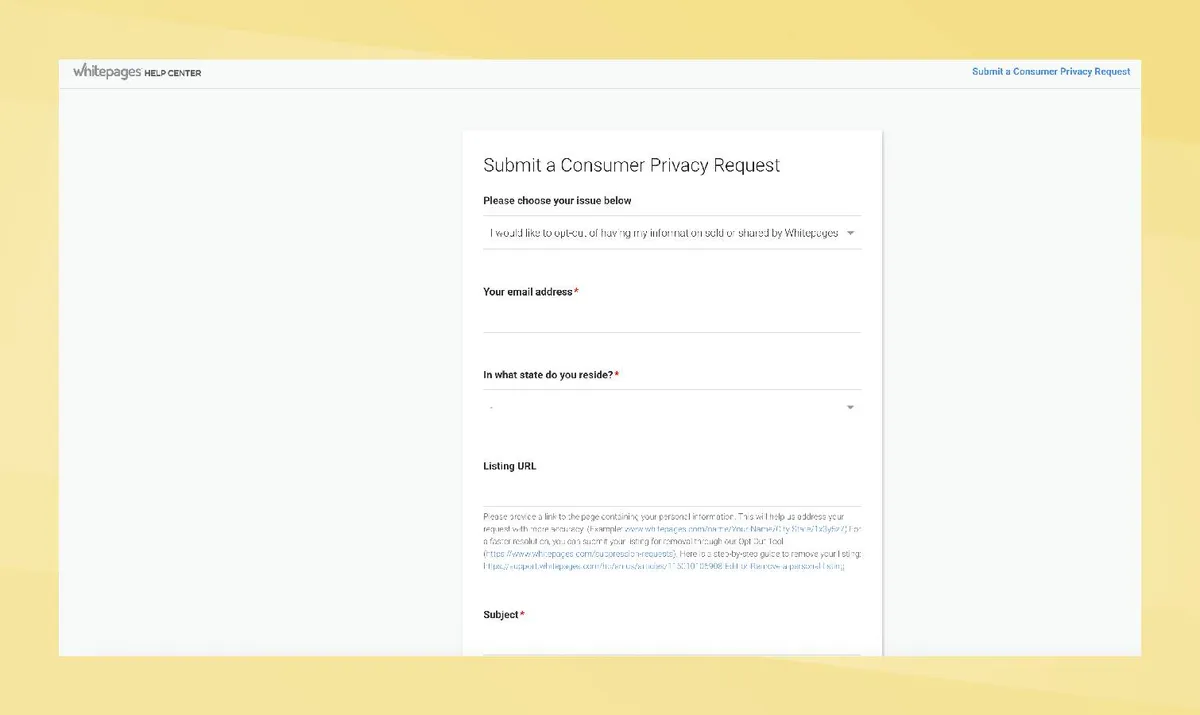
Data brokers don't share opt-out lists, so removing your profile from one site won't affect the others. You'll need to submit a removal request to each site separately. The process is similar across most of them: find the site's opt-out or privacy page, usually linked in the footer, and follow the instructions provided.
For many sites like TruePeopleSearch, removal is completed within 72 hours. Search your name again after three days to confirm the profile is gone.
3. Consider a data removal service
Manually opting out of every data broker site takes ages. New sites appear constantly, and removed information often reappears as brokers refresh their databases from public records.
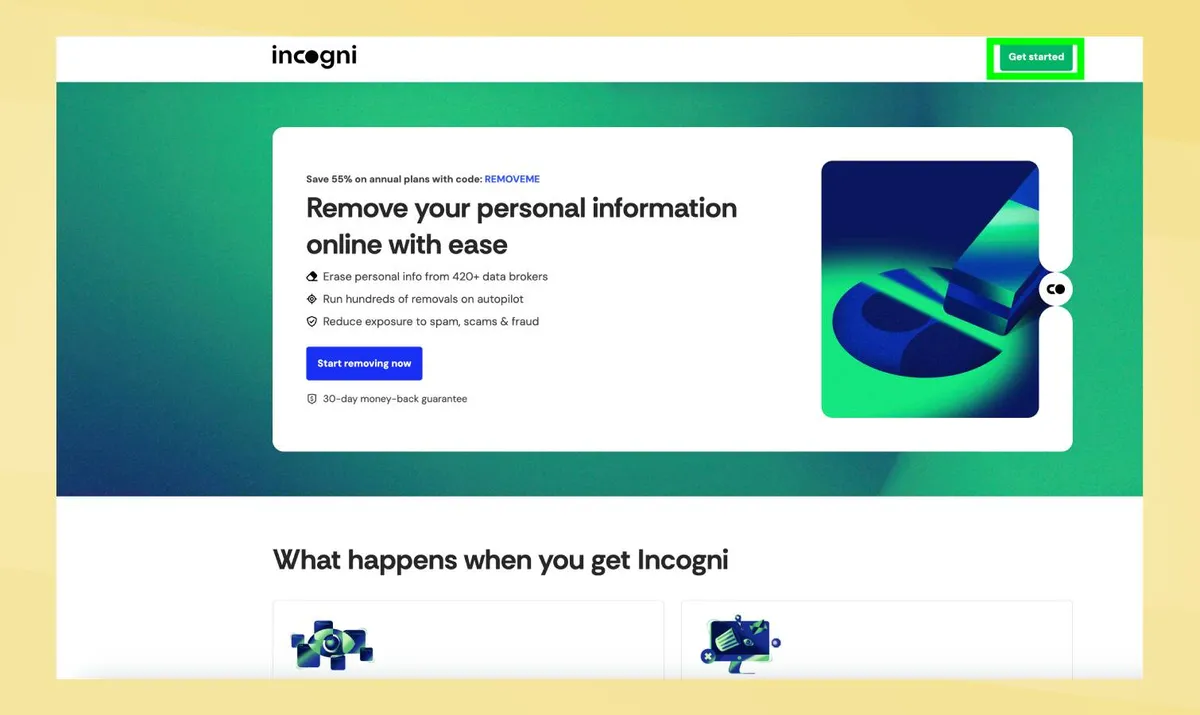
Data removal services like Incogni and DeleteMe automate this process. You provide your information once, and the service continuously scans hundreds of data broker sites, submits removal requests, and monitors for your information reappearing
Beyond the initial sweep, these services also monitor databases to stop your information from creeping back in.
They won't reach public records or social media, but for most commercial databases they're a straightforward way to shrink your digital footprint without the hassle of contacting each broker yourself.

Follow Tom's Guide on Google News and add us as a preferred source to get our up-to-date news, analysis, and reviews in your feeds. Make sure to click the Follow button!
More from Tom's Guide

