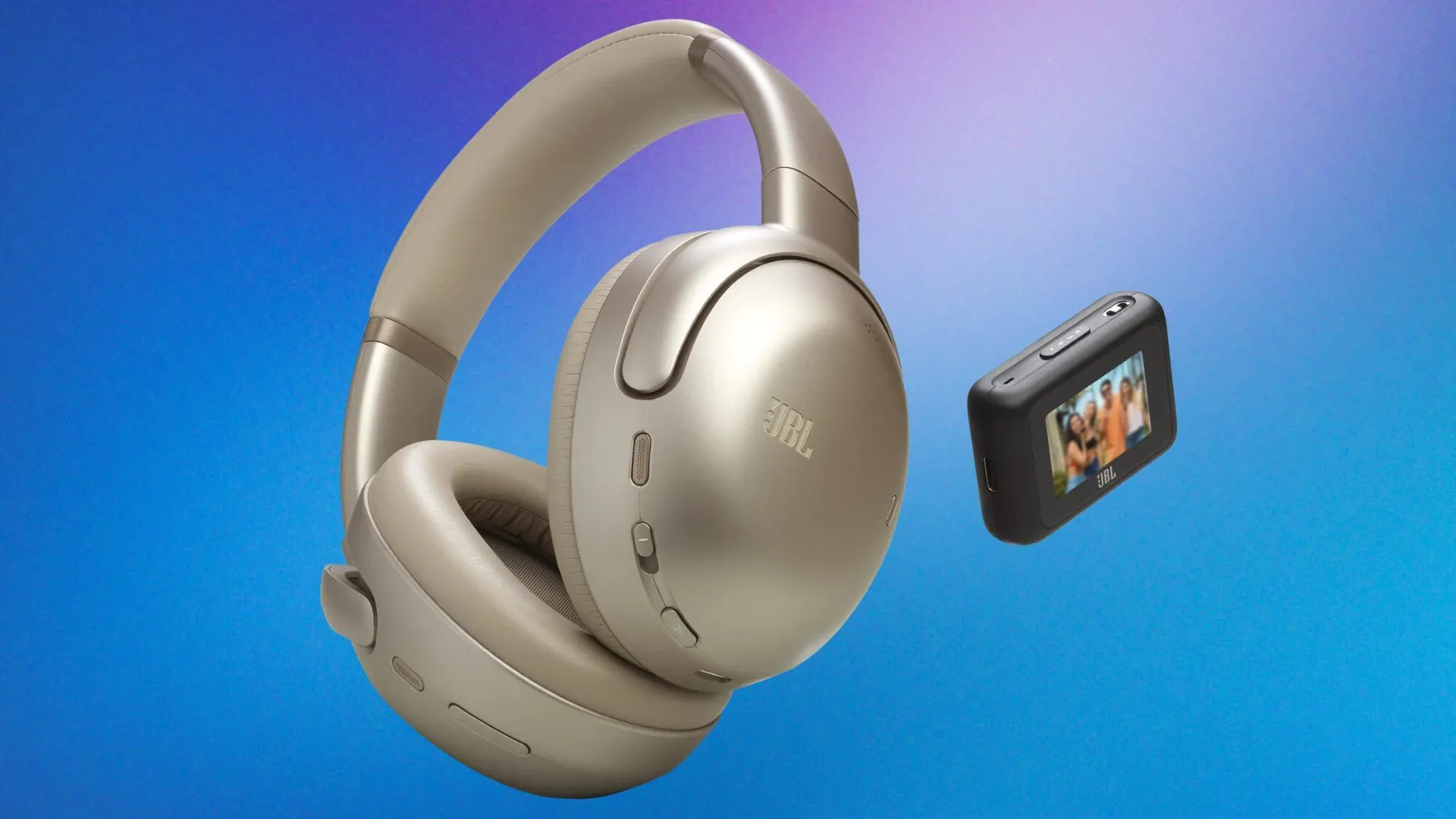
JBL's newest premium headphones, the Tour One M3, have broken my brain. Not because they're terrible — quite the opposite. Because they come with the one thing I wish all the best Bluetooth headphones would include: a USB-C transmitter (alongside Bluetooth, of course).
With a transmitter, I'm never fumbling for a Bluetooth connection or unpairing on one device and pairing on another. All I have to do to change my output device is literally move the transmitter. As it has a USB-C connector, I can switch from my work MacBook to my iPhone 16 Pro to my personal laptop in literally seconds. And... it doesn't stop there. In theory, you can connect these headphones to anything that has a USB-C port — Bluetooth or not.
On a long-haul flight, and don't want to use the airline's nasty headphones to watch your movie? USB-C port. Want to hear the TV in my headphones? USB-C port (as long as your TV has one, of course). I wish all audio brands would take heed and do a JBL.
Sony, Bose, Apple, I'm watching you
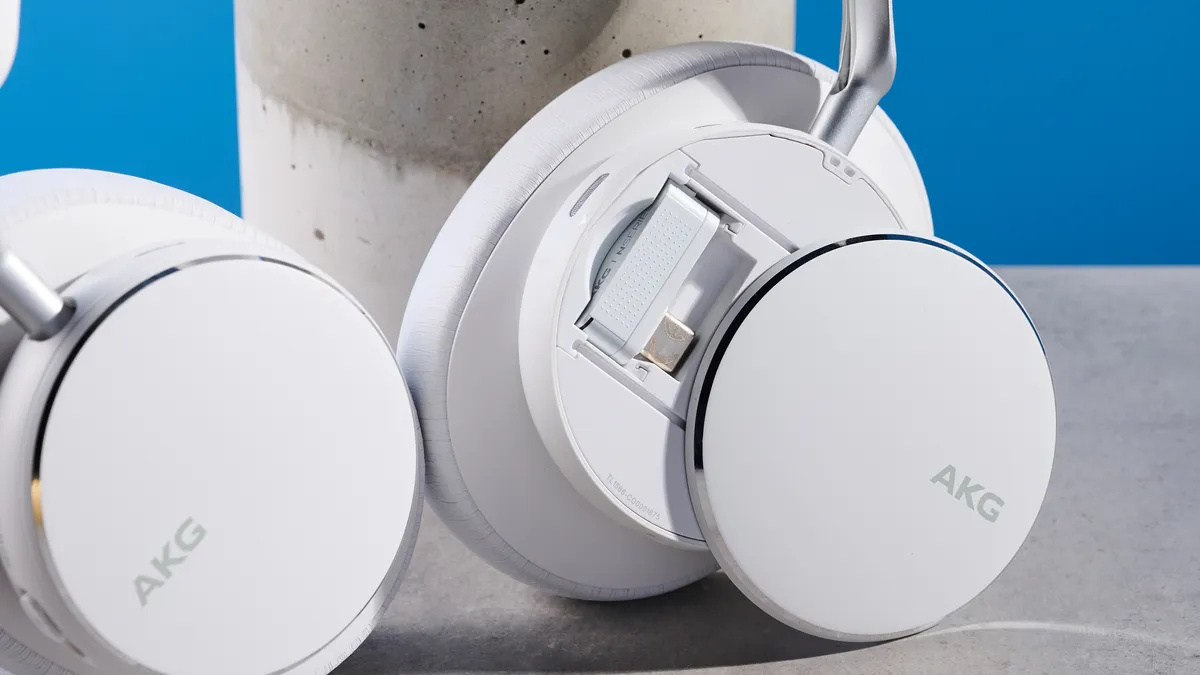
The USB-C dongle is such an easy addition, I don't understand why other brands don't make it more of a "thing". We reviewed the AKG N9 Hybrid last year and loved them — especially the USB-C dongle for 2.4GHz listening.
The eagle-eyed amongst you will know that AKG is owned by the same parent company as JBL — Harman — so I'm not surprised that AKG and JBL are leading the pack here. If one audio brand can do it, and do it well, why wouldn't the sister brand do it too?
With the dongle, forget switching between devices in your Bluetooth menu. Just plug and play, and you've got music all day long. Of course, this still transmits over Bluetooth, so you'd need Bluetooth switched on and your headphones topped up with battery, but this removes any connectivity headaches.
There's even a 3.5mm jack!
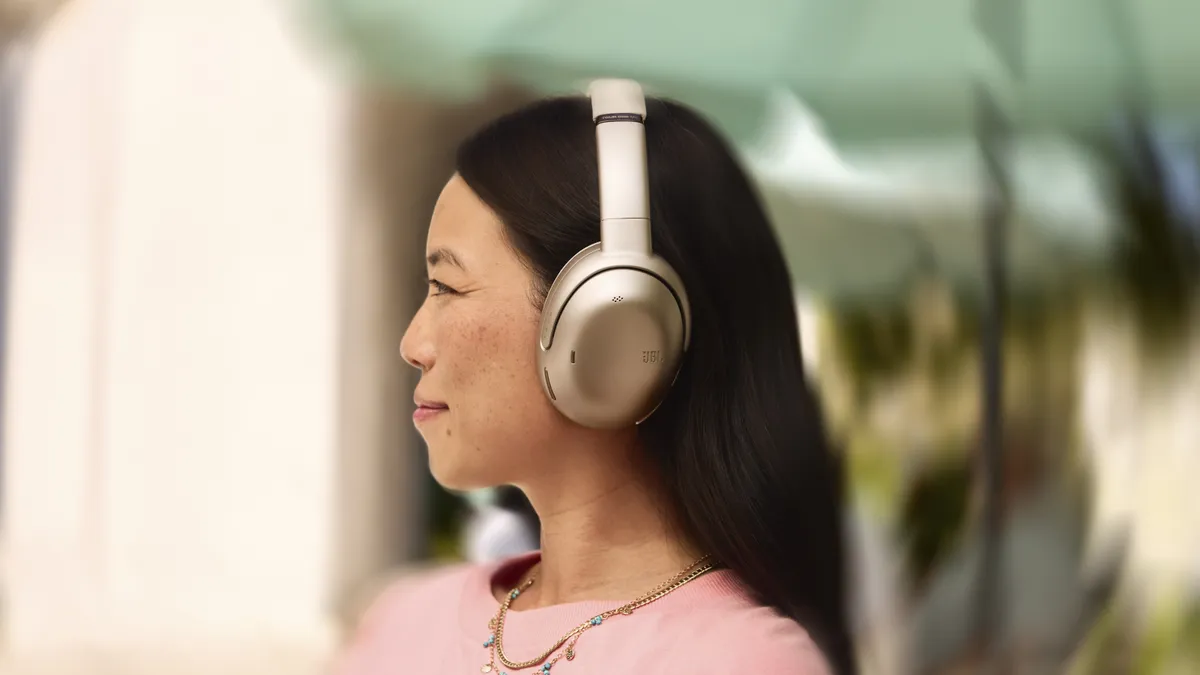
Yes, that's right — the Tour One M3's transmitter has a 3.5mm aux port so you can connect your headphones to literally any analog output device with an aux. Think: your record player, your PC — as long as it has a 3.5mm port, you can connect the transmitter, which will then relay the sound to your headphones.
But it's not just for the Tour One M3
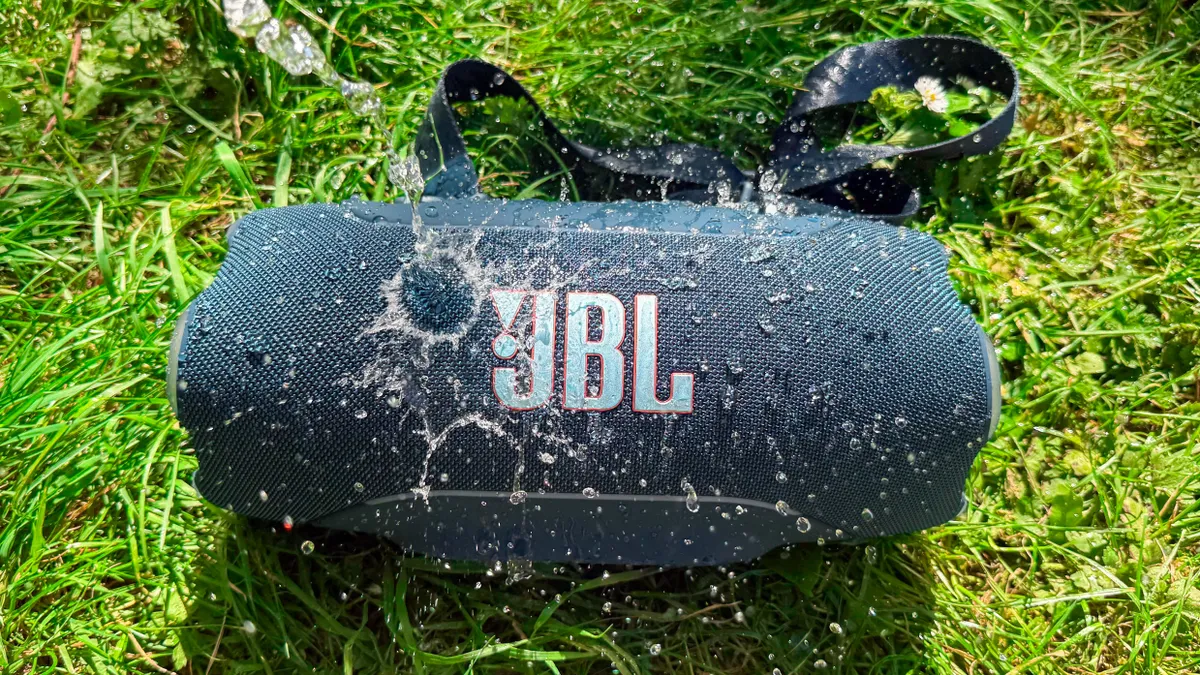
Even though the transmitter comes with the Tour One M3, you can actually use it with any AuraCast headphones or devices. AuraCast is another wireless technology that connects devices from the same source. So, in theory, you could link it up with your JBL Flip 7, JBL Charge 6, JBL Xtreme 5, JBL Go 5... the list goes on. If it's a recent JBL release, it'll have AuraCast — and you'll be playing from any source into any device in no time.
What do you think about JBL's new smart transmitter? Would you use it, or do you think it's a gimmick? Let me know in the comments.

Follow Tom's Guide on Google News and add us as a preferred source to get our up-to-date news, analysis, and reviews in your feeds. Subscribe to Tom's Guide on YouTube and follow us on TikTok. Finally, you can visit our dedicated Tom's Guide Savings Squad hub for expert help on getting the best products for less.
More from Tom's Guide
- Hurry! Best Buy has Samsung's new Music Studio Wi-Fi Speakers from $299
- My Pixel Buds Pros are awesome for music, but they're also just as good at protecting my ears at concerts — and they're 37% off right now
- AirPods Pro 3 just got put on notice — JBL launches new premium earbuds that give Apple a run for its money