





Looking for a way to get a stronger Wi-Fi signal to fix dead zones or faster internet speeds for your home? Don't grab a new Wi-Fi router just yet! The best Wi-Fi extenders are an inexpensive solution to extend the range of your current router — and they're incredibly easy to set up.
These small devices can boost your internet signal for better coverage, eliminating Wi-Fi drops and allowing for even greater speeds around your home, and we've done the real-world testing to prove it. Available in two-packs, all you have to do is plug one device in near your router and the other between it and your dead zone to extend the reach of your router's signal.
To help you find the right Wi-Fi extender for your home network and router, we tried out the most popular models today in a real home. From there, we rated each one based on its speed after running rigorous speed tests and network benchmarks, but we also considered each of their ease of use and power consumption.

Right now, the TP-Link RE655BE is our top recommendation, with its Wi-Fi 7 capabilities and reliable speeds. But there's more worth considering, and this guide will help you find the best Wi-Fi extender for your home network, based on extensive testing and reviews.

As an extremely quick solution to get rid of Wi-Fi dead zones and extend the range of my router, one of the best Wi-Fi extenders was an easy win for me and my home (and it saved me from having to spend on a pricey router instead). Our expert, Brian Nadel, has done extensive testing on all things Wi-Fi, so if you're looking for a reliable extender for your home, this guide will point you in the right direction.
If you're looking to give your home network even stronger Wi-Fi connectivity, upgrading to one of the best Wi-Fi routers or one of the best mesh Wi-Fi systems is the most effective way to eliminate dead zones in your home where you just can't get a strong signal. But to give your Wi-Fi coverage a boost while saving, these Wi-Fi extenders will do the trick.
The best Wi-Fi extenders you can buy today
Why you can trust Tom's Guide Our writers and editors spend hours analyzing and reviewing products, services, and apps to help find what's best for you. Find out more about how we test, analyze, and rate.
The best Wi-Fi extender overall


The TP-Link RE655BE is the best Wi-Fi extender we recommend for most, not just because it offers up Wi-Fi 7 speeds, but also thanks to its handy 2.5 Gbps Ethernet ports and, if you already have a TP-Link setup, how easy it is to extend your coverage.
This is a two-prong Wi-Fi extender with four external antennas that you can reposition to change the direction of its signal. I'm impressed by how its airflow vents are positioned on the front and sides of the device as opposed to on the back, and how it features a 2.5 gigabit per second Ethernet port for your multi-gig wired devices. However, at 6.3 × 4.2 × 1.5 inches, it is on the large size and will likely block any adjacent outlets.
In his review, our tester Brian Nadel was quite impressed with its speeds, and out of the Wi-Fi extenders we looked at this time around, it was the fastest of the bunch. This makes sense, as the TP-Link RE655BE is the first Wi-Fi extender with Wi-Fi 7 support. During testing at a distance of 15 feet away from the extender, he saw a max download speed of 719.5 Mbps. Then, at a distance of 40 feet, the TP-Link RE655BE's speed fell to 376.7 Mbps, which is still quite good.
If you have one of the best Wi-Fi 7 routers and its range still falls short, then this Wi-Fi extender could definitely help you eliminate dead zones. However, at just over $200 (it's now seen quite the price cut), the TP-Link RE655BE still costs more than many routers do on their own. All that said, if you want to increase the range of your existing Wi-Fi 7 router, this is your best bet.
- Read our full TP-Link RE655BE review
The best Wi-Fi extender for value


The Asus RP-AX58 is an affordable, two-prong Wi-Fi extender that delivered some impressive speeds in our testing, and that says a lot for its budget-friendly price.
At just under $80 (I've seen it down to $65 during a sale!), you're getting a lot out of the RP-AX58. It has a gigabit Ethernet port on the bottom, a WPS button for quick connections on the side and plenty of air vents on the back and sides. My favorite thing about this Wi-Fi extender? Its extra features, as it comes with Asus' AiProtection Pro security software and parental controls built-in.
While this is also a Wi-Fi 6-powered extender, it had the fastest download speeds of the bunch and wasn't that far off from the more expensive and Wi-Fi 7-equipped TP-Link RE655BE. During testing at 10 feet, Brian saw a max download speed of 490.2 Mbps, which puts it well ahead of the Netgear EAX17. However, at 40 feet, its download speeds fell to 201.1 Mbps, which is just slightly ahead of the Netgear EAX17 at the same distance.
The Asus RP-AX58 is definitely the Wi-Fi extender to get if you have one of the best Wi-Fi 6 routers and need some extra range. In fact, it also had the longest range overall during testing at 115 feet. If you're looking for an affordable yet fast Wi-Fi extender, the Asus RP-AX58 is an easy device to recommend.
- Read our full Asus RP-AX58 review
The best Wi-Fi extender for reliability

The Netgear EAX17 is a three-prong Wi-Fi extender that makes up for its slightly slower speeds with excellent reliability. It also has an all-white design with air vents at the top and a gigabit Ethernet port, along with a WPS button for quick connections on the left side. What we really like about the Netgear EAX17 is that it supports seamless roaming when you use the same name as your home network.
During testing, Brian recorded a max download speed of 383.1 Mbps at a distance of 10 feet, which puts this Wi-Fi extender under the Asus RP-AX58 in terms of performance but well ahead of the Linksys RE7350. However, it held its own at a distance of 40 feet, where Brian saw speeds of 197.9 Mbps, which is quite close to the Asus RP-AX58 at the same distance. Still, as a Wi-Fi 6-powered device, it didn't come anywhere close to the TP-Link RE655BE.
Sure, the Netgear EAX17 is more expensive at $129, though it's nowhere near as expensive as the TP-Link RE655BE, given it's also a Wi-Fi 6-powered device. One thing that really surprised Brian in his review was how affordable this Wi-Fi extender was to run, as it's fairly power-efficient.
If you're willing to pay more for reliability or want to add this Wi-Fi extender to a Netgear-powered mesh network, then the Netgear EAX17 will likely be worth its higher price.
- Read our full Netgear EAX17 review
Also tested
Our highly recommended Wi-Fi extenders will help you boost your coverage throughout your home with better internet speeds. If you're after even more options we've tested, we've got you covered below.
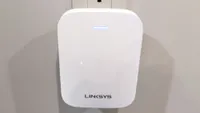
How to choose the best Wi-Fi extender for you
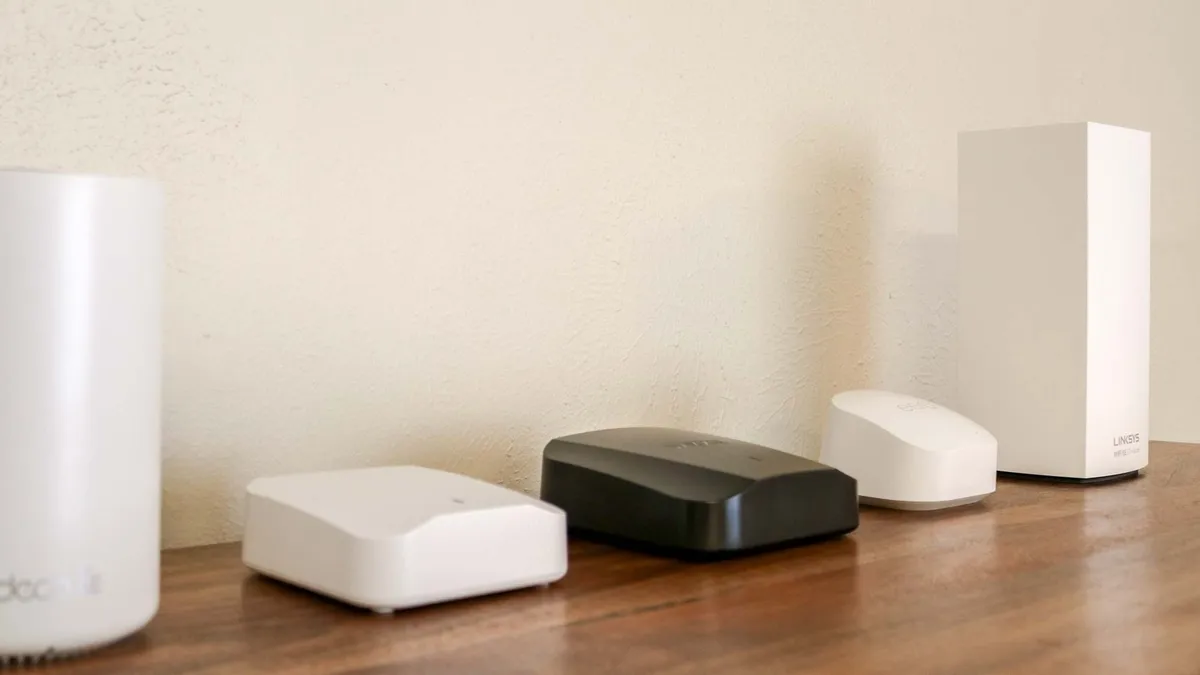
- How much should a Wi-Fi extender cost? The cheapest Wi-Fi extenders typically cost around $30 but I wouldn’t spend less than $60-$80 if you want one that performs well. For instance, besides the newer, Wi-Fi 7-powered TP-Link RE655BE and the slightly more expensive Netgear EAX17, the other two extenders on this list both go for around $80. However, expect to pay over $100 for a high-ed extender with support for Wi-Fi 6E or Wi-Fi 7.
- Plug-in or desktop? Although we used to see a lot more of them, these days, finding a desktop-style Wi-Fi extender is a lot harder than it used to be as the plug-in kind have become the norm. This is a good thing though as Wi-Fi extenders that sit on your desk take up unnecessary space, are a lot larger and typically cost more than the ones you plug-in to the wall. While desktop-style extenders can be a good option if you want to save a wall outlet, they are much less common these days, so your options will be a lot more limited.
- Match Wi-Fi standard: When choosing a Wi-Fi extender for your home network, you want to ensure that it uses the same Wi-Fi standard as your router. So let’s say you have one of the best Wi-Fi 6 routers, then it isn’t worth overpaying for a Wi-Fi 7-powered extender that your router won’t be able to fully utilize the features of. Likewise, you wouldn’t want to get a slower, Wi-Fi 5-powered extender either. On that note, you want to at least get a Wi-Fi extender with Wi-Fi 6 support as Wi-Fi 5 is now two wireless generations behind the current generation.
- Placement is everything: Just like with your Wi-Fi router, your Wi-Fi extender needs to be placed in the optimal position to send the most amount of data back and forth to your router. Essentially, you want to find a good spot for your Wi-Fi extender halfway between where your router and dead zone are located. At the same time, you don’t want to have your Wi-Fi extender near large appliances as this can lead to interference and poor performance, the same goes for your router. For more, check out our guide on Wi-Fi extender placement.
- Consider an upgrade: The way I like to think of Wi-Fi extenders is as a quick though temporary fix for a bigger problem. The reason you need a Wi-Fi extender in the first place is because your router doesn’t have enough range to reach certain areas of your home. Sure, you could upgrade to a new router but that can be expensive and a hassle, especially if you’re still using the router from your internet service provider. If you’ve tried adding a Wi-Fi extender to your home network and it just doesn’t do the trick, then it may be time for a new router. However, to completely cover your home with a strong Wi-Fi signal, then you might want to consider upgrading to a mesh Wi-Fi system instead of getting another traditional router.
Do you need a Wi-Fi extender?

With so many options for upgrading your home network, like getting a new router or a mesh router, or adding a Wi-Fi extender or powerline extender, how do you know which is the best option for you?
If your existing Wi-Fi router is able to adequately cover most of your house, you may not necessarily need to buy a new one. A Wi-Fi extender is the perfect solution if you have one room or one section of your house where the internet always seems to cut out. Wi-Fi extenders are great for eliminating specific dead spots, for giving your Wi-Fi signal a little more range to reach that far room, or for giving your Wi-Fi a little oomph to make it to the next floor.
If you have large portions of your home or property that don’t get adequate Wi-Fi, though, you may need to step up to one of the best mesh Wi-Fi systems, which use multiple devices called satellites or nodes to create a larger shared network. If you have multiple rooms with spotty coverage or a far end of the house that your router just can’t reach, or want to extend your coverage out to the garage or even the backyard, then a mesh kit is the better choice.
Wi-Fi explained
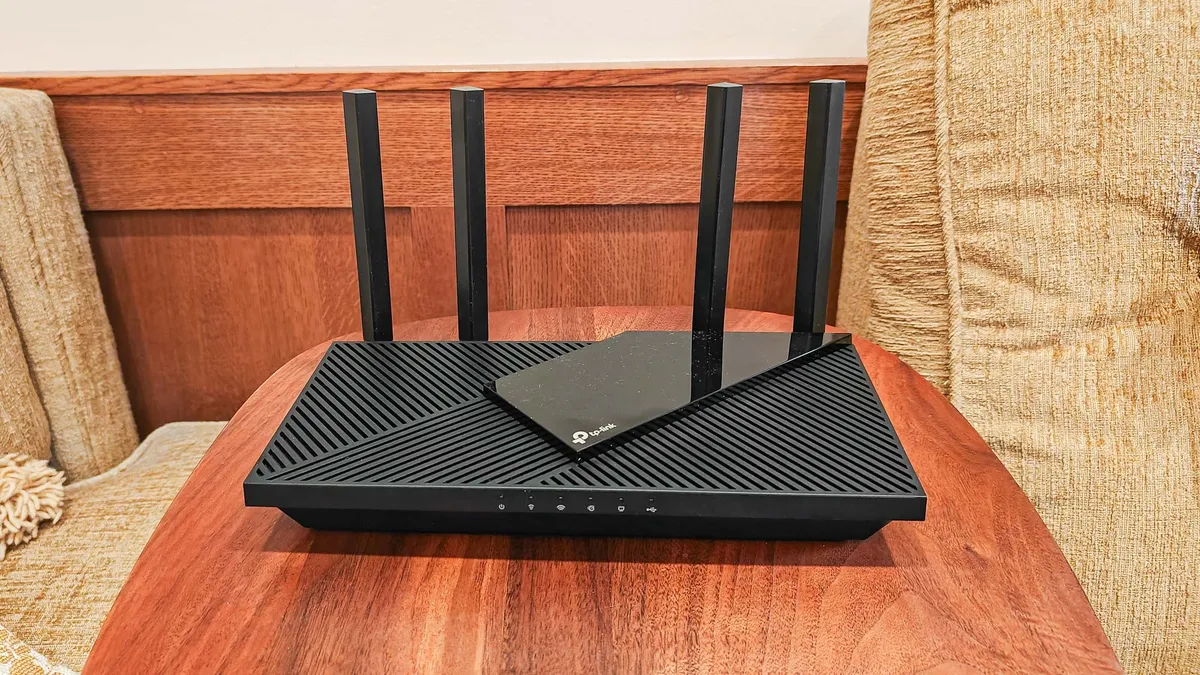
Are you having trouble figuring out what all these different wireless terms mean? We’re here to help with these explainers. If you have an older router, you can turn it into a Wi-Fi extender. You should also check out our guide on how to set up your Wi-Fi extender for the best signal. However, if you’re trying to decide between an extender and upgrading to a mesh router, then you’ll want to read when and when not to use a Wi-Fi extender — and what to do instead.
There are also a lot of new Wi-Fi standards available, including Wi-Fi 6, Wi-Fi 6e, and Wi-Fi 7. By knowing what they are and how they work, you’ll be able to choose the best system for your home.
How we test the best Wi-Fi extenders

Every Wi-Fi extender we review is evaluated based on a combination of extensive performance tests and hands-on use in a real home. This mix of real-world use and controlled benchmark testing provides us with a clear picture of how well each device performs.
For benchmarking Wi-Fi extenders and other networking equipment, we use Ixia's IxChariot testing software to measure throughput at a variety of distances and environmental conditions. This includes testing with the extender at 50 feet and 75 feet away from a router.
This software simulates traffic on a busy wireless network while measuring how data flows back and forth. The results are shown in megabits per second (Mbps) at a distance from the extender, with higher numbers indicating better performance.
Measuring the throughput at various distances also allows us to determine the effective range of each extender, giving you a better idea of how well a device will do when it comes to covering the farthest corners of your home with a stronger wireless signal.
We also use each product in a real home, which has signal-thwarting brick walls and the kind of sturdy construction that basic routers tend to struggle with. In that environment, we use the network for everything from listening to music and streaming video to performing additional tests and even writing reviews.
All of our reviews also include additional details about the setup process, such as the quirks and cool aspects of the design, along with all of the settings and management functions a device offers. If you want to learn more about any of the best Wi-Fi extenders detailed above, just check out the full reviews.
For more information, check out our guide on how we test Wi-Fi routers and our more general how we test page for Tom's Guide.
