


Tom's Guide Verdict
Elegoo's Centauri 2 Combo delivers very solid print quality and four-color printing for under $380. Inevitably given that low price, certain corners are cut. None of these are deal-breakers, but there are better printers on the market — including quite a few from Elegoo — for only a little bit more cash. Still, if you're on a tight budget or are a beginner who is interested in multi-color printing, this is a decent choice.
Reasons to buy
- +
4-Color Printing with CANVAS
- +
Straightforward setup
- +
Easy to use
- +
Robust construction
Reasons to avoid
- -
No enclosure
- -
A few other cut corners
- -
Multi-color printing generates a lot of waste
Why you can trust Tom's Guide Our writers and editors spend hours analyzing and reviewing products, services, and apps to help find what's best for you. Find out more about how we test, analyze, and rate.
3D printing has been edging closer and closer to the mainstream for years now. It's cheaper than ever to buy a really good, feature-packed machine, while the various manufacturers are constantly working to try and make their products easier to use and more accessible.
Despite that, it can still feel like a comparative niche to newcomers, and getting to grips with your first 3D printer can be... intimidating. Enter Elegoo's Centauri line, which has been around since 2024. These are designed to bring 3D printing to the masses, with easy to use machines at affordable prices.
The Centauri Carbon 2 Combo launched at the start of the year and was a very impressive model for its $449 RRP, but the company has recently upped the ante with an even-more-budget offering that does most of what its predecessor can do for under $380 — and you can already find it cheaper than that in some of the sales. But does that low price point come with any downsides?
Find out in my full Elegoo Centauri 2 Combo review.
Elegoo Centauri 2 Combo review: Specs
Elegoo Centauri 2 Combo review: Cheat sheet
- What is it? A 4-color CoreXY 3D printer
- Who is it for? Beginners to 3D printing
- How much does it cost? $379 / £299
- What do we like? It's easy to get to grips with, delivers solid results, and is relatively speedy
- What don’t we like? The lack of enclosure is the one major downside
Elegoo Centauri 2 review: The ups
It really is quite impressive what this printer can do. It delivers easy setup, good build quality, and multi-color 3D printing at such a low price point.
4-Color Printing with CANVAS
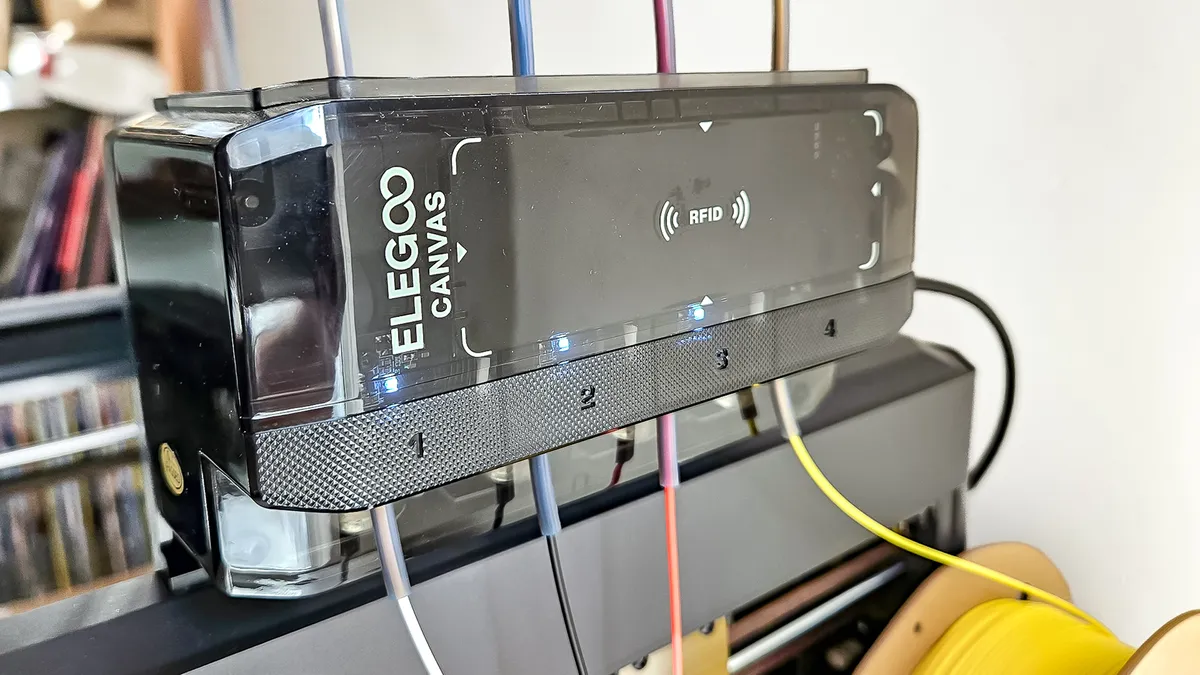
The most obvious selling point of the Centauri 2 Combo is its four-color printing. You simply attach the spool holders to the top of the machine, pop on your filament and then feed them into each extruder.
If you're using official Elegoo spools with RFID tags, then the CANVAS unit (Elegoo’s filament switching system) on the top of the machine will automatically identify which color is which. You then simply feed the filament into the numbered inlets on the machine. The results are good, with well-defined color changes. My first print was a classic Benchy, which printed quickly and cleanly in 45 minutes.
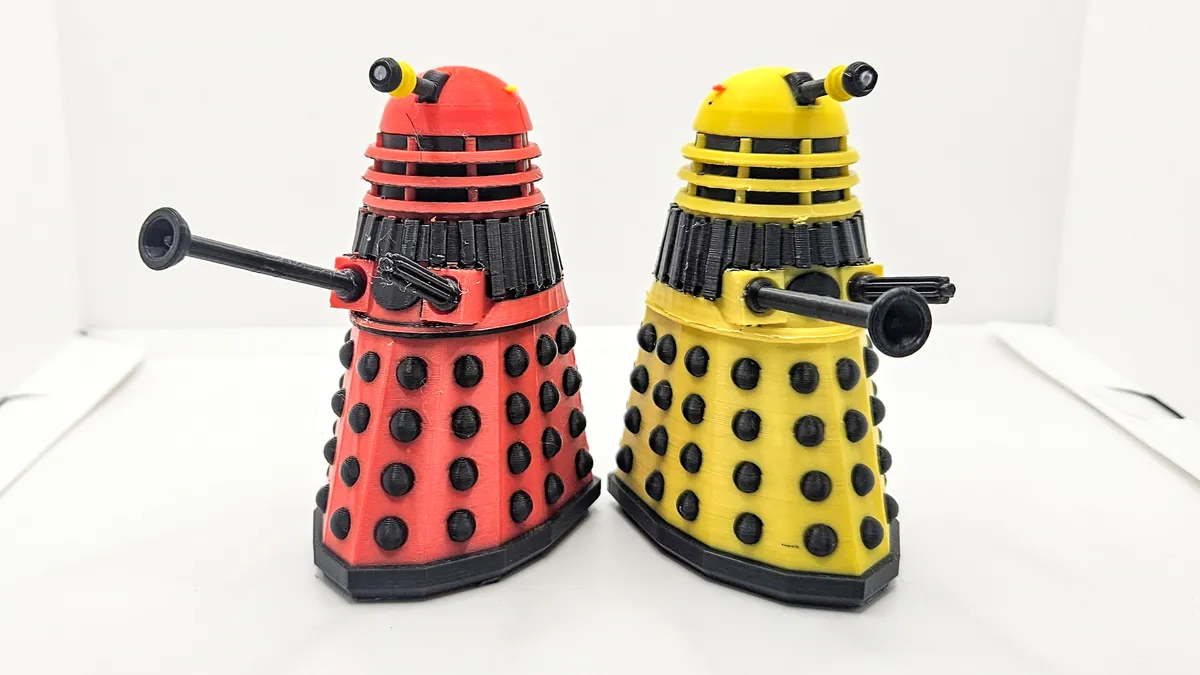
Next up, I printed two Daleks from Doctor Who, based on a nice fan-made model that I found on Cults3D by user wayne_peters.
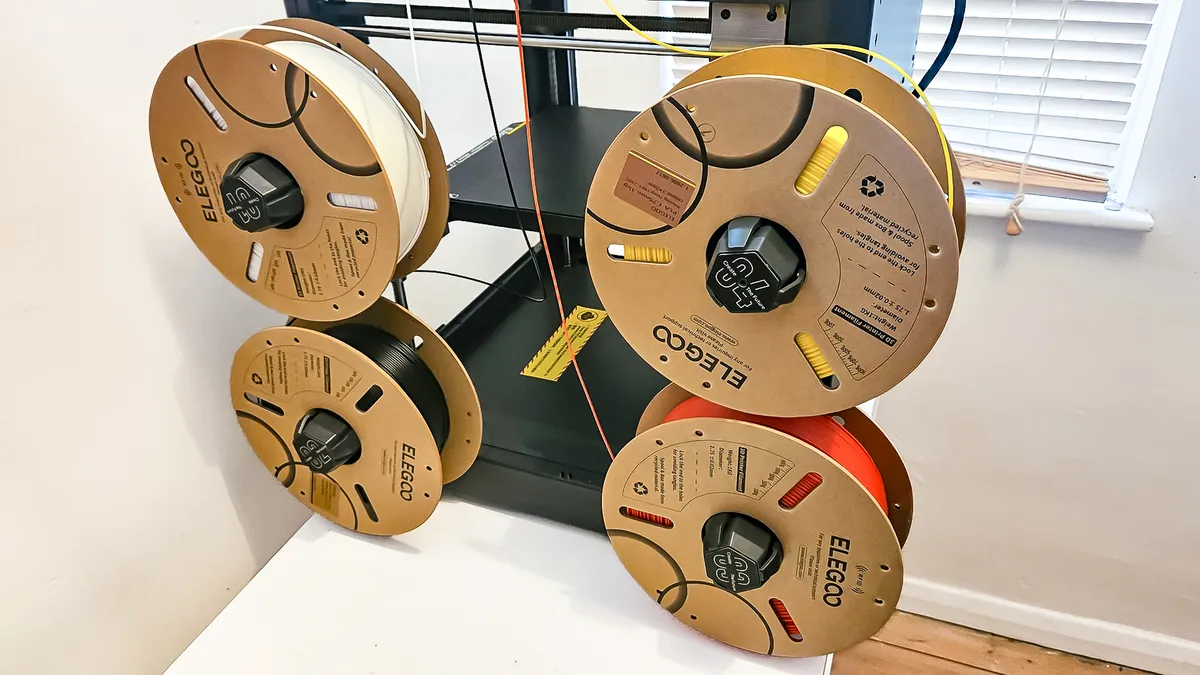
The red one was printed using the factory standard printer settings. For the yellow I tweaked several settings for surface ironing and adaptive layers in the hope of getting a smoother print. That significantly upped the print time, but didn't deliver massively different results. If you’re noticing some rough edges, those were me being a bit slapdash post print, not an issue with the printer.
One thing to note is that printing models with multiple colors will significantly increase the amount of waste filament produced, because of the way the printer has to switch between colors. That's not a criticism of the Centauri 2 Combo, it's just the nature of the technology. If you are concerned about filament wastage then printing models with multi-colored parts may not be for you.
Straightforward setup
The Centauri 2 Combo arrived securely packaged and was very easy to assemble. I'd say it was a seamless experience, except for one small but really quite frustrating aspect that added a good 15 minutes of swearing onto the build.
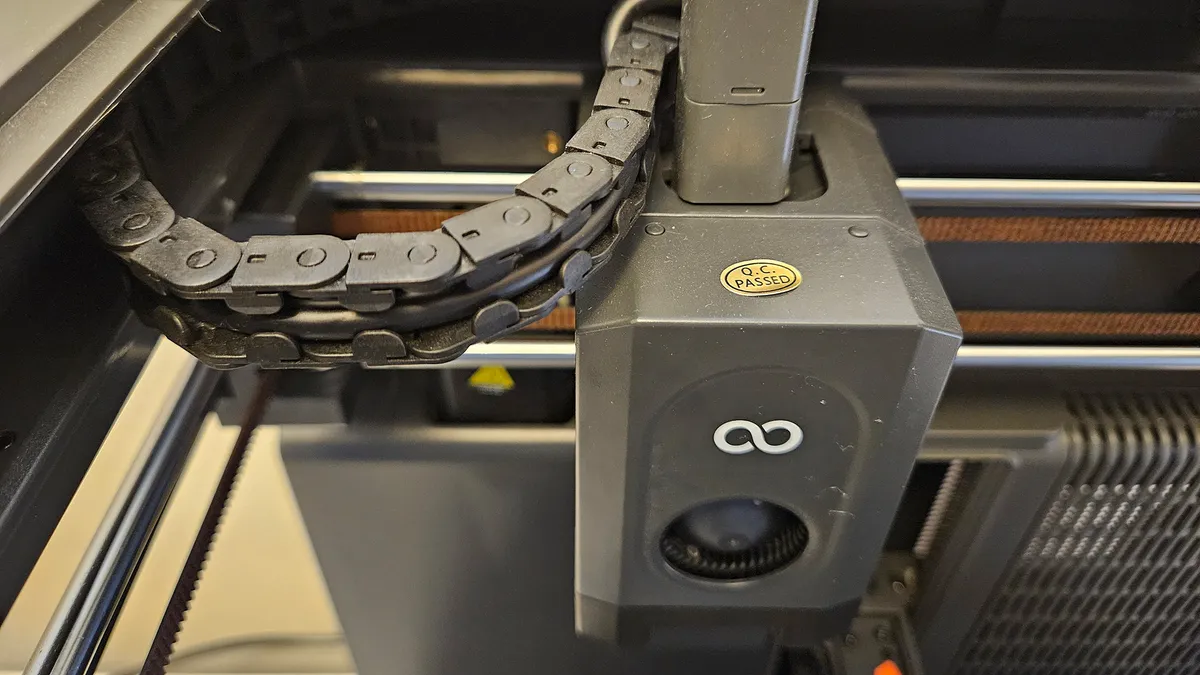
That was attaching the filament hub. You have to fix it into place with two tiny screws, one of which feels almost impossible to get into position because of the way the cable drag chain is positioned. I really struggled with this, almost losing the screw several times, before finally somehow managing to get it into place.
Thankfully after that, everything ran perfectly smoothly. When you first switch the machine on it runs through a self-check and calibration, as well as levelling the bed automatically. That really takes the stress out of the setup and is another reason why this is a good machine for beginners.
After setup, you need to install two pieces of software: ElegooSlicer on your computer and Elegoo Matrix on a smartphone.
ElegooSlicer is the software used to work on your 3D models (which can be downloaded from sites like Printables, Makerworld, and Elegoo's own Nexprint) before exporting them ready to be printed. It's based on the open-source OrcaSlicer and is intuitive enough for newcomers to get to grips with quickly.
Elegoo Matrix enables you to monitor and control your printer remotely and is pretty fool proof. Again, you get the sense of a system that has been designed with novices in mind.
Easy to use
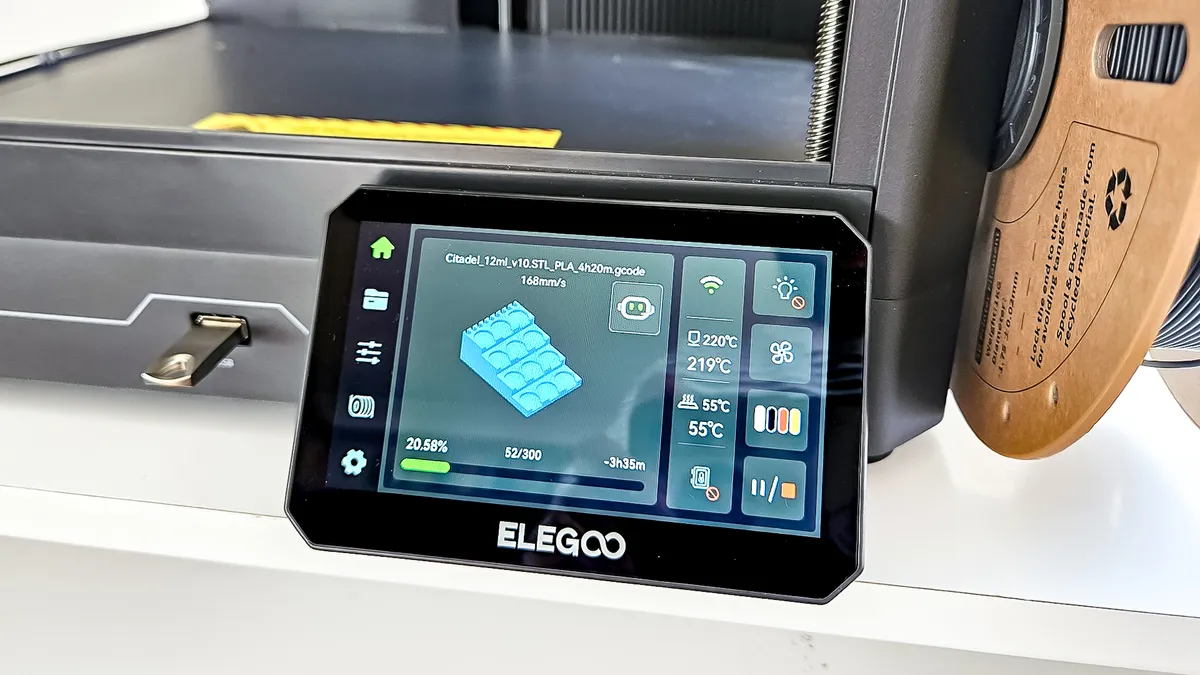
I can't stress how straightforward this printer is, as it does most of the hard work for you automatically. If this is your first 3D printer then it won't take you very long to get used to it, and if you've used one of Elegoo's other printers before, particularly any of the Centauri models, then you'll have no worries
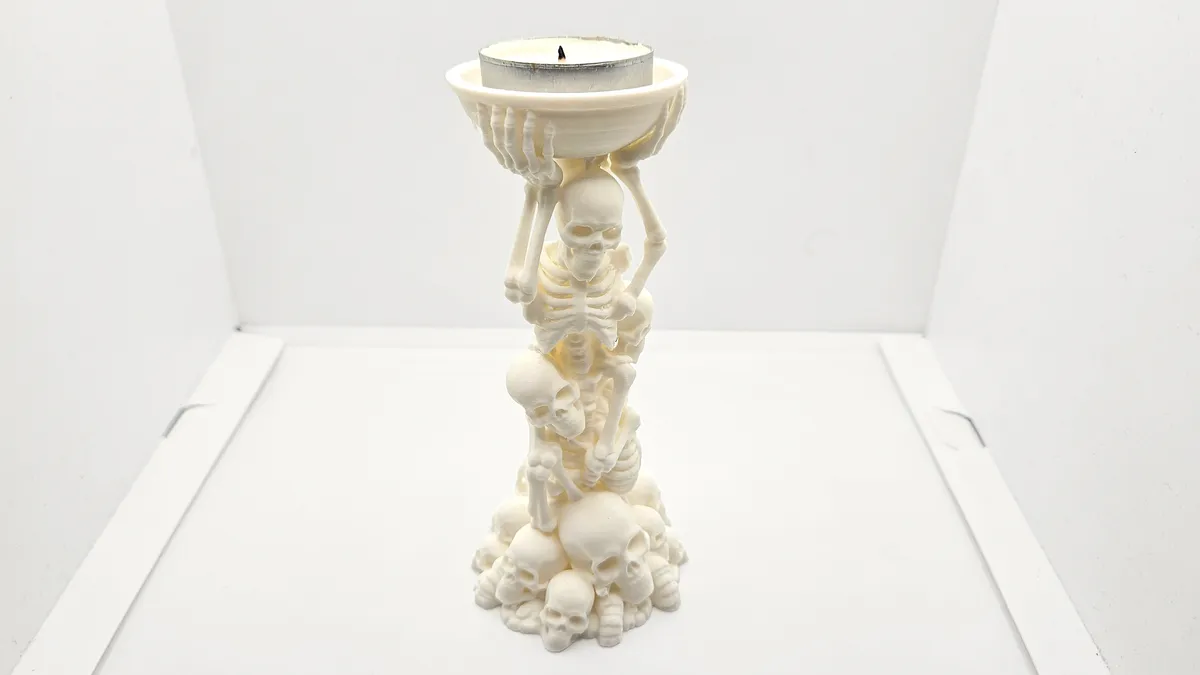
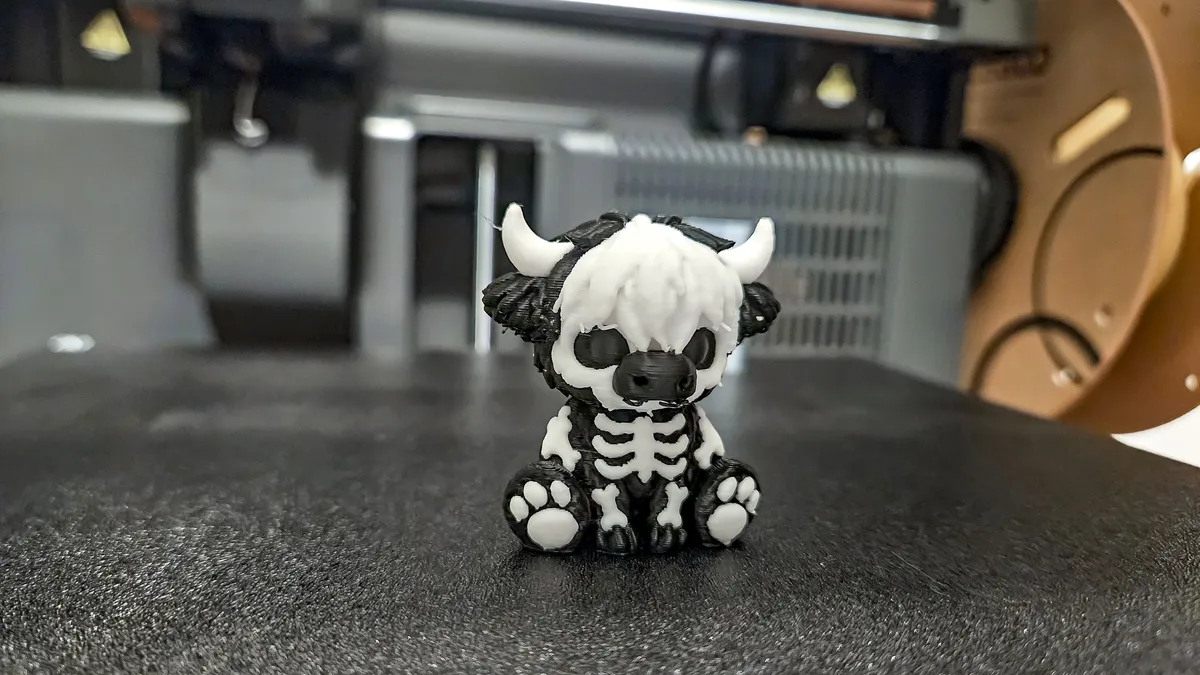
I printed the Halloween skeleton candlestick below, found on Nexprint, in a little over seven hours — pretty good for such an intricate design!
A curvy vase, also from Nexprint, was equally straightforward and printed in just over three hours, with no need for the supports that you would typically need to include with complex prints. I've since used the machine to print out some gaming terrain as well as for practical applications like paint storage for my Warhammer paints and storage boxes.
Over several weeks of use and around 30 prints I had only one fail. I cancelled the print, tried again and the second time it worked with no problems.
Robust construction
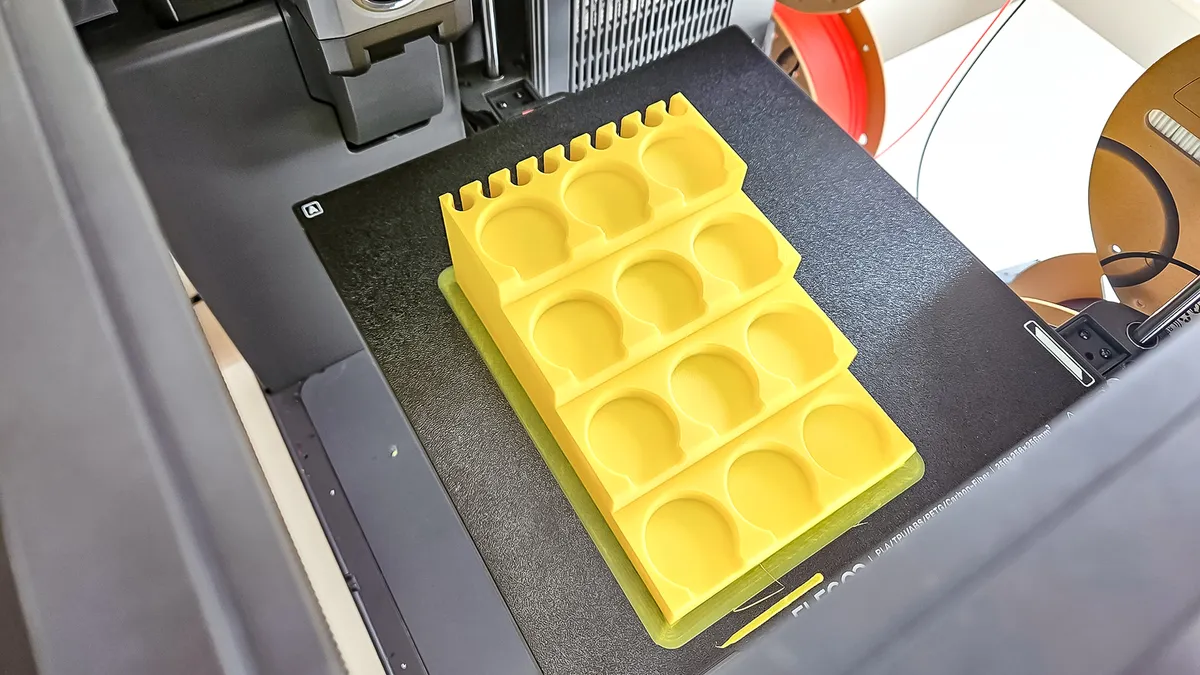
Despite the low price point, the Centauri 2 Combo doesn't feel cheap. There are some cut corners — we'll come to those in a moment — but it's a reassuringly solid piece of kit, robustly built from a die-cast aluminum frame and steel body. Once again, it recalls Elegoo's bestselling Centauri 2 Combo Carbon in its design, which feels similarly solid.
The build-plate is double-sided (textured on side A and smooth on side B) and made from magnetic spring steel that's easy to keep clean. The toolhead comes with a standard 0.4mm hardened steel nozzle, which can be swapped out for different sizes, which are sold separately. You will also need to buy a nozzle wrench to do that.
Elegoo Centauri 2 Combo review: The downs
It feels almost churlish to complain about the Centauri 2 Combo as it's really very good at what it sets out to do — and there's no arguing with that aggressive price point. Even so, there are a few reasons why you might want to consider shelling out for a slightly more expensive machine.
There's no enclosure
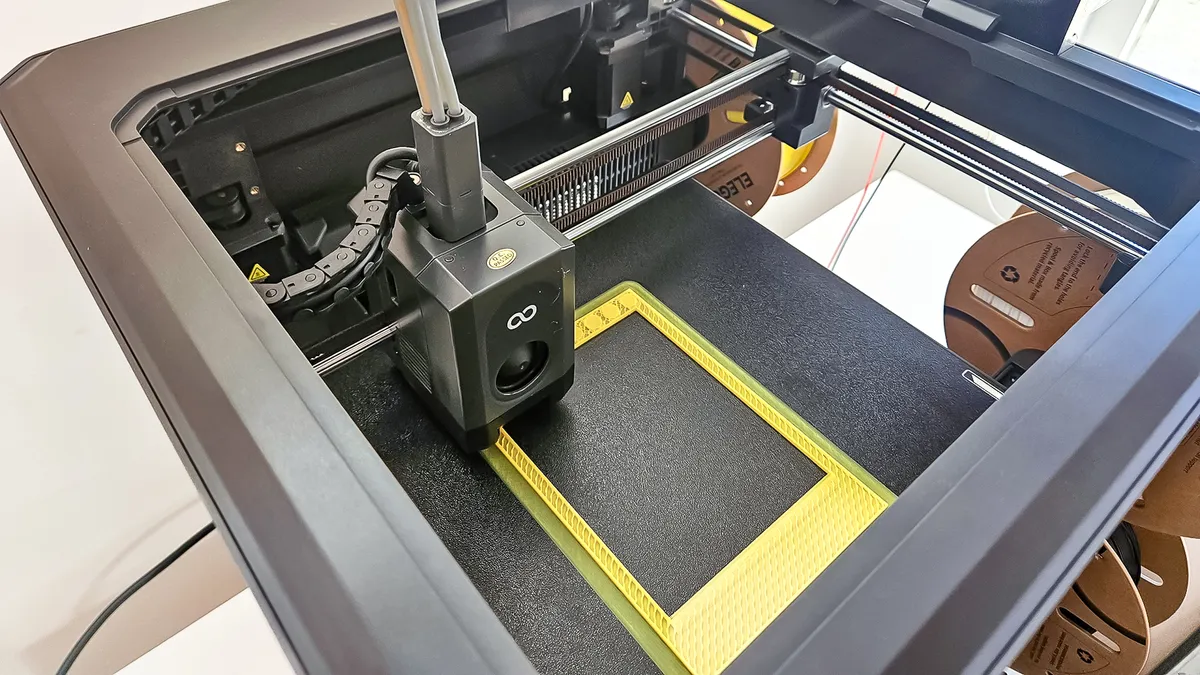
Probably the biggest talking point with the Centauri 2 Combo is the price — but it comes at the cost of several features that you'd usually find on a 3D printer.
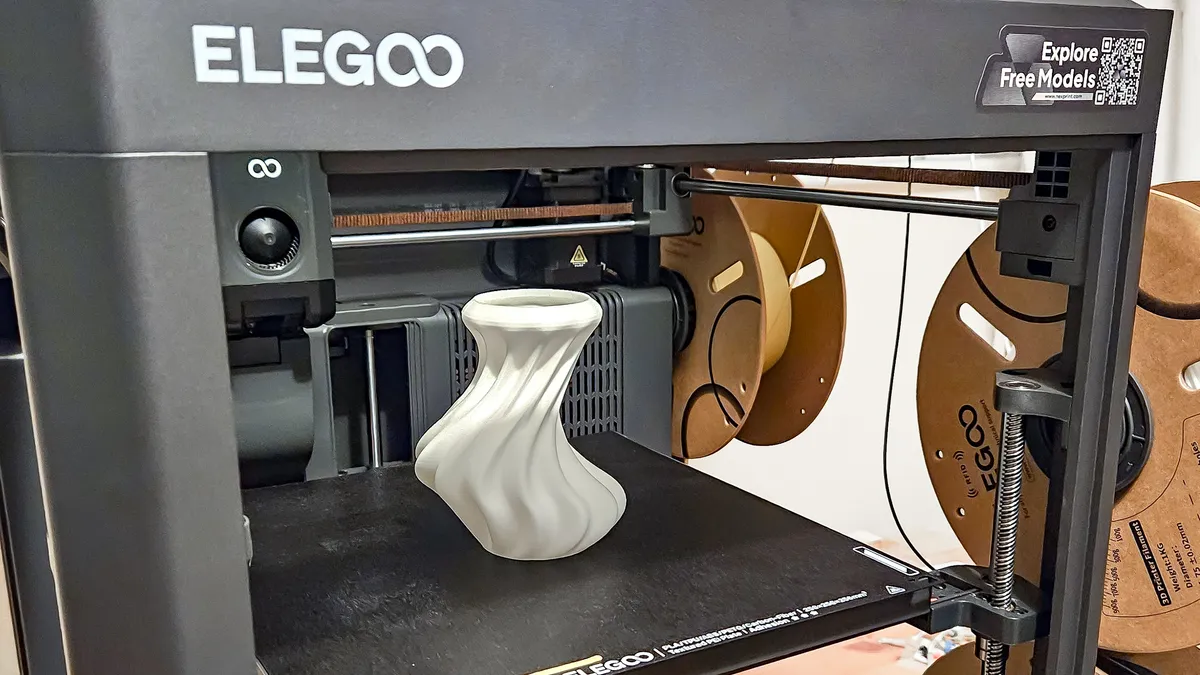
The most obvious of these omissions is the lack of an enclosure. The panels, glass door and hood are all absent, meaning that the print bed is exposed for all to see. In this way it echoes the design of several competitors, including Anycubic's Kobra X and Creality's 3D SparkX i7 Combo. That said, I much prefer the neat and tidy design of the Centauri 2 Combo.
There's something quite cool about being able to watch your latest print materialise right there in front of you without it being hidden away behind glass, but enclosures are useful for maintaining temperatures and containing the fumes from a print. If you're sticking to printing with standard PLA it's no biggie (though please still ventilate your space), but if you're using other types of filament you may feel more comfortable investing in a printer that comes with an enclosure.
The other downside is that you'll also have to make sure you either cover the printer after use, or dust it regularly.
A few other cut corners
Other features that are absent from this model include a camera (fun and useful for monitoring your prints while away from home, and something that is notably included on the Creality 3D SparkX i7 Combo) and internal lights.
Neither of these things are deal-breakers and I think newcomers, in particular, will find a lot to love in the Centauri 2 Combo. But if you're serious about 3D printing then you may find yourself quickly considering upgrading to a more capable machine. The Centauri 2 Combo is entering an increasingly crowded 3D printer market — with much of the competition coming from Elegoo itself.
The obvious competitor here is the almost identically titled Elegoo Centauri Carbon 2 Combo. For a mere $70 more right now you can pick that machine up and enjoy a printer with an enclosure, wider filament compatibility, camera and a HEPA + Activated Carbon filter.
Multi-color printing generates a lot of waste
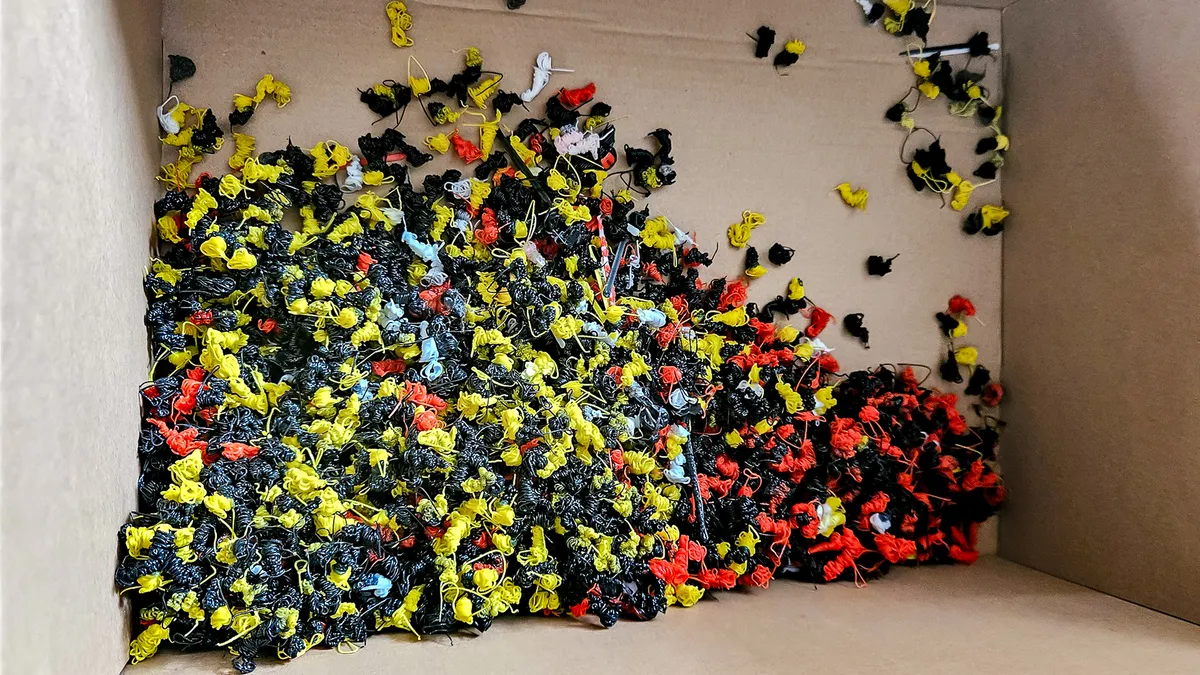
Single-color printing with PLA tends to be fairly efficient, when it comes to waste. That changes significantly when you move to multi-color printing, however, because of the way the printer has to switch between colors. That's not a criticism of the Centauri 2 Combo, it's just the nature of the technology.
Basically, when the printer needs to change colors, it retracts the filament being currently used, nips the end off it and ejects the waste, before loading in the new color. If you're printing something with a lot of differently-colored parts (even if you're just using 2 or 3 colors) then it is going to do this a lot. Your waste basked will fill up quickly and if you are concerned about filament wastage (which is difficult to recycle) then printing models with multi-colored parts may not be for you. The picture above is mostly the waste from my two model Daleks!
One way to get around this, if you're printing model kits or things that can be glued together, is by printing each color separately. That will save you both print time and filament wastage, but will not be possible with everything you might want to print.
Elegoo Centauri 2 Combo review: Verdict
The Elegoo Centauri 2 Combo is defined by its price point. It's pretty remarkable that you can get a good four-color 3D printer for under over $400 (and sometimes a lot under that price, with Elegoo's occasional discounts). That figure may prove very tempting for those looking to get into printing for the first time.
The price, however, is also behind some of the machine's rougher edges. The lack of an enclosure may not seem like much, but it means that the Centauri 2 Combo really needs to be positioned in a well-ventilated room if you don't want to be inhaling fumes all the time. I can't quibble too much at the lack of a camera or internal lights — at this price, those are nice to have features, rather than essentials.
If you're serious about 3D printing then there are more fully-featured machines out there that may catch your eye. But if you’re new to all this and want a printer that can handle everyday use, as well as more complex prints, it really is hard to find much to grumble about here.