iOS 15, arriving this fall, packs some of the most gee-whiz iPhone features I’ve seen from Apple in a long time. Want to select text or a phone number from a photo? You can do that. How about watch a show virtually with friends in FaceTime using SharePlay? Yup. You’ll even be able to use your phone as your state ID — assuming your state goes along with that — making your leather wallet practically irrelevant.
The problem is that I don’t see myself using features like these all that often.
As evidenced by its WWDC 2021 keynote, Apple is clearly trying to bite off Google Lens with its Live Text feature, and honestly the people I want to watch TV with are already in my house. And while I might be tempted to flash only my iPhone at TSA for boarding, I don’t think I could trust my iPhone to carry such a personal piece of info, even with Apple’s privacy assurances.
- iOS 15: Everything you need to know
- FaceTime is coming to Android — but in the worst way possible
- Plus: The killer feature of iOS 15 — holy cow, it’s actually Siri
But there are some new iOS 15 features I’m truly excited about, starting with notifications enhancements.
iOS 15: Notifications done right
A new notification summary will collect and deliver notifications during the morning and evening so you don’t feel overwhelmed by a string of ignored alerts. And Apple’s intelligence will help prioritize what needs your attention first based on your previous interactions with apps.

It also helps that notifications have a new look with larger icons, so it’s easier to identify what’s worth your time and what you should skip.
iOS 15: Focus will minimize my distractions
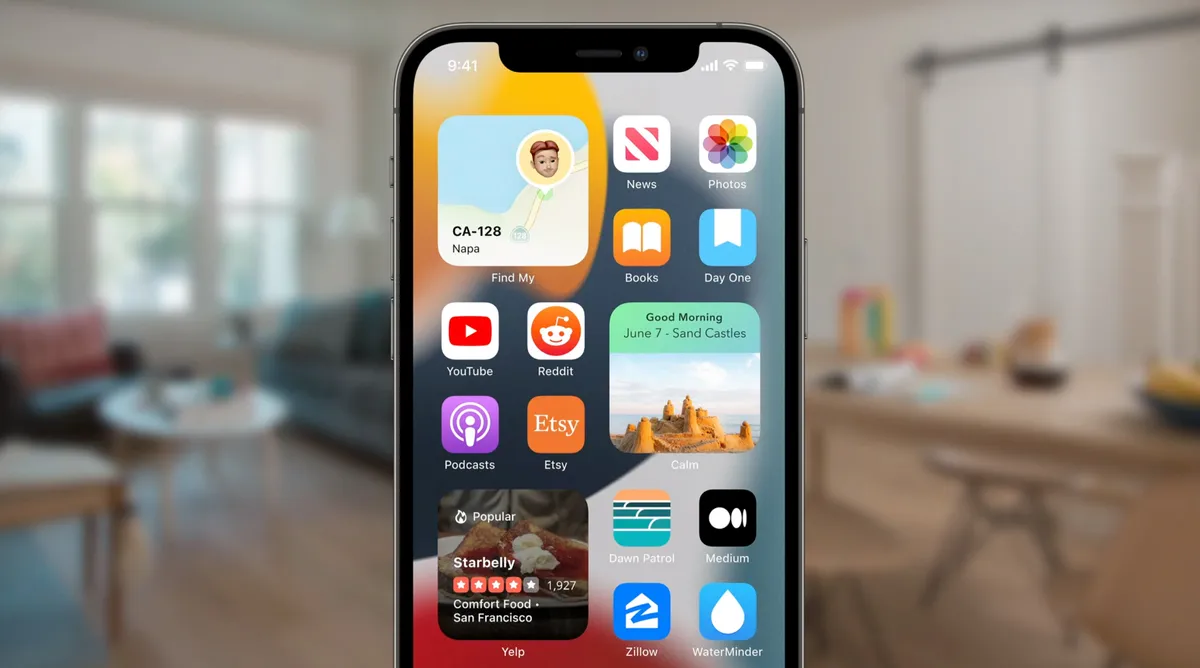
Another feature I’d like to try is Focus, which can help you minimize distractions during work or when you’re supposed to be present with the family. Focus can suggest which people or apps are allowed to notify you based on the scenario you select, such as Personal or Work. Even better, you home screen can change so that you’re not tempted to check work email after hours.
iOS 15 Apple Maps: Finally, AR directions
The third feature I really want to try is the improved Apple Maps. There’s a new 3D city driving experience with new road details that packs in a ton of details. These include turn lanes, medians and crosswalks. But I’m really excited for two new features in particular.
The first is that Apple Maps now renders overlapping highways in 3D so you’re not confused about where to turn or which road is what. And the second has to do with augmented reality. When you exit the subway or exit a taxi in an unfamiliar part of town, you can get your bearings by holding up the iPhone and then getting walking directions from wherever you are.
Yes, holding up your phone like this will scream "tourist" to those around you, but my hope is that the AR directions will kick in quickly.

Bottom line
Don’t get more wrong, iOS 15 looks like a meaty upgrade. But I’ve seen enough WWDC keynotes to know what sounds cool versus what seems practical for day-to-day use. And, for me, more intuitive notifications, Focus and a much improved Maps apps are the true standouts.
- More: iPhone 13 release date, price, specs and leaks