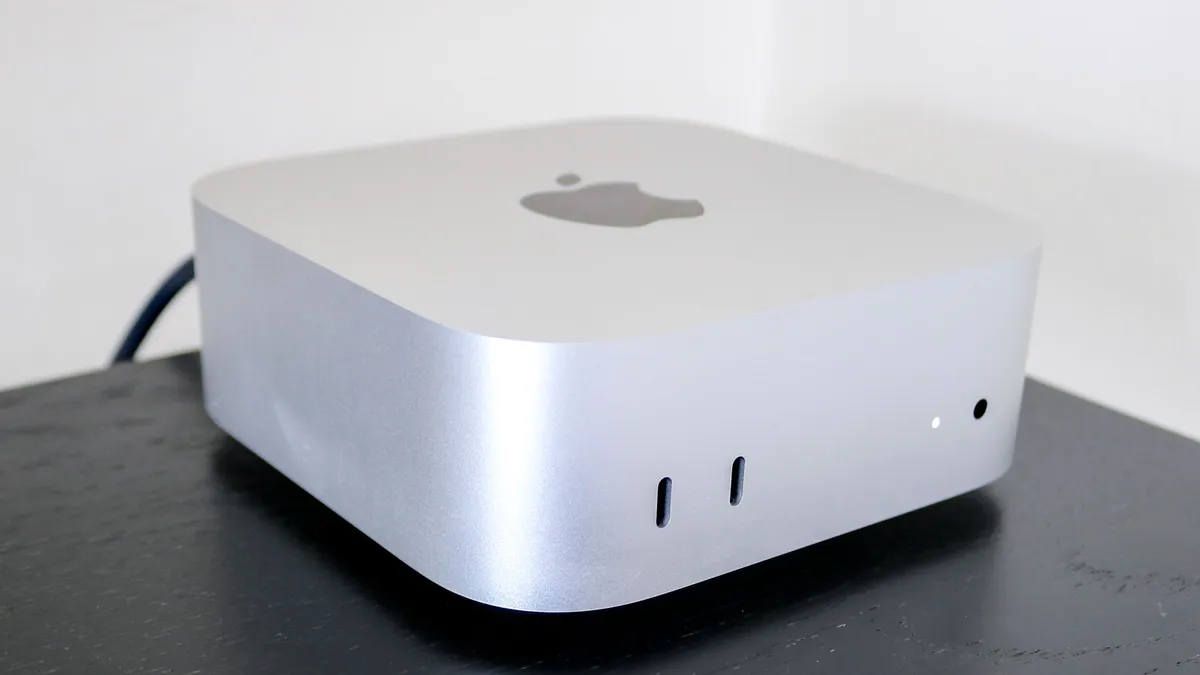
Apple has just debuted the M6 chip in its brand new Mac mini, and it’s the world’s first commercially available 2-nanometer (2nm) chip. That means every transistor is roughly 40,000 times thinner than the average strand of hair, which means the Cupertino crew can pack many, many more transistors onto the chip die.
That means higher clock speeds and massive energy efficiency gains without the thermal penalties that normally come with it. But with that additional room for activities, Apple’s done something rather interesting here. I’ve combed through every tiny detail the company’s revealed about M6 to take a deep dive into the silicon.
And spoiler alert: up until now, I’ve been telling my friends and family with M1 systems to hold out over the past few years. But this is the year I’ll finally tell them to upgrade.
M6 chip specs comparison
Feature |
Apple M1 (2020) |
Apple M5 (2025) |
Apple M6 (2026) |
Process Node |
5nm |
3nm |
2nm |
CPU Architecture |
8-core (4P + 4E) |
10-core (4P + 6E) |
12-core (2 Super + 4P + 6E) |
GPU Cores |
Up to 8-core |
10-core |
12-core (with Neural Accel.) |
Neural Engine |
Single 16-core |
Single 16-core |
Dual 16-core (2x compute) |
Memory Bandwidth |
68 GB/s |
~153 GB/s |
170 GB/s |
Max Unified Memory |
16GB |
32GB |
32GB |
The rise of the super core
In previous generations, Apple’s used a classic two-tier layout — performance cores for handling the heavy lifting and efficiency cores to tackle the day-to-day that doesn’t require breaking a sweat.
M6 does things differently by bringing on a 12-core CPU complex (up from 10 cores on M5) that is split across three tiers:
- 2 Super Cores: Engineered for the moments of maximum burst speed, Apple claims to have built the world’s fastest CPU core here.
- 4 performance cores: Same as before, these are there to tackle heavy, sustained multithreaded tasks like data analysis or music production.
- 6 efficiency cores: These are on-board for handling all the background macOS processes and general day-to-day multitasking with minimal wattage.
And the numbers (claimed by Apple) speak for themselves: up to 1.2x faster multithreaded performance over M5 and a staggering 2.4x leap over the base M1.
Doubling down on local AI

Remember when everybody bought an M4 Mac mini to run their OpenClaw? Apple remembers, and instead of a single NPU block, M6 is debuting a dual 16-core Neural Engine that can deliver up to 2x peak AI compute over previous generations.
Alongside this, the upgraded 12-core GPU is packed with dedicated Neural Accelerators inside each core for a 30% boost in peak AI GPU compute over M5 (and 8x over M1). Together, these ensure rapid prompt processing, and accelerated local LLMs and agentic tasks.
And another word on that graphics muscle, there’s 2nd generation Dynamic Caching, hardware ray tracing and a 50% increase in geometry rates. That’s a word soup, but the end result is going to be much faster graphics rendering — good news for gamers.
Feeding the 2nm beast

Any new chip is only as good as the memory feeding it, and for M6, Apple is raising the ceiling up to 32GB of unified memory in the Mac mini. That’s going to ensure bigger AI models or more sustained multitasking is possible.
But moreover, the bandwidth of that memory (how fast the chip can dip into there and take something) has reached 170 GB/s — a 10% uplift over M5 and a 2.5x surge compared to the original M1’s 68GB/s ceiling.
Put simply, it’s like giving your Mac mini a much bigger workbench to craft things without anything spilling onto the floor, as well as a massive high-speed multi-lane conveyor belt to rush raw materials to that bench.
The consumer verdict: who actually needs M6?
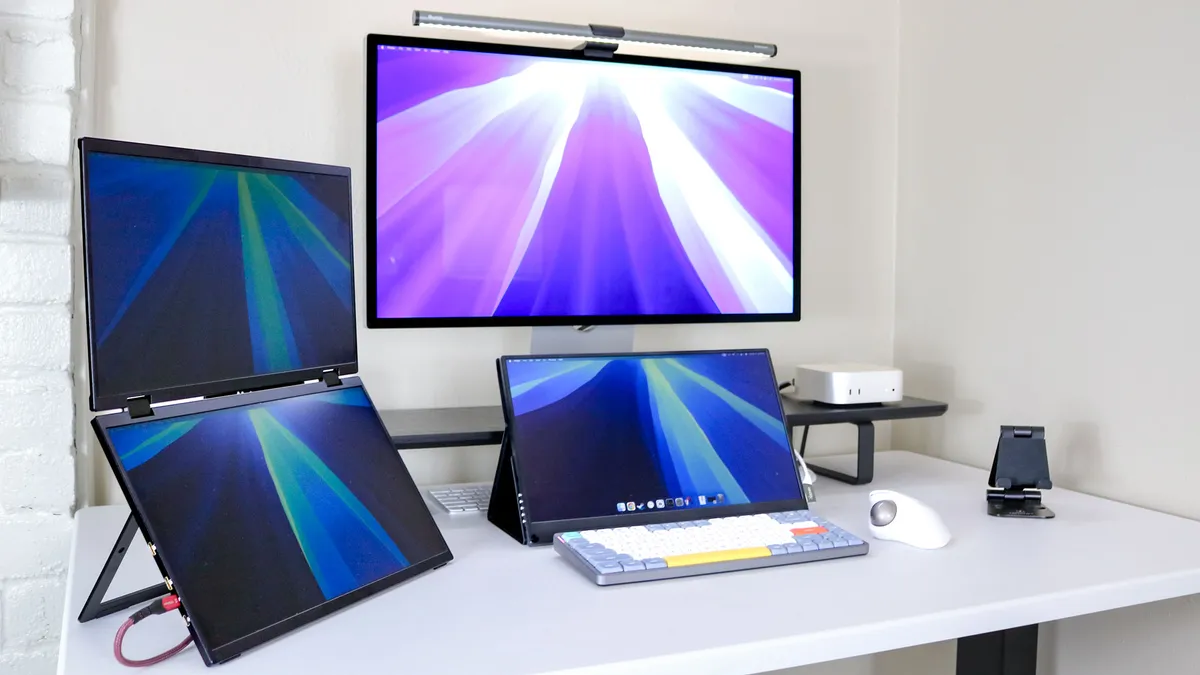
It’s a good question, and now more than ever, price matters. At the end of the day, the new Mac mini starts at $899 — a $100 uplift from the previous model. So who should jump on this train?
- Skip if you have M4 or M5: A 20% multithreaded bump and tighter AI execution are great, but not worth abandoning a machine purchased in the last 12-18 months.
- M3 falls into a nuanced middle ground: M6 may bring big gains, but the M3 still holds up by being the first to introduce a lot of what makes this new chip strong like the zippy neural engine or blazing single-core performance. Day-to-day tasks won’t feel night-and-day different, but if you demand sustained multithreaded horsepower (or you want to run local AI via that dual Neural Engine), the M6 provides the headroom you’ve been missing.
- A strong upgrade from M2: The jump from M2 to M6 spans four years of architectural pivots, a huge gap in hardware features (like hardware ray tracing a GPU neural accelerators) and those super cores. If you’re coding, using creative software or pumping local AI, the leap in single-core performance with those new Super Cores makes this feel like a new machine.
- The ultimate M1 & Intel upgrade: With 2.4x CPU performance, 8x AI GPU acceleration and 2.5x memory bandwidth, M6 represents the ideal leap for users still clinging onto original 2020 M1 Macs or legacy setups.
For anyone still nursing an M1 machine through its sixth year, the wait is officially over — the 2nm era is where you finally get off the fence.

Follow Tom's Guide on Google News and add us as a preferred source to get our up-to-date news, analysis, and reviews in your feeds.
More from Tom's Guide