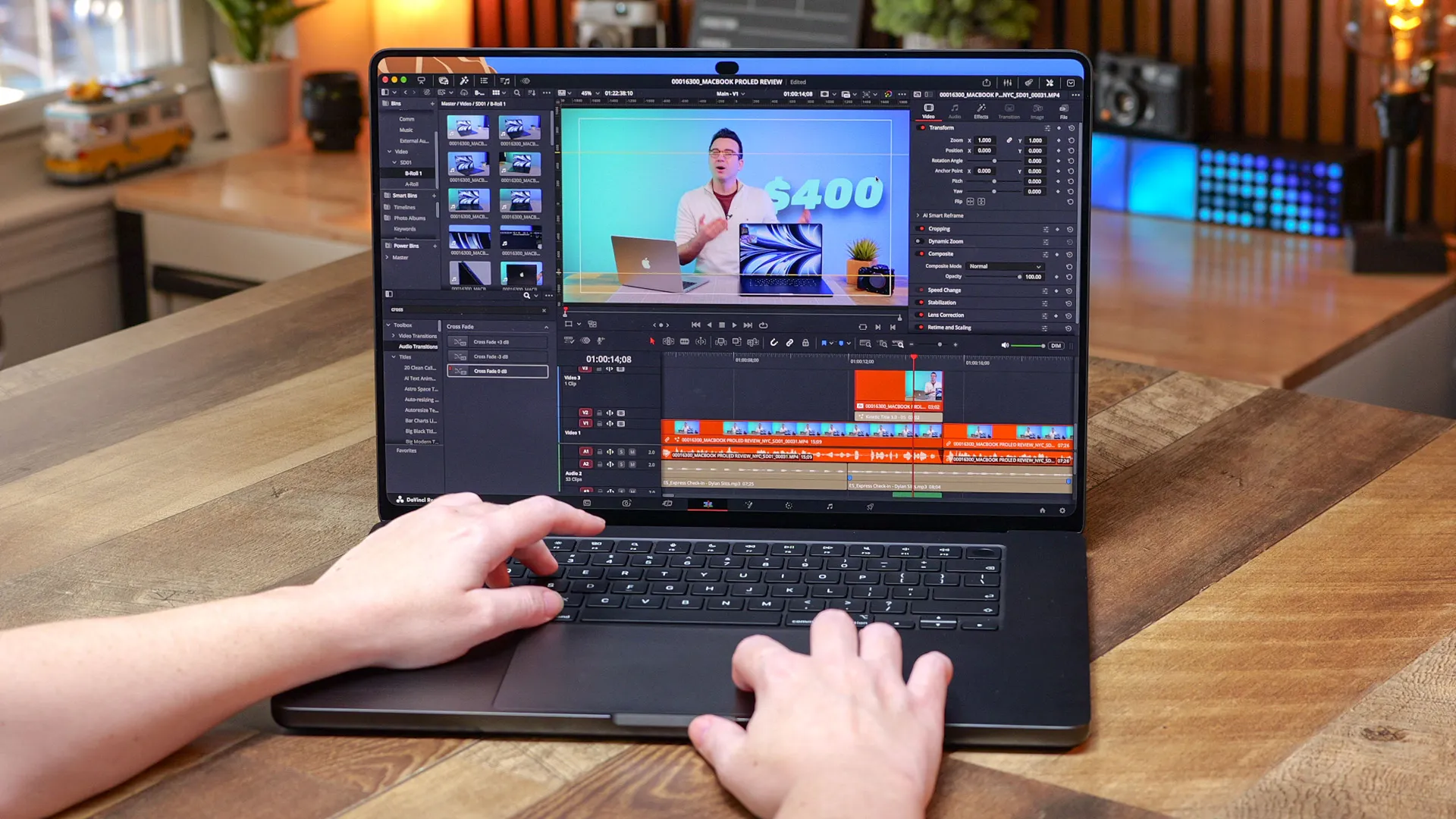
I preordered my 14-inch M1 Max MacBook Pro in October 2021, the week Apple announced it. It was my first Mac, and I documented the whole awkward leap in a video called "PC FanBoy Switches to NEW MacBook Pro - Should You?". Learning macOS as a complete noob was painful for several weeks, and it didn't really click until a few months later. But when it finally did, I got why creators love these things.
Five years later, it's the longest I've ever gone without "needing" a new laptop. It was one of my most expensive purchases at the time, but looking back all these years, probably one of the best investments I've ever made, despite how sad it made my bank statement look.
Since joining the Tom's Guide video team, my DaVinci Resolve projects have become far more demanding, with easily 8+ layers and several heavy GPU effects running at once. That finally caught up with my 5-year-old M1 Max, which now wheezes like it just climbed 10 flights of stairs. Every new MacBook Pro since has looked appealing, and I won't lie, I've had a few Apple shopping carts configured, but I never found it in me to hit that checkout button.
Then Apple announced the MacBook Pro with the PROLED XDR Display, and three things caught my eye: a tandem OLED screen (two OLED layers stacked for more brightness), a lighter body, and a touchscreen. Touch was the big keynote moment, but everything else made me ready to upgrade.
What 5 years of upgrades look like for me
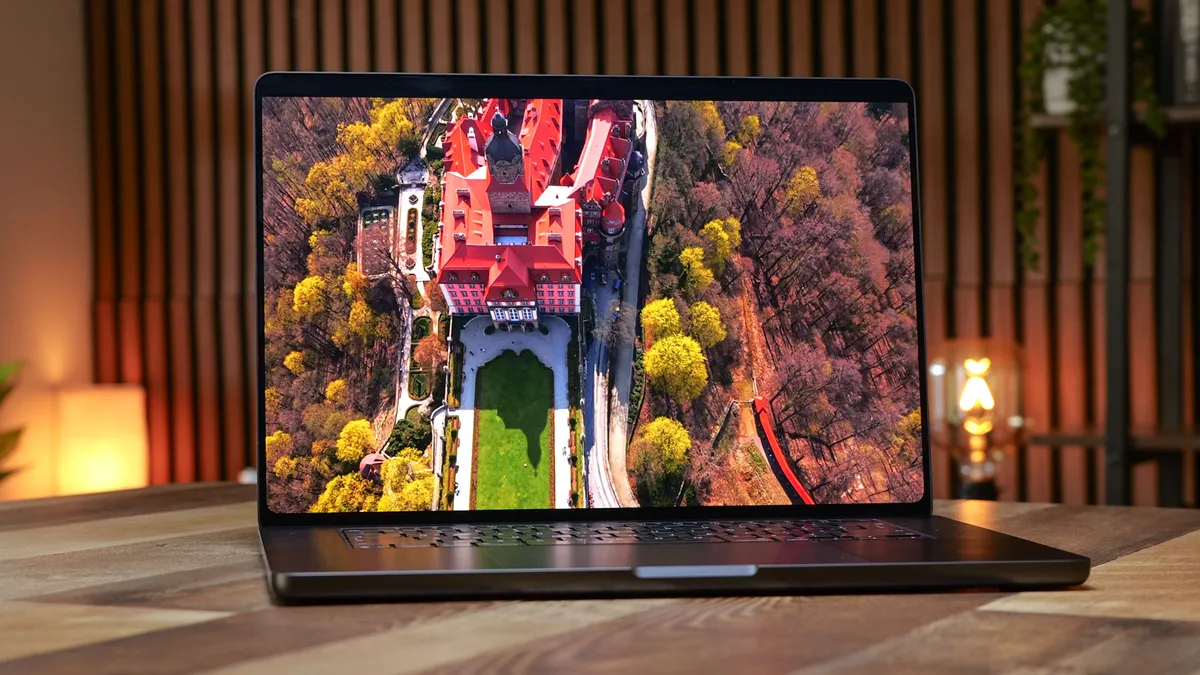
For the past two weeks, I've edited exclusively on the 16-inch MacBook Pro OLED in the M5 Max, 128GB, nano-texture configuration. Here's what the jump from my old 14-inch M1 Max with 32GB looks like.
The chip goes from M1 Max to M5 Max, and the memory quadruples. The screen grows from 14 inches to 16. I've wished for that bigger screen for years, but I always talked myself out of a 16-inch because of the weight. This one weighs 4.1 pounds, about 0.6 pounds less than the previous 16-inch MacBook Pro.
My M1 Max is around 3.5 pounds, so for roughly 0.6 pounds more I get a much bigger display. It's the first time a 16-inch laptop felt worth it to me. The new screen is a big part of why: it's what makes the body lighter, thinner, and slightly smaller, even though the display is slightly larger than on the non-touch MacBook Pros. At 0.63 inches thick, it's a hair slimmer than the 0.66-inch non-touch model; the footprint is slightly smaller, and the display grows from 16.2 to 16.3 inches.
Then there are ports. My M1 Max has Thunderbolt 4, and that's why my massive Dell 52-inch 6K monitor was always stuck at 60Hz. The new laptop has three Thunderbolt 5 ports (the faster version of the same USB-C connector), and my monitor finally runs at 144Hz. Wi-Fi also jumps to Wi-Fi 7 from the Wi-Fi 6 on my old Mac, giving me faster connectivity when I'm working on the go.
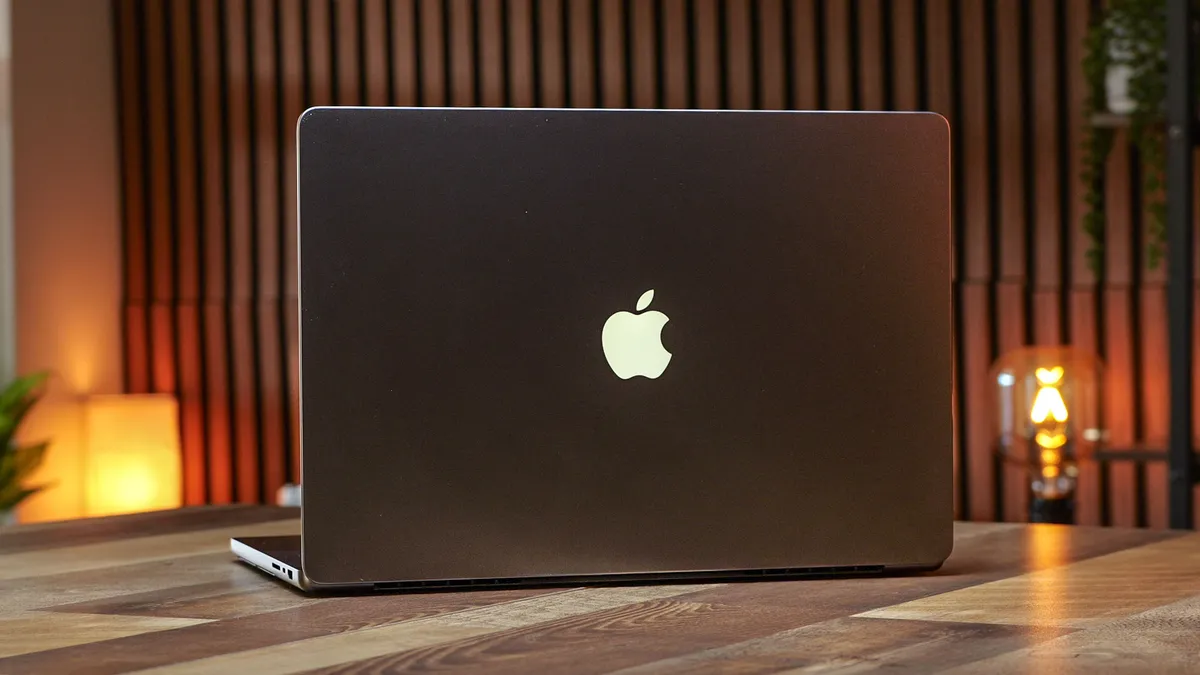
And don't forget the return of the glowing Apple logo on the lid. The last MacBook Pro with one was back in 2015, so I only ever admired it from the outside, like the cool kids' lunch table. Sure, I never actually saw it glow, but I'm finally sitting at the table.
The screen is the real reason
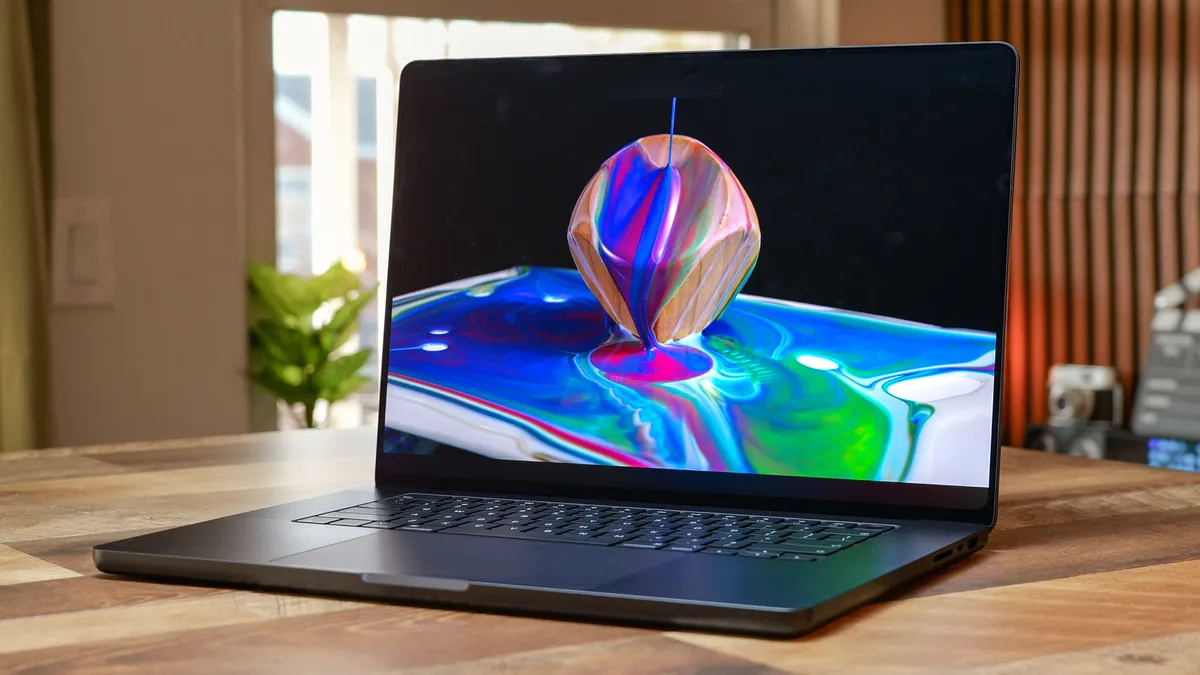
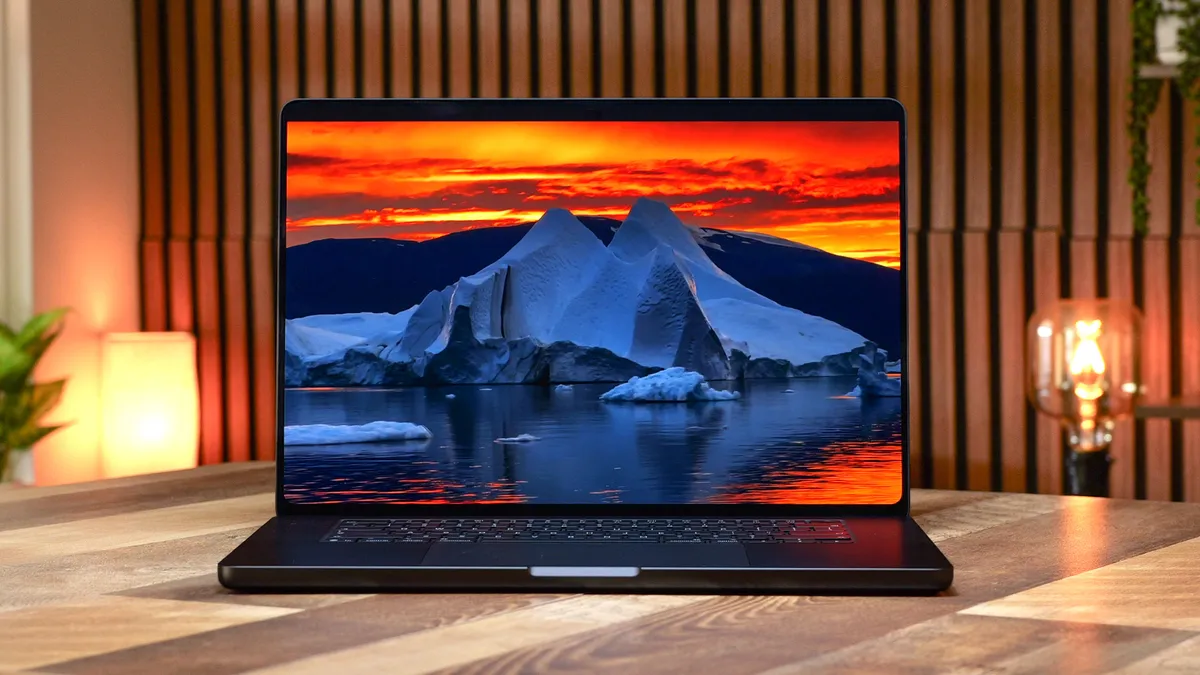
But here's what's really important. This is the best laptop display I've ever tested. I ran the same video project on this and a non-OLED MacBook Pro, and the shadows and bright scenes make fine details and color editing more precise. Apple rates the panel at up to 2,000 nits, and our lab measured 1,949, the brightest laptop screen Tom's Guide has tested.
The nano-texture glass is one of the most important choices you'll make here. It's an anti-glare finish that costs $150 extra, and while Apple has offered it before, it's especially worth it on a touchscreen. The surface feels smoother and more premium under your finger, while the standard glass feels more resistant by comparison. It also hides fingerprints better.
It's also why I can finally work away from my desk. I never used to edit on the go or outside because the glare was so bad. This is my first laptop with nano-texture, and I finally get the hype. It's already come in clutch several times, letting me clearly see my screen in sunny rooms, under harsh office lights, and in the back of long Ubers on the way to my next meeting. I haven't noticed any difference in vibrancy compared to the non-nano version. The only real downside is the special cleaning cloth I now have to remember to carry.
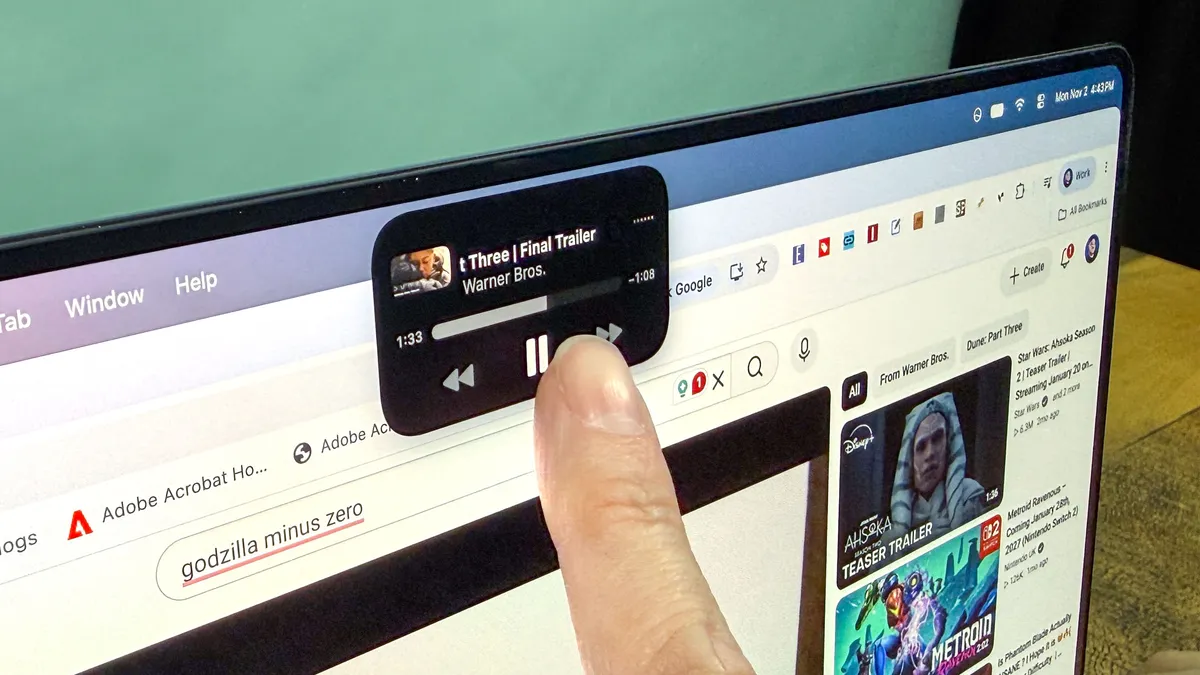
The Dynamic Island is the other screen upgrade that's easy to miss. It replaces the notch, and it's smaller and way less annoying. On my M1 Max, menu bar icons would get hidden behind the notch. They still do at times on this one, but not as much since the cutout is smaller. The whole laptop looks more cohesive too. The pill matches the design language of other Apple products like the iPhone; the display's rounded corners now match the rounded corner at the top, and the bezel is thinner.
By comparison, the older non-touch MacBook Pro panels look dated. It's not perfect, though. There's still no Face ID, which is a bummer, and even with the smaller cutout, apps still can't go full-screen to the very top of the display. I'm betting it's at least another 3 years before Apple sorts out these remaining quirks.
No more closing apps to keep editing
32GB of RAM was plenty for the past few years. Then my timelines started stacking effects in layers, and I also recently began editing 8K footage from my Lumix S1R II mirrorless camera.
In my more complex Resolve edits, I'd hit the "out of memory" warning and have to close ALL my background tasks; at times, even that wasn't enough, and I'd have to close my project, reload it, and remove some effects or render them out separately. This is the bottleneck you never want.
Upgrading to 128GB is something I never thought I'd be saying anytime soon, but my workflow has quickly scaled up to it. On the new machine, I've only hit a memory limit when running several local AI models at once while working on a new website I'm creating.
Under my normal workload, my Resolve projects now comfortably use 80GB or more of RAM when they need it, and I can still keep Safari with 20-plus tabs, Lightroom, Photoshop, and other background apps open without a sweat. This kind of headroom is incredible and really opens the door to working on several creative projects at once, without the constant back-and-forth dance I used to do.
The new ProLED uses the same M5 Max chip found in the MacBook Pros that came out in March, but it's still been a huge speed upgrade for me. When testing a few of my projects and renders, everything seems about twice as fast, and some exports now finish in real time or faster, something I never experienced before.
And not to get too meta, but I even edited my ProLED review video on this new laptop and compared it directly to my M1 Max. Timeline scrolling was snappier, and my zooms, blurs, and subject tracking were almost instant. Text layers sitting behind depth maps, which would stall on my M1 Max, played back in real time at full timeline resolution without a stutter. To say I was excited to edit again is an understatement.
Touch is the icing
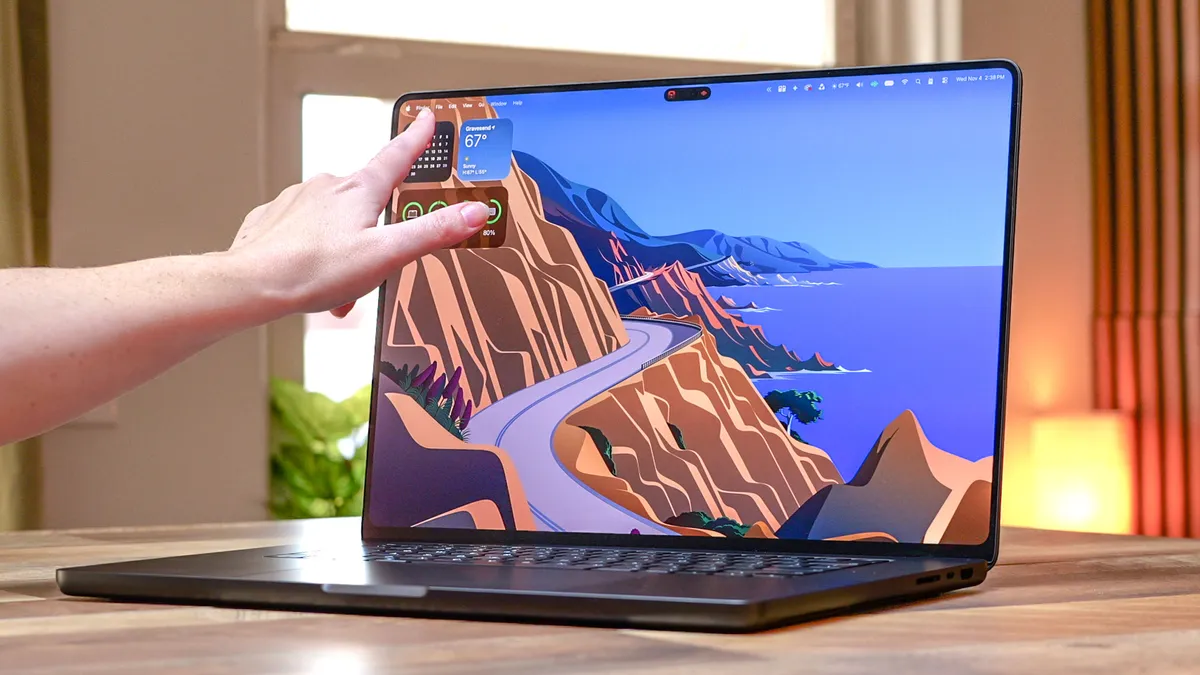
But let's circle back to the touchscreen, because honestly, I went in thinking I'd quickly forget about it. It's not an iPad replacement, and it's not trying to be one. There's no Apple Pencil support, which makes sense on a screen that doesn't fold flat. And while Apple did show off a number of demos where you can draw or play piano on this, I don't think that's really what this is for.
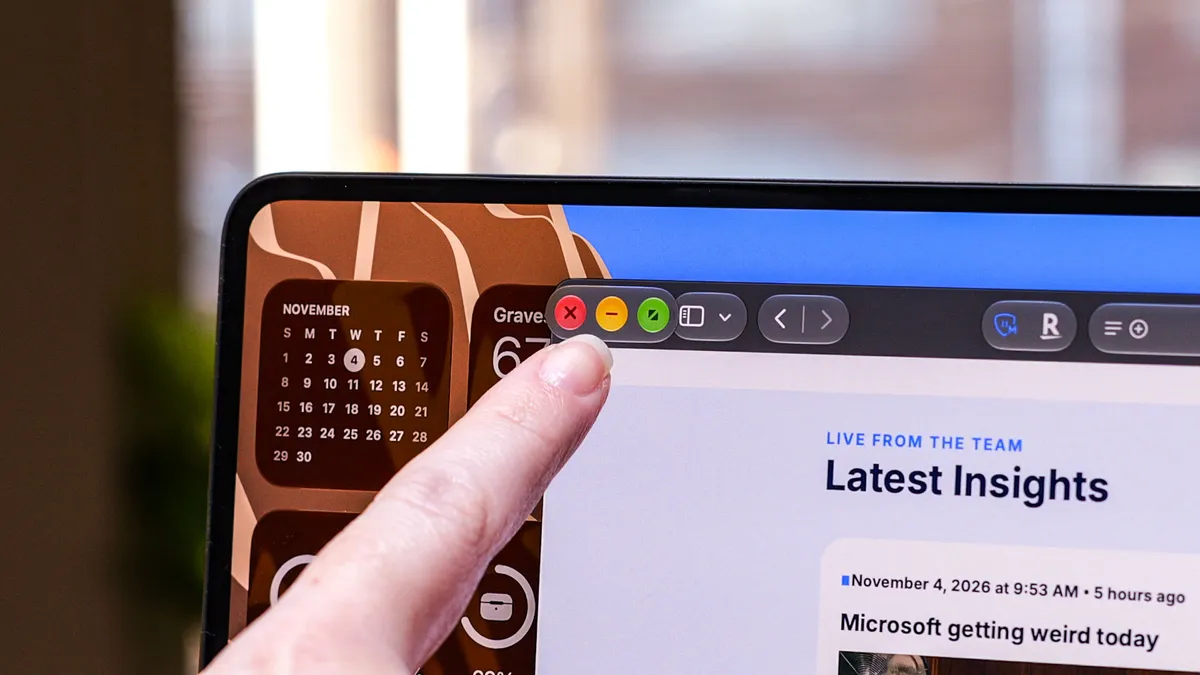
It took a bit of retraining my brain to remember "oh, this is a touchscreen," but within a few hours it started to feel natural, at least some of the time. There's no lag when I click or drag, and tapping the app I want or resizing a window was often quicker than chasing it with the cursor. Apple didn't completely overhaul macOS for touch, but small changes like the enlarged window controls help avoid misclicks.
Unsurprisingly, for precise work like rearranging or trimming a video timeline, I still use the trackpad and keyboard. For more interactive jobs, like adjusting a curve in Lightroom or quickly culling through my photo selects, it's handy. I realized the touchscreen made sense when I was going back and forth between this and my old laptop and caught myself reaching for the screen on my old Mac more than once.
Who is this laptop for?
Here's the thing: I don't need touch, and I can easily live without it. I'm sure most people would agree, so it's everything you're getting on top of touch that makes this new ProLED model so appealing.
But you're paying an extra $400 to get it, and that's before the $150 for nano-texture if you want the full package. $550 on its own is a laptop (a budget one, sure, but a full laptop). As I've shared, these upgrades finally sold me on retiring my old laptop, and the display and weight savings alone are worth the premium over the non-ProLED model.
That said, I would have loved to see a non-touch model for around $100 less, since I could do without it. I'm also curious if and when these display upgrades will come to other models, including the Air and maybe even the Neo. Who knows?
I'm sure there are plenty of prospective buyers attracted by the fancy new display and slimmer design who don't necessarily need the extra horsepower offered here, and they might get pushed to buy more "laptop" than they really need, especially since it's currently limited to the M5 Pro and M5 Max models.
That said, if you're a content creator like myself and want the best laptop display on Apple's best laptop to date, the MacBook Pro with PROLED XDR Display was worth the wait.

Follow Tom's Guide on Google News and add us as a preferred source to get our up-to-date news, analysis, and reviews in your feeds.
More from Tom's Guide
- We tested the MacBook Pro PROLED'S battery life — it's a Windows laptop massacre and Apple Silicon remains untouchable
- I waited years for the iPad mini 8, so why do I feel like Apple is ripping me off?
- I just tried Apple’s new iMac with M6 and this sleek all-in-one is so seamless I’m ready to ditch my Mac mini