The long-awaited Amazon Alexa revamp is finally here, and Amazon is upgrading its familiar voice assistant with plenty of AI-powered features that you can check out right now.
Called Alexa Plus (Alexa+), it builds on its predecessor with enhanced conversational abilities with memory and emotional capabilities akin to that of chatbots like ChatGPT and Gemini.
Best of all, it's rolling out in the U.S. this month. As Amazon announced this week, Alexa Plus will be free for Prime members, or you can pay $19.99 a month if you don't have an account. The new generative AI-powered Amazon smart assistant will offer more thorough personalized assistance along with a suite of new features aimed at integrating into users' daily lives
However, it won’t be available for everyone. Alexa Plus will only be available in English for customers in the US with a phased rollout beginning in March.
That being said, Amazon is offering access to the service for free during an Early Access period. If you're itching to take Alexa Plus out for a spin, here's how to sign up to experience Amazon's new smart assistant early.
How to sign-up for Alexa+ early access
First, you'll have to head over to Amazon’s landing page for Alexa Plus, which invites you to "Meet the new Alexa." Scroll down a bit, and you should see a box on the right side that says "Alexa+ is coming soon." Once you tap on the link, it'll ask you to sign in with your Amazon account.
Once you have access and opt-in, you'll receive an email confirmation, and Alexa Plus will start working across any compatible Echo devices, Fire TV and Fire tablets you have.
Only a few Amazon devices have been updated with support already, with other devices likely to join their ranks in the coming months. Right now, you’ll need an Echo Show 8, 10, 15 or 21 to get Alexa Plus access. You'll also be able to access it via your web browser or the existing Alexa app — there won’t be a new app to download.
Parents can also get their kids in on the Alexa Plus experience by creating and enabling a child profile. If you set up voice ID for any kiddos in your home, the device will employ Alex Plus Kids when it recognizes an enrolled child.
"When an enrolled child profile is recognized or on a device with Amazon Kids enabled, our GenAI content moderation extends the multi-layered controls for a general audience with additional guardrails that are purpose-built for children," Amazon says on the Alexa Plus landing page.
During this Early Access period, Alexa Plus will remain free, and Amazon has said that users won't be automatically charged once the period ends. It will remain a free benefit with your Prime membership or cost $19.99 per month on its own.
Alexa Plus key features
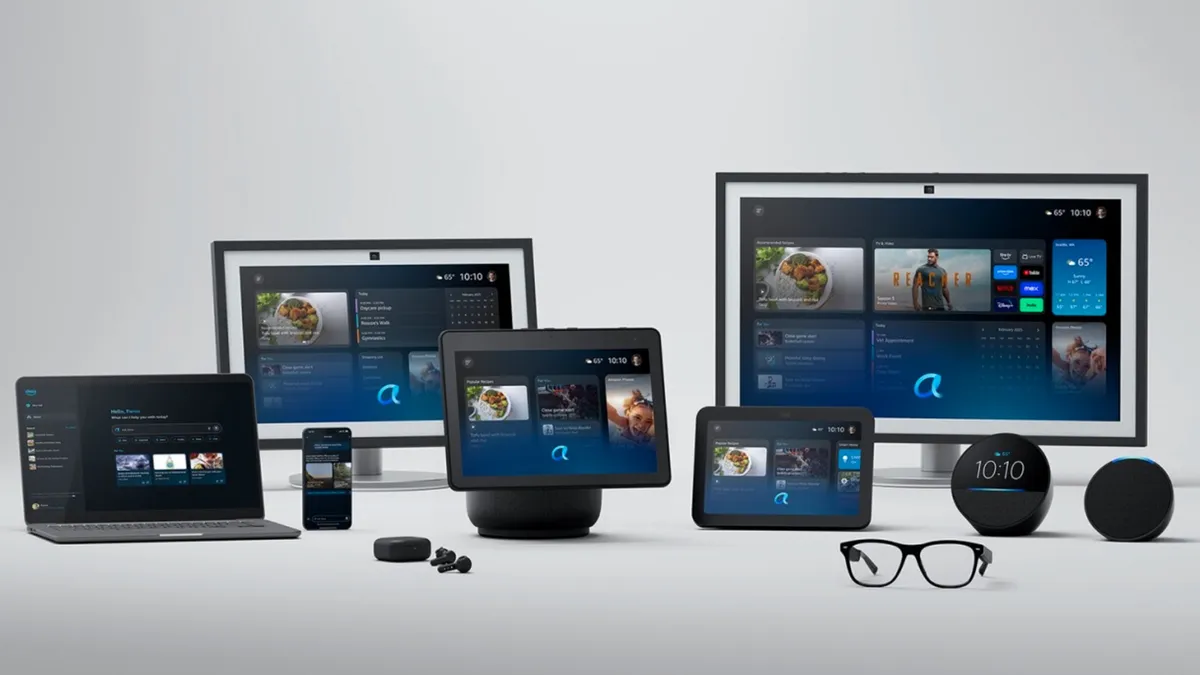
With this Alexa overhaul, Amazon is aiming to redefine the role of its virtual assistant in day-to-day life.
By using generative AI, Alexa Plus aims to provide more human-like interaction experiences. Its enhanced conversational abilities make the assistant better at understanding and responding to users' emotional tones, like detecting frustration. to adjust its responses as the situation calls for.
Alexa Plus also boasts improved task management skills to streamline your to-do list. It can now perform complex tasks like booking a table at your favorite restaurant, adding events to your calendar, ordering groceries from GrubHub, and more.
On the security front, Alexa Plus collaborates with Ring camera systems to bring you detailed insights and summaries of camera events or let you monitor suspicious activity in real-time.
That's only skimming the surface of what this new AI-powered Alexa can do. You can check out our full breakdown of what you need to know about Alexa Plus here.
More from Tom's Guide
- Alexa+ — here's everything you need to know
- OpenAI ChatGPT-4.5 is here and it's the most human-like chatbot yet — here's how to try it
- Hume AI just unveiled Octave — new AI voice generator is eerily human