
As an avid user of multiple AI tools, I’ve become familiar with their strengths and weaknesses.
In the case of ChatGPT, it can fall into the trap of giving you answers that sometimes come off as vague, overconfident even when it’s wrong, indecisive and more. After finding a list of reusable prompts that go hand in hand with certain requests I bring to ChatGPT, I was amazed to see just how much stronger the chatbot’s responses became in due time.
With all that in mind, I came to Claude with the same intention of finding the right prompts that help Anthropic’s chatbot navigate around its most prominent shortcomings and generate the types of answers that are far more concise. Hopefully, these help you just as much as they help me whenever I attach them to my specific prompts for different situations.
Improving Claude for the better
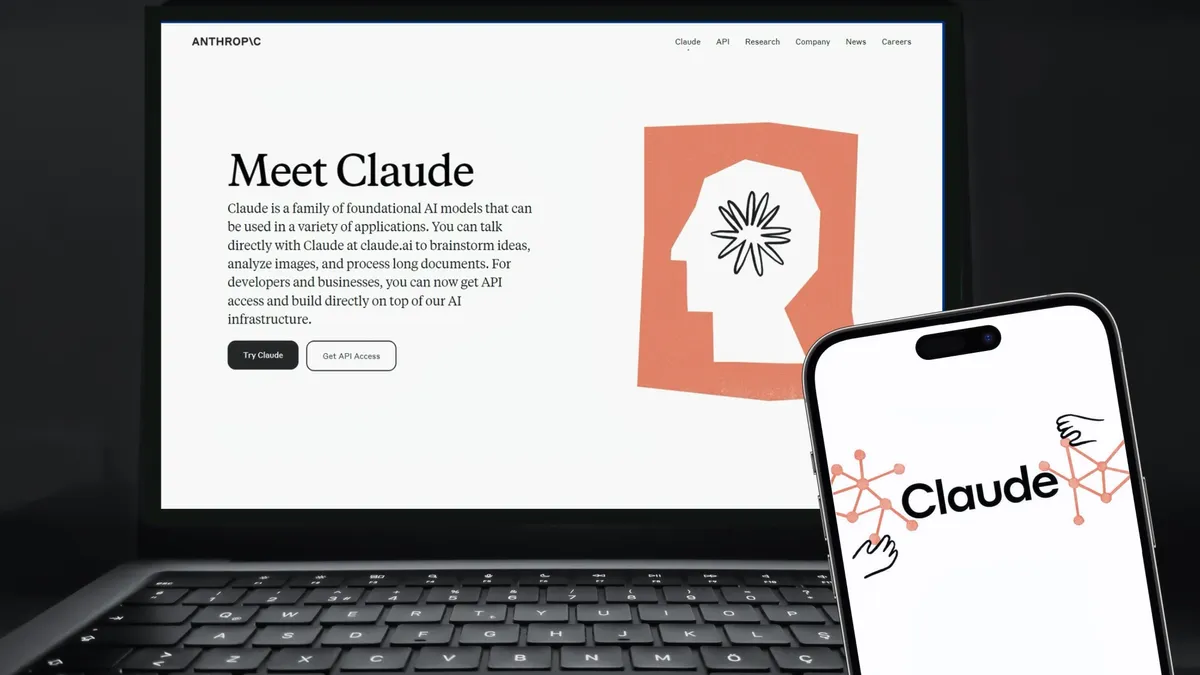
Claude is recognized by its most dedicated users for being great at coding, creative writing, analyzing large documents and more. But when it comes to its weaknesses, the chatbot tends not to carry memories of previous chats into new ones, is prone to hallucinations and sometimes comes off as overly cautious with its responses as it tries to embrace a “harmless” personality.
The following 10 prompts are meant to help Claude generate the sort of replies that push it to give its users the exact advice they’re looking for while finding ways to get around its main faults:
- Before answering, flag any claims you're less than 90% confident in. If you're not sure, say so explicitly rather than guessing. This prompt is perfect for when you want to help Claude avoid coming off as overconfident and on the verge of hallucinating.
- Don't validate my premise just because I stated it confidently. If you think I'm wrong or my idea has flaws, push back directly and explain why. This prompt comes in handy when you want Claude to refrain from agreeing with your point of view so easily and instead be more realistic with its evaluation of your concepts.
- Give me a concrete recommendation, not a list of options with pros and cons. Pick one and defend it. This prompt is worth using to keep Claude from reverting to vague and wishy-washy responses to whatever you’re asking.
- When summarizing, don't just compress. Synthesize. Tell me what it means and not just what was said. What's the one thing I should walk away understanding? This prompt is essential when you’re looking for Claude to provide you with stronger summarizations.
- If any part of my instructions conflicts with each other or with producing a good result, flag the conflict and ask which takes priority rather than silently picking one. This prompt is great when you’re looking for Claude to zero in on your most important directive while tending to the others.
- Respond in plain prose with no bullet points, no headers, and no bold text unless I ask for them. This prompt is perfect for when you want Claude not to generate an overly formatted response.
- Write this with a strong, distinctive voice. Avoid clichés, generic phrasing, and AI-sounding sentences. Read it back to yourself and cut anything that sounds flat. Putting this prompt to work when asking Claude to tackle your creative writing requests is vital when you want to see what the chatbot is truly capable of.
- When you use examples, make them specific, vivid, and non-obvious. No “imagine a bakery” or “think of a sports team” placeholder examples. This prompt helps Claude stay away from providing generic examples and instead pushes it to give you better-tailored ones.
- After drafting your response, scan it for any sentence that repeats an idea already stated. Cut or consolidate it. This prompt keeps Claude from repeating itself when generating lengthy responses.
- Show your reasoning step by step before reaching a conclusion. Don't just assert. Demonstrate how you got there, so I can spot where I might disagree. This prompt makes Claude lay out every part of how it arrived at its answers more clearly, so you can see where you may or may not agree with its reasoning behind them.
Bottom line
Claude may not be perfect, but it still stands out in several key areas for AI aficionados. To get past those imperfections, the 10 reusable prompts I use with it across different types of demands and inquiries work wonders. Proper prompting is key, of course. But employing the sort of prompts that help Claude better itself and handle your tasks more effectively is equally necessary.

Follow Tom's Guide on Google News and add us as a preferred source to get our up-to-date news, analysis, and reviews in your feeds. Subscribe to Tom's Guide on YouTube and follow us on TikTok.
More from Tom’s Guide
- I fixed ChatGPT’s biggest weaknesses — these 10 prompts instantly improve its answers
- 'No clear consent flow for this download': Google Chrome is silently stashing a 4GB AI model on your device — and Google just responded
- I finally fixed ChatGPT’s bad habits with the ‘Echo Prompt’ — here’s how