




The everyday pressures of trying to keep everything in order can break anyone’s focus and, more importantly, their spirit.
I can definitely relate — I’ve had moments when I’ve lost track of a project in progress and forgotten important meetings simply because I couldn't stay on top of everything. In this current day and age, where a million (and one) distractions are splitting your focus between staying up to speed on everything and handling your biggest priorities, it’s even easier to succumb to feeling disorganized.
AI tools have offered me a dozen or so fixes for those moments when I need to boost my productivity and find the best methods to stop feeling overwhelmed. They have also helped me tap into a routine to wind down in the evening and improve my sleep schedule.
After another in-depth session with ChatGPT, I asked it to generate a list of formulas that I could make a part of my daily work/personal habits. I took note of a bunch of them and eventually walked away with one in particular that made a major change to my everyday routine.
Plan your week before it starts
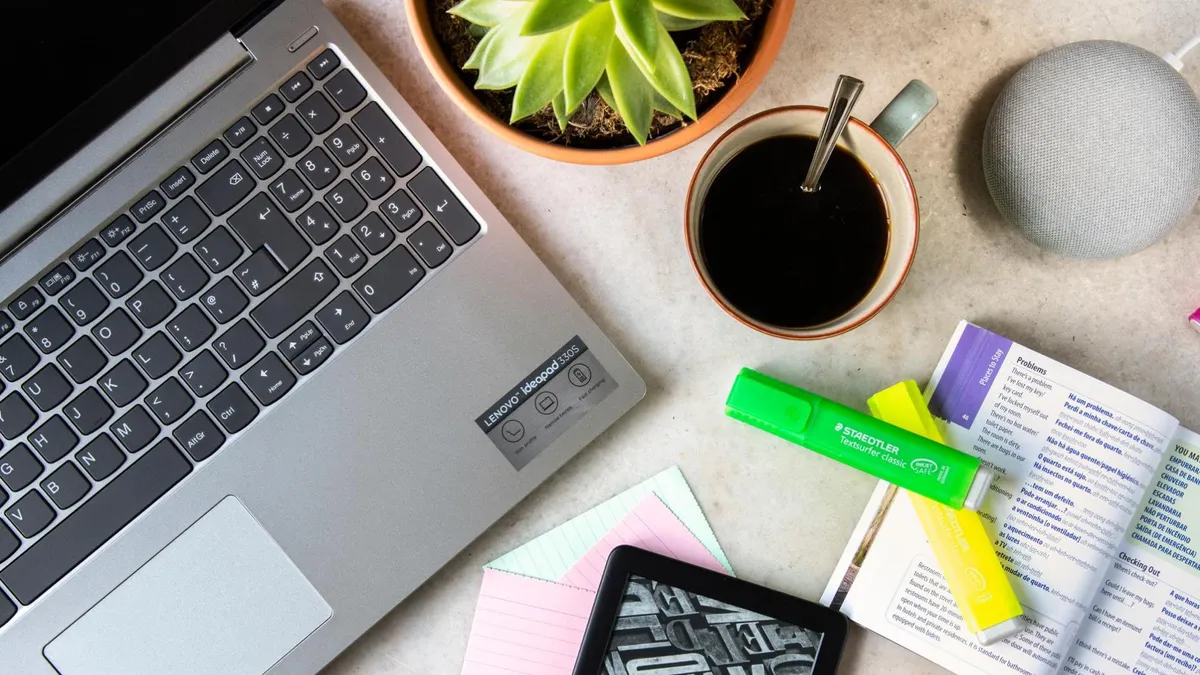
Out of all the tips ChatGPT produced on how to feel more organized, the one that stuck out to me the most was all about taking a single day to plan out everything for the week ahead. It was structured as follows:
A 20-minute weekly review changes everything. Every Sunday (or Monday morning), check deadlines, schedule workouts, plan meals, review finances and prioritize your top three goals. Feeling organized usually comes less from “having it all together” and more from knowing what matters next. Organization is really about reducing friction. The easier your systems are to maintain, the more consistent you’ll be.
With those prophetic words from the chatbot lingering in the back of my brain, I started up a new process where I turned Sunday into my official “get back into the groove” planning day. The 20-minute block I set aside for the afternoon on that day forced me to sit down in my room with no outside distractions to trip me up and type out everything I needed to tend to for the coming days.
That meant jotting down a list of potential article pitches that could be improved upon as the week progressed, taking note of the previous week’s wins as far as high-performing articles are concerned, looking for new ways to follow up on those editorial successes, and staying up to date on upcoming deadlines.
After covering those aspects of my professional life, I then went ahead and laid out plans for my personal life once I close my laptop for the day. That entailed prioritizing my three main goals for the week. For example, one week would center on fulfilling all my scheduled medical/dental/eye appointments, finishing all the tasks required to renew my passport, and planning a special get-together with my closest friends for a dual birthday celebration.
Since Sunday is the start of the week, it became my designated day to set aside everything, lock in and organize my professional and personal objectives. After sticking to this new approach for a few weeks, it became less daunting to remember what to do and when to actually do it.
Additional approaches to staying organized

ChatGPT’s sage advice on the matter of feeling more organized resulted in even more bits of useful advice. Here are five in particular that I feel may just make a difference in your life:
- Use the “2-minute rule”: If something takes less than two minutes, do it immediately. Tiny unfinished tasks pile up mentally faster than physically.
- Limit your active to-do list: A list with 47 tasks creates paralysis. Keep a short “Today” list with 3–5 important items. Momentum feels more organized than ambition.
- Start using calendar blocking: Don’t just write tasks — assign them time slots. A calendar turns vague intentions into actual plans and prevents your day from feeling scattered.
- Set “maintenance days” instead of marathon cleanups: Spend 15–30 minutes maintaining systems regularly instead of waiting until everything collapses. Consistency feels calmer than recovery mode.
- End every week with a reset ritual: Pick one recurring ritual, such as cleaning your inbox, tidying up your room, reviewing your goals, archiving your files or rewriting your priorities. Repeated rituals create a strong sense of control even during busy weeks.
The takeaway
It feels amazing once the week reaches its exhausting end and I remember completing everything I laid out in a careful to-do list on the Sunday before business picked up.
ChatGPT’s central rule for feeling more organized aided me by turning one 20-minute block on that chosen day into my ultimate “checklist preparation” session. What was once a day I dreaded has now become a day I look forward to as I turn the jumbled mess in my head into an actionable plan for the week ahead.

Follow Tom's Guide on Google News and add us as a preferred source to get our up-to-date news, analysis, and reviews in your feeds. Subscribe to Tom's Guide on YouTube and follow us on TikTok.
More from Tom’s Guide

