If you’ve used ChatGPT-5 for any length of time, you’ve probably noticed that instead of simply answering your query, it adds the same follow-up every time that looks something like, “Want me to…?” The first few times this might seem helpful, but every time feels repetitive and can actually interrupt your work flow.
Personally, I don't want ChatGPT to dictate the direction of the conversation. I want to steer it with my own queries, not the other way around. While fixing that is simple enough, I also discovered five powerful prompt tweaks that make ChatGPT way more useful and efficient.
How I got ChatGPT to stop with the follow-up questions

The fix for this one has surprisingly less to do with storing things in ChatGPT's memory and more to do with the chatbot settings. You're going to want to go to the "Settings" feature and go to Customize ChatGPT and then "What traits should ChatGPT have?"
It's here you're going to want to add the following line:
"You should never end a response by asking a question."
After saving, you'll notice that ChatGPT will stop tacking on those unnecessary prompts entirely.
Now that we've gotten that flaw out of the way, you might want to try a few other prompts that keep this latest version of ChatGPT dishing out cleaner, smarter and more efficient responses.
5 Prompt Hacks to Make ChatGPT Better
1. Ask it to challenge you

You may have noticed that ChatGPT is like an agreeable friend — to a fault. This can lead to mistrust and additional prompts for an interrupted and less effective workflow.
Instead of just agreeing with everything you say, push ChatGPT to answer critically. You can turn it into a better brainstorming partner rather than a yes-machine with this prompt: "Challenge my assumptions and provide alternative perspectives.”
2. Frame tasks as “missions”

Although ChatGPT-5 understand context better than its predecessor, it still does not do well with vague questions. It needs structure to deliver richer, more actionable responses.
To be sure that the chatbot responds more thoughtfully, be sure it understands your goal. Try a prompt like this: “Your mission is to plan a creative date night under $50.”
3. Get concise, no-fluff answers
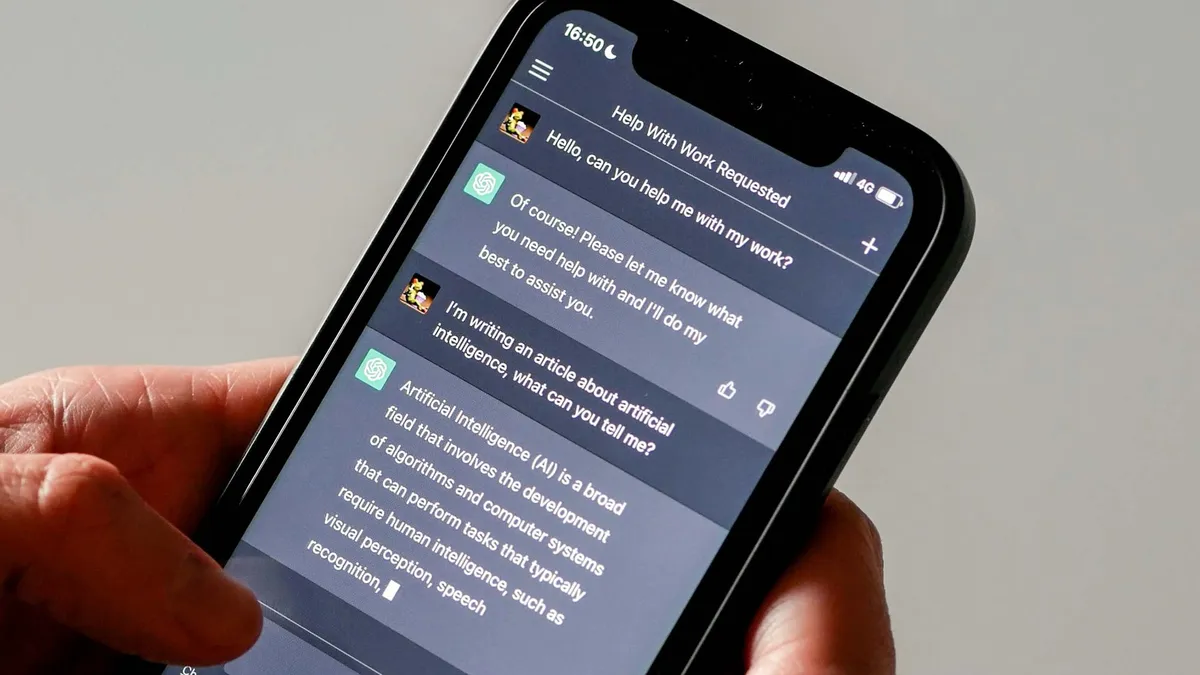
Although ChatGPT-5 delivers shorter responses, it can still offer overly long explanations. To avoid this and force the chatbot to give you cleaner, faster responses without repeated or rephrased answers, add this line to your prompt: “Be direct and skip any follow-up questions.”
4. Reverse-engineer your prompts

Sometimes we know how we want our answer to be structured, despite not having the answer itself. To help ChatGPT tailor its response in the best way, try a popular prompt technique like: “Here’s the kind of answer I want: [insert example]. Write the exact prompt I should use to get that result.”
5. Simplify without losing meaning

Let ChatGPT make complex topics digestible while avoiding a conversation that unneccessarily gets too technical or goes nowhere, ask AI to get less technical and explain things in plain language with the following prompt:
“Explain this like I’m five — and don’t ask if I want more detail.”
Make ChatGPT work better for you
With just a few tweaks, you can make ChatGPT smarter, faster and less repetitive. These prompts work whether you're writing, coding or just experimenting, to give you more control over your conversations.
Follow Tom's Guide on Google News to get our up-to-date news, how-tos, and reviews in your feeds. Make sure to click the Follow button.
More from Tom's Guide
- I Built 5 Websites in Under an Hour with ChatGPT-5 — Here’s How it’s Possible
- These 9 Vibe Coding Prompts Are Pure Genius — And So Easy To Use
- I Asked ChatGPT vs Gemini vs Claude to Write a Resume — Here’s the One That Got It Right