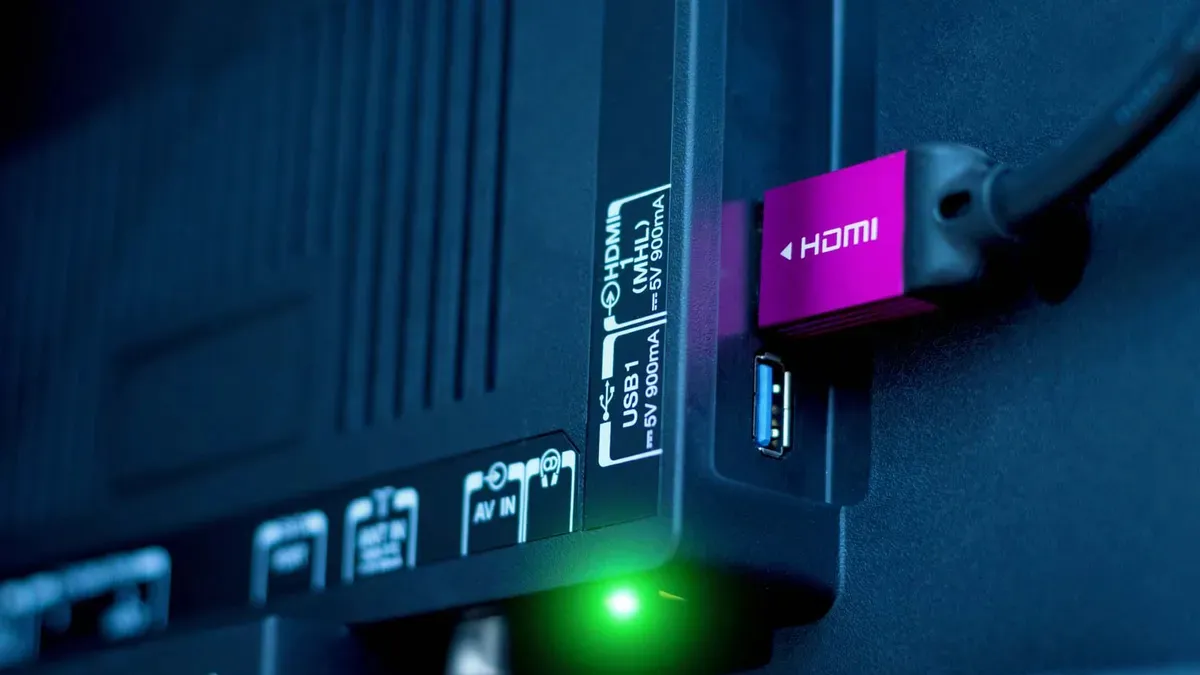
HDMI 2.2 has arrived. And, even though its features can't be fully supported by the best TVs and gaming consoles just yet, it already has a rival.
There are ongoing efforts by organizations in the tech sector to replace HDMI with something called GPMI. It does everything HDMI does with some added tricks up its sleeve. For its supporters, GPMI represents a simplified future of fewer cables and faster speeds.
It's a rosy outlook, for sure, and one that requires some squinting in order to see it. As promising as GPMI is, I fear that our living rooms will be firmly entwined with HDMI for the long haul.
What is GPMI?
Short for General Purpose Media Interface, GPMI is a new connectivity standard developed by an alliance of over 50 Chinese companies, including Hisense and TCL. It’s an alternative to HDMI that merges high-bandwidth audio, video, data and power-delivery in a single cable.
Like HDMI 2.1 and 2.2, GPMI’s benefits are primarily due to its added bandwidth compared to older standards. It supports higher-resolution, higher-framerate content than what’s available via the garden-variety HDMI 2.0 cables most folks still use in their living room. Similar to Thunderbolt cables, GPMI cables also offer power delivery.
GPMI’s benefits are primarily due to its added bandwidth compared to older standards.
There are two types of GPMI cables: USB-C and a proprietary Type-B cable. The USB-C version supports a bandwidth of 96 Gbps and 240 watts of power-delivery while the Type-B cable offers speeds of 192 Gbps and a total of 480 watts.
GPMI’s flexibility makes it an attractive option for the future of home entertainment. But with a new, higher-bandwidth version of good ol’ fashioned HDMI on our doorstep, which of these cables will earn a place in our living room?
GPMI vs HDMI 2.2: Which will win?
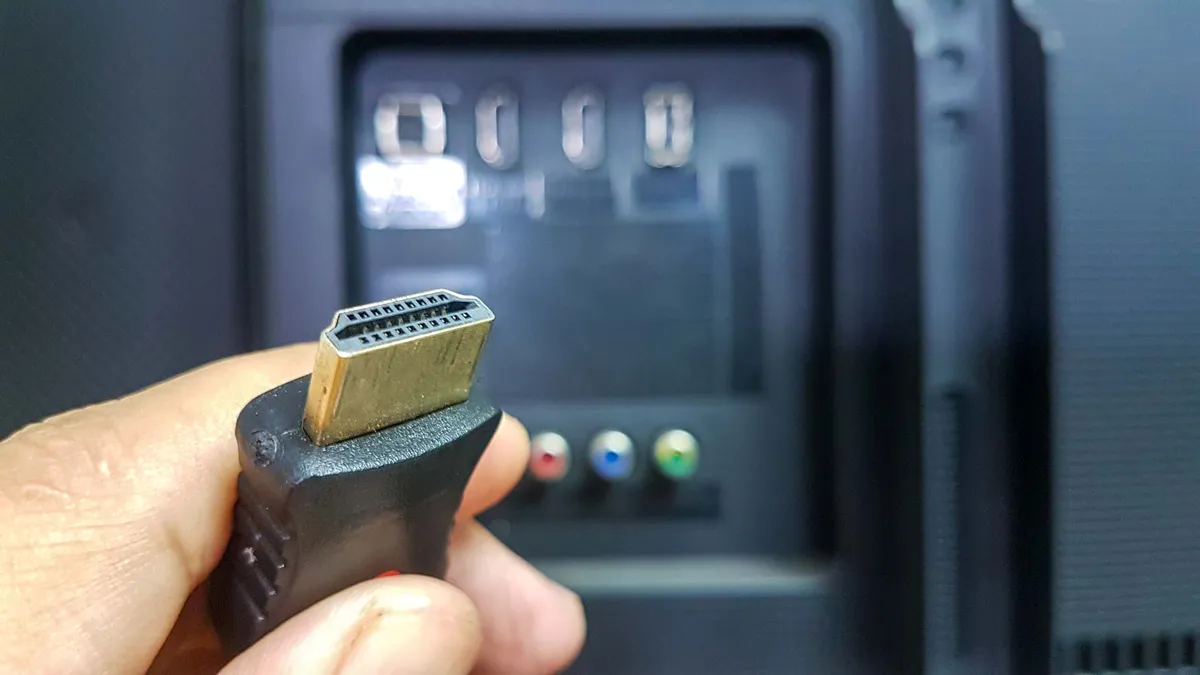
HDMI 2.2 is available in three bandwidth tiers: 64, 80 and 96 Gbps. This means that its highest tier is on par with the slowest version of GPMI (the type that uses a USB Type-C cable). Bandwidth levels of 80-96 Gbps allows for 4K content at up to 480Hz with color compression and up to 8K/60Hz for uncompressed content.

Here's how to prepare for HDMI 2.2 if you're shopping for a TV.
With 192 Gbps speeds, the proprietary Type-B GPMI cable can reach A/V heights far beyond HDMI 2.2. Its power-delivery functionality is just the cherry on top.
But despite its built-in benefits, GPMI’s ascension is far from assured. For one thing, HDMI 2.2 is already here. You can buy HDMI 2.2 cables right now — just look for the “Ultra96” label and the proper certification.
No TV supports HDMI 2.2 yet, but we’re likely to see high-end sets arrive with at least one HDMI 2.2 input within a few years. From where I’m sitting, HDMI 2.2’s arrival on TV sets seems like a certainty. GPMI’s arrival doesn’t.
TCL and Hisense might stand behind GPMI, but LG, Samsung and Sony are noticeably absent. These brands’ TVs represent a huge portion of the market share, and this is before you even take into account the devices we plug into those TVs.
It would take a massive group effort on behalf of TV-makers, game developers and brands of all types to standardize GPMI, and HDMI 2.2 already has a head start.

Follow Tom's Guide on Google News and add us as a preferred source to get our up-to-date news, analysis, and reviews in your feeds.
More from Tom's Guide