







Streaming is one of the more interesting ways to play games these days, because you only really need a subscription and a controller to join the fun; there's no need for an expensive console.
Google Stadia wasn’t the first games streaming service to launch, but it did still beat the other titans of the gaming industry to the punch. It got a lukewarm reception at the time, but improvements are happening, like a new feature that lets you share games.
- Google Stadia vs Apple Arcade: Which gaming service will win?
- How does Google Stadia compare to other games streaming services?
- Plus: Samsung Galaxy S21 leak reveals weird cases — here’s you first look
Google just launched Stadia’s new “Family Sharing” feature, which lets users linked through Google Play’s Family library share games across multiple accounts with a single digital licence. In other words you can all play the same game without having to buy it multiple times. Better still Stadia Pro members can claim free games and share them with the group, even if they’re the only one with a Pro subscription.
The only caveat is that two accounts can’t play the same shared game at the same time. So if two people desperately want to play Destiny 2 or Doom Eternal simultaneously, they’re going to need to pay for it. Likewise if you claim a free game as part of a Stadia Pro subscription and let that subscription lapse, you won’t be able to carry on sharing it.
Family sharing has become quite a popular thing in a world where streaming subscriptions are so common. Most people can only afford to subscribe to a single service, so being able to share access and split the cost with others is a huge benefit. Facilitating that sharing also gives those services a wider reach, and Google clearly sees the benefit where Stadia is concerned.
It also showcases Google’s commitment to improving Stadia and making it a strong competitor in the ever-growing world of video game streaming. Our initial review of the service noted that it was effectively half-completed and quite a disappointing experience. In fact we declared that the service was officially a mess, which isn’t a good look for Google.
But that was a year ago, and a lot can change in a year. Being able to share games is just one small part of that.
This all comes at a time when the next-generation Xbox Series X and PS5 are set to launch on November 10 and November 12 respectively. These are both $500 consoles, and at a time when the world is under economic turmoil thanks to the coronavirus pandemic, there's an argument that splashing such a wad of cash on a new games machine isn't wise.
So with the continued improvement to Stadia, Google is effectively starting to build out a more affordable alternative to the next-gen consoles, albeit with a few limitations; you need a good internet connection to get the most out of it.
Google Stadia sharing
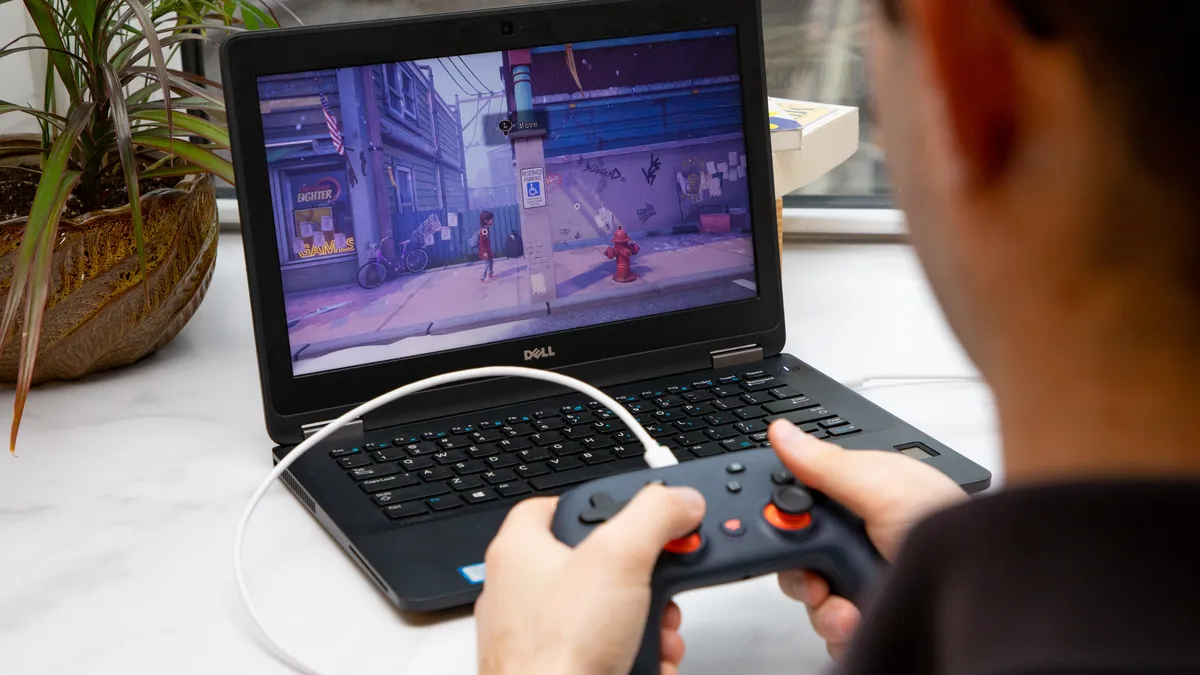
Google has instructions on how to set up a Family Link between accounts over on its support site, though you will need to go through another set of motions to set up Stadia sharing if you plan on setting it up for someone who doesn’t have a Stadia account. And make sure there’s a payment method on your account.
Google Play’s Family Library isn’t just for Stadia, either, and you can share Google Play purchases and subscriptions with multiple accounts. Not everything can be shared, but a lot still can, and now Stadia is one of those things. The good thing is it doesn’t actually have to be your physical family either, and there’s nothing to stop you setting up a Family Group with our friends.
Stadia sharing is rolling out now, so if you don’t have the option yet you’ll just have to be a little patient.

