




Surfshark has launched an Antiscam Hub for iOS – a dedicated section within its app that consolidates five existing personal protection tools into a single, streamlined interface.
The hub brings together Personal Email Masking, Alternative Number, Dark Web Monitoring, Unsafe Site Blocking, and Identity Theft Coverage, removing the need to navigate between separate areas of the app.
We are seeing the best VPNs grow beyond traditional VPN protection in order to create complete cybersecurity packages, and Surfshark is the latest.
Surfshark says the move targets the growing threat of social engineering. These are scams that exploit trust, urgency, and exposed personal data rather than software vulnerabilities, and it describes the hub as the foundation of a broader anti-scam roadmap.
What's inside the Antiscam Hub?
The five tools housed in the hub each target a different layer of personal exposure. Personal Email Masking shields your real email address from scammers, while Alternative Number does the same for your phone – but it's still a paid add-on.
Dark Web Monitoring provides real-time alerts if your personal data surfaces in a breach or leak.
Unsafe Site Blocking automatically prevents access to malicious and phishing websites – Surfshark says the feature flagged nearly 1.2 million new phishing and malware sites in the past month alone.
Rounding out the hub is Identity Theft Coverage, which offers up to $1 million toward expenses like document replacement and legal fees, plus $1,000 for mental health counselling for affected users.
It's worth noting that there are no new features, simply a consolidation of existing ones.
An industry-wide shift
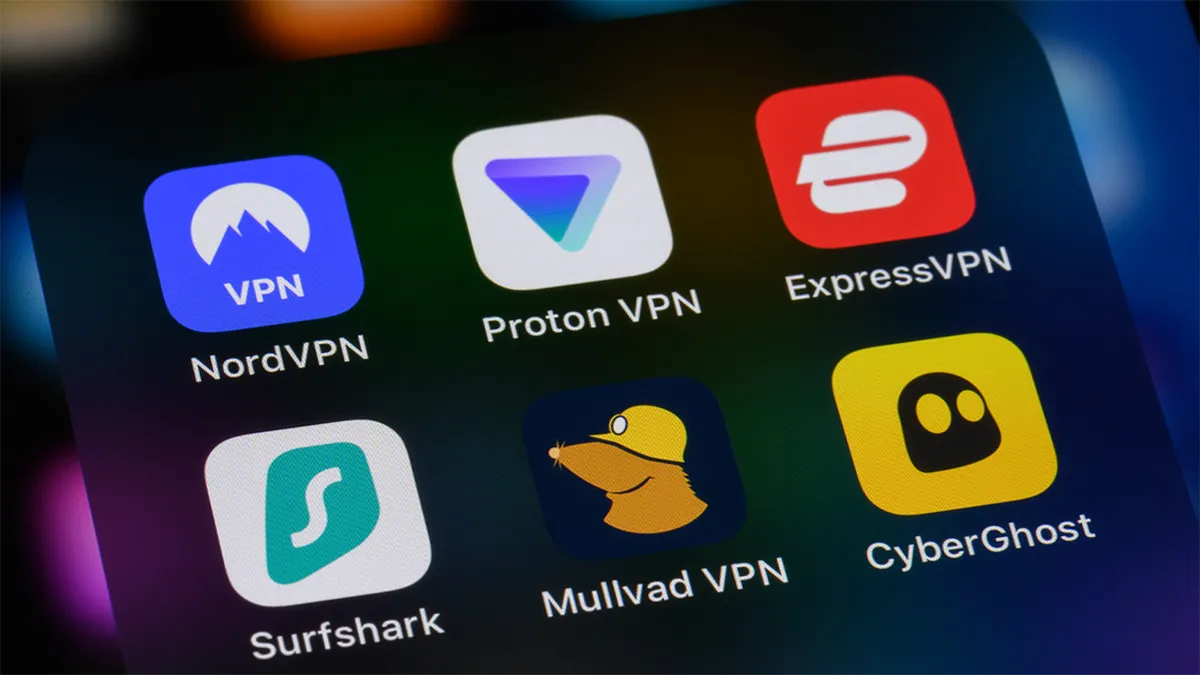
Surfshark isn't alone in moving toward consolidated security tooling. ExpressVPN recently overhauled its cybersecurity offerings to create five-app privacy suite.
NordVPN has rebranded Threat Protection Pro, consolidating its protections into one app.
"Cyberthreats are constantly shifting, and right now we are witnessing the ultimate uptick of scams," said Gabriele Sinkeviciute, Head of Product at Surfshark. "That's why easy-to-use tools that can make you more alert from such threats are much more important than ever."
"By consolidating these tools, Surfshark makes it easier for users to understand their exposure and take preventive action before a scammer even makes contact. This launch represents the foundation of Surfshark’s scam protection vertical, serving as a starting point for a roadmap of increasingly sophisticated anti-scam features," Sinkeviciute added.
What you need to do
The Antiscam Hub is available now for Surfshark iOS users. To access it, open the Surfshark app on your iPhone, ensure you're running the latest version – update via the App Store if needed – and look for the Antiscam Hub section within the app dashboard.
The hub is currently iOS-only. Surfshark has confirmed it will be piloted on the platform first, to gather user feedback, before rolling out to other platforms.
We test and review VPN services in the context of legal recreational uses. For example: 1. Accessing a service from another country (subject to the terms and conditions of that service). 2. Protecting your online security and strengthening your online privacy when abroad. We do not support or condone the illegal or malicious use of VPN services. Consuming pirated content that is paid-for is neither endorsed nor approved by Future Publishing.
