Tom's Guide Verdict
If you’re after a beautiful smartwatch with all the basic fitness and health features you need, and which won’t ruin your outfit, look no further than the Withings ScanWatch Light 2. This elegant watch is pricey given its basic functionality, but still offers strong battery life and lots of insight via the companion app. If it’s bang for your buck you’re after, rivals offer more, but none can match the ScanWatch Light’s sheer pizzazz.
Reasons to buy
- +
Solid basic fitness and health tracking
- +
Plenty of activities
- +
Decent battery life
- +
Beautiful styling and build
- +
Great companion app
Reasons to avoid
- -
Rather pricey
- -
Rivals offer more features
- -
Auto activity detection didn’t work for me
Why you can trust Tom's Guide Our writers and editors spend hours analyzing and reviewing products, services, and apps to help find what's best for you. Find out more about how we test, analyze, and rate.
I hate most fitness trackers. Although I love what they do, I really don’t love how they look. For ages now, I’ve been pining for a smartwatch that does all the stuff I need it to when I’m at the gym or on a walk, yet looks like a normal, classic watch. I know, I know, you can set analog watch faces on many smartwatches, but we all know that’s not the same.
Enter the Withings ScanWatch Light. This thing is beautiful. It looks like a classic watch and fits in with even my smartest outfits. And it does all the basic fitness-y things I need it to, although not much more — the “Light” part really does mean light. This is not a feature-packed smartwatch, and certainly isn’t designed for athletes. Instead, it’s a smartwatch for people who want core health features without sacrificing style or ruining the cohesiveness of their outfits.
Find out whether this is the best fitness tracker for you in my full Withings ScanWatch Light review.
Withings ScanWatch Light review: Specs
Withings ScanWatch Light review: Price & availability
The Withings ScanWatch Light costs $249 / £229 at Amazon. If you buy direct from Withings, you can choose a metal or leather strap for an extra $49, or a fabric strap for $39.
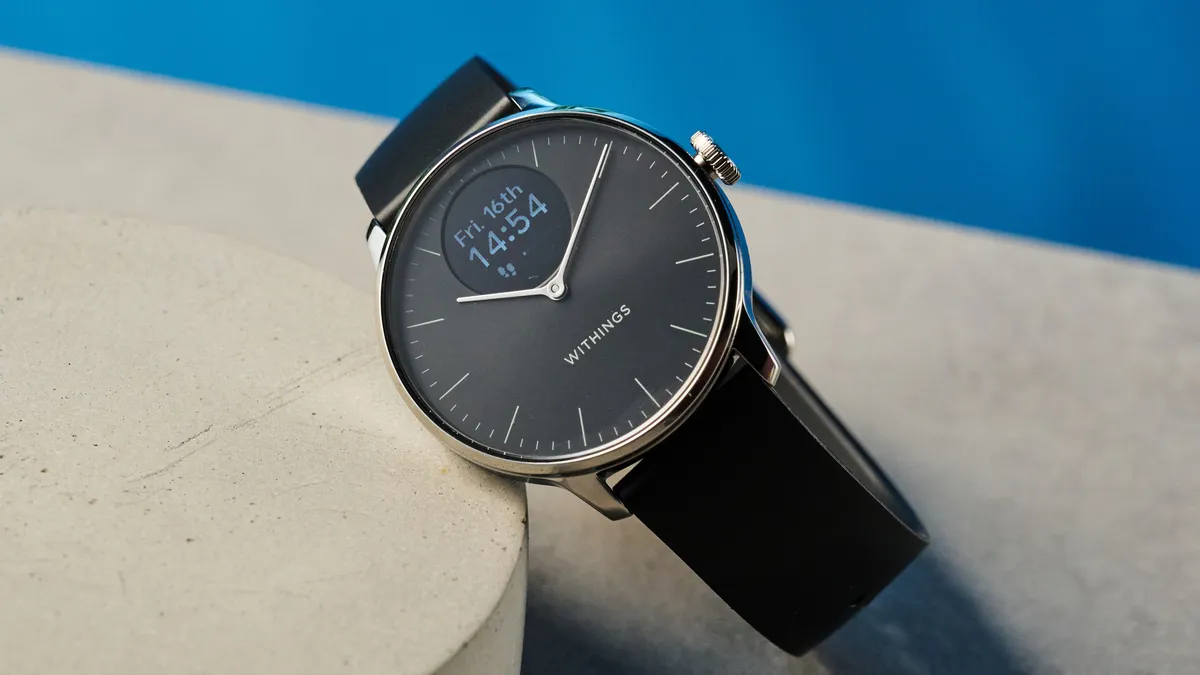
It certainly isn’t cheap, but look: Withings gear is always pricey. I don’t mind something being expensive if it can back up the price tag somehow. And most Withings products do so by combining charming design, solid build quality, and decent core functionality.
On the first two counts, the ScanWatch Light ticks the boxes. However, this is a stripped-back watch, so price versus functionality is pretty poor. You’re going to get more features for the money with the $249 Apple Watch SE 3. Or the $169 Amazfit Active Premium 3. Or heck, even the $79 Amazfit Bip 6. None match the ScanWatch Light’s elegant looks, though, so my question is: how much is style worth to you?
If you have the extra cash and want similar styling but more features, check out the ScanWatch Light’s bigger siblings: the $369 Withings ScanWatch 2 or $599 ScanWatch Nova.
Withings ScanWatch Light review: Design
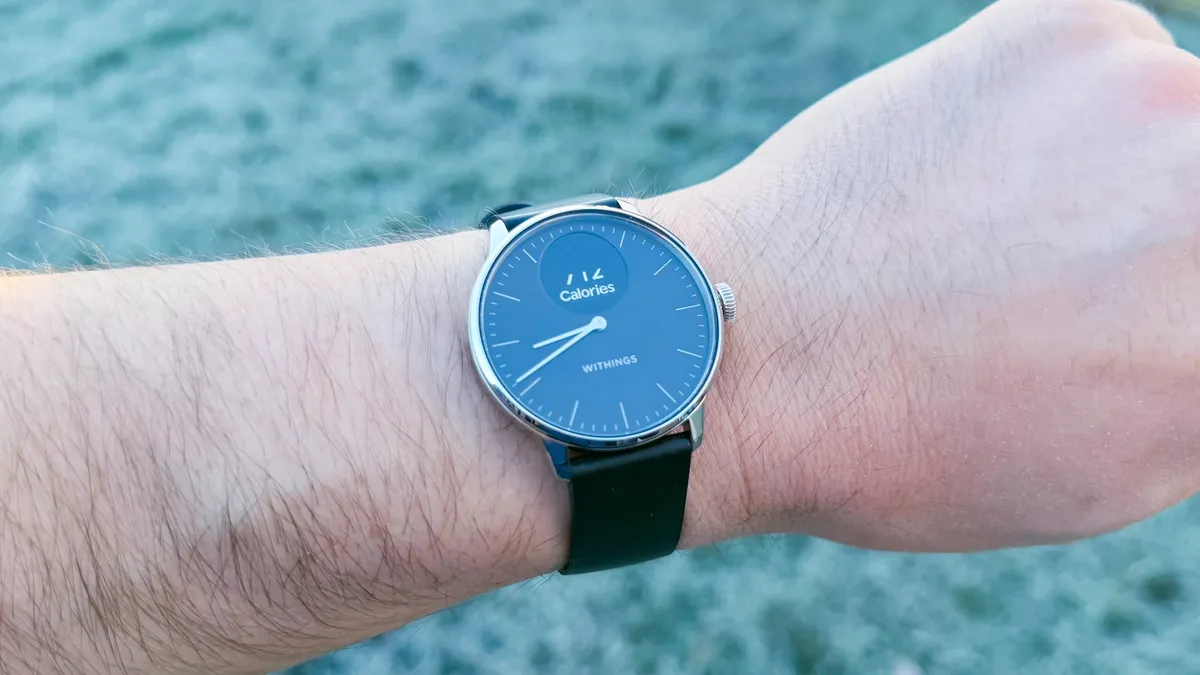
In my opinion, the best thing about the ScanWatch Light is its design. I really appreciate the huge array of fitness features of smartwatches like my Amazfit T-Rex 3 Pro. But I much prefer wearing a traditional analog watch when I’m not working out — giant AMOLED slabs and ugly silicone straps don’t really go well with my daily outfits. So, up to now I’ve switched between my analog watch and smartwatch when going to/from the gym, which has been a pain.
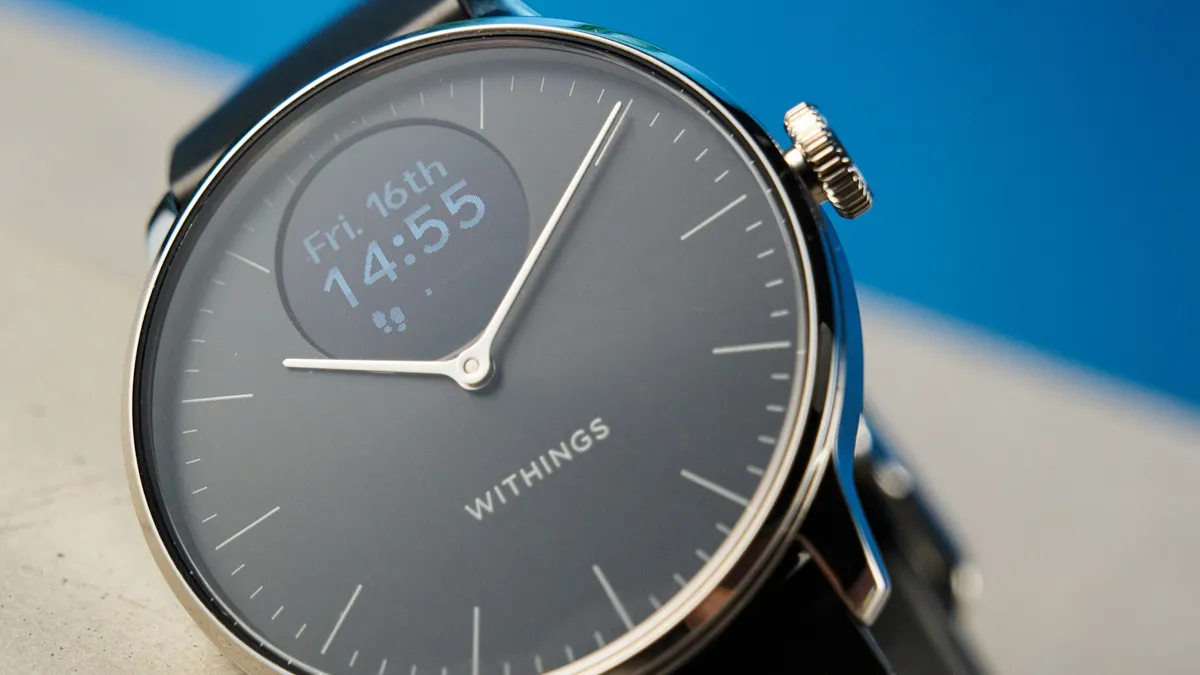
The ScanWatch Light is the perfect solution. It looks just like a classic analog watch: simple, elegant, beautiful. The face measures 1.4 inches, which fits my wrist nicely without feeling too bulky.
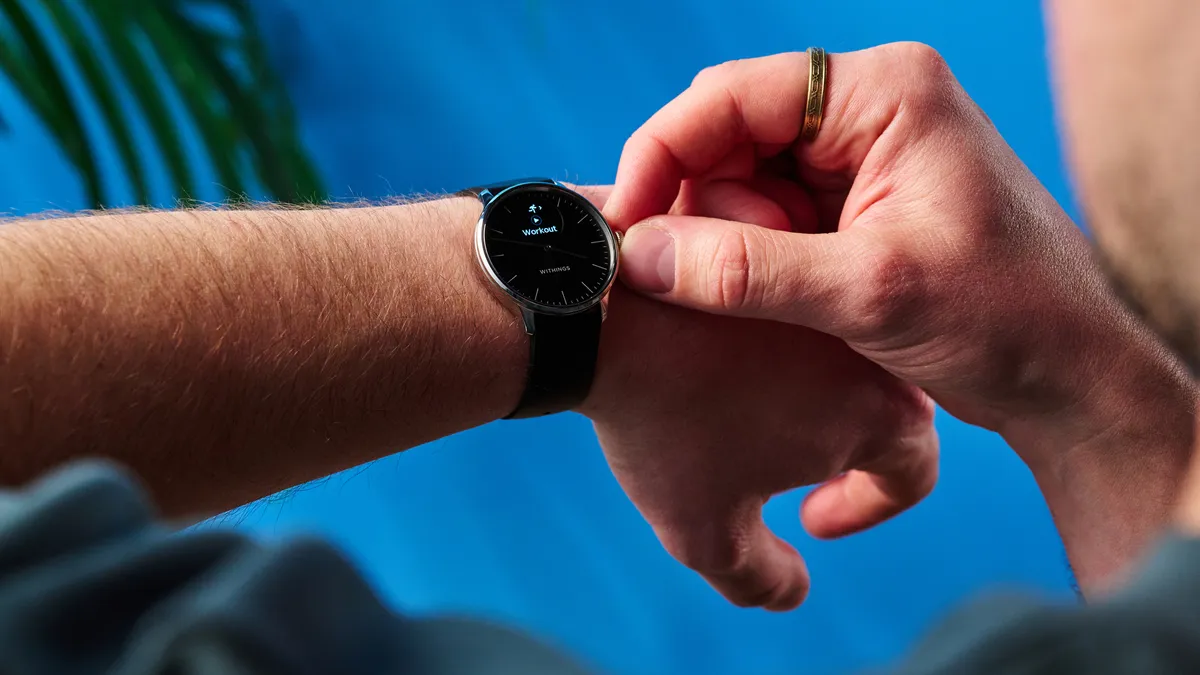
The watch comes in three different colorways (white/gray, rose gold/white, and black/silver). I chose the black model and love its effortless style and sophistication. It pairs well with all my outfits, from casual daily and smart casual fits up to suits and even my black tux. And the silver bezel and accents pair nicely with the silver and white gold rings I wear on my left hand. Obviously, though, the ScanWatch Light is also a fitness tracker! Which means I have a single watch for both gym, work, and leisure. I never have to switch again.
The standard strap is fluoroelastomer (a type of rubber), so it doesn’t absorb sweat or go gross when working out, and doesn’t chafe either. That said, while I usually dislike the look of rubber/silicone, the ScanWatch Light’s strap is finished with a matte effect, meaning it doesn’t look tacky like my (much cheaper) Amazfit Active. Again, you’re getting the best of both worlds.
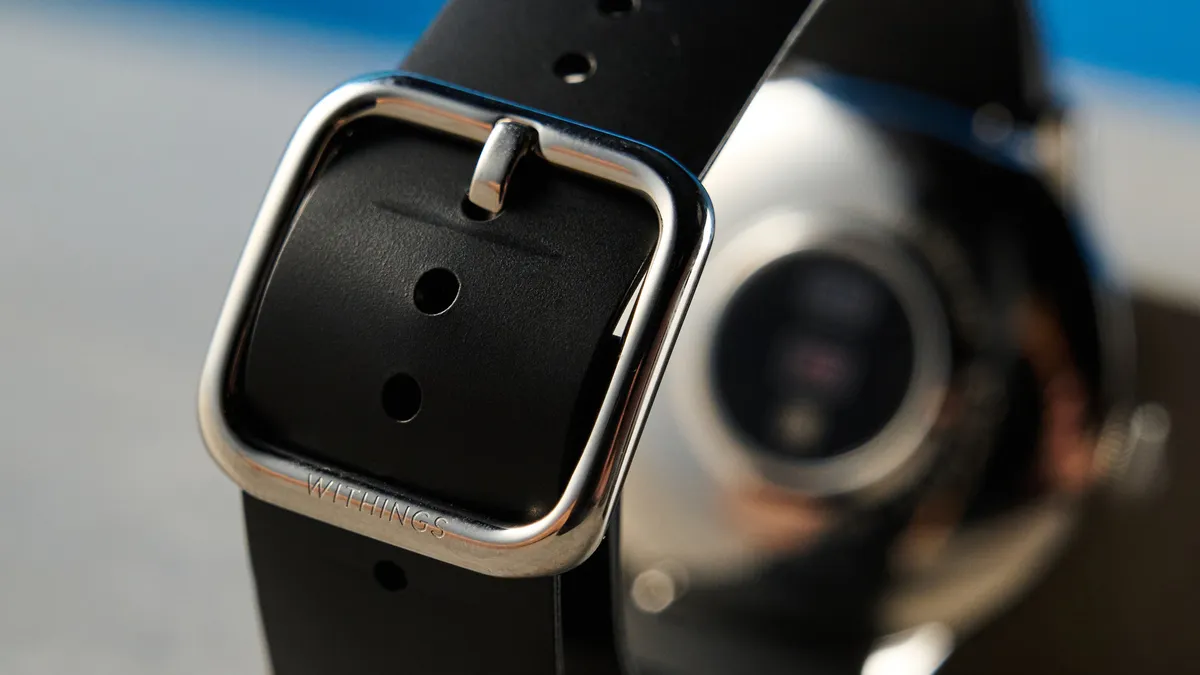
I found the strap either a little snug or slightly too loose. In other words, I’m between sizes. This depends entirely on the individual anatomy/width of your wrist, though, so I’m not moaning. And besides, it still wasn’t uncomfortable at all, either when exercising or wearing all day — helped by the ScanWatch Light’s low 0.9-ounce kerb weight.
The buckle is dual-sided, meaning it also serves as a fixed loop to hold the strap tail in place, and there’s a sliding free loop for a second securement point. It’s a solid system and keeps the strap tail from flapping around. It can be a bit fiddly getting the strap through the second buckle opening, though.
Durability
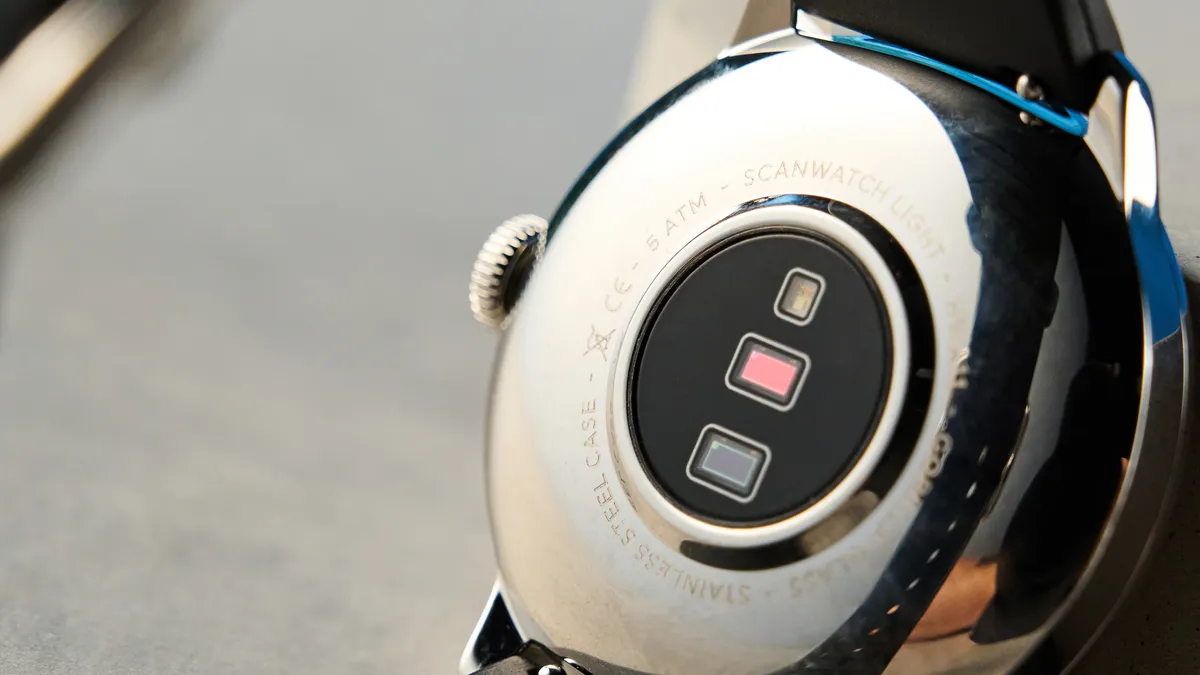
As I’d expect from a Withings product, the ScanWatch Light is built extremely well and feels premium. The case is made from stainless steel and the face is covered by Gorilla Glass (the kind used on smartphone screens) so should stand up to daily wear and tear without scratching. It’s waterproof down to 5ATM (five atmospheres) of pressure, so you can take it swimming.
Controls
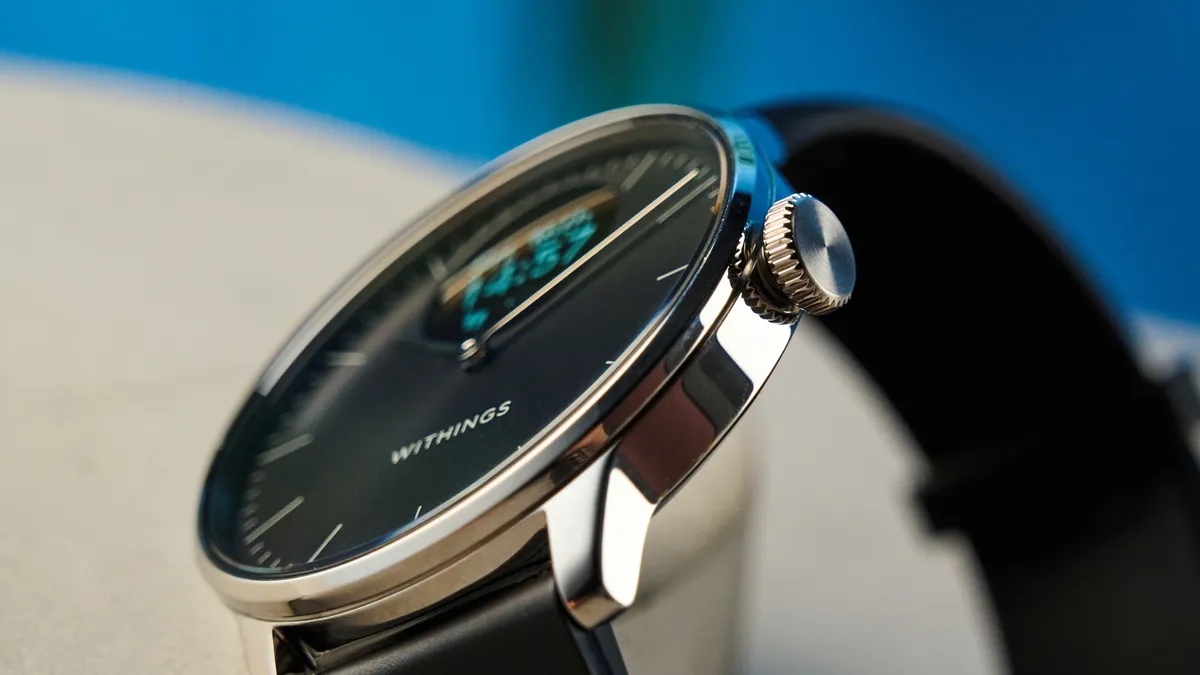
The digital grayscale OLED display is very small, but deliberately so — this is designed to be as minimalist a smartwatch as possible. When you press the digital crown, the watch hands move out of the way of the screen automatically if they need to, which I love. When it’s not in use, the display stays off and thereby blends in nicely with the black watchface, thus not spoiling the analog aesthetic. On the lighter models, though, the black display is always visible.
You control the watch entirely via the steel digital crown. Navigating the menu is fairly clunky, especially when you want to go back through menus. However, the menu system and features aren’t complex to begin with, so it’s fine. You don’t need to use the crown to set the time or date, as it’s all done digitally by pairing the watch to your phone and the Withings app.
Withings ScanWatch Light review: Fitness features
As I mentioned up top, this watch bears the “Light” moniker for a reason. If you’re after highly detailed tracking and plenty of on-wrist control/info, the ScanWatch Light isn’t for you.
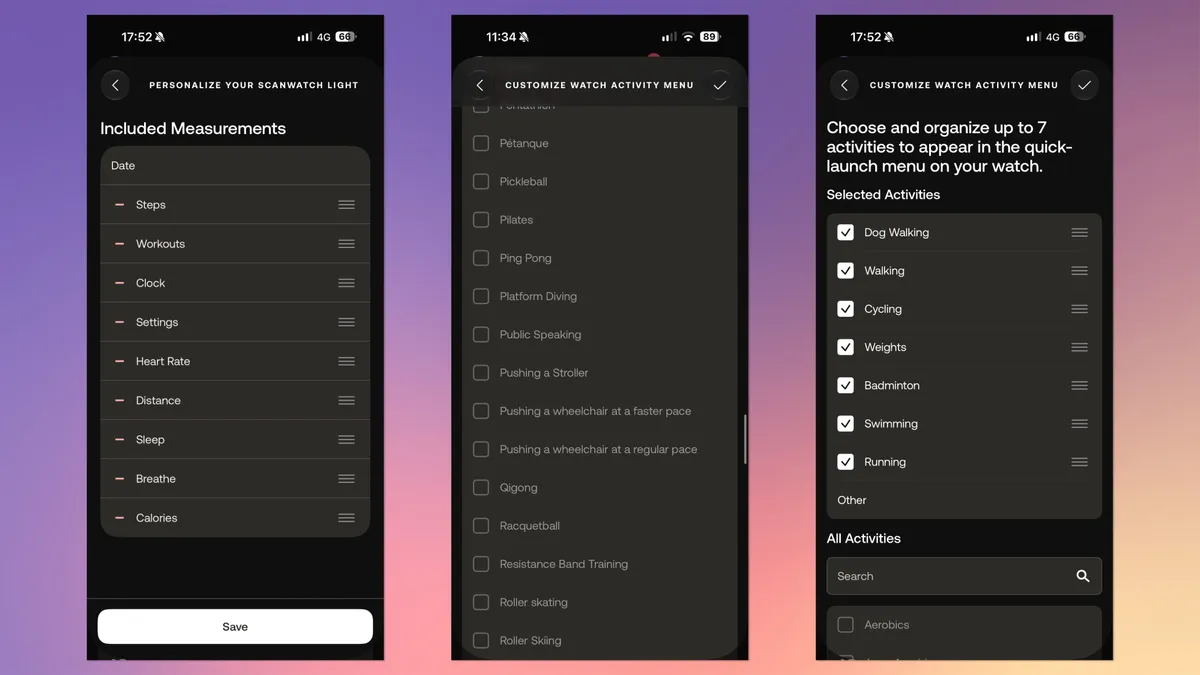
Don’t get me wrong, there’s a decent array of activities on offer. All the basics are there, of course: running, cycling, rowing, etc. There are indoor versions for treadmills and exercise bikes, as well as some specific activities like badminton, muay thai and more. There’s even a dog walking activity — I’m not sure how much that differs from ordinary walking.
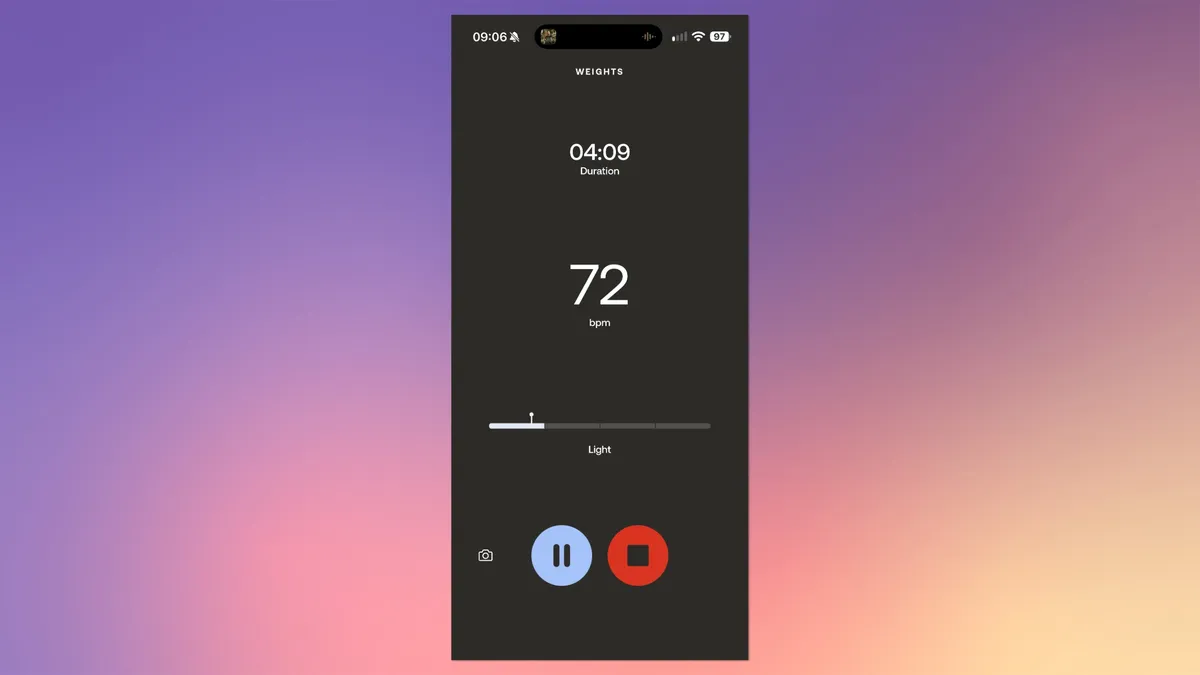
None of the activity modes I used were particularly in-depth, though. Weight lifting, for example, had no interval functionality. They all seem to just measure BPM as you work out. Still, that’s all I really need. (And to be honest, I find the interval weight lifting function on my Amazfit watches a bit fiddly anyway.) You have no real control over the activities on-watch either — you simply use the digital crown to pause and then either resume or stop activities. Nor do you get any detailed info on the watch itself as to your performance or progress.
If you’re a serious fitness enthusiast and want something for hardcore training, you’ll want more in-depth measurements and onboard controls. Check out the Apple Watch Series 12, Withings ScanWatch 2 or Amazfit Active Premium 3. Or the Apple Watch Ultra 3 if budget is no constraint.
What the ScanWatch Light measured was pretty accurate. I compared the BPM analysis and calorific burn to several different machines at my gym and got essentially the same results each time, usually within just a couple of BPM and a couple of dozen calories. The ScanWatch did tell me I had mild bradycardia at first, measuring 52BPM resting. Look, I’m not in terrible shape, but that’s athlete levels, and I was highly stressed at the time due to a bereavement. So go figure. Since then, though, BPM reads have stayed more realistic and consistent. There’s also a VO2 max assessment available via the app — arguably the most important metric to track, generally speaking.
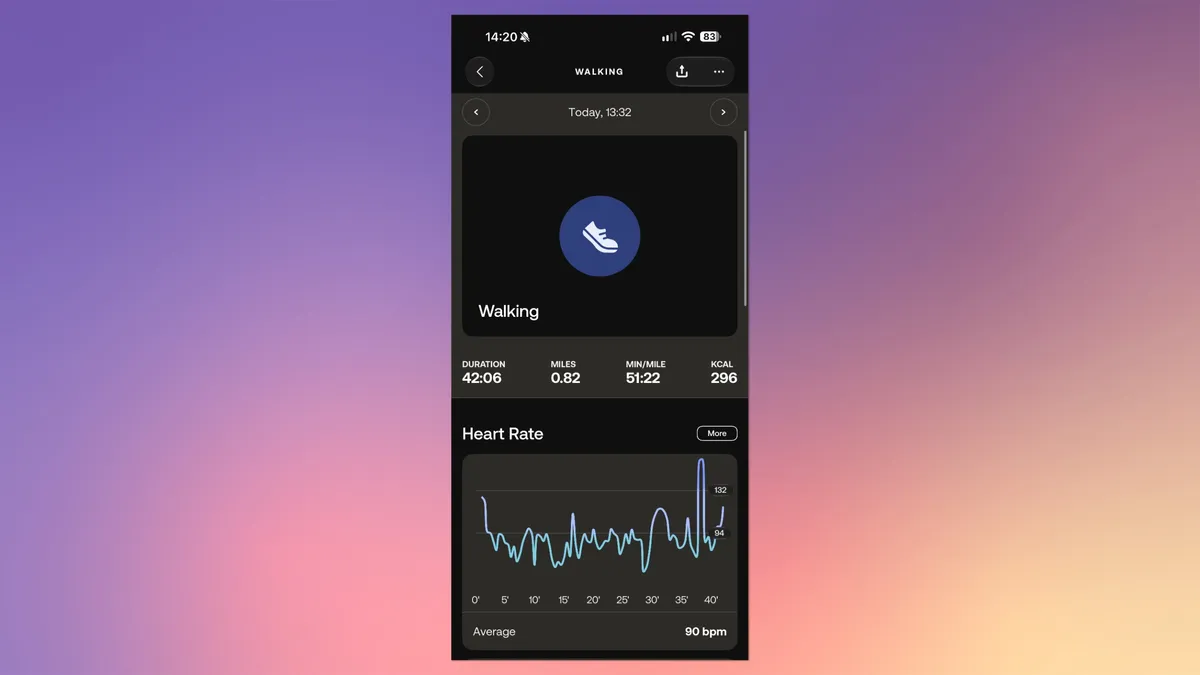
Unfortunately, the ScanWatch Light’s automatic activity detection simply doesn’t work on my test sample. Anything I did at the gym just went completely undetected. I cycled hard for 8 minutes. I ran for 10 minutes. Nothing, until I started the activities manually. I thought it might use GPS movement to detect activities, but when I walked or jogged outside, nothing happened. Weirder yet, on two occasions I've woken up in the night to find the watch has started detecting a run while on my bedside table.
I’ve reached out to Withings to find out why this may be and whether it’s an isolated incident on my test sample. This isn’t a gamechanger for me — I often find automatic detection results in false starts on my Amazfit Active and T-Rex 3 Pro, so I typically disable it anyway. But if a product has a feature, I still expect it to work.
The ScanWatch Light doesn’t have built-in GPS, instead relying on your phone for location services. This means you’ll need to keep your phone on you when you exercise if you want to view routes.
Withings ScanWatch Light review: Health features
Health tracking-wise, it’s a similar story. The ScanWatch Light doesn’t track much. It’ll measure your BPM as I mentioned above, but there’s no ECG, blood oxygen, or body temperature tracking — you’ll have to upgrade to the pricier ScanWatch 2 or ScanWatch Nova for those.
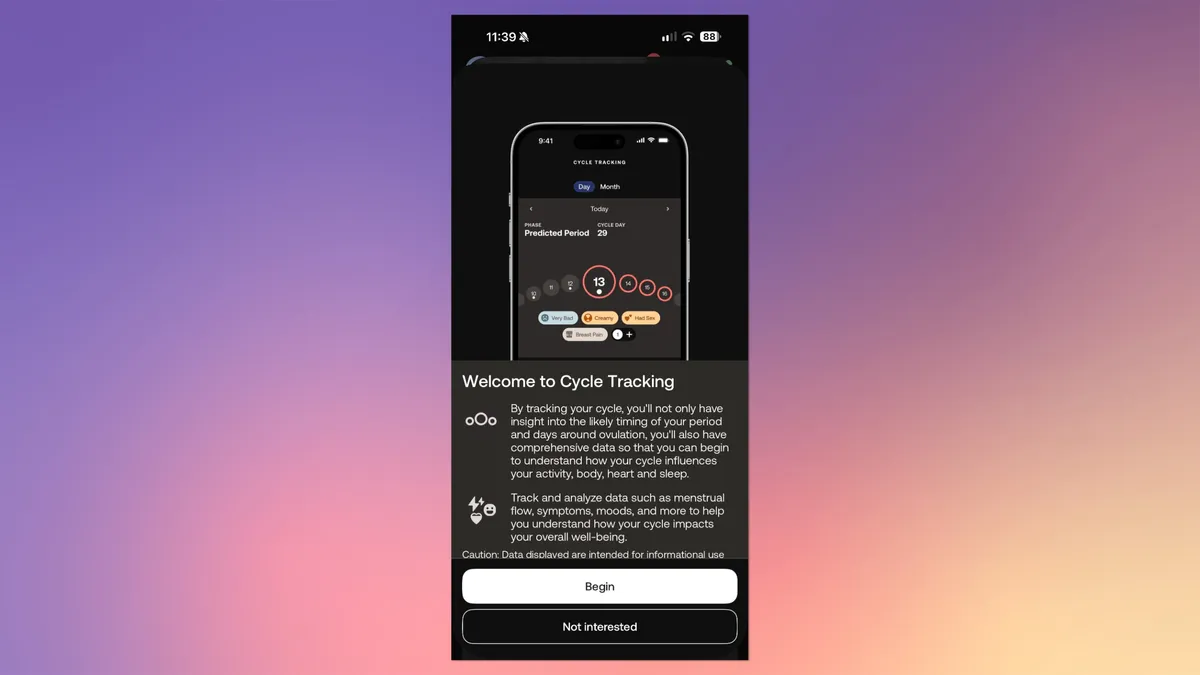
Aside from BPM, the ScanWatch Light can track your sleep quality and give you an assessment of your breathing quality during sleep — both found on the pricier ScanWatch 2. There’s also menstrual cycle tracking. It’s more of an app feature, but you can add cycle tracking to the watch menu to input your stages. As a dude, I obviously didn’t use this, but it’s still a fundamental feature I expect to see in a fitness tracker.
There’s also a relaxation mode, which is pretty cool. You set a time interval, then how many breaths per minute you want to take. The watch then vibrates to prompt your breaths in and out. It’s a cool little feature for quickly taking a wellbeing break. And there are standing prompts when the watch detects you’ve not stood for a while — all pretty par for the course.
Withings ScanWatch Light review: App
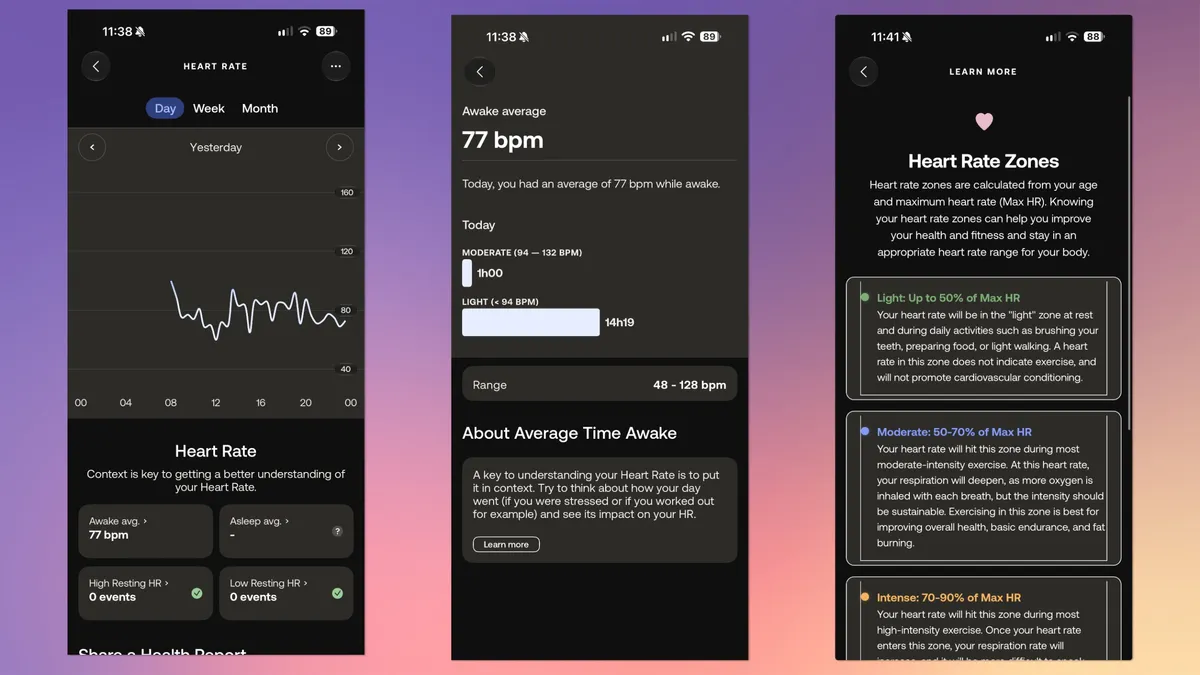
The Withings app is usually one of our favorites. It allows you to customize the ScanWatch Light’s menus and offers lots of information and data based on your measurements, inputs and watch readings. You can track your activities, progress and health data, with lots of graphs for visualization. The app provides a strong basic level of insight for all of this, explaining what terms mean and often linking out to informative articles for detailed explanation. As you can see in the screenshot below, I've tapped through from my BPM graph, to a basic explanation and second chart, and again through to a full detailed heart rate explainer article.
You can subscribe to a Withings+ subscription ($9.95/£8.95 per month or $99.50/£89.50 per year) to get a ‘Health Improvement Score’ which “provides a holistic overview/score of their health data. This feature is designed to help users track their health and wellness goals effectively,” according to Withings. You also get some ‘AI-powered’ data insights. Not worth it, in my opinion. The app provides plenty of useful information, and I haven’t felt the need to upgrade.
Via the Withings app, all your health data can be synced from centralized apps, like Apple Health, Google Health, or Samsung Health. Withings also partners with major tracking apps like Strava and MyFitnessPal, although if you’re using an iPhone like me, all this is routed through Apple Health to begin with anyway, so I didn’t need to set up any specific connections.
Withings ScanWatch Light review: Battery life
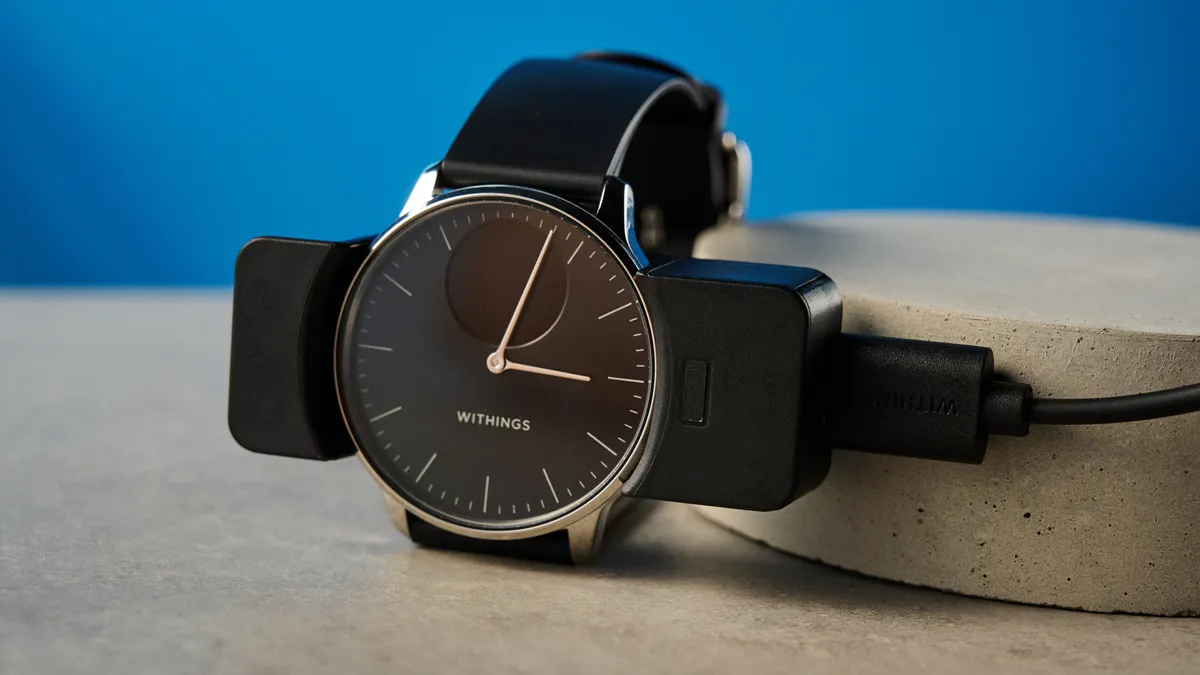
After one week with constant use and workouts 4-5 times per week, I still had 33% of battery left. So you can reasonably expect around 10 days with normal usage. A full charge takes around 2 hours on average, and charging via a 15W charger from 30% took me around an hour and 15 minutes, which tracks with Withings’ claims.
I’m not a fan of the ScanWatch Light’s charging dock. It’s just an awkwardly long piece of thin, bent plastic with an ostensibly meaningless lip on one side. It doesn’t sit particularly well on my bedside table, looks ugly, and struggles to stay in position. Great.
I much prefer the small, unobtrusive dock of my T-Rex 3 Pro, and Apple’s sleek little magnetic dock. But in fairness to Withings, I resent using all docks equally as much — they’re just a sad reality given that sticking a USB-C port on a watch would seriously compromise pressure- and waterproofing.
Withings ScanWatch Light review: Verdict
Look, the Withings ScanWatch Light is overpriced and under-featured for the money. I can admit that. It’s not for athletes or serious fitness enthusiasts. But it isn’t meant for those people. It’s for people like me who want a stylish all-round watch that can track all the basics for general day-to-day fitness and wellbeing without getting too serious. And importantly, for people who don’t want an ugly square hunk of AMOLED display on their wrist, clashing with their outfit.
It’s also built beautifully, has solid battery life and offers lots of visualizations and information via the Withings app. And did I mention it looks fantastic? I know the ScanWatch Light isn’t perfect, but damn, do I love it.