






I am constantly finding new uses for NotebookLM. Now that it's available in the Gemini app, it's been even more helpful when I need answers on-the-go. I recently discovered a use for it that has made my life as a mom of three significantly easier. Let me explain.
Like most people, I juggle a lot. And, like most people, I try to stay organized with digital support such as Alexa+ and Google calendar. Those are helpful beyond words, but when I'm looking for a specific pediatrician's note, the warranty for the dishwasher, my grandmother's apple cobbler recipe or my daughter's IEP report from last year, I need to be able to pull those up quickly.
Sure, Gemini can search my inbox and look through my Google Drive. It can even sift through my Photos and screenshots, but that's not always enough. So, I started experimenting with using NotebookLM as a personal “family wiki” — and honestly, it may be one of the most underrated AI tools for normal people right now.
Everything has a place

Most people think of AI as something that searches the internet for answers. Although NotebookLM can do that, it also works by scraping the documents you upload. That's why I now keep everything from my household manuals and recipes to report cards and perscriptions in NotebookLM.
Now, I can use AI to search for things like, "IEP notes from Fall 2025." I can get the entire report from the school or just the details in bullet points. I can instantly compare my kids' grades from one report to the next or learn when the warranty on our fridge expires.
Because all of the answers are filed entirely on your actual life, your documents, your memories and your history, NotebookLM builds a searchable external hard drive for your brain.
The freedom of finding information immediately while on a call to the doctor, the school or even the phone company is life changing. I feel more organized than I have ever been in my life.
What makes NotebookLM different?
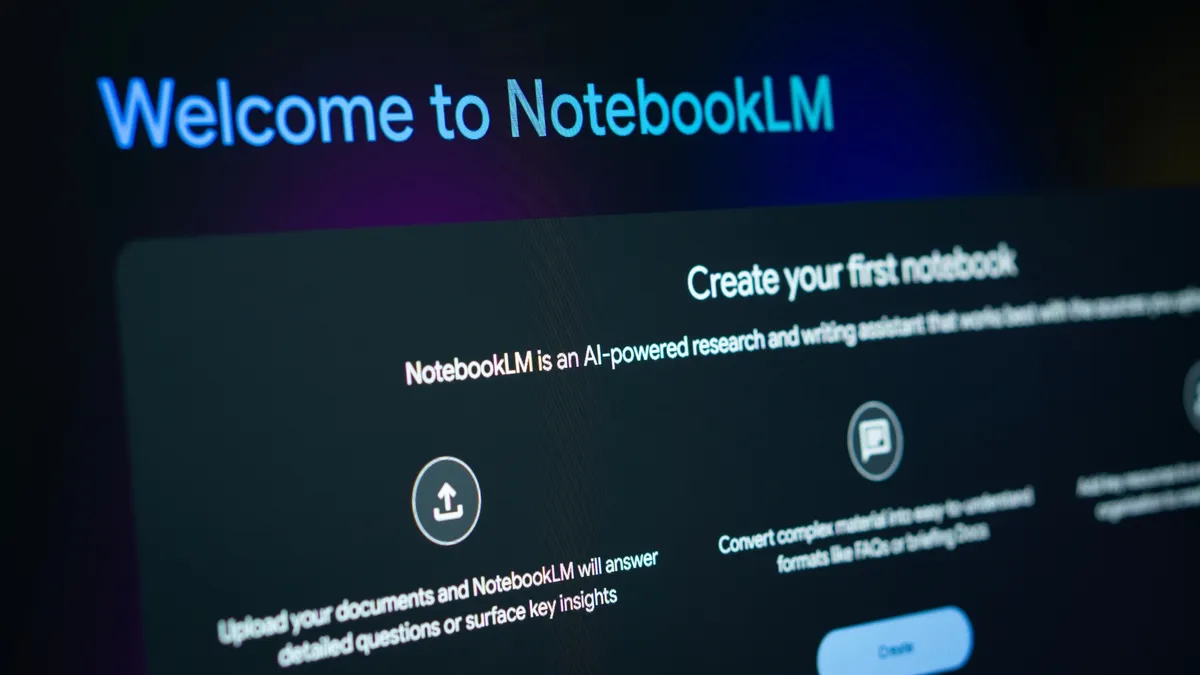
Unlike traditional AI assistants, NotebookLM is grounded in your own sources. I have uploaded, PDFs, Google Docs, notes, spreadsheets, receipts, cods, medical summaries, travel iteneraries, manuals and schedules. I simply scan or take a photo with my phone. From there, I get responses from NotebookLM such as
“According to the documents you uploaded, your son’s allergy symptoms first appeared in March 2024.”
That’s a massive shift. I would never have rememered that. But NotebookLM lets you turn just about anything into a search engine of sorts. It's like a personalized memorty system.
It transforms AI from a search engine into something closer to a personalized memory system. So, when I realized I could organized my entire family this way, I stopped thinking of it as just a research tool.
Instead of one giant messy notebook, I created separate notebooks for different areas of life.
Each family member has their own notebook

It's hard to remember everything, which is why making a family "wiki" of each family member has really helped. I've found it especially helpful with medical information. My daughter has special needs and her medication is always changing. Remember all the perscription names, when each one started and when each was stopped is a lot to keep track of — now NotebookLM helps.
It is a huge support for medication histories, vaccination dates, reccuring symptoms, specialist recommendations, old lab work, doctor visits and paperwork. Now, I can pull up whatever I need in a moment's notice. I simply ask:
“When did the knee pain first appear in the records?”
“Compare cholesterol levels between 2024 and now.”
“Which antibiotics caused side effects previously?”
Instead of hunting through portals and PDFs, the information becomes conversational.
NotebookLM is always a huge help for homeowner survival. Every homeowner has a junk drawer full of manuals nobody can find. Now I just use NotebookLM to retieve appliance manuals, paint color codes, mortgage documents, warranty information, repair receipts and contractor invoices
I simply ask:
“What water filter does the refrigerator use?”
“What paint color is in the upstairs bathroom?”
“Who repaired the water heater last year?”
NotebookLM may secretly be one of the best organization tools available

I've created notebooks for AI research, fitness studies, writing courses, my kids' homework and art (I can't keep all the physcial stuff!). Then I ask it to summarize or generate information based on each notebook. If I'm looking for "that adorable image of a goldfish" my kid drew in preschool, I can easily find it.
And, because it only uses your materials, the responses stay focused instead of drifting into random internet noise.
That said, there are two things I've learned very quickly.
- Keep notebooks separated. Even if you're just starting out and you haven't uploaded a lot of documents yet, trust me on this, you're going to want to keep individual notebooks. That way the AI won't get medical data confused with different family members. You'll stay far more organized than you even realize if you do this from the start.
- Treat privacy seriously. Google says NotebookLM data stays private and isn’t used to train public AI models. But basic digital hygiene still matters. So you're going to want to ensure you remove Social Security numbers, banking information and avoid ultra sensitive documents.
Bottom line
I really should have thought of using NotebookLM to create family notebooks sooner. For the first time, my personal history, household knowledge, work achievements and family systems are searchable in a convenient way. I can ask NotebookLM the questions I'm getting from the school nurse or telephone company, and pull up the information immediately.
And once you experience that, it’s hard to go back to digging through folders ever again.

Follow Tom's Guide on Google News and add us as a preferred source to get our up-to-date news, analysis, and reviews in your feeds. Subscribe to Tom's Guide on YouTube and follow us on TikTok.
More from Tom’s Guide

