







Unboxed a new Google Home, Nest Audio, or Nest Mini? Most new users get started without knowing just how powerful these speakers are — and are left with only a fraction of what they can do.
If you've been using Gemini either on your phone or desktop, you already know just how much deeper and personal it gets for AI-powered answers — a true preview of where smart speakers are headed.
Sure, it can play Spotify and set timers — but that’s just scratching the surface. With the right setup, your speaker can automate your home, help with parenting, place phone calls and even connect with Gemini AI for smarter, more personalized answers.
Here’s how to unlock the full potential of your Google Home speaker — and make it one of the most useful devices in your house.
1. Link your apps and accounts right away

The Google Home app walks you through the basics, but don’t stop there. You're going to want to link the following services:
- Spotify or YouTube Music (for better voice control)
- Netflix and YouTube (if you have a Nest Hub)
- Google Calendar and Gmail (for routines and reminders)
- Voice Match (so it knows who’s speaking)
When you plug in your Google Home speaker, the Google Home app (iOS / Android) will walk you through setup. But don’t stop at Wi-Fi and voice match.
Connect your Spotify, YouTube Music, or Apple Music under Music settings. Pair your calendar and reminders to sync appointments and tasks. Turn on Voice Match so it knows who’s talking (super helpful for families — it knows when my four-year-old is talking to it).
2. Use Google Assistant routines to automate your day

Routines let you trigger multiple actions with a single phrase. For example, you can say “Hey Google, good morning” and have it:
- Turn on your lights
- Read the weather
- Share your calendar
- Start your favorite playlist
Or try “Hey Google, bedtime” to:
- Turn everything off
- Play white noise (I'm a huge fan of this one!)
- Set your alarm
You can even schedule routines to run automatically — no voice command needed.
3. Connect your smart devices — and group them
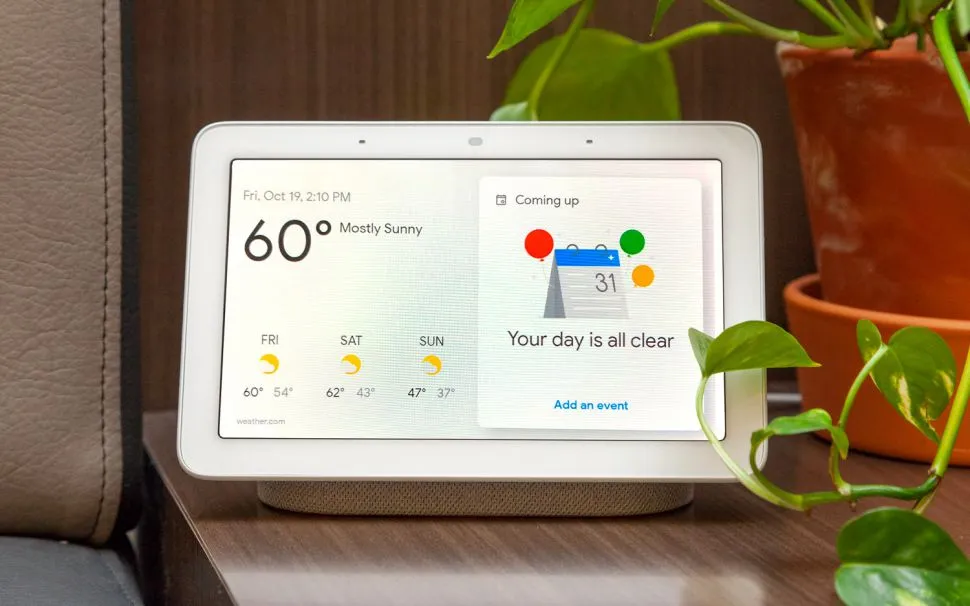
Once you add smart lights, plugs, thermostats, or cameras to your setup, your speaker becomes the command center. In the Google Home app, go to + > Set up device > Works with Google. You can even link popular brands like Hue, TP-Link, Arlo, and Ecobee.
Just say:
- “Turn off the bedroom lights”
- “Lock the front door”
- “Show me the front yard camera” (Nest Hub only)
4. Use it as an intercom or broadcast tool
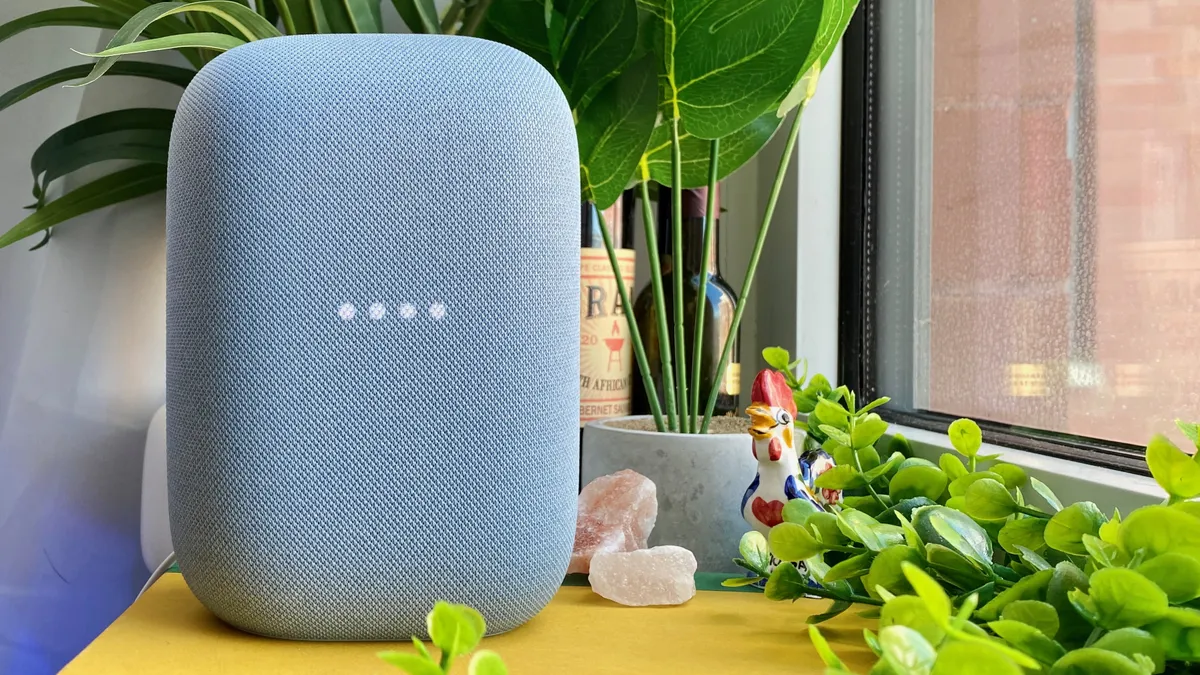
Have multiple speakers? Turn them into a home-wide announcement system. I use these to get my kids going in the morning and to let the whole family know when dinner is ready.
Try: “Hey Google, broadcast ‘Time to go!’”
Or, I'll even use the app to tell Google to announce something. For example, if my four-year-old is in the kitchen and I know he is being naughty, I'll have Google announce, "Ryder, don't you dare touch the cookies on the counter. Those are for after dinner."
5. Try these underrated voice commands

- Play sleep sounds
- Play thunderstorm noises
- Call Mom (via Google Duo or Voice)
- Translate ‘Where is the bathroom?’ to French
- Add eggs and milk to my shopping list
- Remind me to return books when I get to the library
These types of commands work out of the box — no setup needed. You can also pair with Gemini — and while it hasn’t fully replaced Google Assistant on smart speakers yet, it’s coming.
Gemini is great at things like multi-step planning, summarizing email or Docs, meal suggestions based on what’s in your fridge and even deeper research or creative help.
To try it, download the app. Then Gemini app > Tap profile > Settings > Make Gemini your Assistant
Final takeaway
I have a feeling you're going to love your Google Home speakers. These mini command centers are a great way to help you or your entire family stay organized — and the more you use them, the smarter they get.
If you’ve just unboxed one, take 10 minutes to set up the right apps, routines and smart devices. Then explore voice tricks and Gemini features. You’ll get more done, with less effort — which, if you ask me, is the perfect start to the new year.

Follow Tom's Guide on Google News and add us as a preferred source to get our up-to-date news, analysis, and reviews in your feeds.
More from Tom's Guide
- I turned a hotel key card into a one-tap shortcut for ChatGPT — and now I use it every day
- I used Nano Banana on undeveloped photo negatives — and finally saw what was inside
- I tested Google’s Nano Banana — drawing directly on my photos works better than typing prompts

