The Google Pixel Watch 3 hit the market last year, but a significant feature was missing from the watch in the U.S.: loss of pulse detection. The feature needed to get approval from the Food and Drug Administration to be available in the United States, but Google says that OK has finally come.
As noted on Google's blog today (February 26), the "feature is available in 14 countries and we’ll begin rolling it out in the U.S. at the end of March." While the company didn't offer an exact date, it's good to know the potentially life-saving feature will arrive within the next month or so.
"This first-of-its-kind feature can detect when you’ve experienced a loss of pulse (your heart stops beating from an event like primary cardiac arrest, respiratory or circulatory failure, overdose or poisoning) and automatically prompt a call to emergency services for potentially life-saving care if you’re unresponsive," said Google in its blog post on the feature.
Even if you're not in an at-risk category for something like this to happen, it's still nice to know that your smartwatch is watching your back in the event that you experience a potentially catastrophic episode.
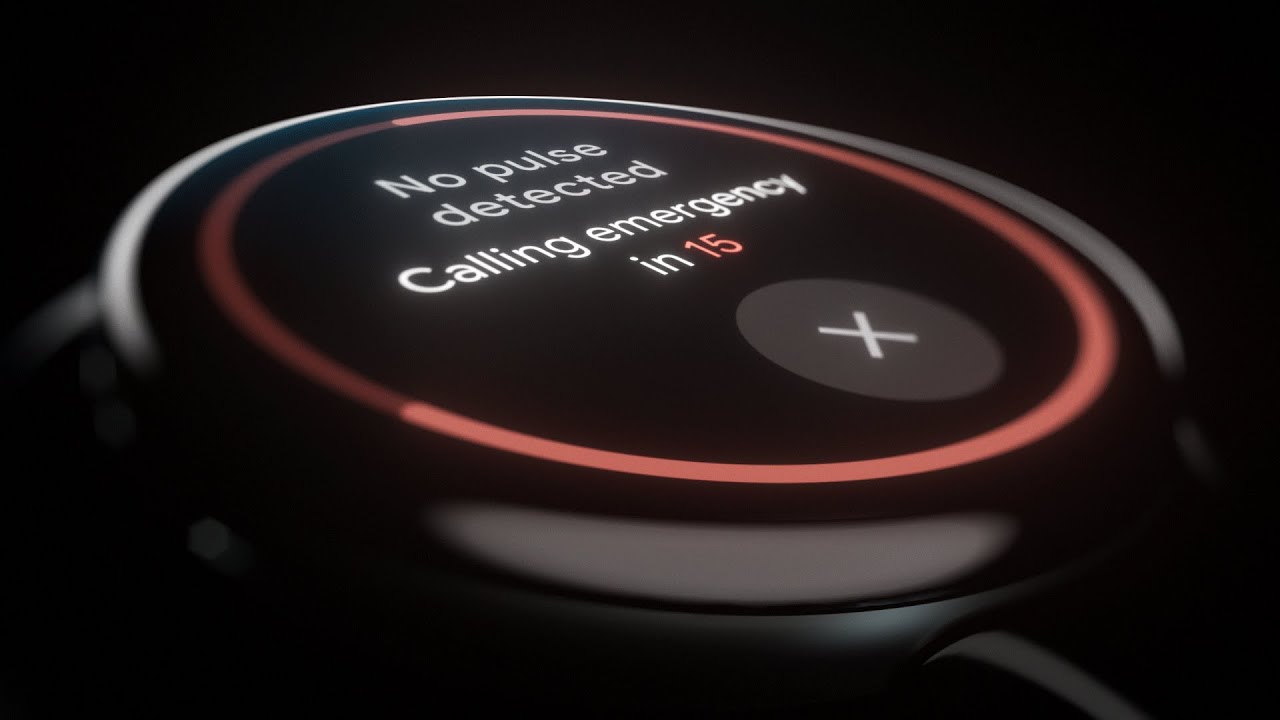
The fine print is important to note: "Loss of Pulse Detection may not detect every instance of a loss of pulse and is not intended for users with preexisting heart conditions or those who require cardiac monitoring," according to Google. This means that while the feature can potentially save your life, it's also not a replacement for medical devices that monitor your heart.
This is one of many features designed to protect users offered by Pixel Watch 3 (and several of the other best smartwatches on the market). Some examples available on Google's wearable include Car Crash Detection, Fall Detection, Irregular Heart Rhythm Notifications and others.
More from Tom's Guide
- 3 features you should never compromise on when you buy a cheap phone
- I tried the iPhone 16 Pro Max Camera Control for a month and it's a mess — here's why
- My Garmin watch alerted me to a heart issue I didn’t know I had — here’s how