




ExpressVPN has released v14.1.0 for its Mac, Windows, and Linux desktop apps, bringing a wave of usability improvements and bug fixes across all three platforms.
The update, released on April 30, arrives off the back of a busy period for ExpressVPN's desktop apps, which have undergone significant development over the past year.
The latest update is more focused in scope than previous releases, targeting everyday usability rather than headline new features. Kill switch controls are now faster, start-up behavior is more flexible, and sleep reconnection is more reliable. Accessibility has also seen a meaningful overhaul, with full keyboard navigation, improved screen reader support, and clearer focus cues added across all three apps.
While the changes are less dramatic than recent updates, which brought split tunneling to Mac and a full GUI to Linux for the first time, they address friction points that everyday users are most likely to encounter. It also reflects ExpressVPN's continued polishing of its desktop experience and commitment to being one of the best VPNs.

Updates affecting all platforms
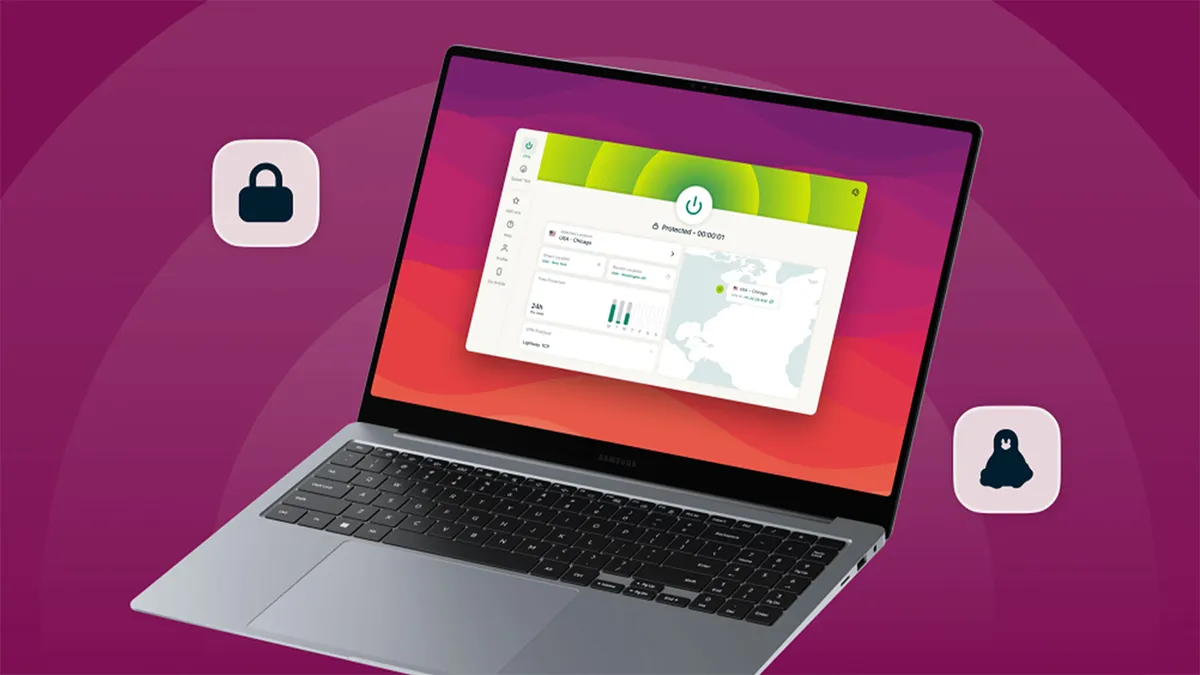
Version 14.1.0 delivers the same core set of improvements across Mac, Windows, and Linux. The most immediately noticeable change is to the kill switch – users can now toggle it on or off without an extra confirmation step, streamlining a control that previously required an unnecessary click to action.
Start-up behavior has also been addressed. A new setting lets users keep the app minimised when it launches, so it no longer interrupts your workflow by opening front and centre every time your device boots.
Sleep reconnection has similarly been improved, with the app now re-establishing a VPN connection more reliably when a device wakes from sleep – a small but meaningful fix for users who frequently move between active and idle states.
A login loop bug has also been resolved. Previously, attempting to sign in with an expired account could cause the app to get stuck in a cycle – that issue has now been fixed across all three platforms.
Finally, accessibility has received a significant upgrade. Full keyboard navigation has been added, screen reader support has been improved, and VPN status is now announced more clearly. Focus and selection cues across the app have also been sharpened, making ExpressVPN more usable for those who rely on assistive technology.
Updates unique to each platform

Windows is the only platform to receive exclusive updates in this release. The Lightway Turbo section of the app has been refreshed with a cleaner, more streamlined design – a cosmetic change, but one that brings the protocol's settings in line with the tidier aesthetic ExpressVPN has been working toward across its desktop apps. A system tray icon bug has also been fixed, with the VPN status icon now updating correctly when using Combined mode.
Mac and Linux share an identical feature set in this release, with no platform-specific additions beyond the core updates covered above.
It's worth noting that both platforms have received substantial exclusive upgrades in recent months. Mac gained split tunneling and a full command-line interface via the Qt framework rollout in December 2025, while Linux received Dedicated IP support and post-quantum WireGuard at the same time.
Version 14.1.0 consolidates and refines those foundations rather than expanding them further.
We test and review VPN services in the context of legal recreational uses. For example: 1. Accessing a service from another country (subject to the terms and conditions of that service). 2. Protecting your online security and strengthening your online privacy when abroad. We do not support or condone the illegal or malicious use of VPN services. Consuming pirated content that is paid-for is neither endorsed nor approved by Future Publishing.
