Sponsored by

Streaming subscription scams are taking over inboxes — here's how to spot a fake before you pay

Streaming subscriptions have become such a normal part of daily life that billing alerts barely make us think twice anymore. Prices change, plans auto-renew, credit cards expire; when an email warns us that our access is facing some form of hitch, most of us just instinctively trust it. The entire system is built around convenience, and we’re conditioned to act quickly to get back to service as usual.
Scammers know this, and increasingly, they’re exploiting subscription fatigue with sophisticated, believable fake renewal emails that almost can’t be distinguished from trusted platforms. In many cases, AI-generated phishing pages almost perfectly mirror official login screens, complete with branding and polished language.
According to Bitdefender’s 2025 Consumer Cybersecurity Survey, 1 in 7 consumers fell victim to a scam in the past year. That’s a clear sign that fraud is no longer a fringe threat, but something affecting a significant number of people.
Here’s what a fake streaming renewal scam looks like, how attackers trick you into paying, and what to do if you’ve already clicked.
Why streaming services make for effective phishing scams
Streaming platforms are ideal phishing bait. They’re universal household names that people use on a daily basis, they bill monthly, and most users expect to see a “your payment failed” message at some point. Add in the desire to avoid being unable to log into their streaming service, and people are primed to act quickly.
The urgency hits where it hurts most. According to Bitdefender’s survey, 53% of consumers say financial loss is their biggest online fear. Despite this, 37% still write down passwords, 17% reuse them across multiple accounts, and 48% accept cookies without reviewing them. Together, this creates the perfect storm for subscription scams to succeed.
What a fake streaming subscription renewal email looks like

Most streaming subscription scams follow a familiar two-step formula. The branding may vary, but the underlying structure tends to be the same, designed to push you into acting before you think.
1. The urgency trigger
The email subject line does most of the heavy lifting when it comes to instilling a sense of urgency in victims. Messages like “Your account will be suspended,” “Payment declined,” or “Update billing details within 24 hours” create time pressure and tap into a simple fear: losing access to your shows, playlists, or profiles. Since renewals and card updates are routine, these requests don’t feel suspicious; indeed, you sometimes even expect them.
2. The cloned login page
Once you click the link in the email, you’re taken to a near-perfect copy of the real site. The branding and logo look identical. The logo feels professional. There are no obvious spelling or grammar errors like we’ve come to expect from less sophisticated phishing scams. Enter your password, and you may be prompted for your authentication code, allowing attackers to bypass your 2FA and log in immediately, often locking you out of your account.
It’s no surprise that 37% of consumers say AI-powered scams are their biggest concern. AI is helping criminals create phishing pages that are increasingly indistinguishable from the real thing.
Red flags that could expose a fake before you pay
Even the most convincing fake renewal email usually has some form of tell, no matter how subtle. Knowing what to look for can stop the scam before it gets you.
- Check the URL first. Slight misspellings, extra words (like netflix-billing-secure.com), or strange subdomains are classic red flags. If the address looks even slightly off, don’t trust it.
- Watch for permission creep. A legitimate billing update shouldn’t need you to re-enter all your personal details. Be wary of pages requesting your full card number, CVV, address, or additional identifying information all at once.
- Look for emotional manipulation. Things like tight 24-hour deadlines and threats of permanent suspension are designed to make you feel a sense of urgency. Legitimate streaming platforms will never do this; they’ll simply leave your account on hold indefinitely until you renew your subscription.
And remember, real companies will never ask for your password via email, or require you to “confirm” MFA codes through support chat.
The safest move? Never log in through the email link. Instead, go directly to the streaming platform in question and check your subscription details there, and if necessary, update it.
What to do if you clicked or entered your details
If you’ve already clicked the link or entered your credentials, you need to act fast. Assume the attacker is trying to log into your account right now.
First, change your streaming password immediately, but make sure you do it from the official app or website, not from the link in the email. If you reused that password anywhere else (especially your email account), change those immediately, too. Enable multi-factor authentication if you don’t already have it set up, and check your account settings for unfamiliar devices or recent logins.
If you entered your payment details, monitor your card transactions closely and contact your bank to flag potential fraud.
The urgency is critical, and even more so since Bitdefender found 17% of users reuse passwords across three or more accounts. This means that one stolen login can quickly domino into multiple compromised accounts.
The bigger picture: subscription scams in the AI era
Streaming renewal scams aren’t happening in isolation. According to Bitdefender’s 2025 survey, 7 in 10 consumers encountered scams in the past year, and social media has now overtaken email as a delivery channel for them. Younger users are also twice as likely to be scammed as older groups (20% vs 9.7%).
In other words, scams are no longer as opportunistic as they were in the past; they’re industrialized. AI tools allow attackers to personalize emails, mimic brand tone and design, and scale campaigns quickly. Consumers say they fear financial loss most, but when a convincing email renewal warning lands in their inbox, convenience and habit often take priority over caution.
Trust your subscriptions, not your inbox
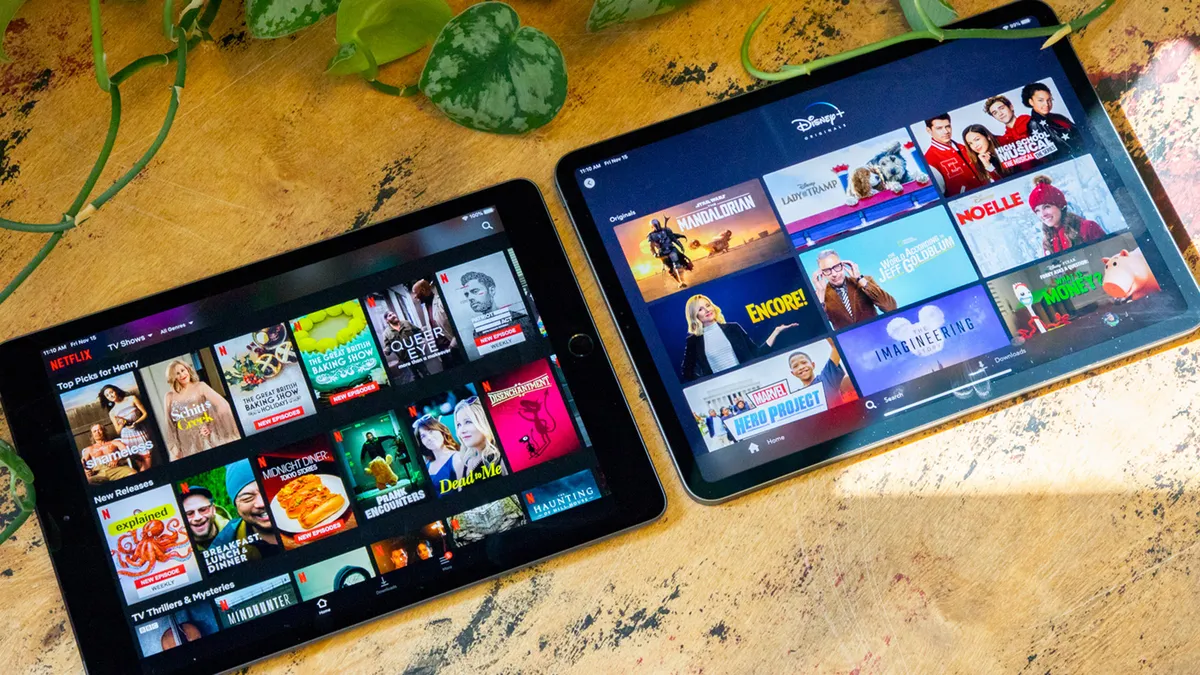
Streaming scams work because they look ordinary. A routine renewal reminder, a failed payment notice, or a gentle nudge to “update your details” — none of these seem out of place.
That’s why the safest response is to slow down. Check the domain carefully. Don’t click any links from the email. Instead, open the official app or website directly and check your account status there before entering any details.
As AI continues to make fake renewal emails look more believable, one rule matters more than ever: assume that every payment request is suspicious until you’ve verified it yourself.