




Smartphone cameras have improved to a point where photos are rarely the issue anymore. Video, on the other hand, especially at concerts or sporting events, is where things still tend to fall apart.
That's mainly because at live events, your phone's camera is up against everything at once, movement, shifting lighting, distance, and constant noise. It's not exactly an easy environment to shoot in.
This is where the Samsung Galaxy S26 Ultra starts to make more sense. It brings in features that are actually built for these situations, like Super Steady with Horizontal Lock1 to keep footage level, Nightography2 Video for low-light scenes, AI-enhanced zoom for distant subjects, and more. Here, we focus on the Galaxy S26 Ultra features that genuinely make a difference when you're filming in those moments.
TLDR:
- Super Steady with Horizontal Lock1 helps stabilise clips when walking, panning, or tracking fast-moving subjects.
- Nightography2 Video makes low-light clips look clearer when recording concerts, festivals, or night events.
- Audio Eraser3 can reduce unwanted background noise, making voices and key sounds easier to hear.
- APV support gives creators more flexibility when recording and editing higher-quality video.
- AI-enhanced zoom helps capture distant performers, players, or stage details without losing the whole moment.
Super Steady with Horizontal Lock helps keep your videos level on the move

The problem with capturing something like a sports event is that your hand is constantly moving, and keeping the frame steady isn't always easy. That's where Super Steady with Horizontal Lock1 helps. It keeps your footage level even when your hand isn't, so your clips don't end up tilted or uneven.
With this enabled, you don’t have to constantly correct your angle, you can just focus on following the moment. It uses the phone’s gyroscope, accelerometer, and real-time image processing to adjust movement instantly instead of fixing things later.
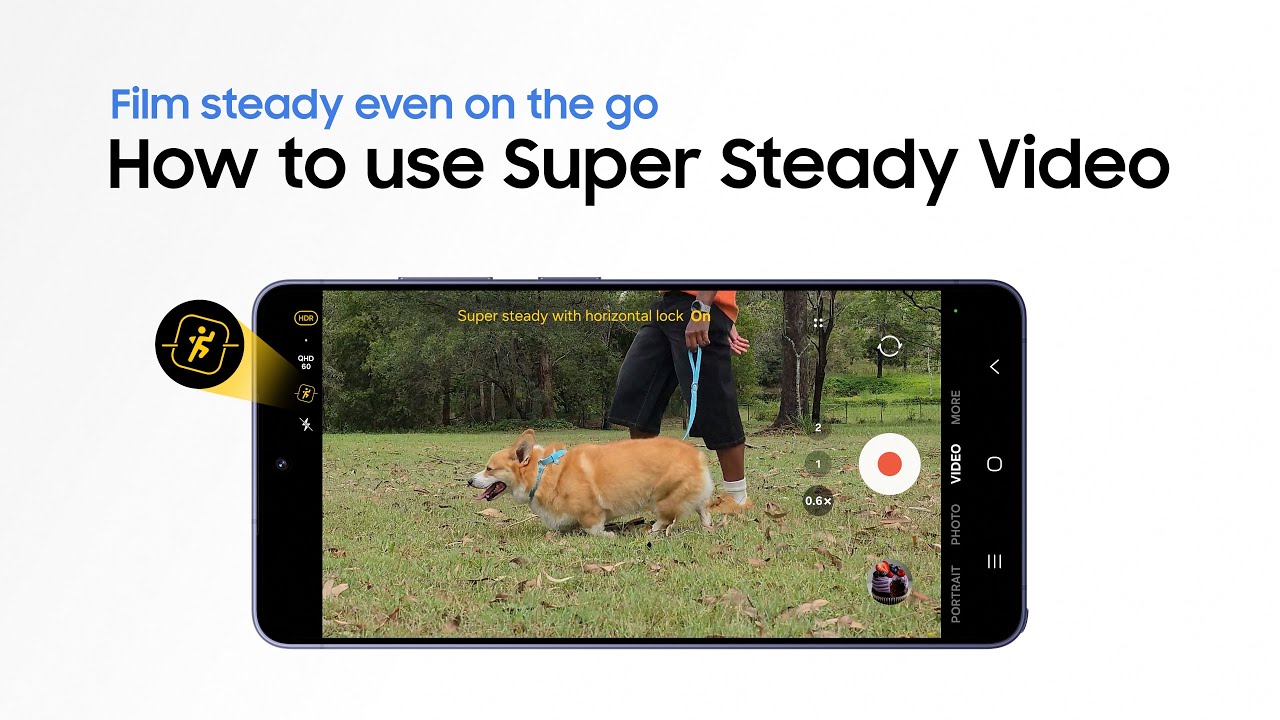
In real-world use, this means you can pan, move around, or even flip your phone while recording, and the video still stays properly aligned.
Nightography makes low-light videos effortless
How does the Galaxy S26 Ultra handle low-light concert videos?

Concerts and festivals are usually where phone cameras struggle the most, darker scenes and dim lighting often lead to grainy or washed-out footage. Nightography2 video on the Galaxy S26 Ultra is designed to handle these situations better.
It uses Galaxy AI4 along with camera improvements, like a wider aperture, to keep subjects visible while reducing noise, so clips don’t fall apart in low light.
That means whether it's a dimly lit stage or an evening set outdoors, the footage remains clearer and more usable without you needing to make manual adjustments.
AI-enhanced zoom and the telephoto camera make distance less of a problem

If you're at a live event, chances are you're not standing very close to the performer, which means you're relying on zoom to capture the moment. With the Galaxy S26 Ultra, Samsung is doubling down on zoom usability with AI-enhanced zoom.
It combines optical zoom hardware with AI enhancements to stabilize and sharpen distant subjects, especially when you're pushing into higher zoom levels, so your footage doesn't end up looking shaky or grainy. More importantly, it lets you adjust your framing without physically moving, which isn't always possible in a crowd. You can stay in one spot and still capture a closer, more focused shot when it matters.
Audio Eraser helps clean up messy background noise

Crowd noise is part of the experience, but it can easily overpower what you actually want to hear. Audio Eraser3 helps clean that up after recording. It reduces unwanted background noise like chatter or wind while keeping the main audio more clear and prominent.
This feature uses AI-powered audio separation to isolate different sound layers like voices, wind, or crowd noise, and then lets you reduce or remove what you don't want. That makes a noticeable difference when you go back to your clips later. Instead of everything blending into noise, voices and key sounds come through much more clearly, which makes the video easier to share on social media.
The 200MP camera setup helps retain detail across shots
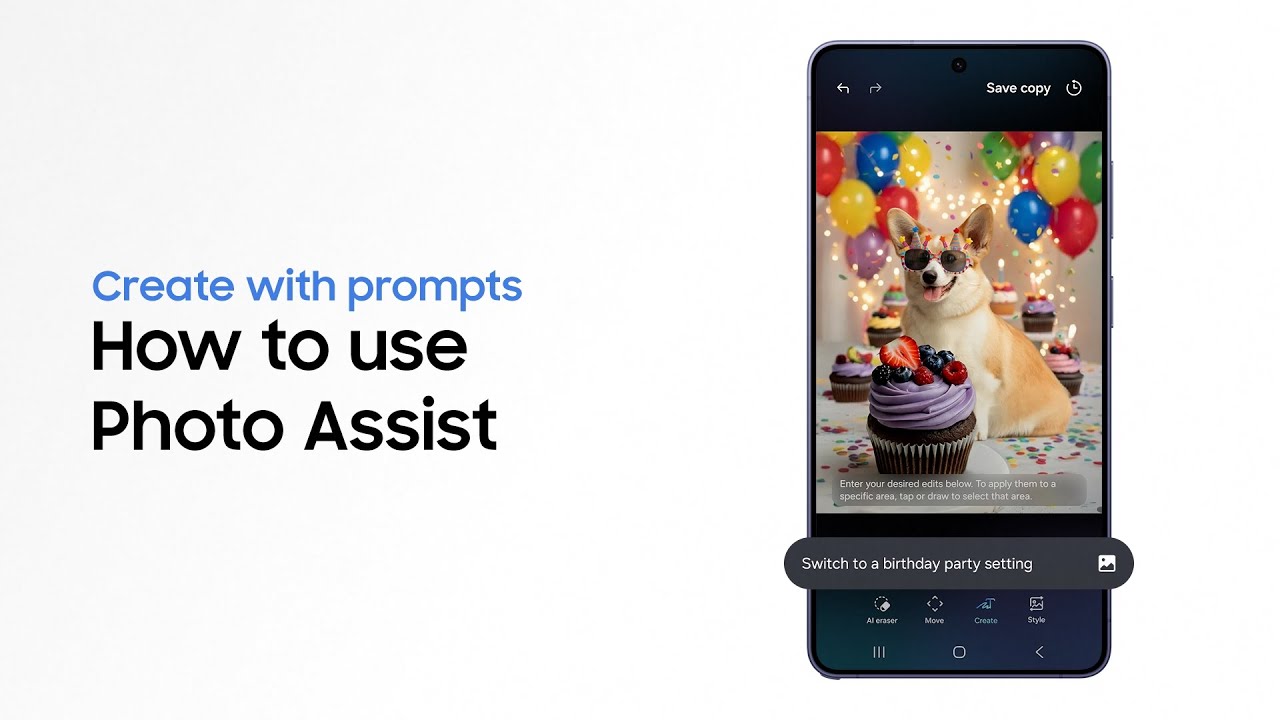
Videos are of no use if they are grainy or too soft. Faces, lighting effects, and other details can easily get lost if the camera can't keep up. The Galaxy S26 Ultra comes with a 200MP main sensor with a brighter f/1.4 aperture, which improves light intake and overall detail.
It's backed by dual telephoto lenses, including a 50MP 5x zoom camera. The result is a setup that handles both extremes well, ultra-detailed shots up close and cleaner zoomed-in images at a distance. And because the sensors are bigger and brighter, low-light performance gets a noticeable bump too.
AI scene detection handles the settings so you don't have to
Can the Galaxy S26 Ultra automatically adjust camera settings for live events?

Having all that camera hardware is only useful if the software can actually make the most of it, and that's where the Galaxy S26 Ultra’s ProVisual Engine comes in.
With this, Galaxy AI4 can automatically detect the scene you're in, whether it's a dimly lit concert or something like recording a kids' game at school, and adjust the settings accordingly. Thanks to this feature, you don’t have to think about tweaking anything manually. The phone handles exposure, colors, and other settings on its own to deliver professional-looking photos and videos every time.
APV support gives higher-quality video and more editing flexibility
Not every video is meant to be edited, but when it is, having more control makes a difference. The Galaxy S26 Ultra supports Advanced Professional Video (APV) codec recording, which gives users a more efficient way to capture high-quality video.
Developed by Samsung, this codec delivers visually lossless output with better storage efficiency. In real life, that means you get higher-quality footage with better compression, so you can shoot detailed videos without ending up with massive file sizes.

It also gives you more flexibility when editing, especially if you're working with color grading or higher dynamic range footage later on.
The Galaxy S26 Ultra shows how much difference the right mix of camera hardware and AI tools can make when recording videos. With improvements across stabilization, zoom, low light, and audio, it handles the basics better than most. For a closer look at everything it offers, you can check out the official Galaxy S26 Ultra product page.
1. Super Steady results may vary depending on editing method and/or shooting conditions. 2. Results may vary depending on light condition, subject and/or shooting conditions. 3. Samsung account login required. Six types of sound can be detected; voices, music, wind, nature, crowd and noise. Results may vary depending on audio source & condition of the video. Network connection required to be used on supported apps. 4. Samsung account login is required for certain AI features. Galaxy AI features are provided for free. Future releases may include additional advanced features that are offered as part of a paid subscription plan. Different terms may apply for AI features provided by third parties.
