



Spotify is down — live updates as thousands report issues
Desktop and mobile versions impacted

Try Spotify's web player as a workaround

If you're unable to load Spotify on your mobile or desktop app, you can try opening the browser-based Spotify Web Player instead.
Spotify routes traffic through different APIs and endpoints for apps versus web browsers. If the current outage is caused by problems at servers handling the app or desktop client connections, then the web client could be an effective workaround. Let me know how you get on below.
Reports are still high, but falling

Reports are starting to fall over on DownDetector after peaking at over 20,000 at 10:40am ET / 3:40pm BST. At the time of writing, they've fallen to 16,800 which is still a lot of affected users.
Reinstalling the Spotify app isn't a good idea
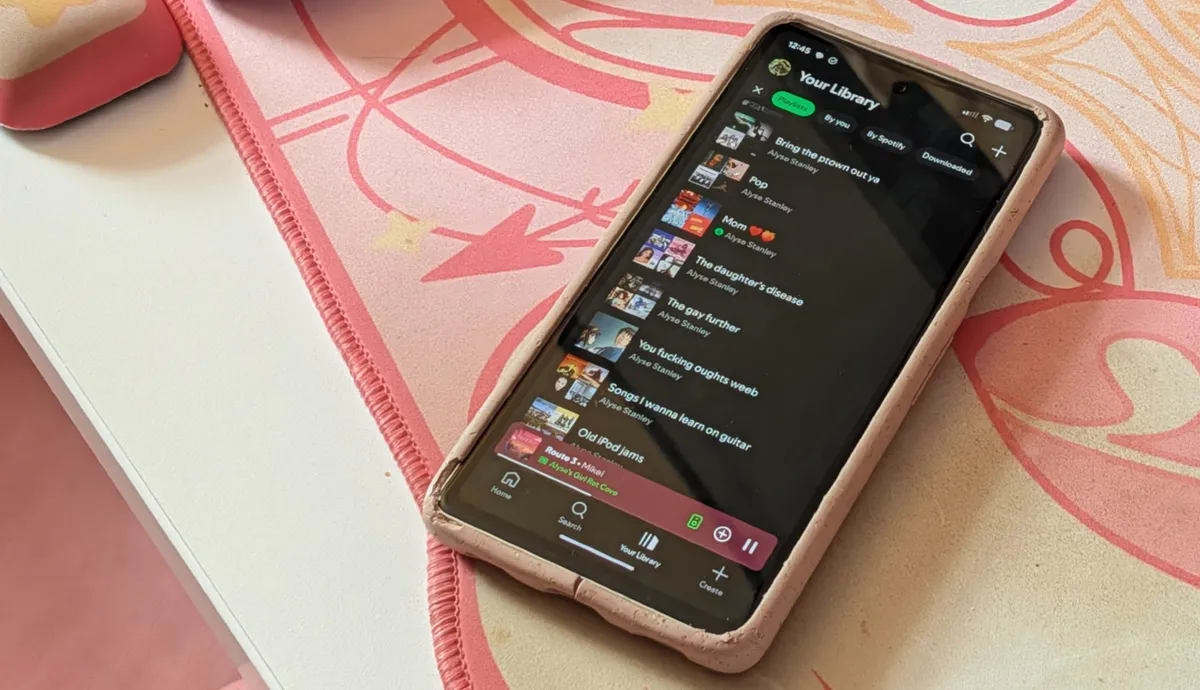
If you check out Spotify's official advice for fixing technical problems, you'll see it lists three options:
- Restart the Spotify app
- Update the app
- Reinstall the app
The company notes that reinstalling the app means you'll need to re-download any downloaded music and podcasts. But some users have tried this already and found that not only does it fail to solve the problem — they're also unable to log in at all after reinstalling it.
Too bad I deleted and reloaded the app thinking it was me. Now I can't log in or play the music I had downloaded.September 29, 2026
So if you're considering trying to reinstall Spotify as a way to get around today's outage, I'm not sure it's going to work for you.
Spotify's Ongoing Issues forum is currently out of action

Spotify has an Ongoing Issues forum, which is often a way that outages and problems can get resolved. Unfortunately, the site is currently in a read-only mode while Spotify migrates it to a new platform. While old issues are still available to check through, users can't call attention to today's problems with it.
Instead, we'll be keeping an eye on the SpotifyStatus X account for more updates.
Let me know if you're having problems
If you're having problems with Spotify today, let us know in the comments box below this article or shoot me an email directly at jeff.parsons@futurenet.com. Let me know whereabouts you are and what device you're unable to use the streaming service on.
"Something went wrong"

Affected users are seeing the dreaded "something went wrong" error message with the app failing to load. I'm based in London, U.K. and the app (both iOS and Android) as well as the Windows desktop app are working without a problem.
Reports are lower in the U.K. — just over 4,000, compared to now over 18,000 in the U.S. but this is clearly a global hiccup. If you're also experiencing problems with Spotify, let me know about it in the comments.
Over 17,000 reports in less than an hour

The outage-tracking website DownDetector is showing over 17,000 reports of problems with Spotify less than an hour after the problems started. That's a huge spike and shows that a lot of people are having problems right now.
The site claims that 61% of those reports specifically claim the Spotify app is failing to load.
Spotify acknowledges issues
We’re aware of some issues right now and are checking them out!September 29, 2026
Spotify has acknowledged problems this morning with its service and has said it is actively checking them out. The last time we had a Spotify outage (back in August) it only lasted for a couple of hours. It seems like the Swedish company is acting quickly today so hopefully this will be resolved fast!
