Sponsored by

Viral AI photo filters are everywhere right now — but here’s why you might want to delete them

AI-generated headshots, cartoons, Studio Ghibli-style portraits, and age filters are all over social media right now. The appeal is obvious: you upload a few selfies, wait a few seconds, and receive a set of polished images ready to share.
But there’s more to it. Creating those results may involve sending multiple clear photographs of your face to remote servers. Depending on the app, it may also collect your device information, account details, usage data, and photo metadata.
This doesn’t automatically make every AI filter dangerous. However, policies on storage, deletion, third-party processing, and AI training vary widely. Here’s what may happen to your selfies — and why uninstalling the app may not be enough.
AI filters may collect more than a single selfie

Many AI filters need to analyze detailed facial information before they’re able to produce convincing results. Depending on the app, this may include things like facial shape and landmarks, as well as skin, hair, and eye characteristics, and several photos taken from different angles. Some may also collect device details, IP addresses, usage or advertising identifiers, and photo metadata.
Analyzing these features doesn’t necessarily mean an app is identifying you through facial recognition — but facial information may still be treated as biometric data under some privacy laws. The FTC has warned that biometric data can create serious privacy concerns when collected or stored unexpectedly.
Providing multiple clear photos can help create a more detailed, authentic-feeling representation of your face than a single casual selfie, so it’s worth checking each app’s privacy policy before you hit upload.
Your photos could remain after the trend disappears
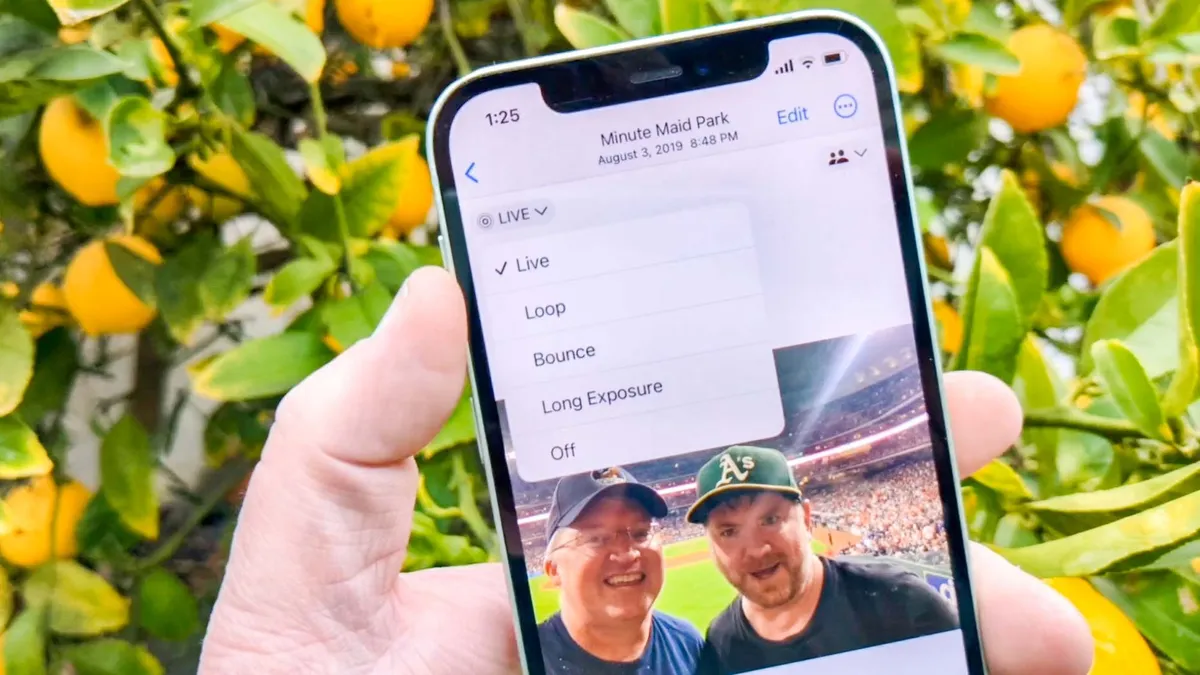
Removing an AI filter from your phone doesn’t necessarily delete the images you’ve already uploaded. Selfies may be processed on cloud servers or shared with third-party AI and infrastructure providers. Meanwhile, original photos, generated portraits, account records, and backups can all follow different retention schedules.
Some services may also ask for permission to use uploads or interactions to improve their AI systems. Before you grant this permission, make sure to check how long images are stored, which third parties receive them, whether model training is optional, and how deletion requests work.
For example, Lensa’s privacy policy explains that its features are subject to different retention and deletion rules, and it explicitly notes that deleting the app doesn’t delete your account.
Uninstalling only removes the app from your phone. You may still need to delete your account and any stored images separately.
The risk is bigger than an embarrassing AI portrait

Reputable AI photo apps aren’t automatically scams; many do provide legitimate privacy controls. The bigger concern is what happens once your highly identifiable photos enter a data chain you don’t control.
Uploaded images could be exposed in a breach, retained longer than expected, copied by third parties, or combined with information from public social media profiles. In the wrong hands, they can also be used to create fake accounts or carry out impersonation scams. There’s also an added consent issue when photos include children, friends, or family who didn’t agree to have their faces uploaded.
Passwords can be changed after a breach, but facial characteristics cannot. A set of clear images from several angles may be more useful to an impersonator than a single casual selfie.
Bitdefender Digital Identity Protection can help you monitor your exposed personal data, compromised accounts, and changes to your digital footprint.
How to clean up after using an AI photo filter
If you’re done using an AI filter, uninstalling the app should be the final step — not the first. Start by cleaning up the data and connections that it may have left behind:
- Delete uploaded and generated images: Use the app’s internal controls to do this rather than just deleting the copies stored on your phone.
- Delete your account if you no longer plan to use it: Look for an account-deletion option or privacy-request form in the app or on the company’s website. You may need to email the company to delete your account.
- Revoke connected permissions: Remove the app’s access to your photo library, camera, contacts, location, cloud storage, and linked social media accounts.
- Cancel subscriptions separately: Uninstalling an app doesn’t automatically stop App Store or Google Play subscriptions.
- Change any reused passwords: Replace any login details that you also use elsewhere.
- Review public posts: Be mindful of any generated portraits you uploaded that reveal identifiable information like your face, workplace, or interests.
Additionally, you can also use Bitdefender SecurePass and AI-powered scam-protection tools to help reduce the risks linked to reused credentials and impersonation.
However, it’s important to remember that security software can’t retrieve images you’ve already handed to an app — so you’ll still need to complete the app’s own deletion process.
Enjoy the filter, but protect the photos behind it

AI filters can be creative, fun, and genuinely useful when they’re developed responsibly. The problem is that people often upload highly identifiable photos without thinking twice or checking how those images will be processed, shared, or retained.
Choose well-established services, upload only the images you need, avoid including children or other people without their permission, and always review the app’s privacy terms before you proceed.
The filter may disappear from your phone in seconds, but the photographs behind it can remain in the data chain much longer. Before you upload your face, make sure you know where it’s going.