




Travelling is something that tends to put more pressure on a phone than almost anything else. It becomes your navigation tool, audio streaming device, translator, primary camera, and the one thing that keeps you up to date throughout the day.
The Samsung Galaxy S26 Ultra is designed to handle that kind of usage without feeling stretched. Its Galaxy AI1 features help simplify communication and information, while camera and battery upgrades2 support longer, more unpredictable days. Here, we take a look at how well the Galaxy S26 Ultra works as an all-in-one travel companion.
TLDR:
- Live Translate3 makes it easier to communicate in unfamiliar languages while travelling.
- Now Brief4 keeps key updates visible without needing to check multiple apps.
- Browsing Assist5 helps summarise travel guides, bookings, and information quickly.
- Galaxy S26 Ultra's cameras capture detailed photos and reliable zoom shots across different scenarios.
- Fast charging and battery optimisation help the phone last through long days.
Can the Galaxy S26 Ultra help with language barriers while travelling?

The Galaxy S26 Ultra comes with features like Call Assist with Live Translate3, which works directly inside the Phone app and supported messaging apps to translate conversations in real time.
During a call, you speak in your language, and the phone translates it into the other person’s language both as text on screen and as spoken audio, and vice versa. This means both sides can understand each other without needing to switch apps or pass the phone around, and it also supports multiple languages.
In real travel scenarios, this makes it easier to call a hotel, speak to a driver, or confirm bookings without worrying about language gaps.
Using the Galaxy S26 Ultra alongside Galaxy Buds4 or Galaxy Buds4 Pro can make these conversations even more effortless when you’re on the move.
Instead of relying on the screen, translated speech can be delivered directly into your ears in real time, helping you keep your attention on the person you’re speaking to rather than your phone. This is especially helpful in busy environments like stations, taxis or hotel lobbies where reading text can be distracting.
With the Pro model’s Active Noise Cancellation, background noise is reduced so translations stay clear and easy to follow, making conversations feel more natural, private and less like you’re relying on a device.
Can the Galaxy S26 Ultra help you stay on top of your travel plans?

Now Brief4 on Galaxy S26 Ultra pulls together important updates like bookings, reminders, and notifications into one place. Instead of opening your email, calendar, and travel apps separately, you get a quick overview of your plans and schedule in one place.
This is useful when you’re moving between locations or trying to keep track of multiple plans in a day. It reduces the chances of missing something important, especially when you’re dealing with new schedules or last-minute changes.
How does the Galaxy S26 Ultra enable finding information quickly while travelling?
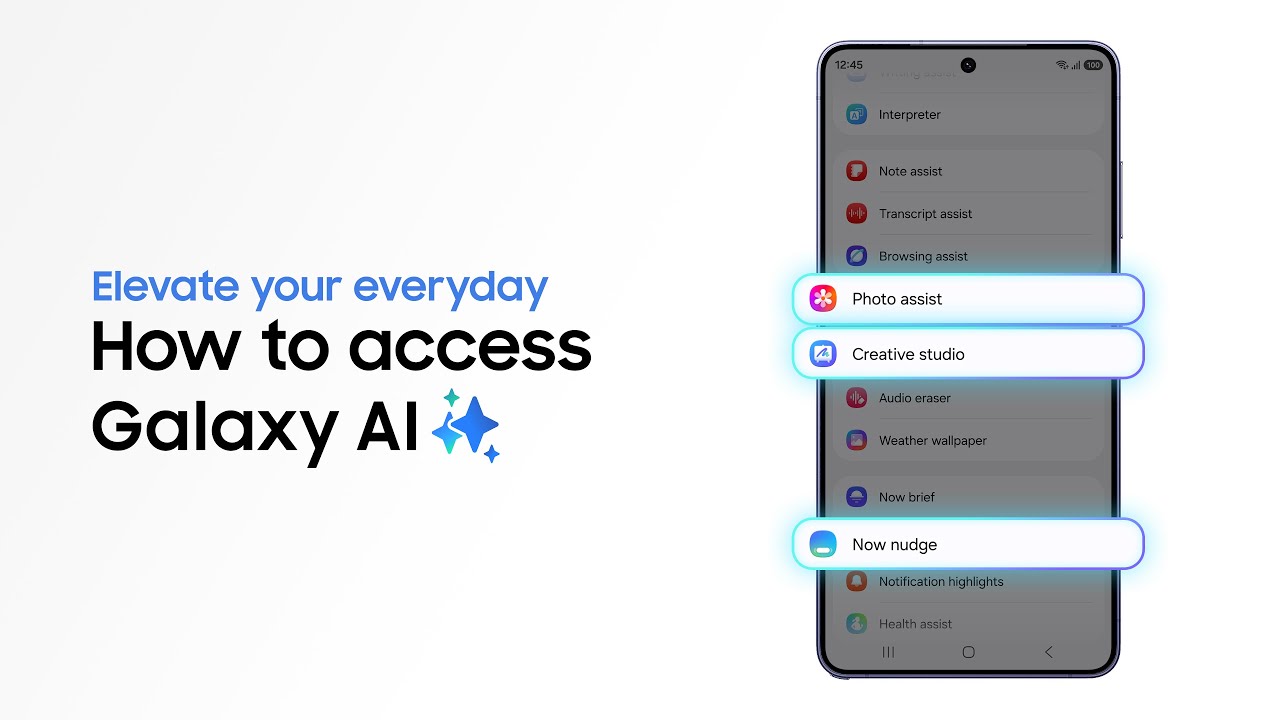
The Galaxy S26 Ultra features Browsing Assist5 helps summarise long webpages directly in the browser. So instead of reading through full travel guides, restaurant reviews, or booking details, you can get the key points quickly and decide what to do next.
This is a real time saver when you have multiple sources about recommendations for things to visit or cafes and you just quickly need the places you need to go to.
How good is the Galaxy S26 Ultra for travel photography?

Travel is where most of us end up taking the most photos, and the Galaxy S26 Ultra is built with that in mind. The combination of its camera hardware and the newer software features makes it a really strong companion for travel photography.
On the hardware side, the 200MP main camera and the 50MP telephoto lens give you a lot of flexibility. You can capture detailed shots up close and still get sharp images from a distance.
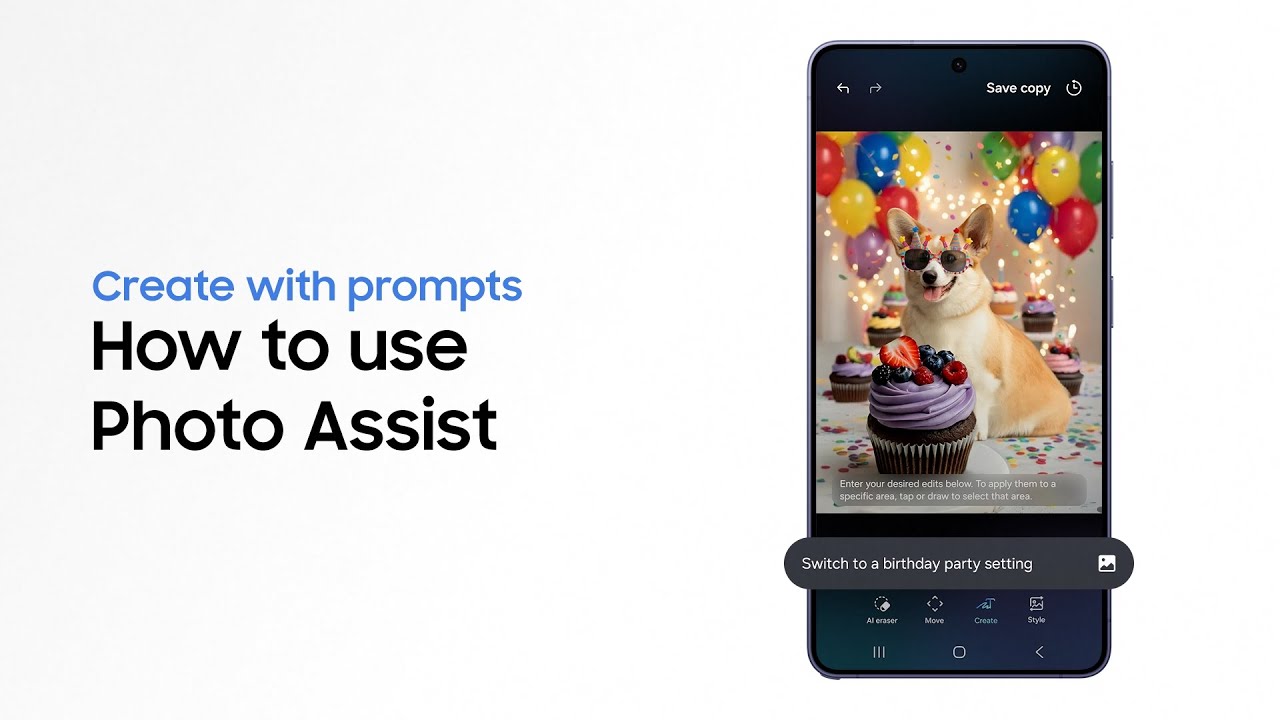
Moreover, features like Nightography6 also help in low-light situations, which are pretty common while traveling. There are also additional features like Galaxy AI1-powered scene detection that automatically adjusts colors and other settings based on what you're shooting. So whether it's sunsets, indoor scenes, or night views, the results come out clearer and more usable without needing much manual tweaking.
Is the Galaxy S26 Ultra's charging fast enough for busy travel days?

The Galaxy S26 Ultra supports Super Fast Charging 3.0, which helps you get back to usable battery levels quickly when you don't have much time to plug in. Thanks to this improvement, the Galaxy S26 Ultra can go from 0 to around 75% in roughly 30 minutes.
This means you can plug in for a short window and still get enough battery to comfortably get through the rest of the day, instead of having to plan your day around charging.
Additionally, the phone uses Adaptive Battery optimization to learn how it's being used and prioritize power accordingly. That helps stretch usage across a full day, even when you're relying on navigation, the camera, and streaming more than usual.
On the whole, if you rely on your phone for everything while traveling, the Galaxy S26 Ultra brings together the tools that actually matter. From translation and navigation to camera and battery, it's built to handle different parts of a trip without much friction. To explore everything it offers, you can check out the official Galaxy S26 Ultra product page.
1. Samsung account login is required for certain AI features. Galaxy AI features are provided for free. Future releases may include additional advanced features that are offered as part of a paid subscription plan. Different terms may apply for AI features provided by third parties. 2. Typical value tested under third party laboratory conditions. Rated minimum capacity of the Galaxy S26 Ultra is 4,855mAh. 3. Real Time Interpreter and Live Translate available when paired with compatible Samsung Galaxy devices with Galaxy AI features. Samsung account login required language pack downloaded. Service availability may vary by language. Accuracy of results not guaranteed. 4. The Now brief app icon may appear differently depending on the time of day. Now Brief feature requires Samsung Account login. Some features may require a network connection. 5. Available to use on Samsung Internet. Requires network connection and Samsung account login. Summarise feature may be limited or unavailable on certain paid websites. Character limit applies. Language pack download may be required. Accuracy of results not guaranteed. 6. Results may vary depending on light condition, subject and/or shooting conditions.
