Sponsored by

Your iPhone is sharing more than you think — how to lock down your location data in the latest iOS update

A lot of people assume that owning an iPhone means you’re automatically guaranteed strong privacy. To Apple’s credit, this is often true: the company has spent years building a reputation around privacy-focused features and stricter controls over how apps can collect data.
But even iPhones aren’t invisible. Your device can still collect detailed location data through apps, Wi-Fi networks, Bluetooth connections, and even cell towers.
That’s why Apple’s iOS 26.5 update is important. It introduces a new “Limit Precise Location” setting, which is designed to reduce how accurately mobile carriers can track users through nearby cell towers.
Although the update only addresses one layer of tracking, it’s still a useful step in the right direction. Here’s what the new feature actually does, what it doesn’t do, and how you can further secure your location privacy on iPhone.
Apple’s new iOS privacy feature targets carrier tracking
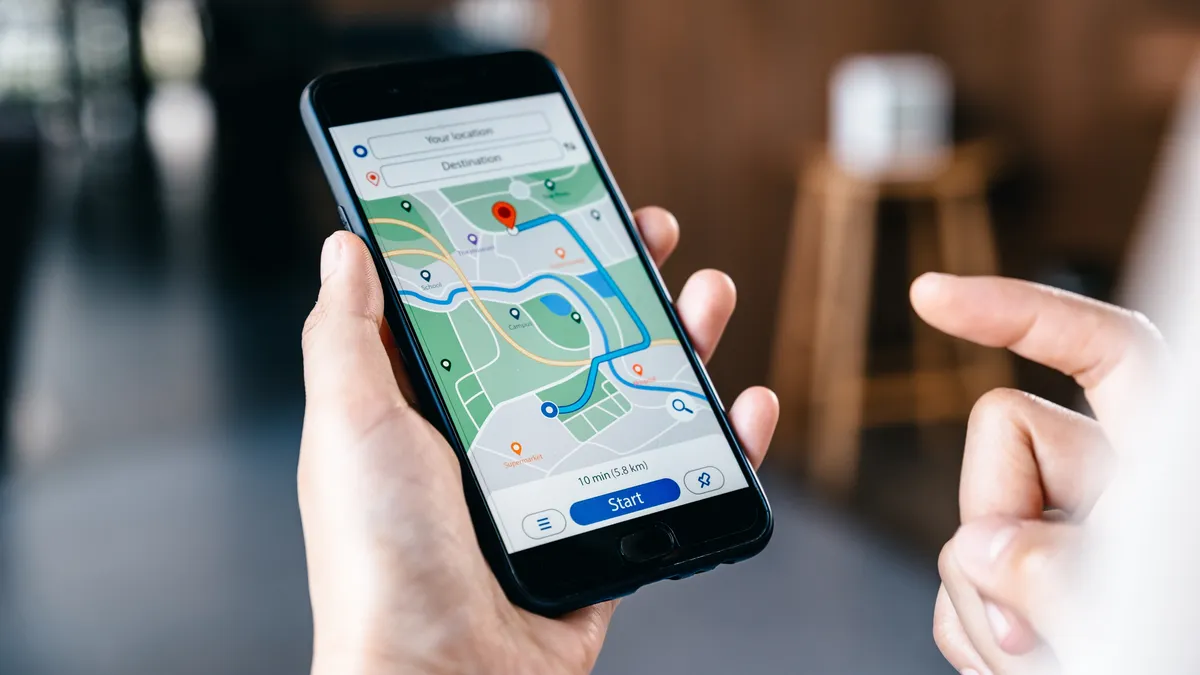
Apple’s new “Limit Precise Location” feature reduces how accurately mobile carriers can pinpoint your location using nearby cellular towers. Normally, providers use tower triangulation (measuring your proximity to multiple towers) to estimate where you are. In densely populated city areas, this can narrow your location down to nearly street-level precision.
With iOS 26.5, Apple now lets users reduce this to be more approximate, providing only a broader neighborhood area. This ensures your provider can no longer track your movements with such granular detail.
It’s important to understand that this feature doesn’t affect signal quality, emergency services, Find My, or app-based location services. Apps that you grant permission to access your location can still gather precise data on their own.
This feature is available on iOS 26.3 and later, although support is currently limited to a few compatible carriers per region:
- United States: Boost Mobile
- Germany: Telekom
- Austria: A1
- Denmark: YouSee
- United Kingdom: EE, BT
- Thailand: AIS, True
You can enable the “Limit Precise Location” setting by navigating to Settings > Mobile Service > Mobile Data Options.
Your apps may still know more than you expect
Carrier tracking is only a small part of the bigger location picture. Even with Apple’s new setting enabled, many apps can still collect detailed location-related data through GPS, Wi-Fi positioning, Bluetooth proximity, advertising identifiers, and your broader behavioral patterns.
Apple’s App Tracking Transparency framework offered a lot more visibility into app tracking practices. However, studies suggest that data collection still occurs in various other forms across the mobile ecosystem. Social media apps, weather apps, shopping platforms, and mapping services are among those that tend to track your location most often.
The key distinction is that “Approximate Location” doesn’t mean anonymity. Apps can still infer your movement patterns and habits over time.
A good first step is to regularly check app permissions under Settings > Privacy & Security > Location Services. Here, make sure your apps are set to one of the following:
- Never: Blocks location access entirely
- While Using the App: Allows tracking only when you’re using the app
- Approximate Location: Shares a broader area instead of precise GPS coordinates
Public Wi-Fi and travel can increase your location exposure
Location privacy risks don’t end with apps. Airports, hotels, cafes, public transport, and other public Wi-Fi networks can also reveal rough location data, browsing activity, and metadata patterns linked with your device.
The main issue is that unfamiliar public networks aren’t always trustworthy. Some hotspots are poorly secured, while others may be outright malicious: spoofed entirely to intercept traffic or monitor activity. But it’s not just malicious networks that are cause for concern; even legitimate networks can contribute to broader location profiling over time.
This is where a VPN is a useful tool beyond just privacy. By encrypting your internet traffic, it helps reduce network-level visibility and makes your browsing harder to monitor on public connections. Apps like Bitdefender Premium VPN combine encrypted connections with more advanced threat protection features, helping reduce your exposure while traveling or using public networks.
Six steps to reduce location tracking on your iPhone right now
- Enable “Limit Precise Location”: Available on iOS 26.3+ with supported carriers and devices.
- Review app permissions: Disable “Always” location access where you don’t need it, and use “Approximate Location” where possible.
- Limit Bluetooth access: Some apps use Bluetooth for proximity and location-related tracking even when your GPS isn’t active.
- Audit App Tracking permissions: You can do this via Settings > Privacy & Security > Tracking.
- Be cautious on public networks: Use encrypted connections or a trusted VPN when you’re traveling or connecting to unfamiliar hotspots.
- Check App Privacy Reports regularly: iOS Privacy Reports can offer insights into how apps access location, sensors, and network activity over time.
Comprehensive security apps can streamline this process by layering a VPN, scam detection, and threat monitoring on top of Apple’s built-in settings.
Apple improved location privacy — but you need to opt in

Apple’s new “Limit Precise Location” feature is a meaningful privacy improvement, particularly because carrier-level tracking has historically been beyond our control as users. However, location privacy is multi-faceted and app permissions alone won’t solve everything.
Apps, public networks, Bluetooth systems, and broader tracking technologies can still reveal a lot of information about how and where devices are used. The safest approach combines smarter app permission choices, being cautious when you use public networks, and using layered privacy tools like Bitdefender Premium VPN when you need them.
Privacy on modern smartphones is no longer the default. It’s something you need to actively choose and manage.