




There is a lot of stress when planning to visit another country. We need to figure out routes, book hotels and research where we want to go. However, one of the more difficult aspects is the language barrier.
Could the Galaxy S25 Ultra be your interpreter?
I like to travel, but unfortunately, I'm not exactly stellar at learning new languages. I could be like other British tourists and loudly repeat words in English, but I'd rather eat escargot without the garlic than conform to that stereotype.
So, with that in mind, I grabbed my friend who speaks fluent French and we decided to try and have a conversation over a couple of beers using the S25 Ultra's Interpreter mode.
The idea was to see if this Android phone really does offer a natural a conversation tool or if it's just awkward. If the former, it's another mark in favor of the Galaxy AI tools that are coming to define Samsung's flagship phones.
What is the Interpreter app?

There’s nothing new about translation apps on phones, and Samsung has had one since the Galaxy S24, although it was much-improved thanks to the Interpreter Mode on the Galaxy Z Flip 6.
This feature, which is available on the Galaxy S25 series, separates itself apart by audibly translating and transcribing all conversations in real time. In theory, this should just mean that the conversations are slightly more natural than trying to use something like Google Translate.
Samsung’s Interpreter feature is pretty easy to use and is activated through the quick settings menu. Once there all you have to do is download the specific language you want to communicate in.
It should be noted that not every language is currently supported but the list is pretty extensive. Once you have the right language all you need to do is hit the mic button to talk, then do the same when the other person is ready to respond.
It should be noted that the app can’t record long conversations just yet, so you’ll have to keep pressing the microphone button a few times to catch everything. It’s a pretty simple system to use, and there are no hidden settings to trip you up.
Was it a natural and detailed conversation?

How was using the feature to actually talk to someone? Well, setting the feature up was simple, and the user interface is easy to understand. However, I did find it easier to hold the phone and pass it over, rather than place it on the table between the two of us.
This is because you need to press the microphone button for the feature to work, which is a bit awkward when you have to keep leaning over the table. Ironically, this could have been solved with a Bluetooth S Pen as a remote controller, but Samsung removed that capability from the Galaxy S25 Ultra.
The question is if Interpreter mode really felt more natural than using other options, and it honestly does. As my friend confirmed, the majority of the translations were accurate. However, Samsung's Interpreter mode on the S25 Ultra isn't great at accurately translating slang and other colloquiums. This can make it harder for both people to have a natural conversation, making it feel a bit like chats you had in a French class.
The other problem that we ran into was when it came to the flow of conversation. When two people talk, there are lots of pauses and other ebbs and flows that change the rhythm. This is a problem when you remember that the Interpreter feature only has the mic active for a while, meaning long responses get cut off.
Oddly, we had a similar problem from the other end too, where one-word responses would leave us waiting for just a second longer than was comfortable for the mic to turn off.
So is it the ideal travel companion?
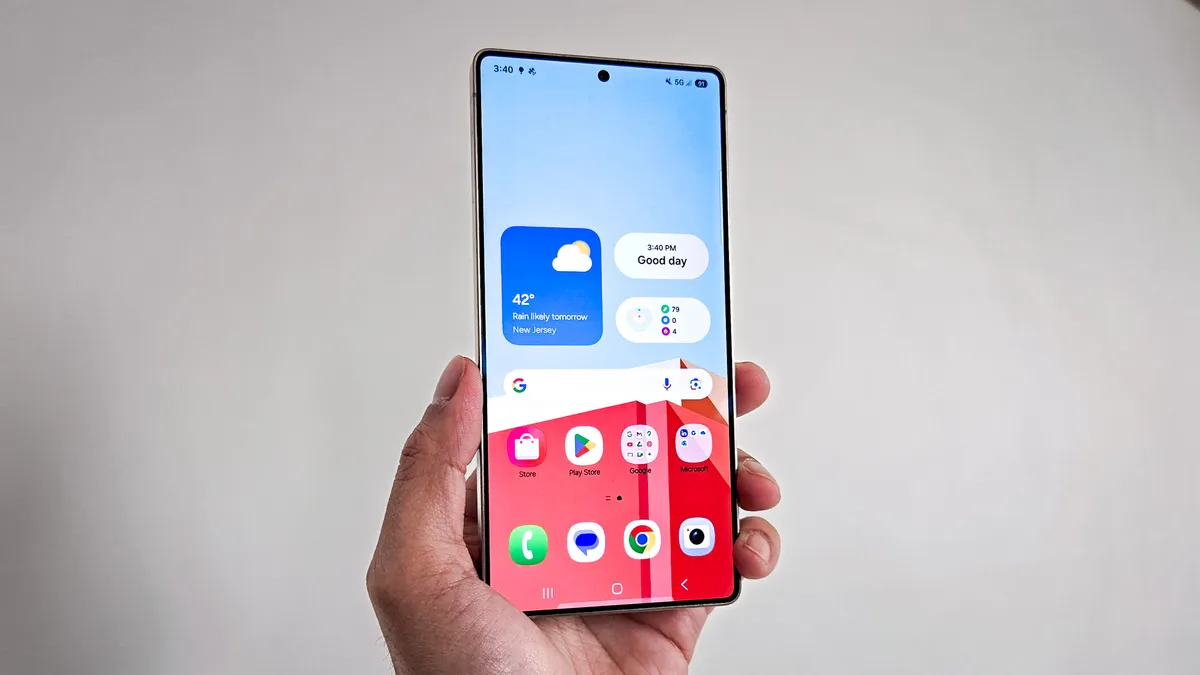
Even with those problems, the Interpreter mode on the Galaxy S25 Ultra should be very handy for traveling. You can easily ask for something at a restaurant or for directions without any issue. While there are some complications, and using the Interpreter to tell someone that you'll be using the mode will always be a little awkward. However, it's still much more accurate and natural than trying to use Google Translate, even though Google has more language options right now.
I see the advantage of this feature as more of an educational tool than a replacement for learning the language completely. You can use it to help you learn phrases and how to say what you really want to say. And that's very useful when you need to communicate with someone right now.
More from Tom's Guide
- Samsung Galaxy S25 just copied this useful feature from the iPhone 16 Pro — what you need to know
- Google Wallet just made it easier to switch transit passes to a new phone — here’s how
- I left my OnePlus 13R alone for a week — and I was shocked at what happened when I returned

