Latest Reviews

Stellar Blade is even better than I expected — it’s a must-own PS5 exclusive
Stellar Blade is a must-own PS5 exclusive featuring phenomenal graphics, precise combat, varied gameplay and a captivating narrative.
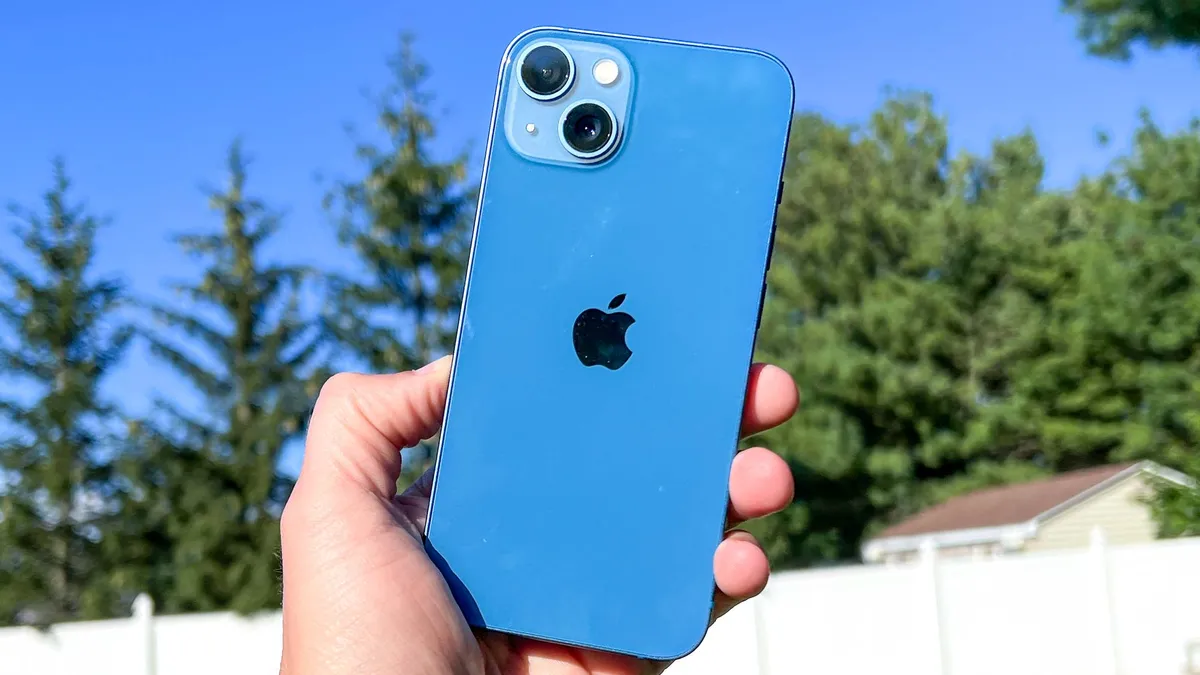
Apple iPhone 13 review
The iPhone 13’s brighter display, longer battery life and powerful cameras make it the best iPhone value at its reduced price.

Apple iPhone 14 review: Everything you need to know
The iPhone 14 is the best iPhone value and offers improved cameras and performance, but it’s not much of a leap from the iPhone 13.
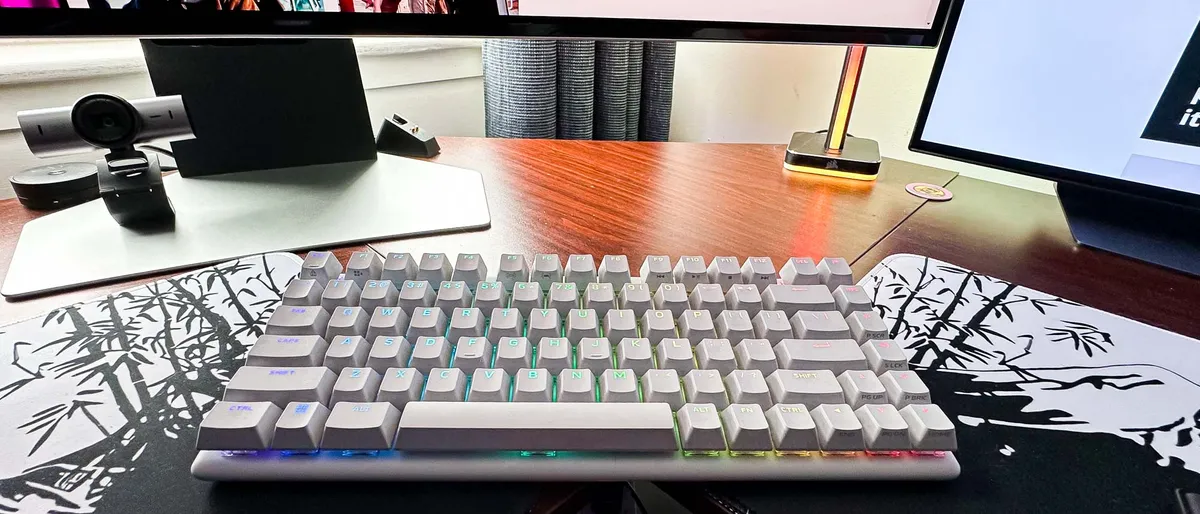
The Alienware Pro is a mighty mechanical keyboard — yet its let down by real flaws
If Dell was charging $50 less for the Alienware Pro, it would be easy to recommend this gaming keyboard. But $199 is one heck of a commitment.

Beats Studio Buds+ review: Same iconic style with better ANC and battery life
With new colors including a transparent option, the Beats Studio Buds+ take ANC and battery life performance to the next level thanks to custom chipset, but is that enough at the price?

Nubia Flip 5G review: A Galaxy Z Flip-like experience for half the price
A cheap phone that folds, rather than a foldable phone that's cheap

Beats Studio Pro review: What I love and hate
If you don’t mind narrow audio and superheated foam padding, the Beats Studio Pro offer some key feature upgrades on the older Beats Studio3 Wireless.

The Glorious Model O 2 wireless mouse is glorious by name and glorious by nature — here’s why
It lives up to its name


